
Introduction
The Hulaed ProStar Detecting Headphones are engineered for use with metal detectors, providing clear audio for target identification. These premium headphones feature rugged construction, water resistance, and individual volume controls for an optimized detecting experience.
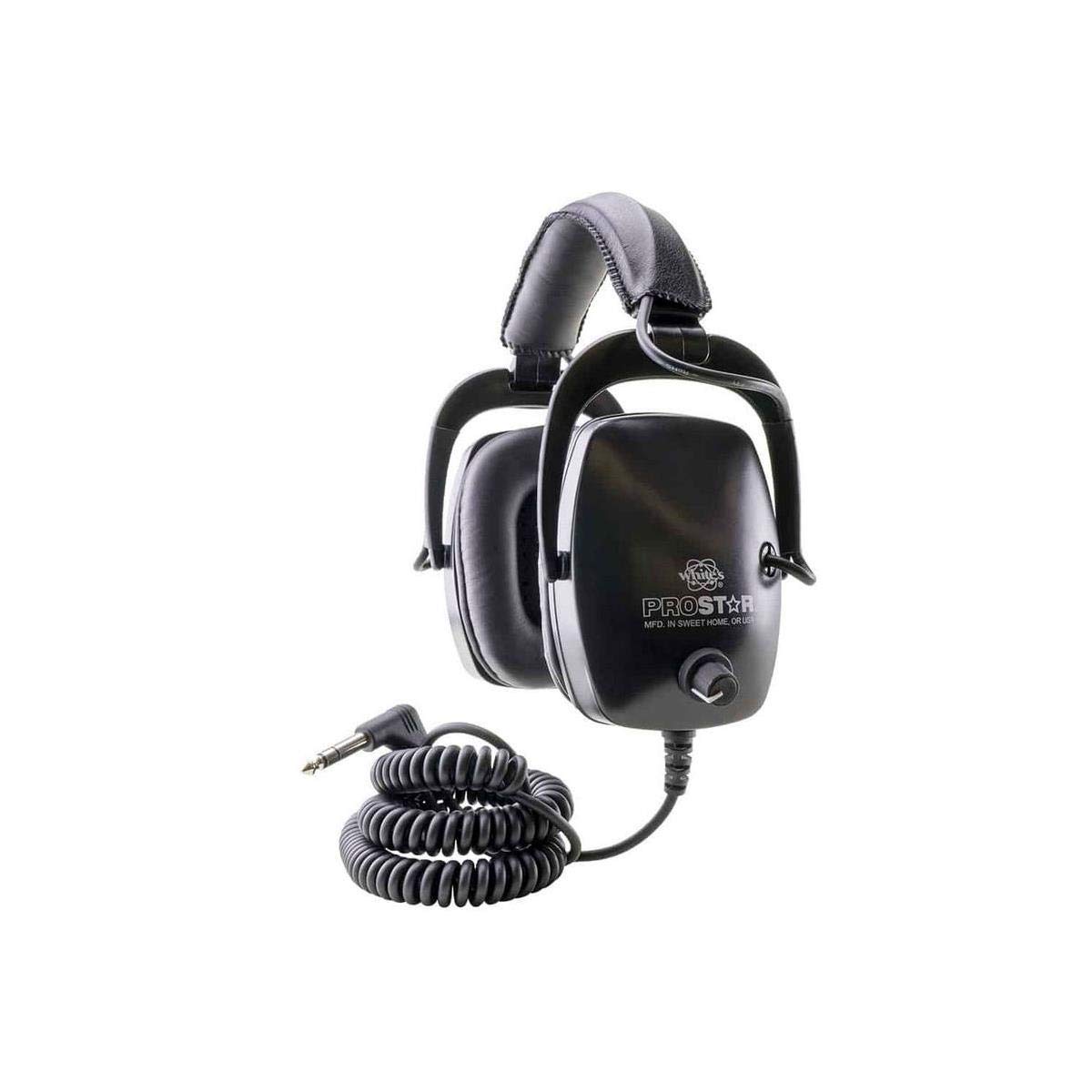
Image: Hulaed ProStar Detecting Headphones, showing the over-ear design and coiled cable with a 1/4 inch connector.
What's in the Box
Upon unpacking your Hulaed ProStar Detecting Headphones, please ensure all components are present:
- Hulaed ProStar Detecting Headphones
- Integrated Coiled Audio Cable with 1/4" (6.35mm) Connector
Setup
-
Connect to Metal Detector: Locate the 1/4" (6.35mm) headphone jack on your metal detector. Insert the headphone's 1/4" connector firmly into this jack.
Note: For Garrett waterproof detectors, a specific Garrett waterproof headphone jack adapter (#162600) is required and sold separately.
- Adjust for Comfort: Place the headphones over your ears. Adjust the headband to ensure a snug yet comfortable fit. The oversized earcups are designed for extended wear.
Operating Instructions
- Power On Metal Detector: Ensure your metal detector is powered on and properly configured for detecting.
- Adjust Volume: The ProStar headphones feature independent right and left ratcheting volume controls. Use these controls to set the audio level to your preference for each ear. This allows for precise sound balancing.
- Listen for Signals: The 50 OHM Mylar speakers with titanium coating are designed to deliver crystal clear audio, helping you identify even the oldest and deepest targets. The headphones support mixed-mode audio, enhancing your ability to distinguish target signals.
- Cable Management: The soft, coiled cord stretches to over 6 feet, providing ample length for movement while detecting without tangling.
Maintenance
- Cleaning: The headphones feature a water-resistant chassis. To clean, gently wipe the earcups and headband with a damp cloth. Avoid submerging the headphones in water. Do not use harsh chemicals or abrasive cleaners.
- Cable Care: Avoid sharp bends or excessive pulling on the coiled cable to prevent internal damage. When storing, allow the coil to naturally retract without forcing it.
- Storage: Store the headphones in a cool, dry place away from direct sunlight and extreme temperatures.
Troubleshooting
| Problem | Possible Cause | Solution |
|---|---|---|
| No sound from headphones. |
|
|
| Distorted or unclear audio. |
|
|
| Headphones feel uncomfortable. |
|
|
Specifications
| Model Name | ProStar |
| Brand | Hulaed (Manufactured by White's) |
| Connectivity Technology | Wired |
| Headphones Jack | 1/4 inch (6.35 mm) Jack |
| Impedance | 50 Ohms |
| Audio Driver Type | Dynamic Driver |
| Ear Placement | Over Ear |
| Control Type | Volume Control (Ratcheting, Right and Left) |
| Cable Feature | Coiled, Stretches to Over 6 Feet |
| Water Resistance Level | Water Resistant Chassis |
| Material | Metal (for certain components) |
| Compatible Devices | Metal Detectors |
| Item Weight | 1.12 pounds |
Warranty and Support
For specific warranty details, please refer to the documentation included with your product at the time of purchase or contact the manufacturer directly.
If you encounter any issues not covered in the troubleshooting section, or require further assistance, please reach out to Hulaed customer support through their official channels.