1. Introduction
Thank you for choosing the Retekess TR103 Mini Portable Radio. This device is a compact and lightweight multi-band radio with an integrated MP3 player function. It supports FM, MW (AM), and SW bands, offering a wide range of listening options. The built-in rechargeable battery ensures portability and convenience for various activities.
This manual provides detailed instructions for the proper setup, operation, and maintenance of your TR103 radio. Please read it thoroughly before use to ensure optimal performance and longevity of the product.
2. Product Overview
2.1 Package Contents
Upon unpacking, please ensure all items are present:
- 1 x Retekess TR103 Pocket Radio
- 1 x USB Charging Cable
- 1 x User Manual
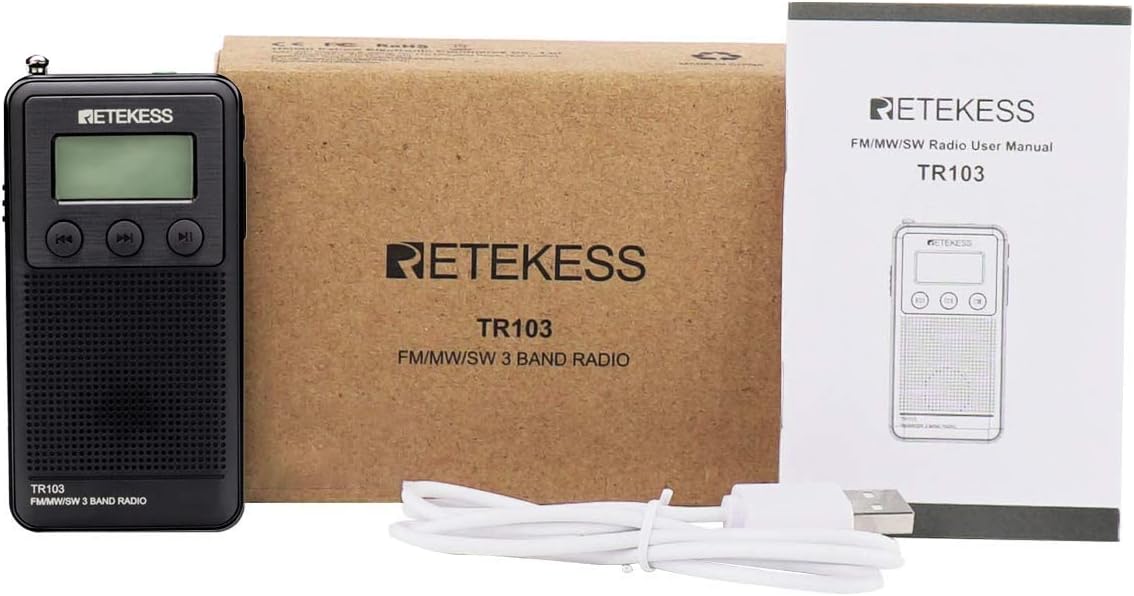
Image: Contents of the Retekess TR103 package, including the radio, USB cable, and manual.
2.2 Controls and Ports
Familiarize yourself with the radio's buttons and ports:
- Power Button (ON/OFF): Located on the side to turn the radio on or off.
- Charging Jack (DC 5V): Micro USB port for charging the internal battery.
- TF Card Slot: For inserting a Micro-SD card to play MP3/WMA audio files.
- Volume +/-: Buttons to adjust the audio output level.
- Mode Switch: To switch between radio bands (FM/MW/SW) or MP3 player mode.
- Earphone Jack (3.5mm): For connecting headphones for private listening.
- Play/Pause Button: To play or pause audio in MP3 mode, or for auto-scan in radio mode.
- Previous/Next Buttons: To change tracks in MP3 mode or tune frequencies in radio mode.
- Telescopic Antenna: Extend for better radio reception.

Image: Top view of the radio with labels for charging jack, TF card slot, volume controls, mode switch, and earphone jack.

Image: Side view of the radio highlighting the power ON/OFF button.
3. Setup
3.1 Charging the Battery
The TR103 radio features a built-in 600mAh rechargeable lithium battery. Before first use, fully charge the battery.
- Connect the supplied USB charging cable to the radio's DC 5V charging jack.
- Connect the other end of the USB cable to a standard USB power adapter (5V, not included) or a computer's USB port.
- The battery indicator on the LCD display will show charging status. Charging is complete when the indicator shows a full battery.
A full charge typically takes a few hours. The radio can be used while charging.
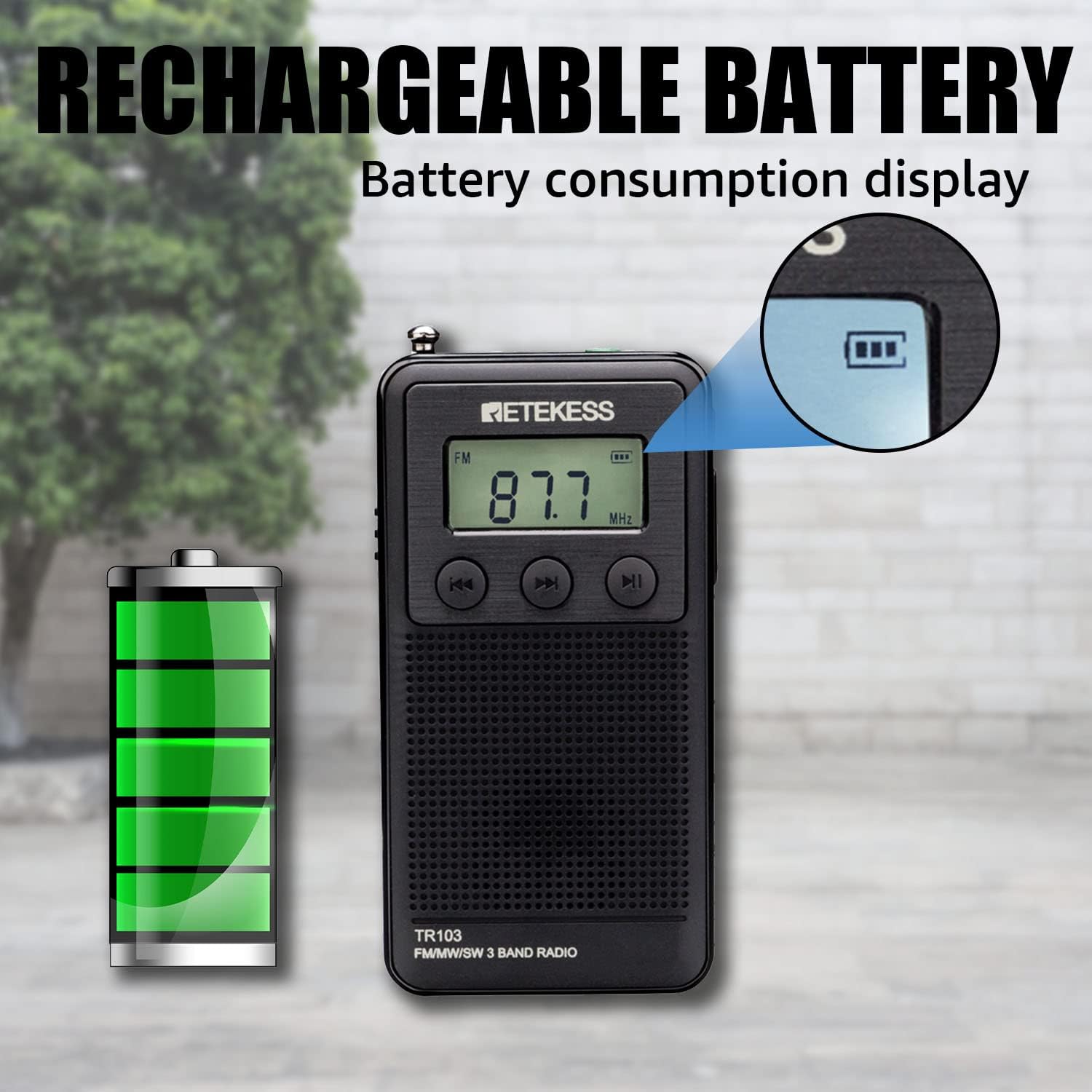
Image: The radio's display showing the battery level indicator.
3.2 Inserting a TF Card (for MP3 Playback)
To use the MP3 player function, insert a Micro-SD (TF) card (up to 64GB, not included) containing MP3 or WMA audio files.
- Locate the TF card slot on the side of the radio.
- Gently insert the TF card into the slot until it clicks into place. Ensure the card is inserted in the correct orientation.
- To remove, gently push the card inward until it clicks, then release, and it will eject.

Image: The radio with a TF card, illustrating the card insertion point.
4. Operating Instructions
4.1 Power On/Off
Slide the Power button (ON/OFF) located on the side of the radio to turn the device on or off. The LCD display will illuminate when powered on.
4.2 Radio Mode Operation
- Select Band: Use the Mode switch to select FM, MW (AM), or SW band.
- Extend Antenna: For optimal reception, fully extend the telescopic antenna, especially for FM and SW bands.
- Automatic Station Search: Long press the Play/Pause button. The radio will automatically scan and save available stations to memory.
- Manual Tuning: Use the Previous/Next buttons to manually tune to desired frequencies. Short press to fine-tune, long press to quickly scan.
- Recall Saved Stations: After an automatic search, use the Previous/Next buttons to cycle through the saved stations.
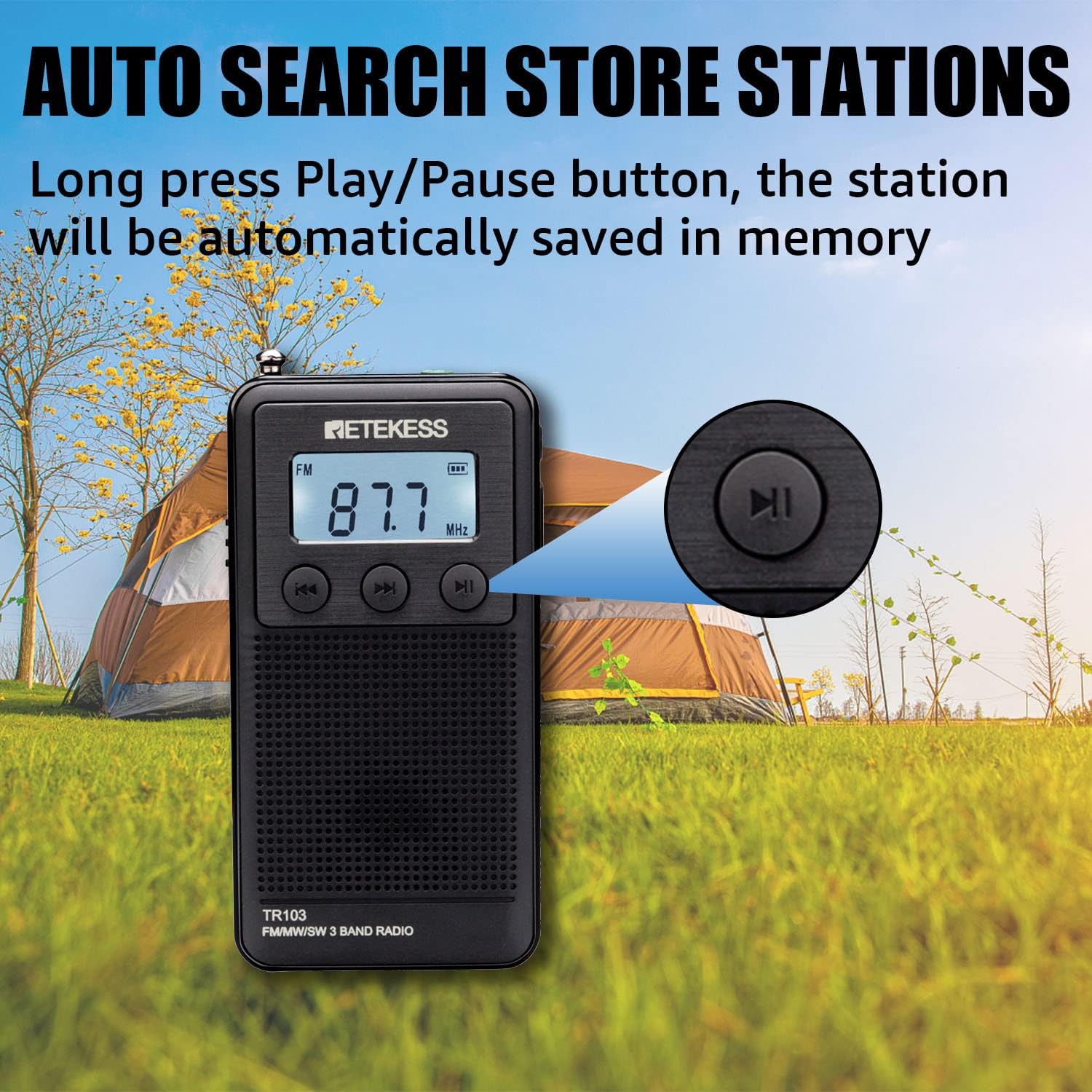
Image: The radio's Play/Pause button, used for initiating automatic station search and saving.

Image: The radio's speaker, designed for clear and loud audio output.
4.3 MP3 Player Mode Operation
Ensure a TF card with audio files is inserted before proceeding.
- Switch to MP3 Mode: Use the Mode switch to select MP3 player mode. The radio will automatically start playing the first track on the TF card.
- Play/Pause: Press the Play/Pause button to pause or resume playback.
- Next/Previous Track: Use the Next button to skip to the next track. Use the Previous button to go back to the beginning of the current track or to the previous track.

Image: The radio's MP3 player function, supporting TF cards up to 64GB, suitable for portable use.
4.4 Volume Control
Use the Volume +/- buttons to adjust the listening volume. The volume level is displayed on the LCD screen.
4.5 Headphone Use
For private listening, plug any standard 3.5mm headphones (not included) into the earphone jack. The internal speaker will automatically mute.
5. Maintenance
- Keep the radio dry. Avoid exposure to moisture or liquids.
- Clean the radio with a soft, dry cloth. Do not use abrasive cleaners or solvents.
- Store the radio in a cool, dry place when not in use for extended periods.
- Avoid dropping or subjecting the radio to strong impacts.
- Charge the battery regularly, even if the radio is not used frequently, to maintain battery health.
6. Troubleshooting
| Problem | Possible Cause | Solution |
|---|---|---|
| Radio does not power on. | Battery is depleted. | Charge the battery using the USB cable. |
| Poor radio reception. | Antenna not extended; weak signal area. | Fully extend the telescopic antenna. Try moving to a different location. |
| No sound from speaker. | Volume too low; headphones connected. | Increase volume. Disconnect headphones if not intended for private listening. |
| MP3 player not working. | TF card not inserted or corrupted; unsupported file format. | Ensure TF card is properly inserted. Check if audio files are MP3/WMA format. Try a different TF card. |
7. Specifications
- Model Number: TR103
- Dimensions (L x W x H): 8.8 x 4.5 x 1.8 cm (3.46 x 1.77 x 0.71 inches)
- Weight: 64 grams (2.26 ounces)
- Color: Black
- Radio Bands: FM (64/87-108 MHz), MW (520/522-1710 KHz), SW (3.2-22 MHz)
- Display Technology: LCD with backlight
- Connectivity: USB (for charging/data transfer), 3.5mm headphone jack
- MP3 Playback: Supports WMA/MP3 format via TF/Micro-SD card (Max 64GB)
- Power Source: Built-in 600mAh rechargeable lithium battery
- Output Power: 3W
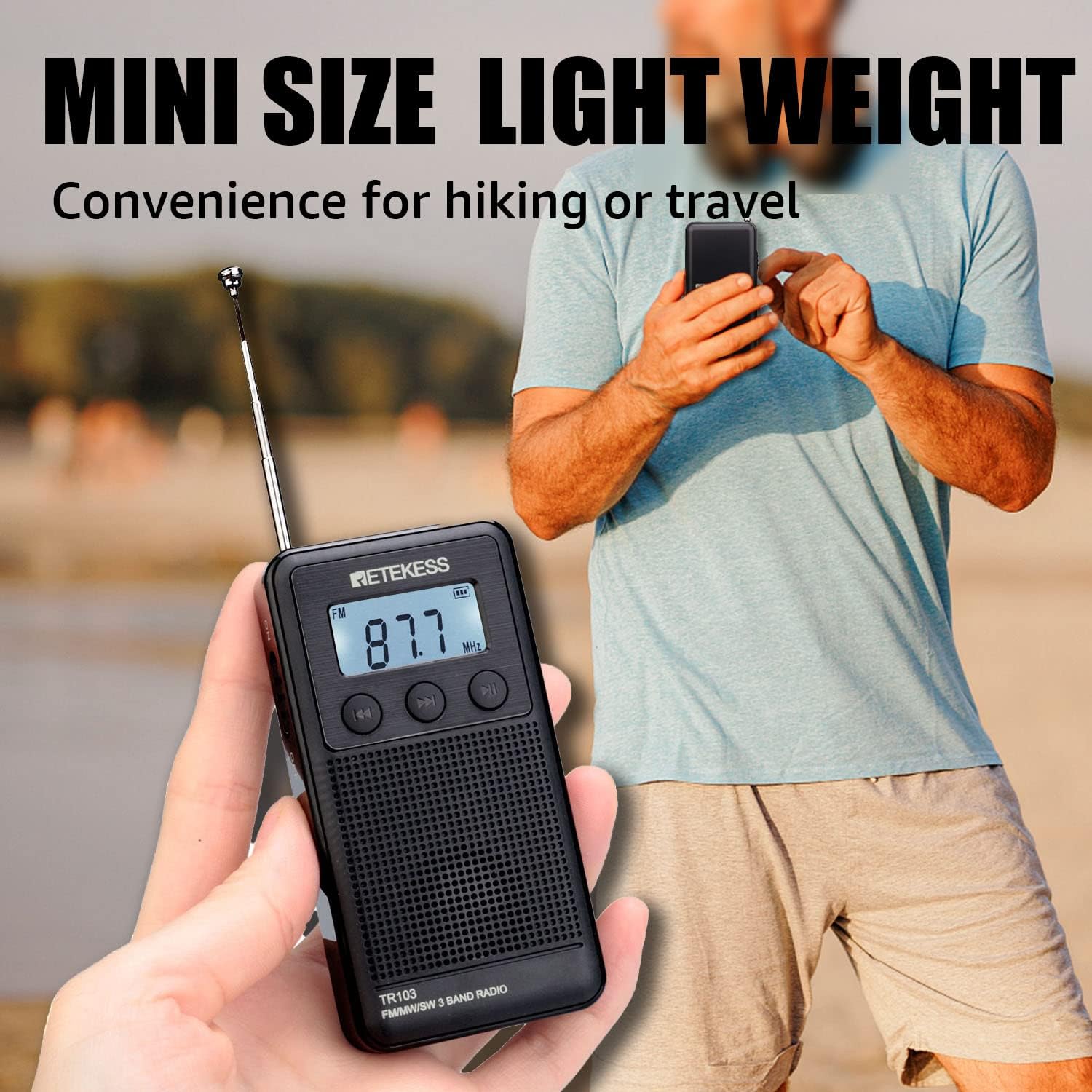
Image: The compact size of the Retekess TR103 radio, emphasizing its portability.
Image: The radio displaying its frequency ranges for FM, MW, and SW bands, with the antenna extended to 25cm.
8. Warranty and Support
Retekess offers a 1-year warranty for this product and a 30-day return policy without requiring a specific reason. Beyond the warranty period, maintenance services are still available, with buyers responsible for associated costs.
For any questions, technical assistance, or warranty claims, please contact Retekess customer support through Amazon. We aim to respond within 12 hours.


