
ZIPRO Burn
ZIPRO Burn Magnetic Elliptical Bike User Manual
Model: Burn (979537)
Brand: ZIPRO
1. Introduction
The ZIPRO Burn Magnetic Elliptical Bike is designed for effective home fitness, suitable for both beginners and advanced users. This elliptical combines the benefits of a treadmill, stationary bike, and stepper, offering a full-body workout that helps burn calories, improve physical condition, and protect joints. Please read this manual thoroughly before assembly and operation to ensure safe and efficient use of your equipment.

Figure 1.1: The ZIPRO Burn Magnetic Elliptical Bike, a compact and efficient fitness machine.
2. Safety Information
Always consult with a healthcare professional before starting any new exercise program. Adhere to the following safety guidelines:
- Ensure all parts are securely fastened before each use.
- Place the elliptical on a flat, stable surface.
- Keep children and pets away from the equipment during operation.
- Do not exceed the maximum user weight of 120 kg (264 lbs).
- Wear appropriate athletic footwear during exercise.
- Stop exercising immediately if you feel dizzy, faint, or experience pain.
- Regularly inspect the equipment for wear and tear.
3. Assembly Instructions
Assembly of the ZIPRO Burn Elliptical Bike is designed to be straightforward. All necessary tools are included. Follow these general steps:
- Unpack Components: Carefully remove all parts from the packaging and lay them out. Verify all components are present against the parts list in your included paper manual.
- Attach Stabilizers: Secure the front and rear stabilizers to the main frame using the provided bolts and nuts. Ensure they are level and stable.
- Install Main Post: Attach the main upright post to the base of the elliptical.
- Connect Pedals and Arms: Assemble the pedal arms and connect them to the flywheel mechanism. Ensure the pedals are securely attached and rotate smoothly. The large non-slip foot surfaces are designed for comfort and safety.
- Mount Console and Handlebars: Attach the console and handlebars to the main post. Connect any necessary sensor cables (e.g., heart rate sensors).
- Final Checks: Double-check all bolts and connections to ensure they are tight and secure. Test the movement of the pedals and handlebars for smooth operation.

Figure 3.1: Product dimensions for placement consideration (117 cm length, 65 cm width, 150 cm height).
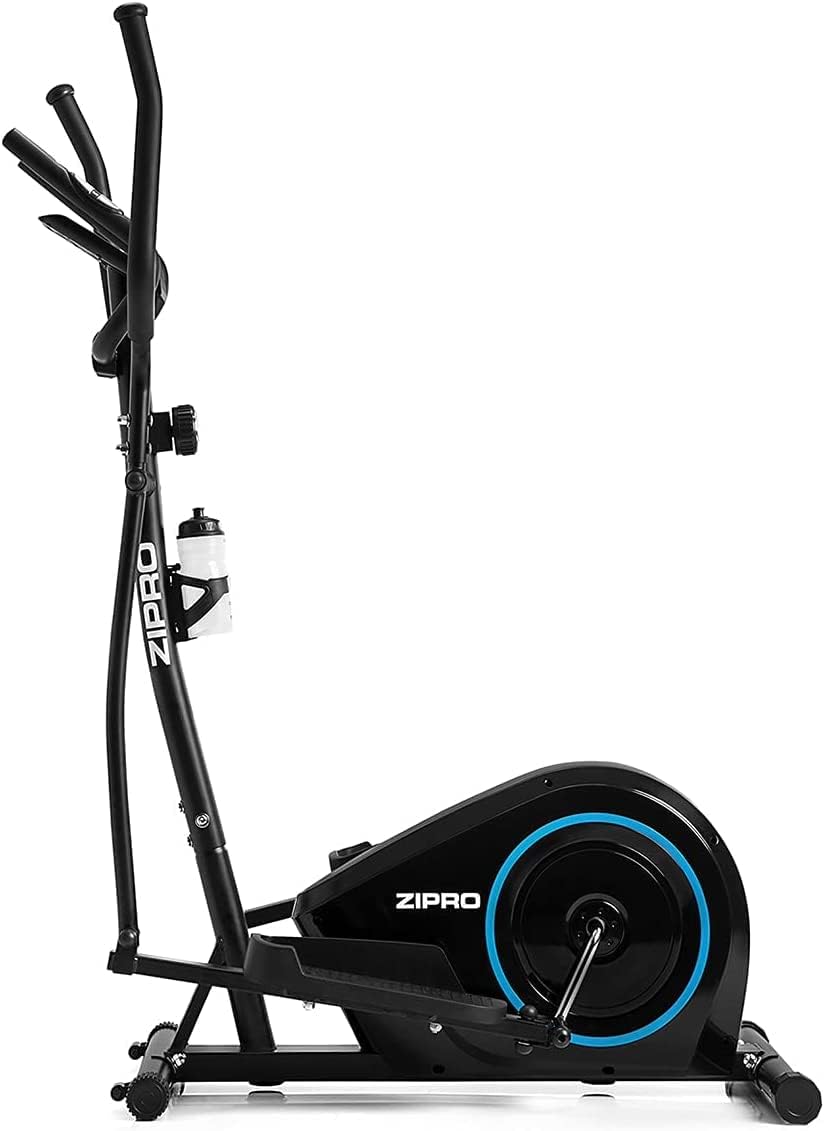
Figure 3.2: Detail of the comfortable non-slip pedals.
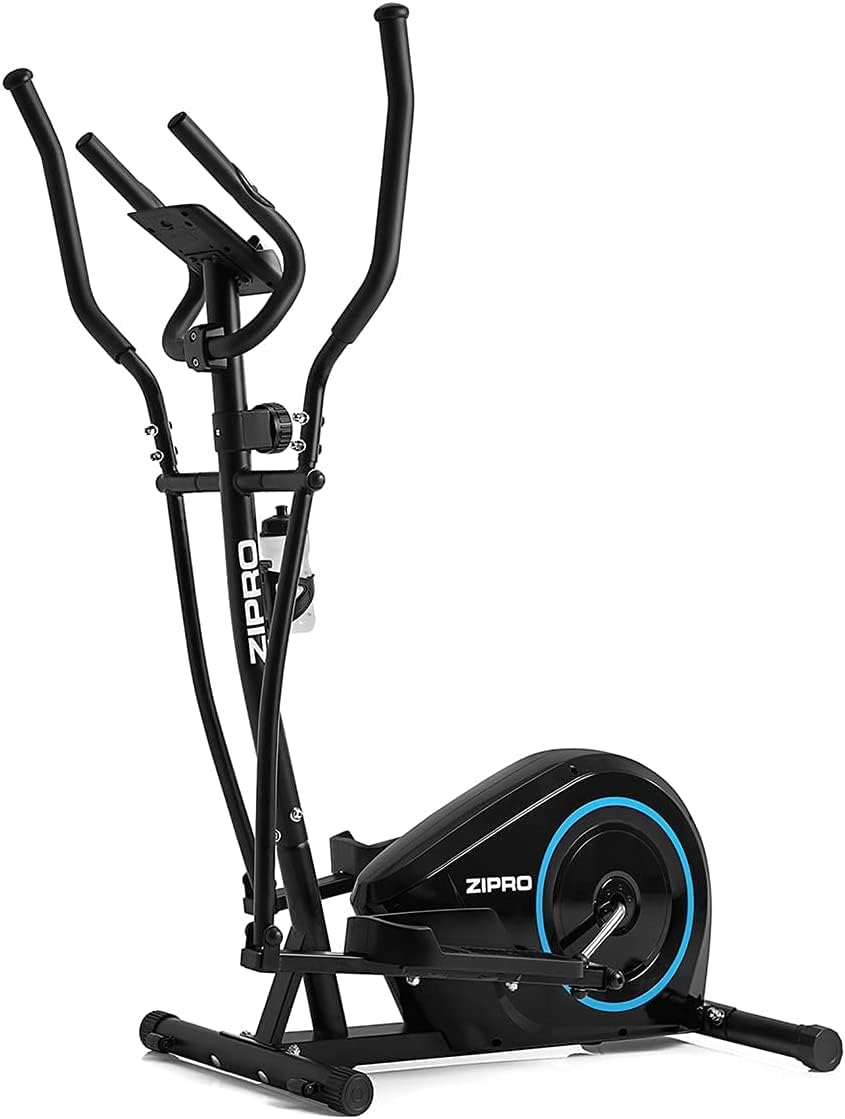
Figure 3.3: Adjustable feet for stability on uneven surfaces.
4. Operating Instructions
4.1. Adjusting Resistance
The ZIPRO Burn features an 8-level magnetic resistance system for smooth and quiet operation. To adjust the resistance, turn the tension control knob located on the main post. Turn clockwise to increase resistance (levels 1-8) and counter-clockwise to decrease it.
- Levels 1-3: Easy, suitable for warm-up or light cardio.
- Levels 4-6: Medium, ideal for sustained cardio and moderate intensity workouts.
- Levels 7-8: Hard, for intense training and muscle engagement.

Figure 4.1: The 8-step tension control knob for adjusting magnetic resistance.
4.2. Using the Console
The integrated computer console displays essential workout data to help you track your progress. It typically shows:
- TIME: Duration of your workout.
- CALORIES: Estimated calories burned.
- SPEED: Current speed.
- PULSE: Heart rate (measured via hand pulse sensors on the handlebars).
- DISTANCE: Distance covered.
Use the 'MODE' button to cycle through display functions and 'RESET' to clear data. The console also features a stand for mobile devices, allowing you to enjoy media during your workout.
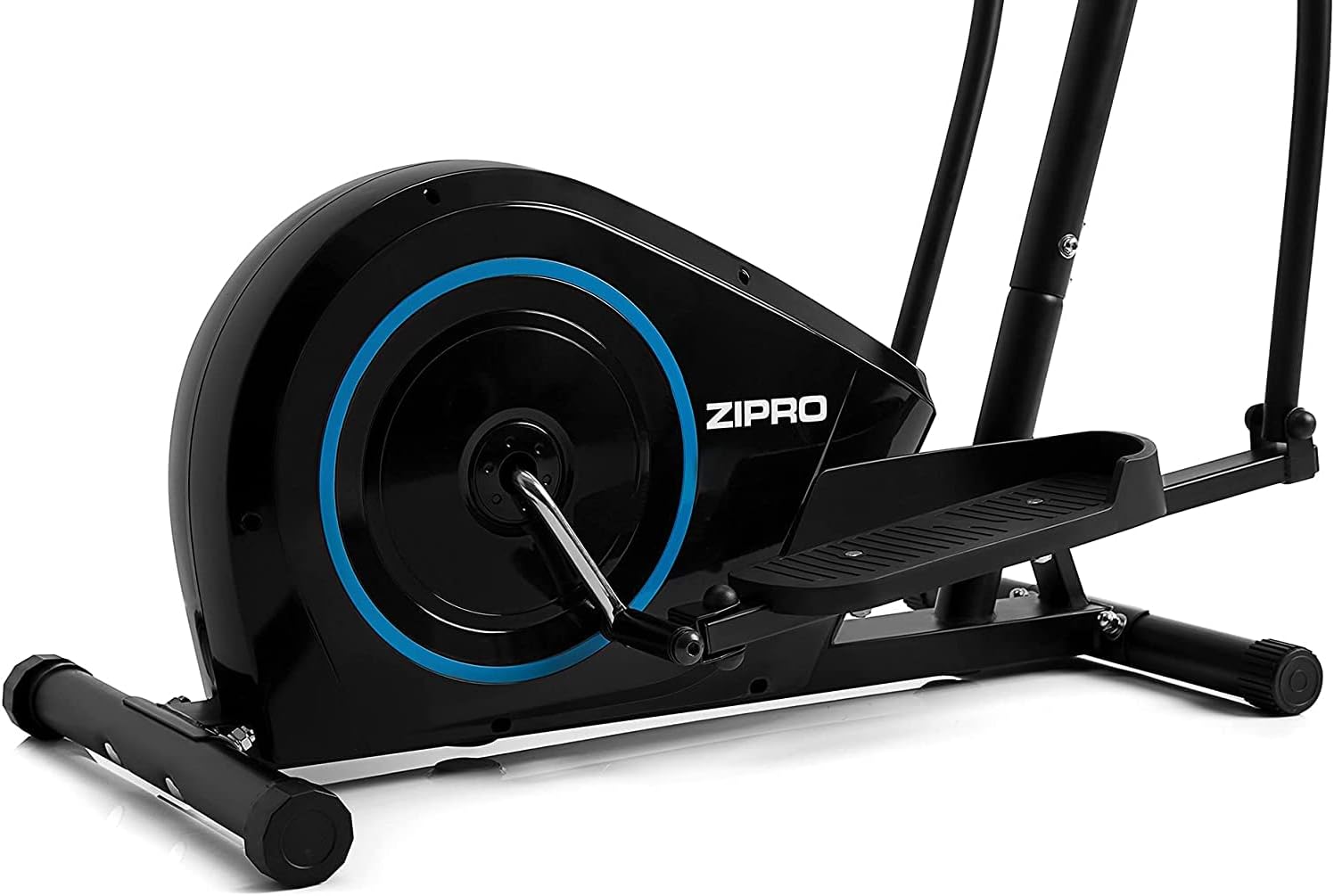
Figure 4.2: The digital console displaying workout metrics.

Figure 4.3: The integrated stand for smartphones or tablets.
4.3. Hydration
A water bottle holder is conveniently located on the frame to ensure you stay hydrated during your exercise session.

Figure 4.4: Water bottle holder for convenient hydration.
5. Maintenance
Regular maintenance ensures the longevity and optimal performance of your ZIPRO Burn Elliptical Bike:
- Cleaning: Wipe down the equipment with a damp cloth after each use to remove sweat and dust. Avoid abrasive cleaners.
- Lubrication: Periodically check moving parts, especially joints and pivot points. Apply a small amount of silicone-based lubricant if any squeaking or stiffness is noticed.
- Bolt Tightness: Every few weeks, check and tighten all bolts and nuts to ensure structural integrity.
- Storage: Store the elliptical in a dry, cool place away from direct sunlight and extreme temperatures.
6. Troubleshooting
If you encounter issues with your elliptical, refer to the following common troubleshooting tips:
- Squeaking Noises: Check all bolted connections and moving joints. Apply lubricant to pivot points if necessary. Ensure the elliptical is on a level surface.
- Unstable Movement: Verify that the elliptical is placed on a flat surface and adjust the leveling feet on the stabilizers to eliminate wobbling. Ensure all assembly bolts are tightened.
- Console Not Displaying: Check battery installation and ensure batteries are fresh. Verify all console cables are securely connected.
- Resistance Not Changing: Ensure the tension control cable is properly connected and not kinked. Check the resistance knob for proper function.
- Pedal Issues: Ensure pedals are correctly installed and tightened. If a pedal feels loose or wobbly, re-tighten its connection to the crank arm.
For persistent issues not resolved by these steps, please contact ZIPRO customer support.
7. Specifications
| Feature | Specification |
|---|---|
| Model Name | Burn |
| Model Number | 979537 |
| Resistance Mechanism | Magnetic |
| Number of Resistance Levels | 8 |
| Maximum User Weight | 120 Kilograms (approx. 264 lbs) |
| Product Dimensions (L x W x H) | 117P x 65l x 150H centimeters (approx. 46 x 25.6 x 59 inches) |
| Item Weight | 30500 Grams (approx. 67.2 lbs) |
| Material | Metal |
| Color | Black |
| Batteries Included | Yes |
8. Warranty and Support
For warranty information and customer support, please refer to the documentation included with your product or visit the official ZIPRO website. Typically, fitness equipment comes with a limited warranty covering manufacturing defects. Keep your proof of purchase for warranty claims.
If you require assistance with assembly, operation, or troubleshooting, please contact ZIPRO customer service directly. Contact details can usually be found on the product packaging or the manufacturer's website.
Related documentsBurn


Ask a question about this manual
Ask about setup, troubleshooting, compatibility, parts, safety, or missing instructions. Manuals+ will review the question and use this page’s manual context to help answer it.