
1. Product Overview
The Retekess TT001 charging case is designed for efficient storage and charging of your wireless tour guide system components. It accommodates 2 transmitters and 30 receivers simultaneously, eliminating the need for multiple power outlets. This robust case combines charging and storage functionalities, making it ideal for mobile use.
- Integrated Charging: Charges up to 2 transmitters and 30 receivers at once.
- Protective Design: Features anti-vibration foam interior and aluminum alloy construction with reinforced metal corners for durability.
- Secure Storage: Equipped with locks and keys to protect your devices during transport and storage.
- Ergonomic Handle: A wide handle with massage strips ensures comfortable and secure carrying.
2. Package Contents
Verify that all items are present in your package:
- Retekess TT001 32-Slot Charging Case
- Power Cable
- Keys for the case locks
- User Manual (this document)
3. Setup Instructions
3.1 Unpacking and Inspection
Carefully open the charging case. Inspect the case and its contents for any signs of damage. Ensure all components listed in the "Package Contents" section are present.

Image: The Retekess TT001 charging case opened, showing the internal layout with slots for devices.
3.2 Connecting Power
Locate the power input port on the side of the charging case. Connect the provided power cable to this port and then plug the other end into a standard electrical outlet.
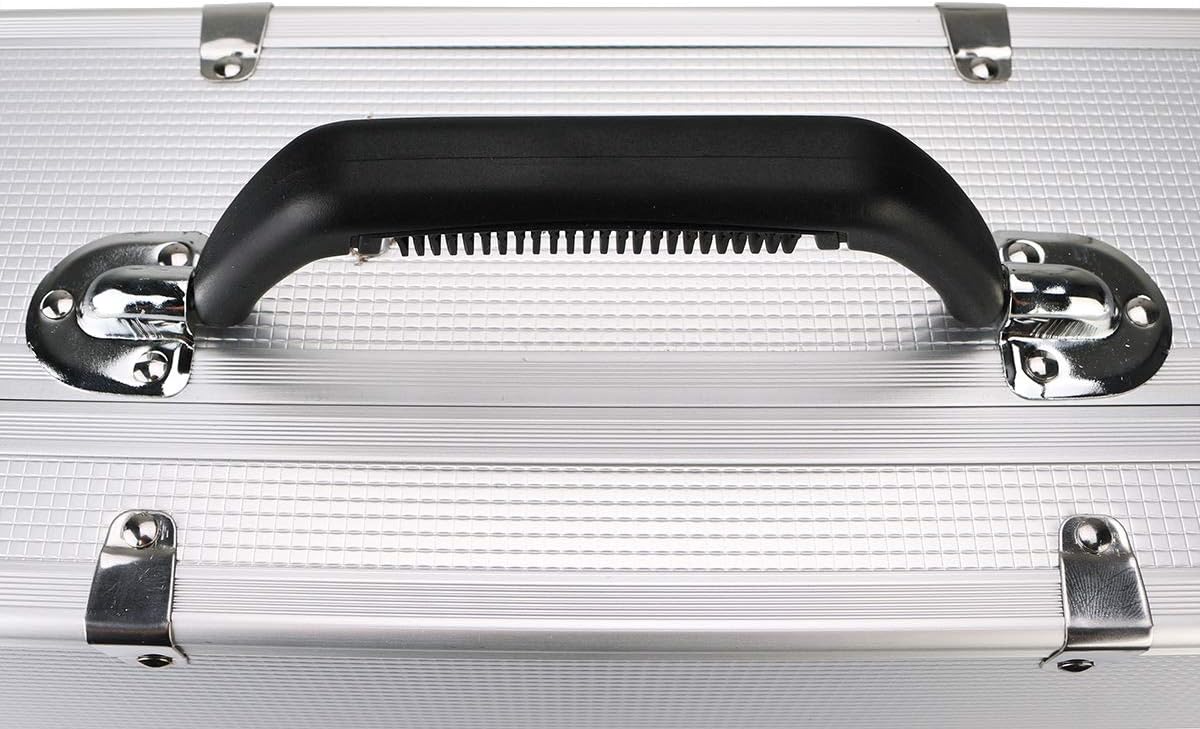
Image: A close-up view of the power input socket on the charging case.
3.3 Preparing for Charging
The case features a removable white foam insert. For charging, this foam should be removed to expose the charging ports. The foam provides cushioning for storage when devices are not charging.

Image: The charging case interior with the white foam insert in place, highlighting the need to remove it for charging.
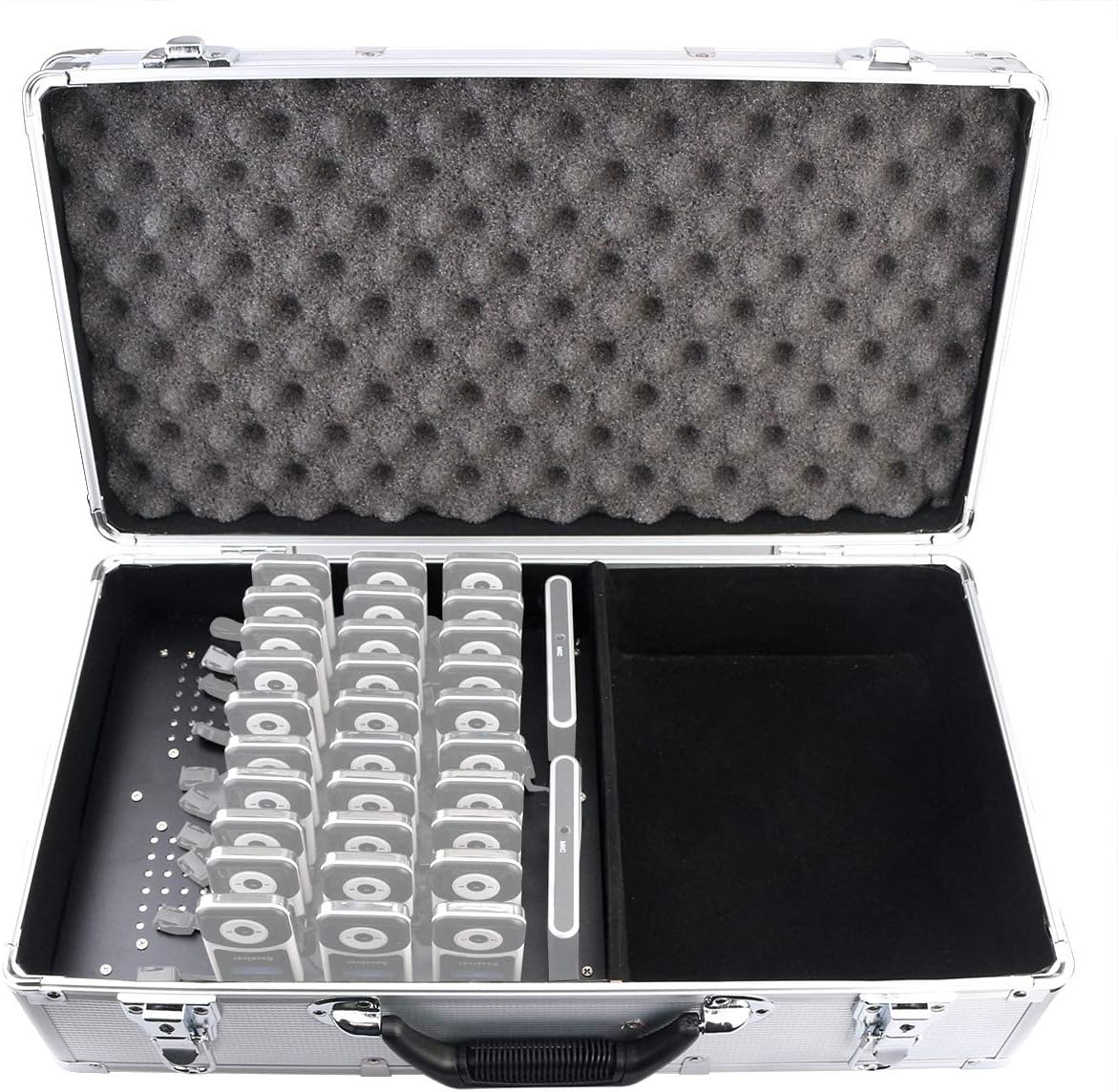
Image: The charging case interior with the foam removed, revealing the 32 charging ports for transmitters and receivers.
4. Operating Instructions
4.1 Charging Devices
Once the power cable is connected and the foam insert is removed, carefully insert your T130/T131 transmitters and receivers into their respective charging slots. The case is designed to charge 2 transmitters and 30 receivers simultaneously. Ensure each device is securely seated in its slot for proper charging.
4.2 Securing the Case
For transport or secure storage, close the lid of the charging case. Use the provided keys to lock the latches on the case. This prevents accidental opening and protects the devices inside.

Image: A detailed view of one of the case locks with a key inserted.
4.3 Transporting the Case
The case is equipped with a robust handle for easy transportation. Ensure the case is securely closed and locked before lifting or moving it.

Image: A close-up of the comfortable, textured handle of the charging case.
5. Maintenance
- Cleaning: Use a soft, dry cloth to clean the exterior of the case. For the interior, ensure all devices are removed and the power is disconnected before gently wiping with a slightly damp cloth. Avoid abrasive cleaners or solvents.
- Storage: Store the charging case in a cool, dry place away from direct sunlight and extreme temperatures. When storing devices inside, ensure the anti-vibration foam is properly placed to protect them.
- Cable Care: Regularly inspect the power cable for any signs of wear or damage. Replace immediately if any damage is found.
6. Troubleshooting
| Problem | Possible Cause | Solution |
|---|---|---|
| Devices not charging. | Power cable not connected or loose. Devices not properly seated in slots. | Ensure the power cable is securely plugged into both the case and the electrical outlet. Re-insert devices firmly into their charging slots. |
| Case lid not closing properly. | Obstruction inside the case. Foam insert incorrectly placed. | Check for any items blocking the lid. Ensure the anti-vibration foam is correctly positioned. |
| Devices feel loose in slots. | Incorrect device model for the slots. Foam insert missing or damaged. | Verify that you are using T130 or T131 series devices. Ensure the anti-vibration foam is present and intact. |
If you encounter issues not covered here, please contact Retekess customer support.
7. Specifications
| Feature | Detail |
|---|---|
| Brand | Retekess |
| Color | Silver |
| Product Type | Charging Case |
| Connections | USB |
| Connector Type | Mini USB |
| Special Features | Lightweight Design |
| Total USB Ports | 1 (for power input, internal ports for devices) |
| Compatible Devices | Retekess T130, T131 Transmitters and Receivers |
| Manufacturer Warranty | 30 days for returns, 365 days warranty |
| Item Model Number | EUF9443D |
| Manufacturer | Retekess |
| Country of Origin | China |
| Included Components | One charging station with power cable |
| Power | 18 Watts |
| Number of Items (Slots) | 32 (2 for transmitters, 30 for receivers) |
8. Warranty and Support
Manufacturer Warranty: Retekess provides a 30-day return policy and a 365-day warranty for this product.
Customer Support: For any questions, technical assistance, or troubleshooting not covered in this manual, please visit the official Retekess website or contact their support team.
- Website: www.retekess.com
- Email: support@retekess.com