
Introduction
The Pic Solution Thermoeasy is a contact infrared forehead thermometer designed for quick and convenient fever measurement. Developed with the DLS (Design Language Solution) philosophy, it prioritizes simplicity and ease of use. This manual provides essential information for the correct operation and maintenance of your device.
This device is a CE 1639 Medical Device (Italian Ministry of Health, 2021). Please read the instructions for use carefully.
Safety Information
- Always read the instructions carefully before first use.
- This thermometer is intended for measuring human body temperature on the forehead. Do not use it for other purposes.
- Keep the device out of reach of children.
- Do not expose the thermometer to direct sunlight, extreme temperatures, or high humidity.
- Avoid dropping the device or subjecting it to strong impacts.
- Do not attempt to disassemble or repair the thermometer yourself. Contact qualified service personnel.
- If the device is stored in a cold or hot environment, allow it to acclimatize to room temperature for at least 30 minutes before use to ensure accurate readings.
Package Contents
- Pic Solution Thermoeasy Infrared Forehead Thermometer
- Practical carrying bag
- Instruction manual
- 1 CR2 battery (included)
Product Features
- Infrared forehead thermometer for contact measurement.
- Fast measurement: Provides accurate temperature in 5 seconds.
- Simple operation with only two buttons.
- Large display for easy reading.
- Integrated sensor protection to prevent damage.
- Audible beep upon measurement completion.
- Fever alarm: Emits a distinct beep if temperature exceeds 37.5°C (99.5°F).
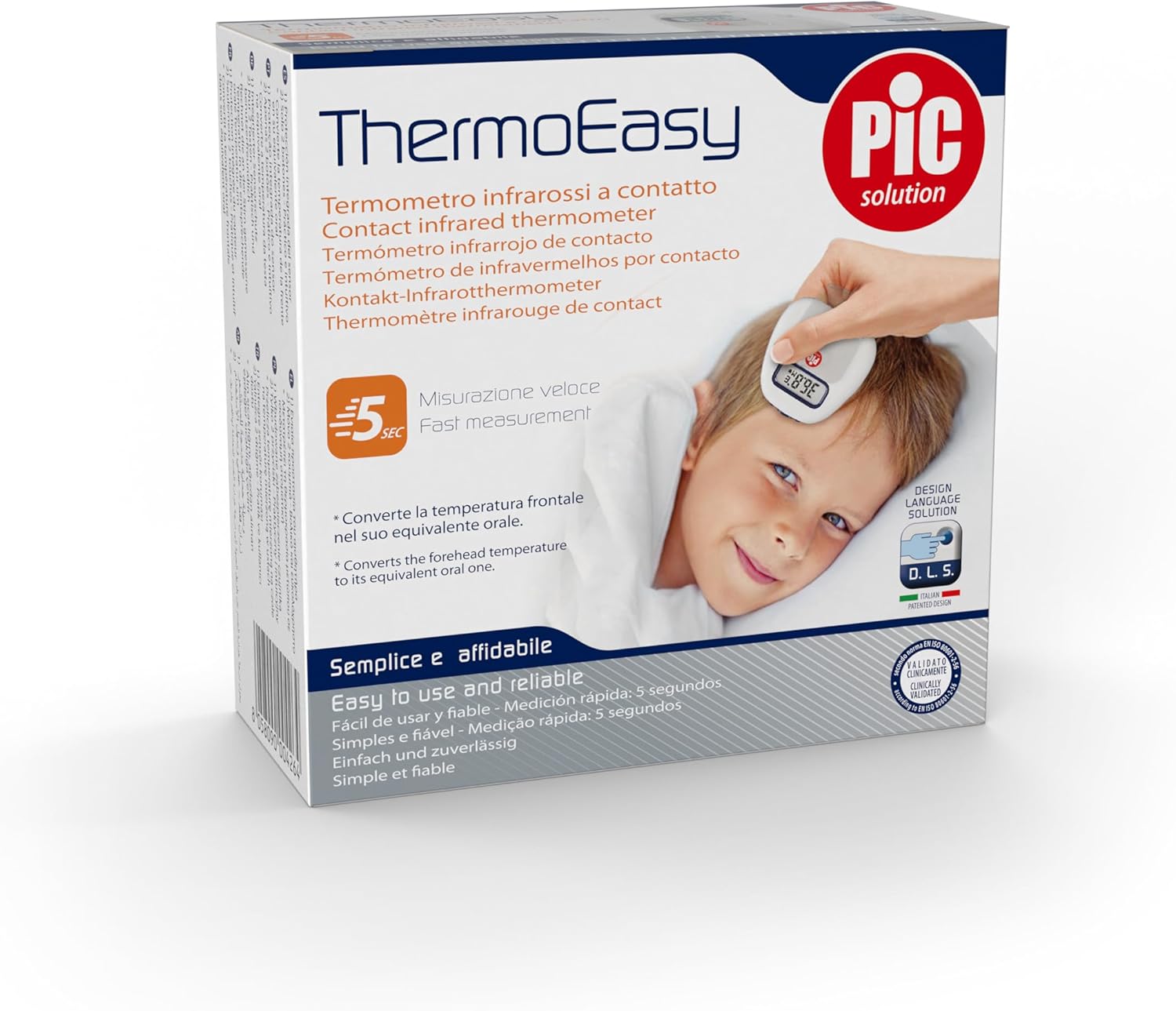
Image: The Pic Solution Thermoeasy thermometer in its retail packaging, illustrating its use on a child's forehead.
Setup
- Unpack the Thermometer: Carefully remove the thermometer and all accessories from the packaging.
- Insert Battery: The thermometer comes with a CR2 battery. Ensure it is correctly inserted according to the polarity markings in the battery compartment.
- Acclimatization: If the thermometer has been stored in an environment with a significantly different temperature, allow it to rest at room temperature (approximately 15-35°C or 59-95°F) for at least 30 minutes before use. This ensures accurate readings.
Operating Instructions
Taking a Forehead Temperature Measurement
- Power On: Press the power button (usually the main measurement button) to turn on the thermometer. The display will show the last measurement or a standby indicator.
- Positioning: Gently place the sensor of the thermometer on the center of the forehead. Ensure good contact with the skin.
- Start Measurement: Press the measurement button. Hold the thermometer steady during the measurement.
- Read Result: After approximately 5 seconds, the thermometer will emit a beep, and the temperature reading will be displayed on the large screen.
- Fever Alert: If the measured temperature is 37.5°C (99.5°F) or higher, the thermometer will emit a specific fever alarm sound.
- Power Off: The thermometer will automatically turn off after a period of inactivity to conserve battery life. You can also manually turn it off by pressing and holding the power button.

Image: A close-up view of the Thermoeasy thermometer's digital display, showing a temperature of 36.7°C.
Switching Between Celsius and Fahrenheit
Refer to the specific instructions in your included manual for changing temperature units, as this often involves a combination of button presses during power-on or a dedicated button. If not explicitly stated, it may not be a user-adjustable feature.
Maintenance and Cleaning
- Cleaning the Thermometer: After each use, especially if used on multiple individuals, clean the sensor and the body of the thermometer with a soft cloth lightly dampened with alcohol (70% ethanol) or an antiseptic wipe.
- Do Not Immerse: Never immerse the thermometer in water or any other liquid.
- Storage: Store the thermometer in its practical carrying bag in a dry, clean place, away from direct sunlight and extreme temperatures.
- Battery Replacement: When the low battery indicator appears on the display, replace the CR2 battery with a new one. Dispose of used batteries according to local regulations.
- Sensor Protection: The integrated sensor protection helps prevent damage to the most sensitive part of the thermometer. Keep this protection clean and free from scratches.
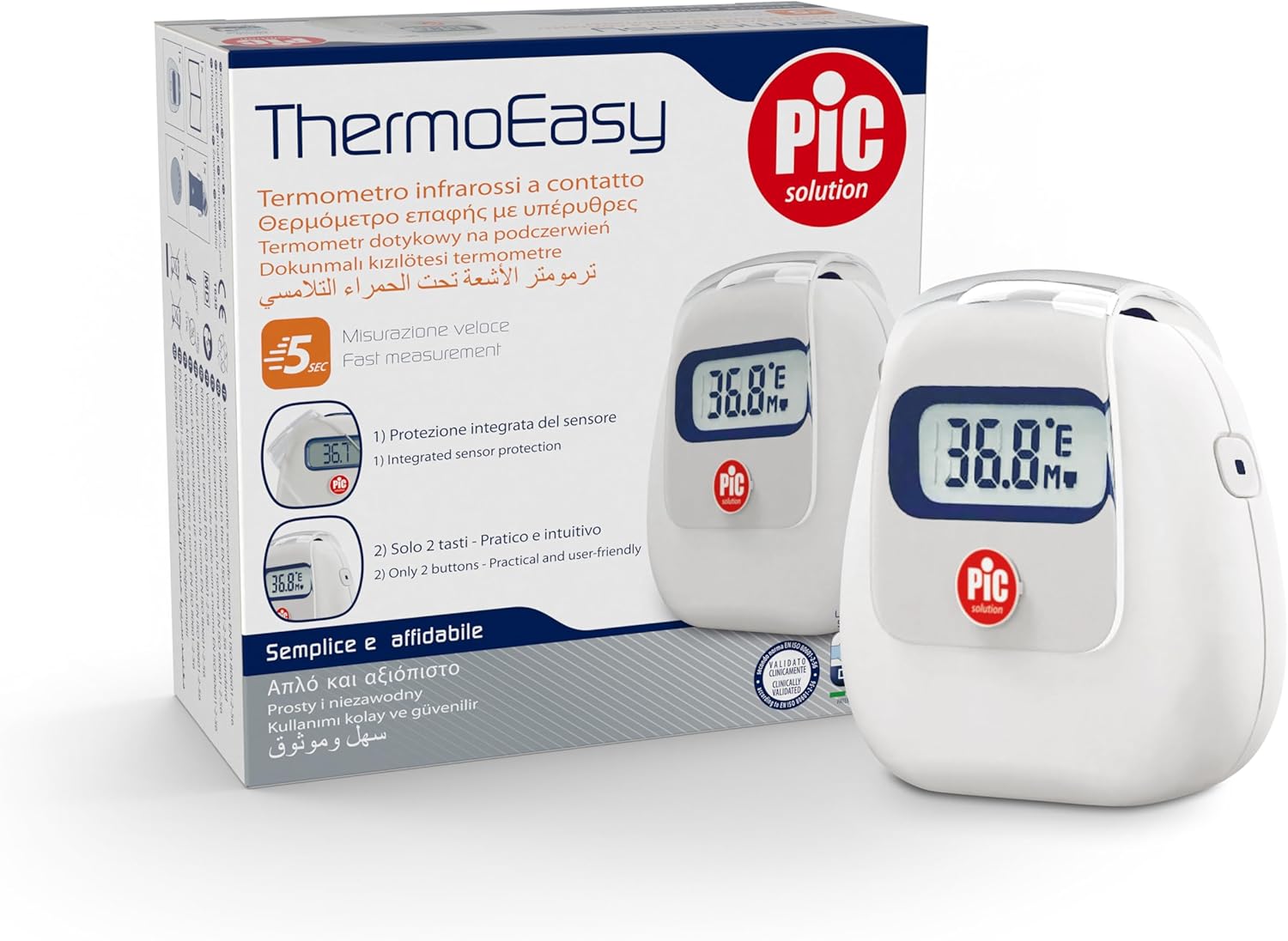
Image: The Thermoeasy thermometer with its integrated sensor protection, highlighting its design.
Troubleshooting
| Problem | Possible Cause | Solution |
|---|---|---|
| No display/Device does not turn on. | Battery is dead or incorrectly inserted. | Check battery polarity. Replace battery if necessary. |
| Inaccurate readings. |
|
|
| Fever alarm sounds incorrectly. | Measurement error or actual high temperature. | Retake the measurement. If alarm persists, consult a healthcare professional. |
| "Lo" or "Hi" displayed. | Temperature is outside the measurable range. | Ensure the measurement environment is within operating limits. |
If problems persist after attempting these solutions, please contact Pic Solution customer support.
Specifications
- Product Name: Pic Solution Thermoeasy Infrared Forehead Thermometer
- Model Number: 02023033000000
- Measurement Type: Contact Infrared
- Measurement Site: Forehead
- Measurement Time: Approximately 5 seconds
- Display Type: Digital
- Power Source: 1 x CR2 Battery (included)
- Age Range: Adult and Child
- Dimensions (L x W x H): 11 x 4.9 x 11.1 cm (4.33 x 1.93 x 4.37 inches)
- Weight: 30 grams (1.06 ounces)
- Material: Silicone (exterior)
- Special Feature: Large display
- Color: White
- Country of Origin: Italy
Warranty and Support
For warranty information and customer support, please refer to the documentation included in your product package or visit the official Pic Solution website. Keep your purchase receipt as proof of purchase for warranty claims.
Manufacturer: Pikdare S.p.A.
Online Support: Visit the Pic Solution Store on Amazon
