
1. Introduction
This manual provides instructions for the proper use and care of your TCL SOCL300 In-Ear Headphones. These headphones are designed to deliver clear, balanced audio with effective noise isolation, featuring an integrated microphone and remote for convenient control of music and calls.
2. Package Contents
Verify that all items are present in the package:
- TCL SOCL300 In-Ear Headphones
- Three pairs of ear tips (Small, Medium, Large)
- Quick Start Guide (refer to this manual for detailed instructions)

Image: The TCL SOCL300 In-Ear Headphones, including the main unit, the 3.5mm audio jack, and three different sizes of silicone ear tips (small, medium, and large) for a customized fit.
3. Setup
3.1 Choosing and Attaching Ear Tips
Selecting the correct size of ear tips is crucial for optimal sound quality and comfort. Experiment with the three provided sizes (Small, Medium, Large) to find the best fit for your ears. A proper seal will enhance bass response and noise isolation.
- Gently remove the pre-installed ear tips by pulling them off the earbud nozzle.
- Select a new pair of ear tips.
- Push the new ear tips onto the earbud nozzle until they are securely attached.
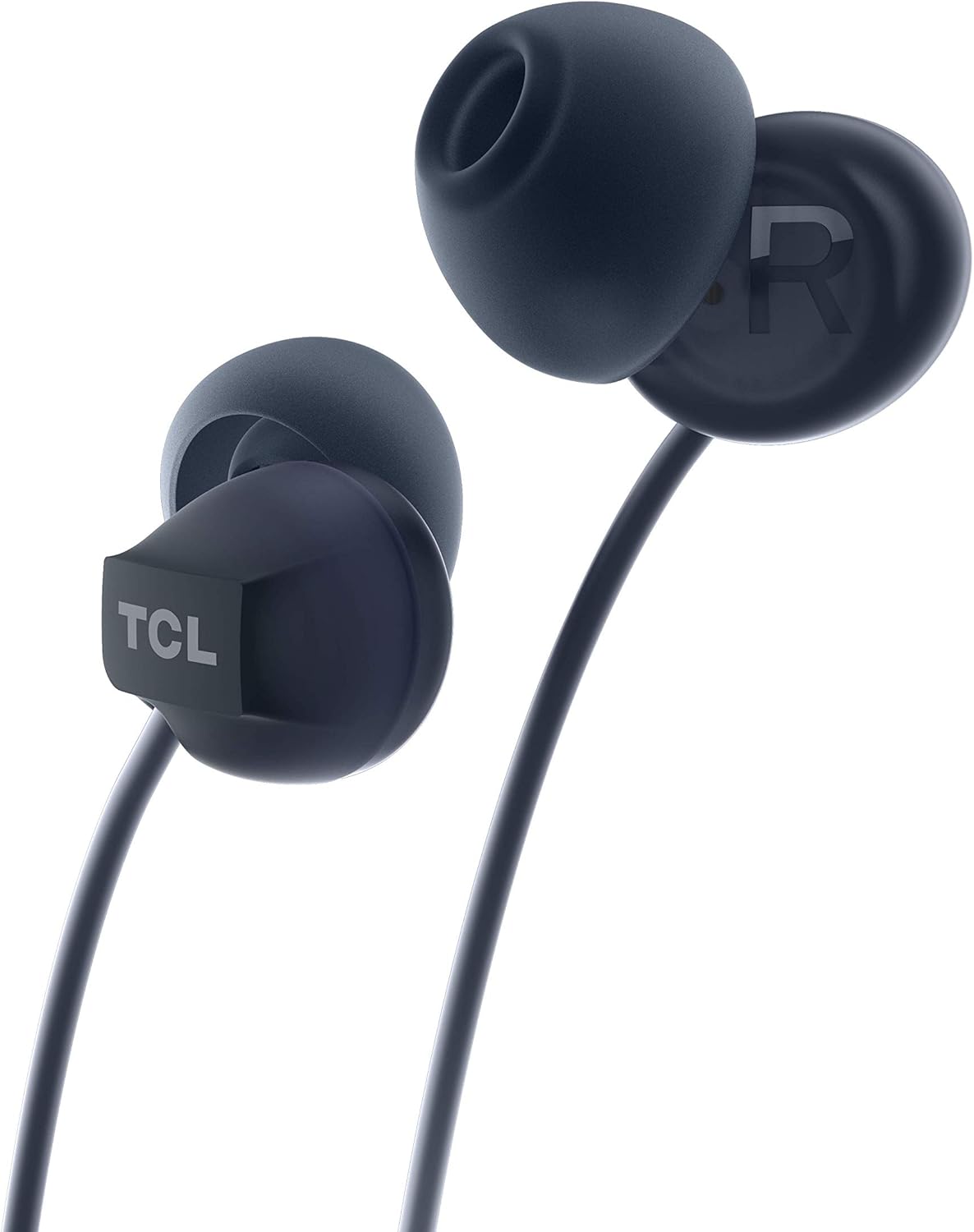
Image: A close-up view of one TCL SOCL300 earbud, highlighting the ear tip and the TCL brand logo on the earbud housing. This illustrates where the ear tips attach.
3.2 Connecting to Your Device
The TCL SOCL300 headphones use a standard 3.5mm audio jack for universal compatibility.
- Locate the 3.5mm audio port on your smartphone, tablet, laptop, or other audio device.
- Insert the 3.5mm jack of the headphones firmly into the device's audio port.
- Ensure the connection is secure for uninterrupted audio playback.

Image: A detailed view of the TCL SOCL300 headphones, showcasing both earbuds, the in-line remote control, and the 3.5mm audio jack, ready for connection to a device.
3.3 Wearing the Headphones
Insert the earbuds into your ears, ensuring a snug and comfortable fit. The ergonomic design and secure grip are intended for extended listening comfort. The right earbud is marked with an 'R' and the left with an 'L'.

Image: A person wearing one of the TCL SOCL300 earbuds, demonstrating the proper in-ear placement for a secure and comfortable fit.
4. Operating Instructions
The in-line remote provides convenient control over your audio and calls without needing to access your connected device.
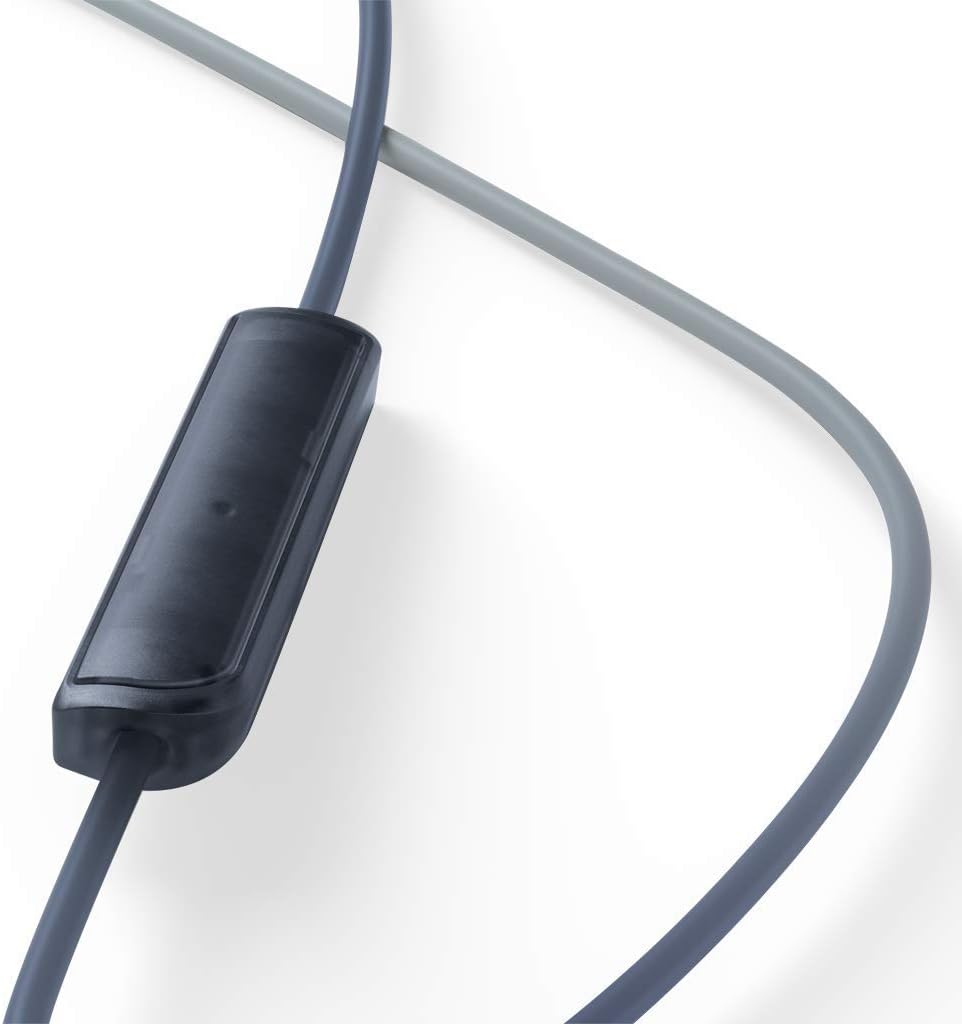
Image: A close-up view of the in-line remote control, which houses the microphone and control button for managing music playback and phone calls.
4.1 Music Control
- Play/Pause: Press the center button once.
- Next Track: Press the center button twice quickly.
- Previous Track: Press the center button three times quickly.
4.2 Call Control
- Answer/End Call: Press the center button once during an incoming call or an active call.
- Reject Call: Press and hold the center button for approximately 2 seconds during an incoming call.
4.3 Microphone Usage
The integrated in-line microphone allows for hands-free communication during calls or voice commands. Ensure the microphone is positioned appropriately for clear voice capture.
5. Maintenance
5.1 Cleaning
- Regularly clean the ear tips with a soft, dry cloth to remove earwax and debris.
- For deeper cleaning, ear tips can be gently washed with mild soap and water, then thoroughly dried before reattaching.
- Wipe the headphone cables and earbuds with a soft, slightly damp cloth. Avoid using harsh chemicals or abrasive materials.
5.2 Storage
- When not in use, store the headphones in a clean, dry place, away from extreme temperatures and direct sunlight.
- Avoid tangling the cable by coiling it loosely.
6. Troubleshooting
| Problem | Possible Cause | Solution |
|---|---|---|
| No sound or low volume |
|
|
| Microphone not working |
|
|
| Sound distortion |
|
|
7. Specifications
| Model Name | SOCL300BK |
| Connectivity Technology | Wired |
| Headphone Connector | 3.5 mm Jack |
| Noise Control | Acoustic Isolation |
| Microphone Form Factor | In-line |
| Impedance | 28 Ohms |
| Water Resistance Level | Water Resistant |
| Material | Synthetic Leather (for certain components like cable coating) |
| Dimensions | 2.5 x 5 x 17.3 cm |
| Weight | 20 g |
| Compatible Devices | Many desktops, laptops, tablets, and smartphones with a 3.5mm audio jack. |
8. Safety Information
- Hearing Safety: Avoid prolonged listening at high volumes to prevent hearing damage.
- Driving Safety: Do not use headphones while driving or cycling, as it may distract you and create a hazard.
- Choking Hazard: Keep small parts, such as ear tips, away from children and pets to prevent choking.
- Water Exposure: While water resistant, avoid submerging the headphones in water. Dry thoroughly if exposed to moisture.
- Temperature: Do not expose the headphones to extreme temperatures (hot or cold) or high humidity.
9. Warranty and Support
For warranty information and customer support, please refer to the warranty card included in your product packaging or visit the official TCL support website. You can also find additional support resources and FAQs on the TCL brand store page on Amazon.
TCL Official Website: www.tcl.com
TCL Amazon Store: Visit TCL Store on Amazon


