
1. Important Compatibility Information
This charger is designed for NB-5L batteries. To ensure compatibility, please verify the battery part number on your battery (not the camera). If your battery is labeled NB-5L, this charger is compatible. If not, please confirm compatibility before use.
Compatible with Canon Digital IXUS 800 IS, 850 IS, 860 IS, 870 IS, 90 IS, 900 Ti, 950 IS, 960 IS, 970 IS, 980 IS, 990 IS, IXY 830 IS, IXY Digital 1000, 2000 IS, 3000 IS, 800 IS, 810 IS, 820 IS, 830 IS, 900 IS, 910 IS, 920 IS, 95 IS, PowerShot S100, S100V, S110, SD700 IS, SD790 IS, SD800 IS, SD850 IS, SD870 IS, SD880 IS, SD890 IS, SD900, SD950 IS, SD970 IS, SD990 IS, SX200 IS, SX210 IS, SX220 HS, SX230 HS.

Figure 1.1: Verify 'NB-5L' on your battery label for compatibility.
2. Setup Instructions
-
Unfold the Plug: Locate the foldable AC plug on the back of the charger. Gently pull it out until it locks into place, ready to be inserted into a wall outlet.

Figure 2.1: The charger features a built-in foldable plug for convenience.
-
Insert the Battery: Align the NB-5L battery with the charging slot on the charger. Ensure the positive (+) and negative (-) terminals of the battery match the corresponding indicators on the charger. Gently slide the battery into the slot until it is securely seated.

Figure 2.2: Align battery terminals correctly before insertion.
-
Plug into Power Outlet: Insert the charger's plug into a standard AC 100V-240V wall outlet.
Video 2.1: A visual guide on how to correctly choose and use the NB-5L charger, including battery insertion and charging indication.
3. Operating Instructions
The Rainy King NB-5L battery charger features an LED indicator to show the charging status:
- Red LED: Indicates that the battery is currently charging.
- Green LED: Indicates that the battery charging process is complete.
Once the LED turns green, the battery is fully charged and ready for use. You may then remove the battery from the charger and unplug the charger from the power outlet.

Figure 3.1: LED indicators for charging status (Red for charging, Green for complete).
4. Maintenance
- Keep the charger in a dry environment. Avoid exposure to moisture or liquids.
- Clean the charger periodically with a soft, dry cloth. Do not use harsh chemicals or abrasive cleaners.
- Ensure the charging contacts on both the charger and the battery are clean and free of debris for optimal performance.
- When not in use, unplug the charger from the power outlet and fold the plug for compact storage.
5. Troubleshooting
- Charger LED does not light up:
- Ensure the charger is securely plugged into a working power outlet.
- Verify the battery is correctly inserted into the charger with proper polarity.
- Check if the power outlet itself is functional by plugging in another device.
- Battery not charging (LED remains red for an extended period or does not turn green):
- Confirm the battery is an NB-5L model and is compatible with this charger.
- Ensure the battery contacts are clean.
- The battery might be deeply discharged or faulty. Try charging a different NB-5L battery if available.
If issues persist, please contact customer support for further assistance.
6. Specifications
| Feature | Detail |
|---|---|
| Model | Travel Charger |
| Input | AC 100V-240V~50/60Hz Max150mA |
| Output | DC4.2V--600mA |
| Weight | 50g |
| Dimensions | 85mm (3.4in) x 46mm (1.8in) x 35mm (1.4in) |
| Safety Features | Overcharge protection, short circuit protection, high temperature protection, surge protection |
| Certifications | CE, RoHS |
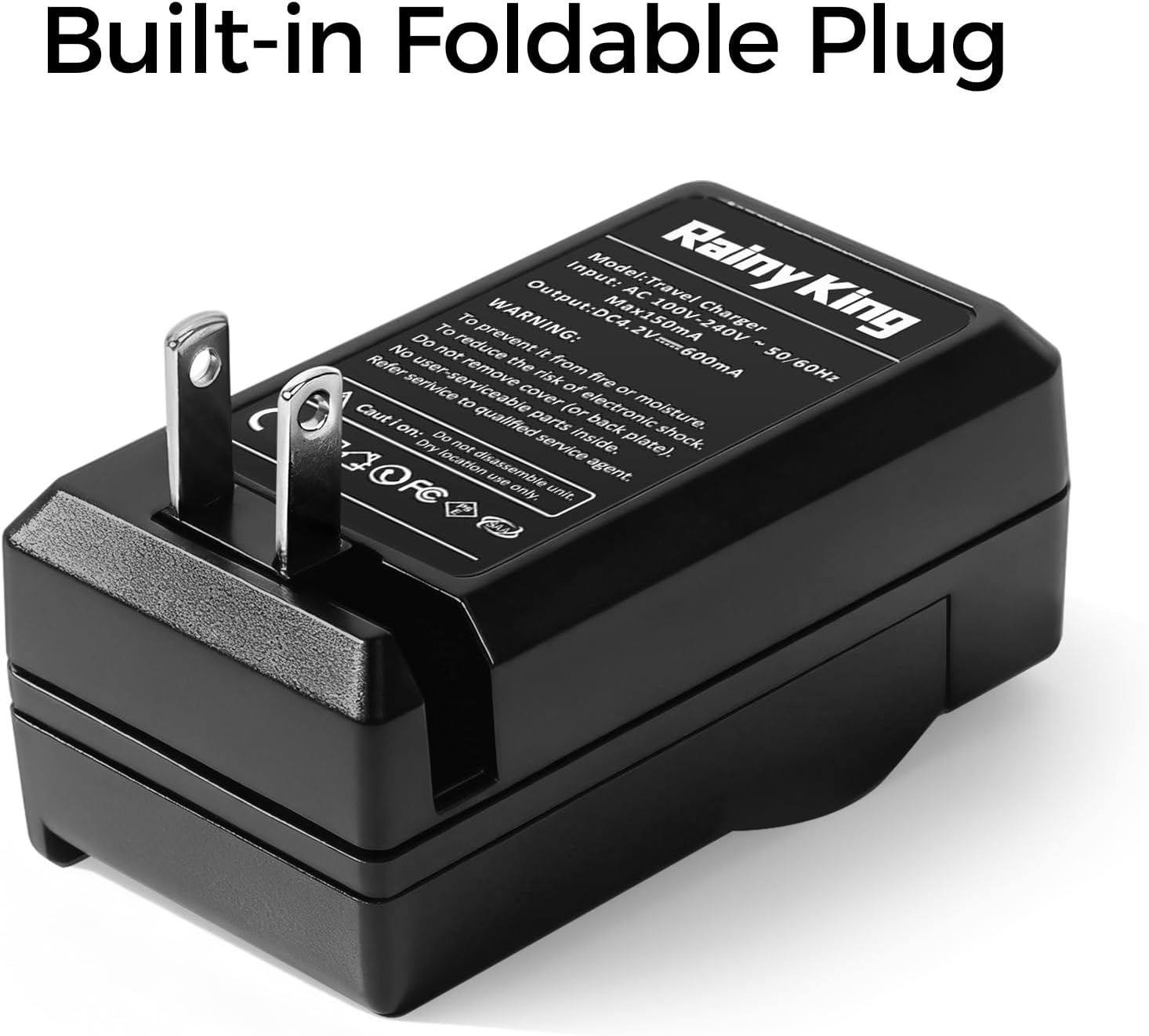
Figure 6.1: Physical dimensions of the charger.
7. Warranty and Support
This product is covered by standard manufacturer warranties. For warranty claims, technical support, or any inquiries regarding the product, please contact the seller or manufacturer directly through your purchase platform.
Please retain your proof of purchase for warranty purposes.