
1. Overview
The Retevis RT81 is a professional-grade digital two-way radio designed for reliable communication in various demanding environments. It supports both analog and digital modes, allowing for a smooth transition and enhanced communication clarity and security. Key features include high power output for long-range communication, IP67 waterproofing for durability, and a 2200mAh battery for extended operation. This manual provides essential information for setting up, operating, and maintaining your RT81 radio.
2. Package Contents
Verify that all items listed below are included in your package. If any items are missing or damaged, please contact your retailer.
- 6 x Retevis RT81 walkie talkies
- 6 x 2200mAh Li-ion Battery
- 6 x Belt Clip
- 6 x Hand Strap
- 6 x Adapter
- 1 x Six-Way Charger
- 6 x Antenna
- User Manual

Figure 2.1: Package Contents
3. Product Features
The Retevis RT81 radio incorporates several features designed for robust and efficient communication:
- Dual-mode Operation: Supports both analog and digital modes for versatile communication and compatibility.
- Long Range Communication: High power output ensures effective penetration through buildings and steel structures, providing stable and reliable signals over long distances.
- IP67 Waterproof Rating: Completely dustproof and waterproof, capable of submersion in up to 1 meter of water for 30 minutes. The radio is also tested for 1-meter drop resistance.
- Crystal Clear Audio: Integrated high-quality speaker with improved noise cancellation for clear communication even in noisy environments.
- Extended Battery Life: Equipped with a 2200mAh battery, providing approximately 12 hours of operation on a full charge.
- Group Call Functionality: Facilitates efficient group communication.
- TDMA Technology: Utilizes Time Division Multiple Access to split 12.5 kHz channels into two 6.25 kHz channels, boosting spectrum efficiency.
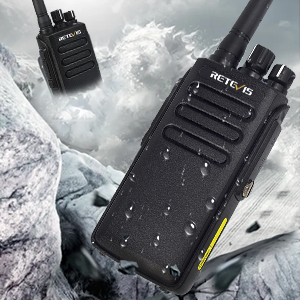
Figure 3.1: IP67 Waterproof Design
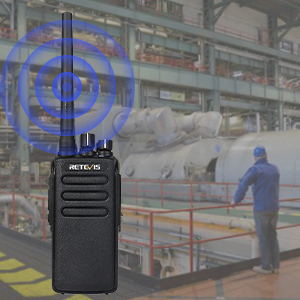
Figure 3.2: Long Range Communication
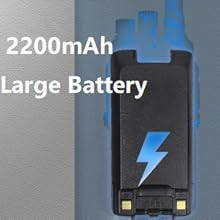
Figure 3.3: Extended Battery Life
4. Setup
4.1 Attaching the Antenna
Screw the antenna clockwise into the connector on the top of the radio until it is firmly seated. Do not overtighten.
4.2 Installing the Battery
- Align the battery pack with the grooves on the back of the radio.
- Slide the battery pack upwards until it clicks into place.
- Ensure the battery release latch is securely engaged.
4.3 Charging the Battery
Before initial use, fully charge the battery. Use the provided six-way charger or individual adapters.
- Connect the adapter to the charger base and plug it into a power outlet.
- Place the radio with the battery attached into a charging slot.
- The charging indicator light will show the charging status (e.g., red for charging, green for fully charged).

Figure 4.1: Top of the Radio with Antenna Connector

Figure 4.2: Six-Way Multi-Unit Charger
5. Operating Instructions
5.1 Power On/Off and Volume Control
To power on the radio, rotate the Power/Volume knob clockwise. Continue rotating to increase the volume. To power off, rotate the knob counter-clockwise until it clicks.
5.2 Channel Selection
Rotate the Channel Selector knob on the top of the radio to choose your desired channel. The RT81 supports 32 channels.
5.3 Transmitting and Receiving
- To transmit, press and hold the Push-to-Talk (PTT) button located on the side of the radio. Speak clearly into the microphone.
- Release the PTT button to receive.
- Ensure you are on the correct channel for your intended communication group.
5.4 Customizable Side Buttons
The RT81 features customizable side buttons (above and below the PTT button) that can be programmed for various functions, such as power level adjustment (10W/5W), scan, or emergency alerts. Refer to the programming software for detailed customization options.
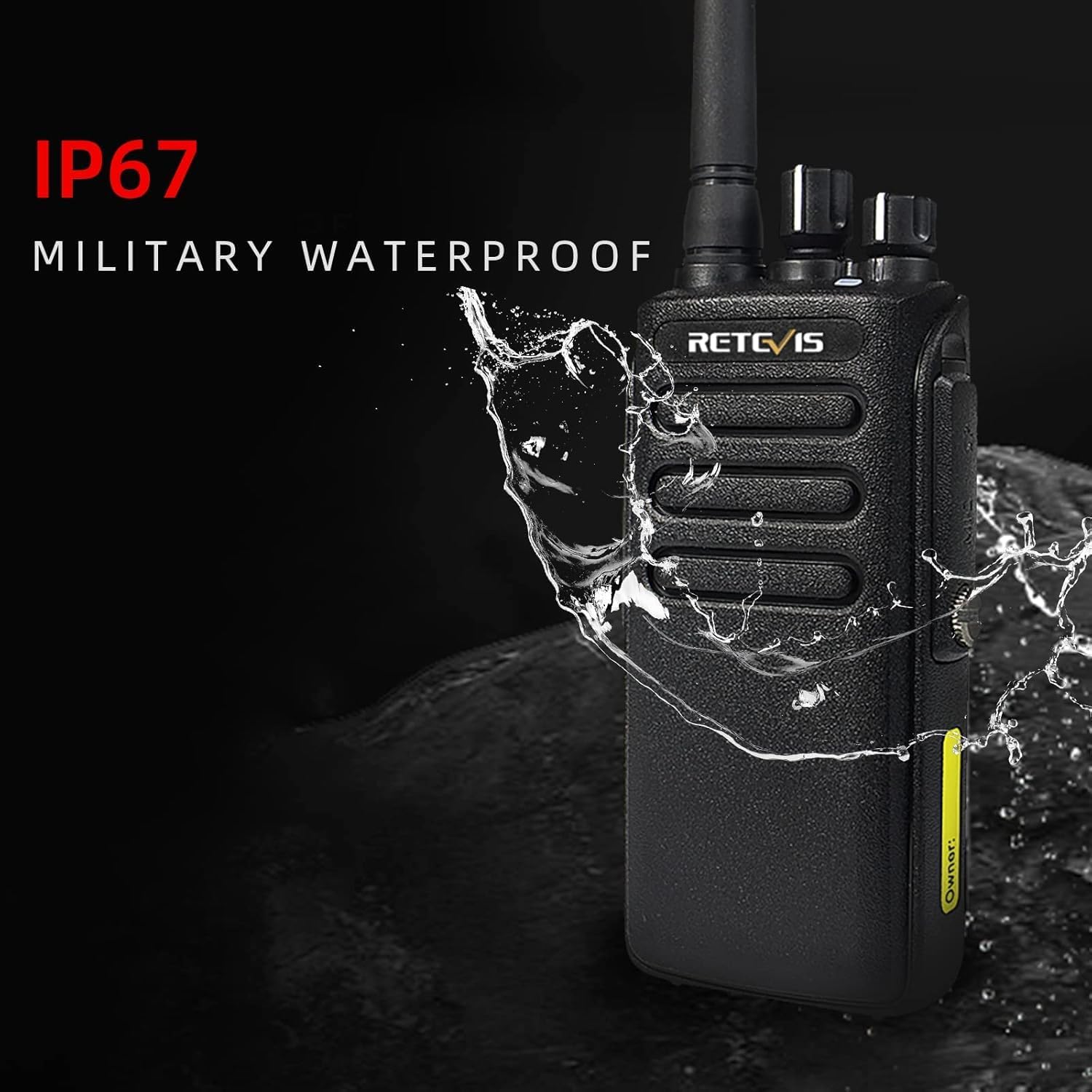
Figure 5.1: PTT and Customizable Side Buttons
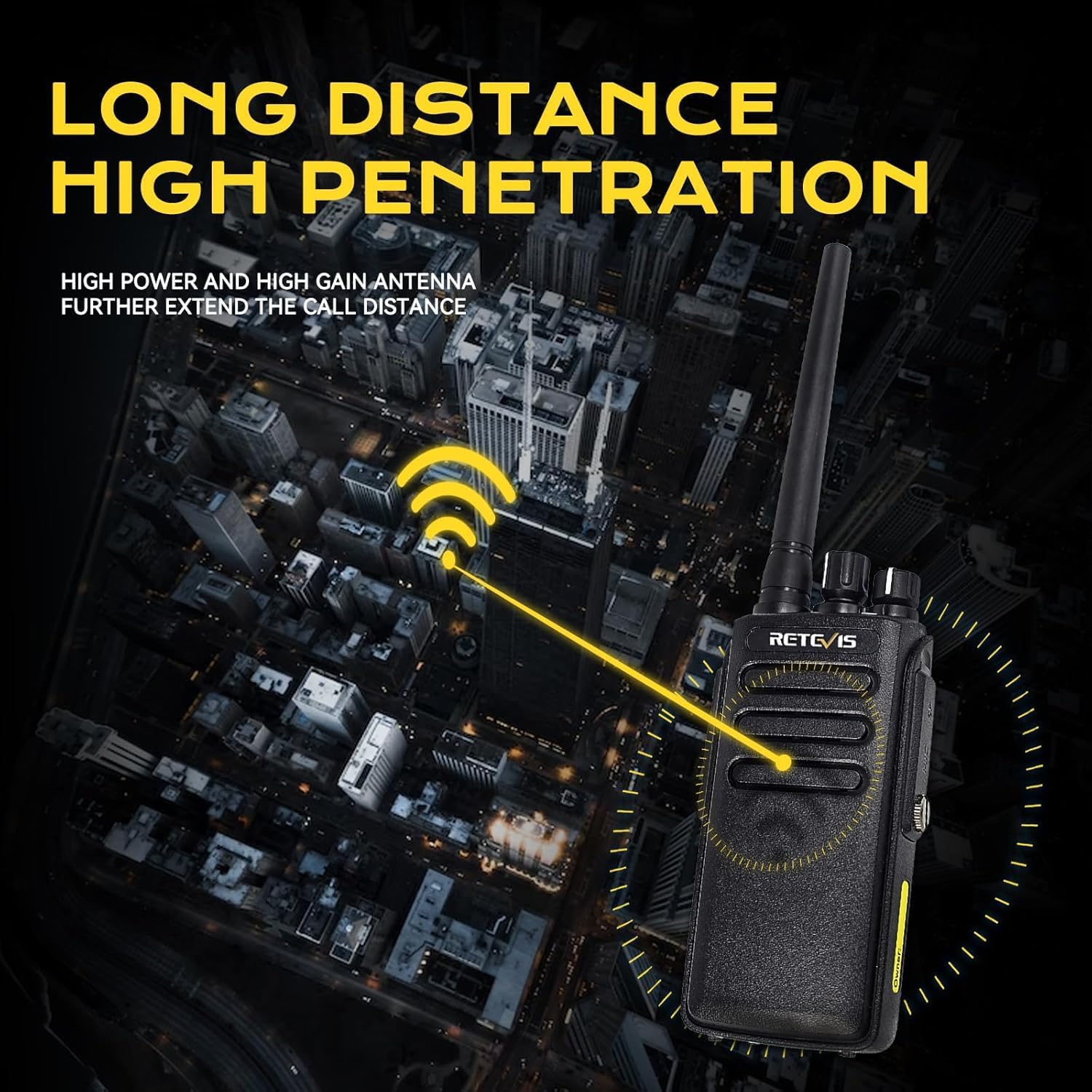
Figure 5.2: Front View of the Radio
Video 5.1: Demonstration of the RT81 waterproof DMR radio features and handling.
6. Maintenance
6.1 Cleaning the Radio
Wipe the radio's surface with a soft, damp cloth. Do not use harsh chemicals or abrasive cleaners. Ensure all port covers are securely closed before cleaning to maintain waterproofing.
6.2 Battery Care
- Avoid overcharging or completely discharging the battery.
- Store batteries in a cool, dry place when not in use.
- Replace batteries when their operating time significantly decreases.
6.3 Antenna Care
Regularly check the antenna for any damage. A damaged antenna can affect radio performance. Do not operate the radio without an antenna attached.
7. Troubleshooting
| Problem | Possible Cause | Solution |
|---|---|---|
| Radio does not power on | Battery is not charged or improperly installed. | Charge the battery fully. Ensure the battery is correctly attached. |
| Cannot transmit or receive | Incorrect channel selected. Out of range. Antenna not properly attached. | Verify channel selection. Move closer to other radios. Check antenna connection. |
| Poor audio quality | Low battery. Obstructions between radios. Volume too low. | Charge battery. Move to an open area. Adjust volume. |
| Cannot communicate with other brands of radios | Channels are pre-set with CTCSS/DCS to reduce interference. | The RT81's pre-set channels may not be directly compatible with other brands without specific programming. Contact Retevis support for compatibility and programming assistance if needed. |

Figure 7.1: Compatibility Information
8. Specifications
| Feature | Detail |
|---|---|
| Model Number | A9119AX6-J9115S (RT81) |
| Item Weight | 6 pounds (per 6-pack) |
| Product Dimensions | 2.5 x 5.5 x 1.5 inches |
| Batteries | 6 Lithium Ion batteries required (included) |
| Color | Black |
| Number of Channels | 32 |
| Special Feature | Digital two-way radio, DMR walkie talkie, heavy-duty, sturdy and durable, high power, IP67 waterproof, fully dustproof, single call, group call, all calls |
| Frequency Range | RT81 (UHF) |
| Voltage | 3.7 Volts (DC) |
| Water Resistance Level | Waterproof (IP67) |
| FCC ID | 2ASNSRT54 |
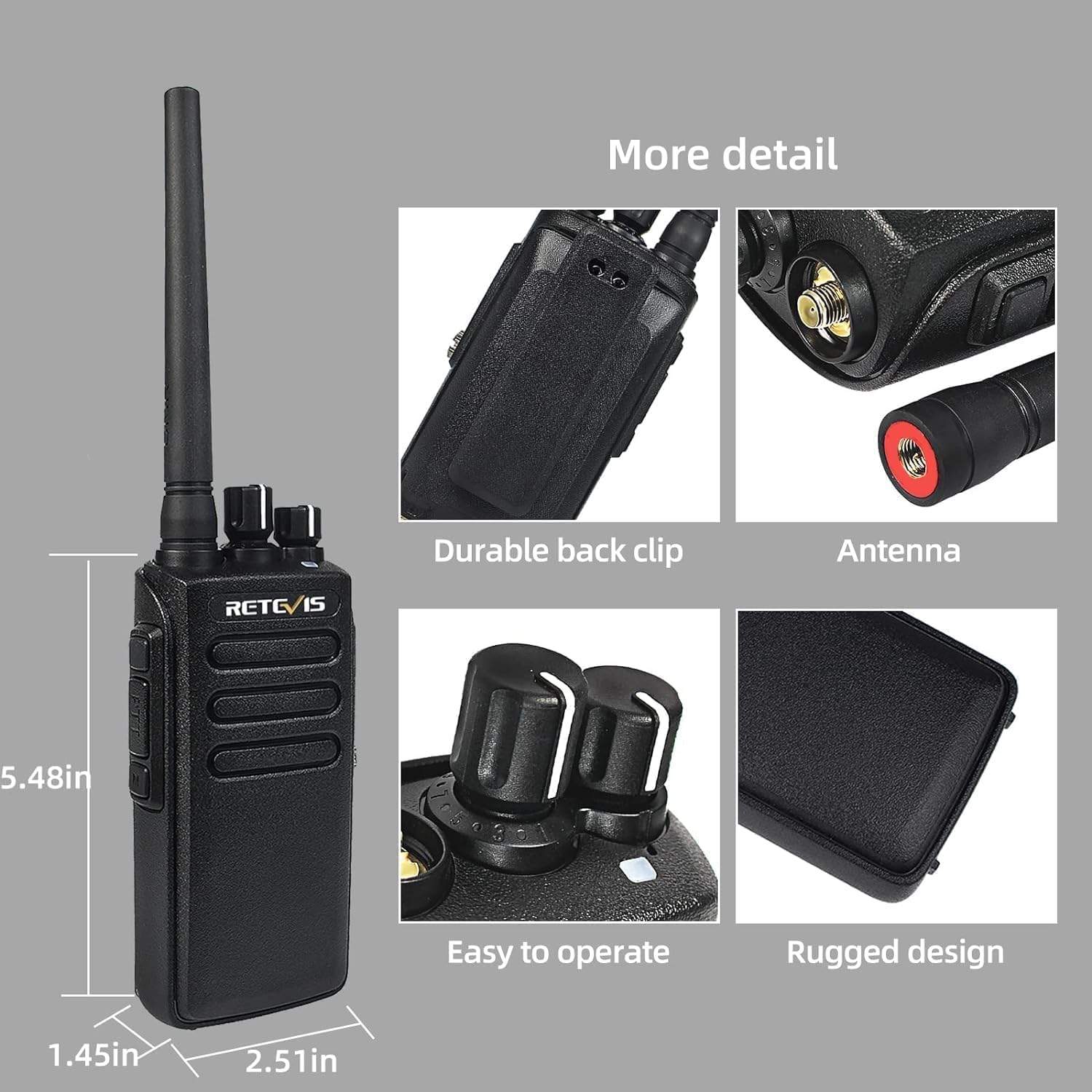
Figure 8.1: Product Dimensions and Details
9. Warranty and Support
9.1 Warranty Information
Retevis provides a 2-year warranty for the radio body and a 1-year warranty for accessories. Additionally, there is a 30-day no-reason return policy. Beyond the warranty period, maintenance services are offered, with buyers responsible for associated costs.
9.2 Customer Support
For any questions, issues, or support requests, please contact Retevis customer service via Amazon. Responses are typically provided within 12 hours.
For additional resources and product information, visit the official Retevis store on Amazon: Retevis Store


