1. Introduction
Thank you for choosing the WARSUN ZJ889-COB LED Work Light. This manual provides essential information for the safe and efficient operation, maintenance, and troubleshooting of your device. Please read this manual thoroughly before use and retain it for future reference.

Image 1.1: WARSUN ZJ889-COB LED Work Light with included USB charging cable.
2. Important Safety Instructions
- Do not look directly into the light beam. The high intensity light can cause temporary vision impairment.
- Keep the device away from children.
- Do not disassemble, repair, or modify the product. This may cause damage, electric shock, or fire.
- Use only the provided USB cable or a certified equivalent for charging.
- Avoid exposing the device to extreme temperatures, direct sunlight, or open flames.
- Although the device is daily waterproof, do not submerge it in water.
- Dispose of batteries according to local regulations. Do not dispose of batteries in fire.
3. Package Contents
Please check the package for the following items:
- WARSUN ZJ889-COB LED Work Light
- USB Charging Cable
4. Product Overview
Familiarize yourself with the components of your WARSUN ZJ889-COB LED Work Light:
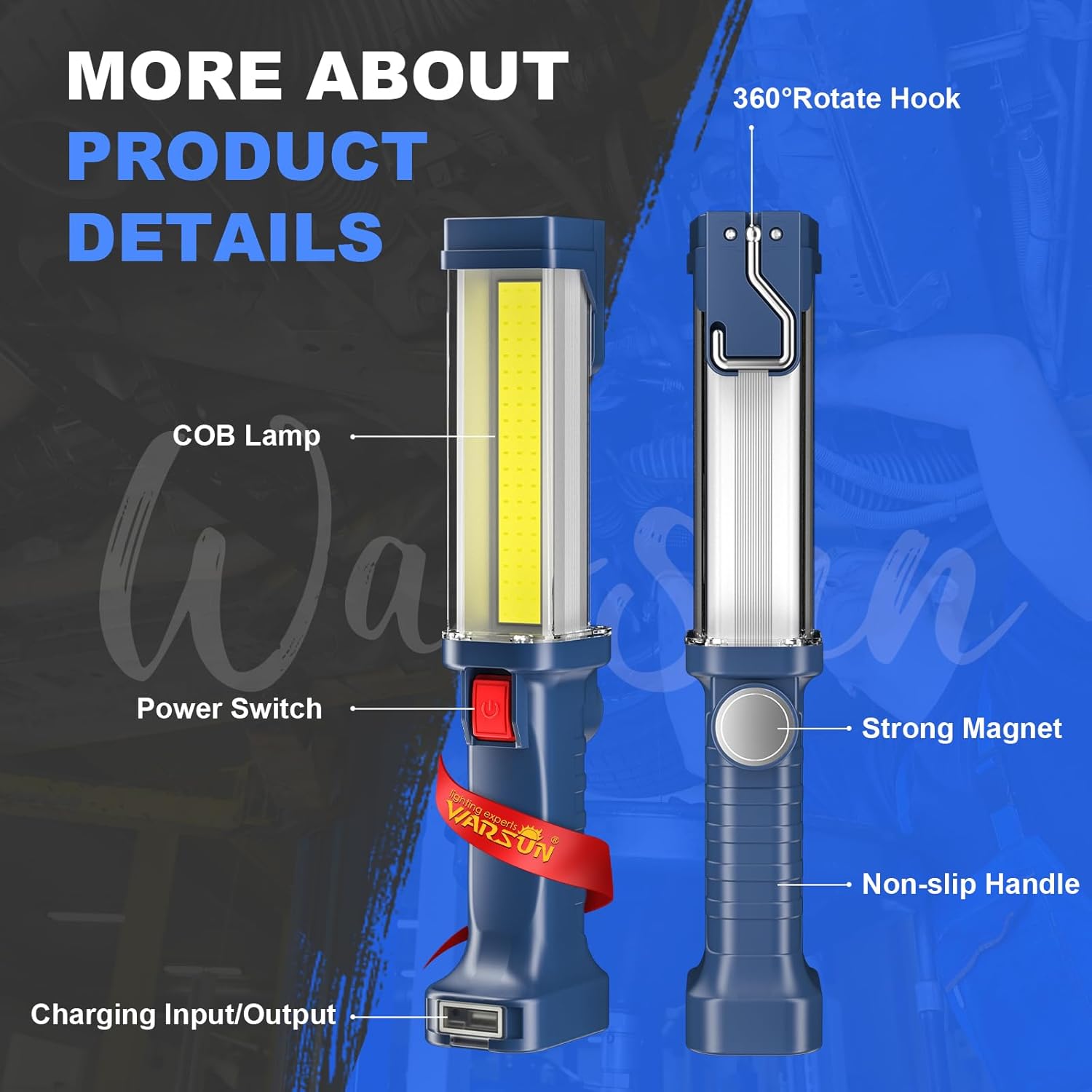
Image 4.1: Key components of the WARSUN ZJ889-COB LED Work Light, including the COB lamp, power switch, strong magnet, non-slip handle, charging input/output, and 360° rotating hook.
- COB Lamp: Provides bright, wide-range illumination.
- Power Switch: Controls power and brightness modes.
- Strong Magnet: Located on the base for attachment to metallic surfaces.
- Non-slip Handle: Ergonomically designed for secure grip.
- Charging Input/Output Port: Micro USB input for charging the device, USB output for charging external devices.
- 360° Rotating Hook: For hanging the light in various positions.
5. Setup and Initial Charging
Before first use, it is recommended to fully charge your work light.
- Locate the charging input/output port at the base of the light.
- Gently lift the protective cover to expose the Micro USB input port.
- Connect the smaller end of the provided USB charging cable to the Micro USB input port on the work light.
- Connect the larger end of the USB cable to a standard USB power adapter (not included) or a computer USB port.
- The charging indicator light will illuminate red during charging and turn green when fully charged.
- A full charge typically takes 4-8 hours.

Image 5.1: The work light connected for charging via its Micro USB input, and simultaneously charging an external device via its USB output.
6. Operating Instructions
6.1 Power On/Off and Brightness Modes
The WARSUN ZJ889-COB LED Work Light features two brightness modes:
- Press the power switch once to turn on the light in High Brightness Mode.
- Press the power switch a second time to switch to Medium Brightness Mode.
- Press the power switch a third time to turn off the light.
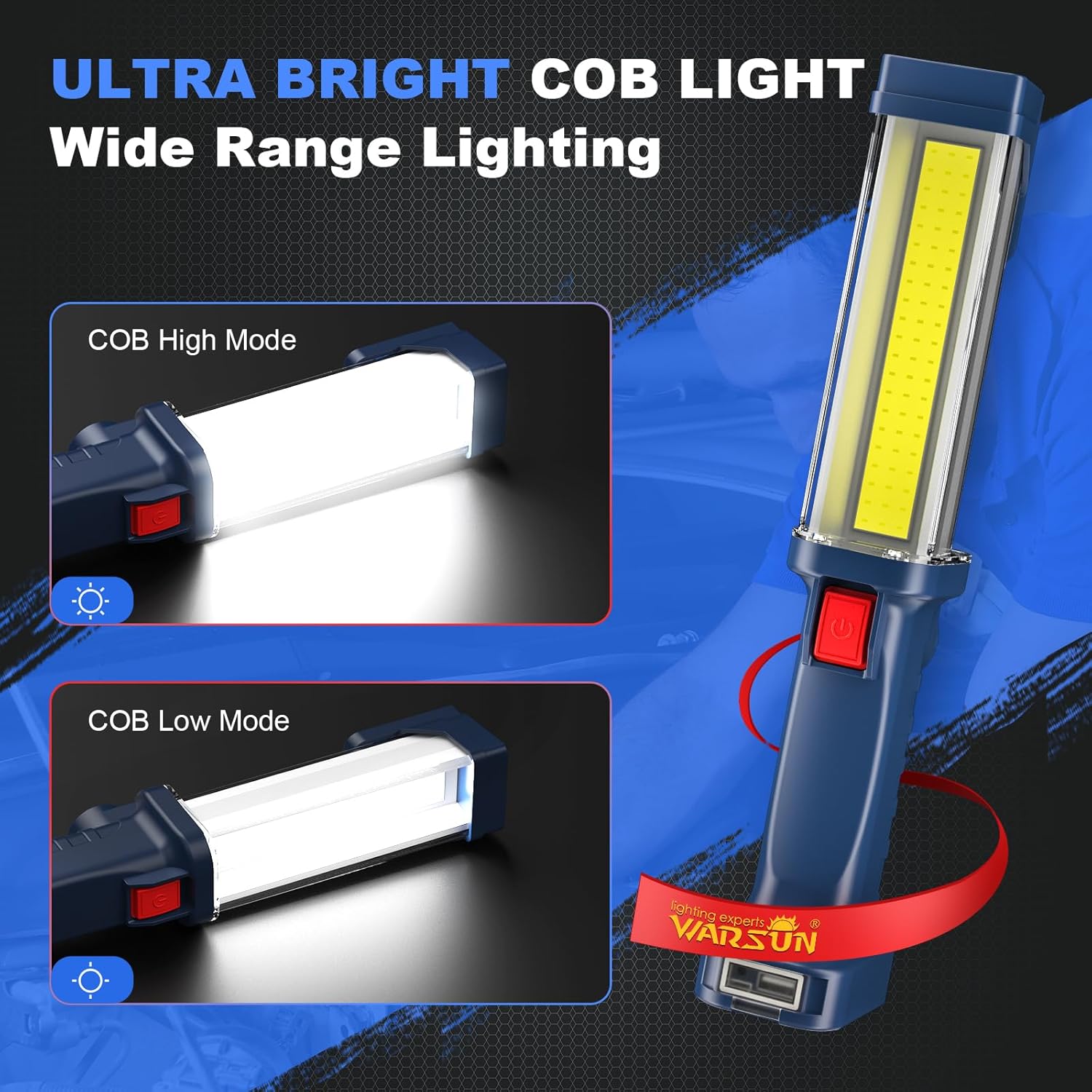
Image 6.1: The work light operating in COB High Mode and COB Low Mode, demonstrating the two available brightness settings.
6.2 Mounting Options
The work light offers versatile mounting options for hands-free operation:
- Magnetic Base: The strong magnet on the base allows you to attach the light securely to any ferrous metal surface, such as car hoods, metal shelves, or toolboxes.
- Rotating Hook: Extend the 360° rotating hook from the top of the light to hang it from tents, pipes, or other suitable fixtures.

Image 6.2: The work light mounted using its 360° rotating hook and its strong magnetic base, illustrating flexible placement for various tasks.
7. Charging External Devices (Power Bank Function)
Your WARSUN ZJ889-COB LED Work Light can also function as a power bank to charge other USB-powered devices.
- Ensure the work light has sufficient charge.
- Lift the protective cover at the base to access the USB output port.
- Connect your device's charging cable to the USB output port on the work light.
- The work light will begin charging your external device.
8. Maintenance
8.1 Cleaning
- Wipe the light with a soft, damp cloth. Do not use abrasive cleaners or solvents.
- Ensure the charging port cover is securely closed to maintain daily waterproof protection.
8.2 Storage
- Store the work light in a cool, dry place when not in use.
- For long-term storage, charge the battery every 3-6 months to prolong its lifespan.
8.3 Durability
The work light is constructed from durable aluminum alloy and Acrylonitrile Butadiene Styrene (ABS) material, designed to withstand drops up to 4.9 feet (1.5 meters).
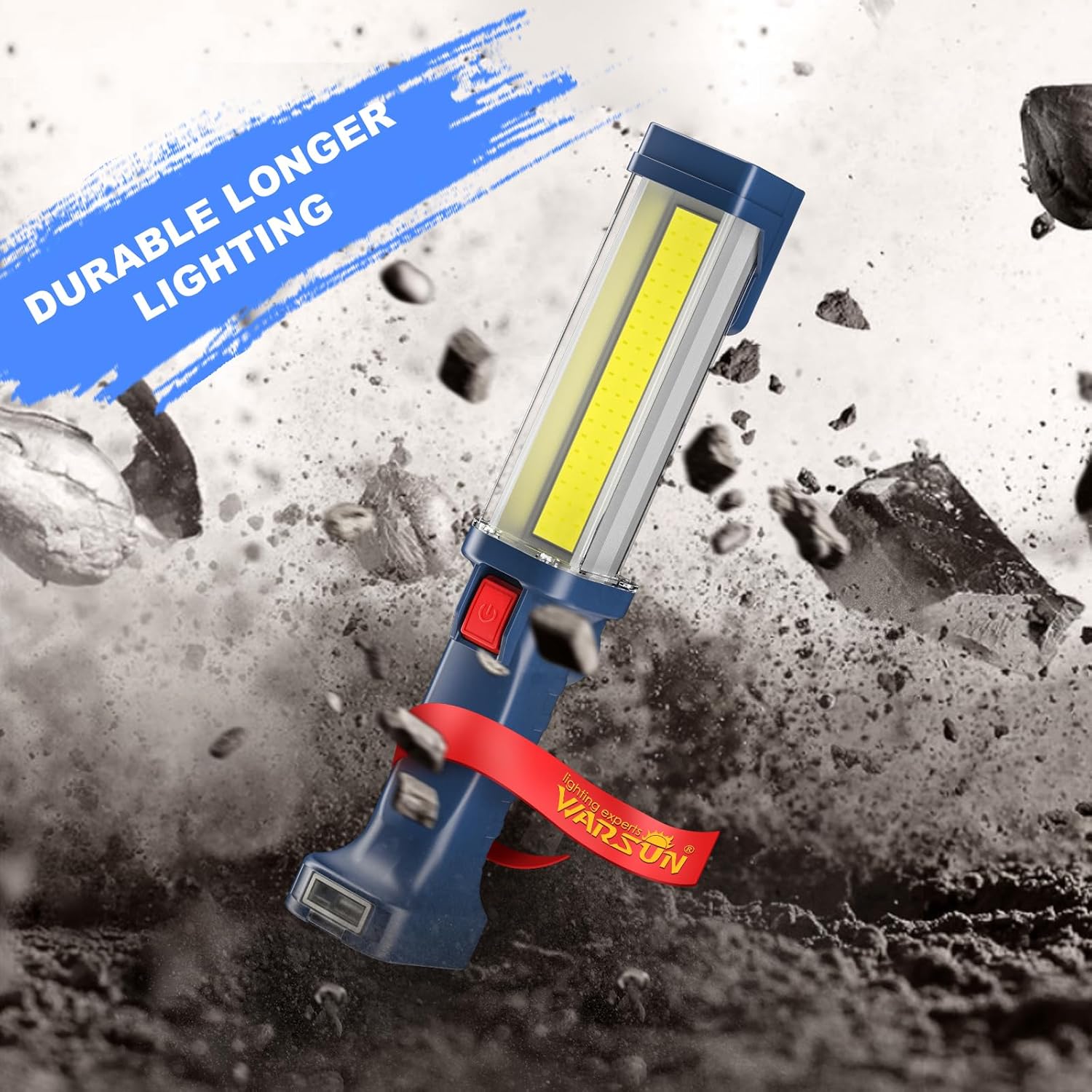
Image 8.1: The work light shown in a dynamic scene, highlighting its robust construction and resistance to impact.
9. Troubleshooting
| Problem | Possible Cause | Solution |
|---|---|---|
| Light does not turn on. | Battery is depleted. | Charge the work light fully. |
| Light is dim or flickers. | Low battery charge. | Recharge the work light. |
| Work light not charging. | Charging cable or adapter faulty; port not connected properly. | Ensure cable is securely connected. Try a different USB cable or power adapter. |
| External device not charging from work light. | Work light battery low; incorrect port used. | Ensure work light is sufficiently charged. Use the USB output port. |
10. Specifications
| Feature | Detail |
|---|---|
| Model | ZJ889-COB |
| Brand | WARSUN |
| Light Source Type | COB LED |
| Brightness | Up to 1200 Lumens |
| Wattage | 30 Watts |
| Voltage | 4.7 Volts |
| Color Temperature | 4000 Kelvin |
| Power Source | Battery Powered (2 Lithium Polymer batteries included) |
| Battery Capacity | 2 x 1800 mAh (Total 3600 mAh) |
| Runtime | 4-24 hours (depending on selected lighting mode) |
| Charging Time | 4-8 hours for a full charge |
| Material | Acrylonitrile Butadiene Styrene (ABS) |
| Color | Blue |
| Product Dimensions | 12.2 x 3.15 x 2.36 inches |
| Item Weight | 15.8 ounces |
| Mounting Type | Surface Mount, Handheld, Magnetic |
| Special Features | 2-way switching (High/Medium brightness), Magnetic Base, 360° Rotating Hook, USB Output (Power Bank) |
| Water Resistance | Daily waterproof |
| Drop Resistance | Up to 4.9 ft (1.5 m) |
11. Warranty and Support
11.1 Warranty Information
The WARSUN ZJ889-COB LED Work Light comes with a 1-year warranty from the date of purchase, covering manufacturing defects. Additionally, we offer hassle-free returns within 30 days of purchase.
This warranty does not cover damage caused by misuse, accident, unauthorized modification, or normal wear and tear.
11.2 Customer Support
For any questions, concerns, or warranty claims, please contact WARSUN customer support through the retailer's platform where the product was purchased. Please have your purchase receipt and product model number (ZJ889-COB) ready when contacting support.


