
1. Introduction
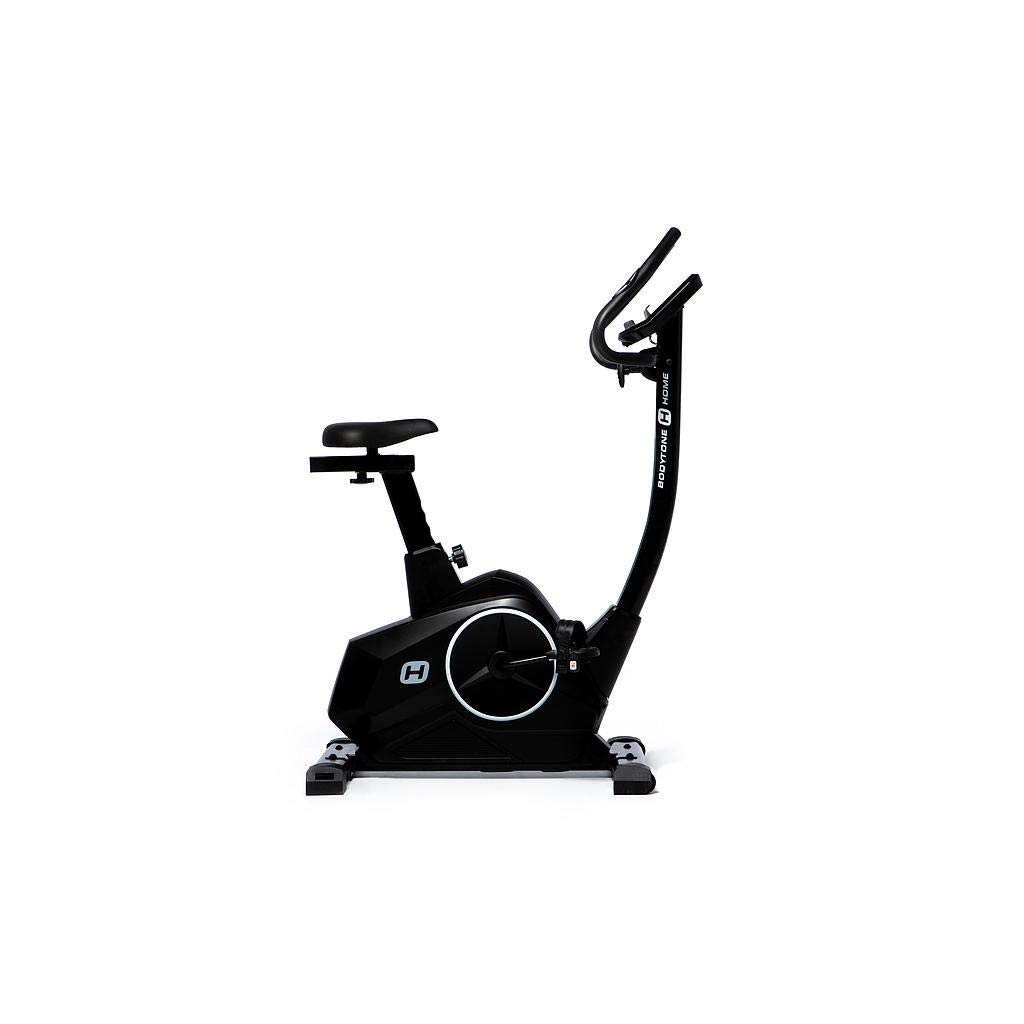
The BODYTONE DU 20 is a static exercise bike designed for home fitness. It features electronic resistance regulation and a 9kg inertial mass, providing an effective cardiovascular workout. Its attractive and elegant structure allows it to fit perfectly in various home environments. This manual provides essential information for the safe assembly, operation, and maintenance of your exercise bike.
2. Safety Information
Please read all instructions carefully before using the BODYTONE DU 20 exercise bike. Retain this manual for future reference.
- Consult a Physician: Before starting any exercise program, consult your doctor, especially if you have pre-existing health conditions.
- Proper Attire: Wear appropriate exercise clothing and athletic shoes. Avoid loose clothing that could get caught in moving parts.
- Stable Surface: Place the exercise bike on a flat, stable surface. Ensure there is adequate clear space around the bike for safe operation.
- Children and Pets: Keep children and pets away from the equipment during operation.
- Maximum User Weight: Do not exceed the maximum user weight of 110 kg.
- Inspect Before Use: Before each use, check the equipment for loose parts, wear, or damage. Do not use if damaged.
- Proper Use: Use the equipment only for its intended purpose as described in this manual.
3. Setup and Assembly
The BODYTONE DU 20 features a Plug&Train system, meaning it arrives largely pre-assembled for quick setup. Follow these steps for final assembly and initial placement:
- Unpack: Carefully remove all components from the packaging. Retain packaging materials for potential future transport or returns.
- Placement: Choose a suitable location with a stable, level surface. Ensure sufficient space around the bike for safe entry and exit.
- Leveling: Use the integrated leveling wheels to adjust the machine to the ground, ensuring stability during use.
- Saddle Adjustment: Adjust the extra-wide saddle both horizontally and vertically to achieve a comfortable and ergonomically correct pedaling position. Refer to the image below for the adjustment mechanism.
- Pedal Attachment: Attach the wide Quick&Easy pedals. Ensure they are securely fastened. The rubber fasteners are similar to snowboard boot systems, providing enhanced stability.
- Handlebar Adjustment: Adjust the handlebar to a comfortable height and angle.
- Power Connection: Connect the exercise bike to a suitable power outlet using the provided cord.

4. Operating Instructions
The BODYTONE DU 20 features an intuitive LED console to monitor your workout. Familiarize yourself with its functions:
- Power On: Once connected to power, the console should activate.
- Console Functions: The LED screen displays various metrics. Use the console buttons to navigate and select functions such as:
- Start/Stop: To begin or end your workout.
- Recovery: Measures your heart rate recovery after exercise.
- BodyFat: Calculates an estimated body fat percentage.
- Fan: Activates the built-in fan for cooling.
- Distance: Displays the distance covered.
- Cal: Shows calories burned.
- Pulse: Displays your heart rate via built-in sensors.
- Watt: Shows power output in watts.
- Speed: Displays current speed.
- RPM: Revolutions Per Minute.
- Resistance Adjustment: The bike features electronic resistance regulation. Use the console controls to increase or decrease the resistance level to match your desired workout intensity.
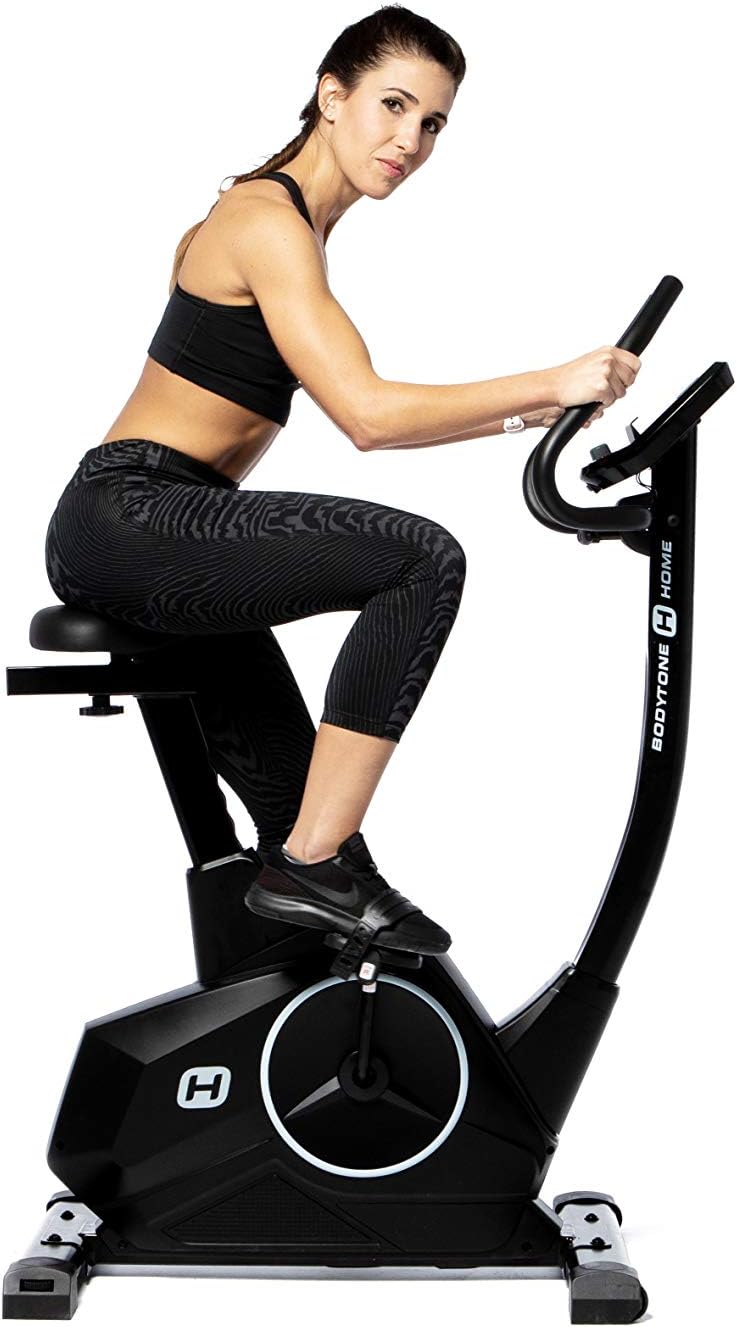
- Heart Rate Monitoring: Grip the built-in heart rate sensors on the handlebars to display your pulse on the console.
- Entertainment: Utilize the integrated tablet holder to enjoy media during your workout.

5. Maintenance
Regular maintenance ensures the longevity and optimal performance of your BODYTONE DU 20 exercise bike.
- Cleaning: Wipe down the bike with a damp cloth after each use to remove sweat and dust. Avoid abrasive cleaners or solvents.
- Check Connections: Periodically check all bolts, nuts, and moving parts to ensure they are securely fastened. Tighten if necessary.
- Lubrication: The internal mechanisms are generally maintenance-free. If you notice any squeaking or unusual noises, consult customer support.
- Storage: Store the bike in a dry, cool place away from direct sunlight and extreme temperatures. Use the transport wheels for easy relocation.
- Usage Limit: The recommended maximum usage for this machine is 10 hours per week to ensure its durability.
6. Troubleshooting
If you encounter issues with your BODYTONE DU 20, refer to these common troubleshooting tips:
- Console Not Powering On:
- Ensure the power cord is securely plugged into both the bike and a working electrical outlet.
- Check if the outlet is functional by plugging in another device. - Inaccurate Readings (Pulse, Speed, etc.):
- For pulse readings, ensure your hands are firmly gripping the heart rate sensors.
- For other readings, ensure all connections are secure and the bike is on a level surface. - Unusual Noises:
- Check for any loose bolts or parts and tighten them.
- Ensure the bike is on a stable, level surface. If noises persist, discontinue use and contact customer support. - Resistance Not Changing:
- Verify that the power connection is stable, as electronic resistance requires power.
- If the issue persists, there may be an internal electronic fault; contact customer support.
For issues not covered here, please contact BODYTONE customer support.
7. Specifications
| Feature | Specification |
|---|---|
| Brand | BODYTONE |
| Model | DU20 |
| Type | Upright Exercise Bike |
| Resistance Mechanism | Magnetic Resistance (Electronic Regulation) |
| Flywheel Weight | 9 kg |
| Power Source | Corded Electric |
| Maximum User Weight | 110 kg |
| Product Weight | 25.5 kg |
| Assembled Dimensions (L x W x H) | 97 x 52 x 128 cm |
| Saddle Adjustment | Horizontal and Vertical |
| Console Functions | Start/Stop, Recovery, BodyFat, Fan, Distance, Cal, Pulse, Watt, Speed, RPM |
| Heart Rate Sensors | Built-in |
| Transport Wheels | Yes |
| Leveling Wheels | Yes |
| Foldable | No (Handle not foldable) |
| Maximum Recommended Usage | 10 hours / week |
8. Warranty and Support
Specific warranty information for the BODYTONE DU 20 exercise bike is typically provided at the point of purchase or within separate documentation included with your product. Please refer to those materials for details regarding warranty coverage, terms, and conditions.
For technical support, spare parts, or any inquiries not covered in this manual, please contact BODYTONE customer service through their official website or the contact information provided with your purchase.


