
Product Overview
The Lamicall Gooseneck Phone Holder is a versatile and durable accessory designed to provide hands-free convenience for your smartphone. Its flexible long arm and sturdy clamp allow for secure mounting on various surfaces, making it ideal for use in bed, at a desk, or on a bedside table. This holder is engineered for stability and ease of adjustment, ensuring your device remains in the desired position for optimal viewing.
Key Features
- Upgraded Stability: Features improved materials and design to prevent sagging and maintain position over time.
- Multipurpose Use: Perfect for watching videos, video calls, reading recipes, or recording overhead content.
- Easy Installation: Adjustable clamp base fits surfaces up to 2.36 inches (6cm) thick, with non-slip silicone to protect furniture.
- Durable Gooseneck: 33.4-inch (85cm) bendable arm made of high-quality Aluminum-magnesium alloy for firm yet flexible positioning.
- Wide Compatibility: Supports 4-7 inch smartphones, including various iPhone and Samsung Galaxy models.
Setup Instructions
Unboxing and Initial Inspection
Upon opening the package, carefully remove all components. Inspect the gooseneck arm, phone clamp, and base clamp for any signs of damage. Ensure all parts are present before proceeding with installation.
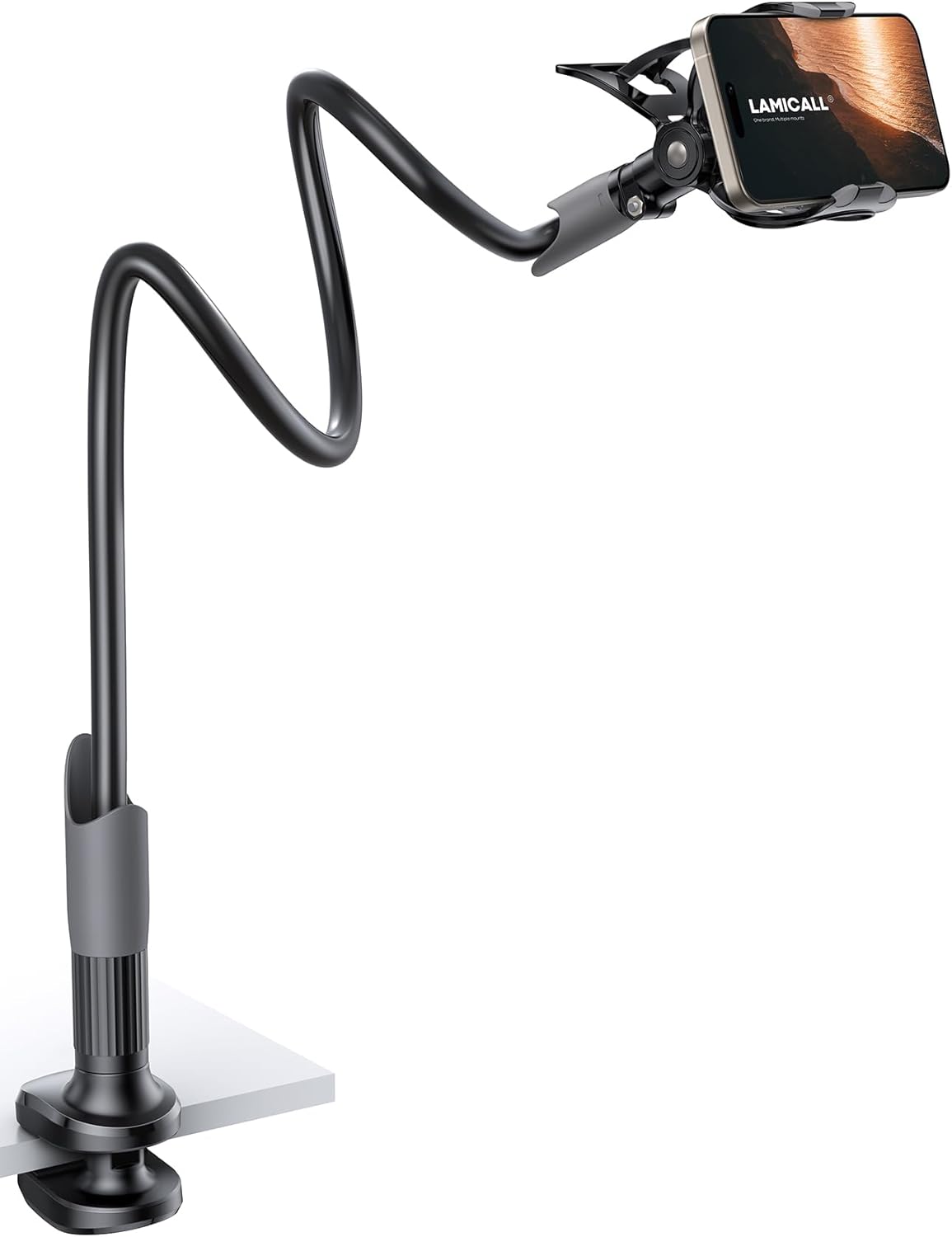
Image: All components of the Lamicall Gooseneck Phone Holder.
Video: A brief overview of the Lamicall Gooseneck Phone Holder, demonstrating its components and basic functionality.
Attaching the Clamp
- Identify a suitable surface for mounting, such as a desk, headboard, or bedside table. Ensure the surface thickness is between 0 and 2.36 inches (6cm).
- Unscrew the base clamp by turning the knob counter-clockwise until the jaws are wide enough to fit over your desired surface.
- Position the clamp firmly on the edge of the surface.
- Tighten the clamp by turning the knob clockwise until it is securely fastened. Do not overtighten, but ensure it is stable and does not wobble. The non-slip silicone pads will protect your furniture.
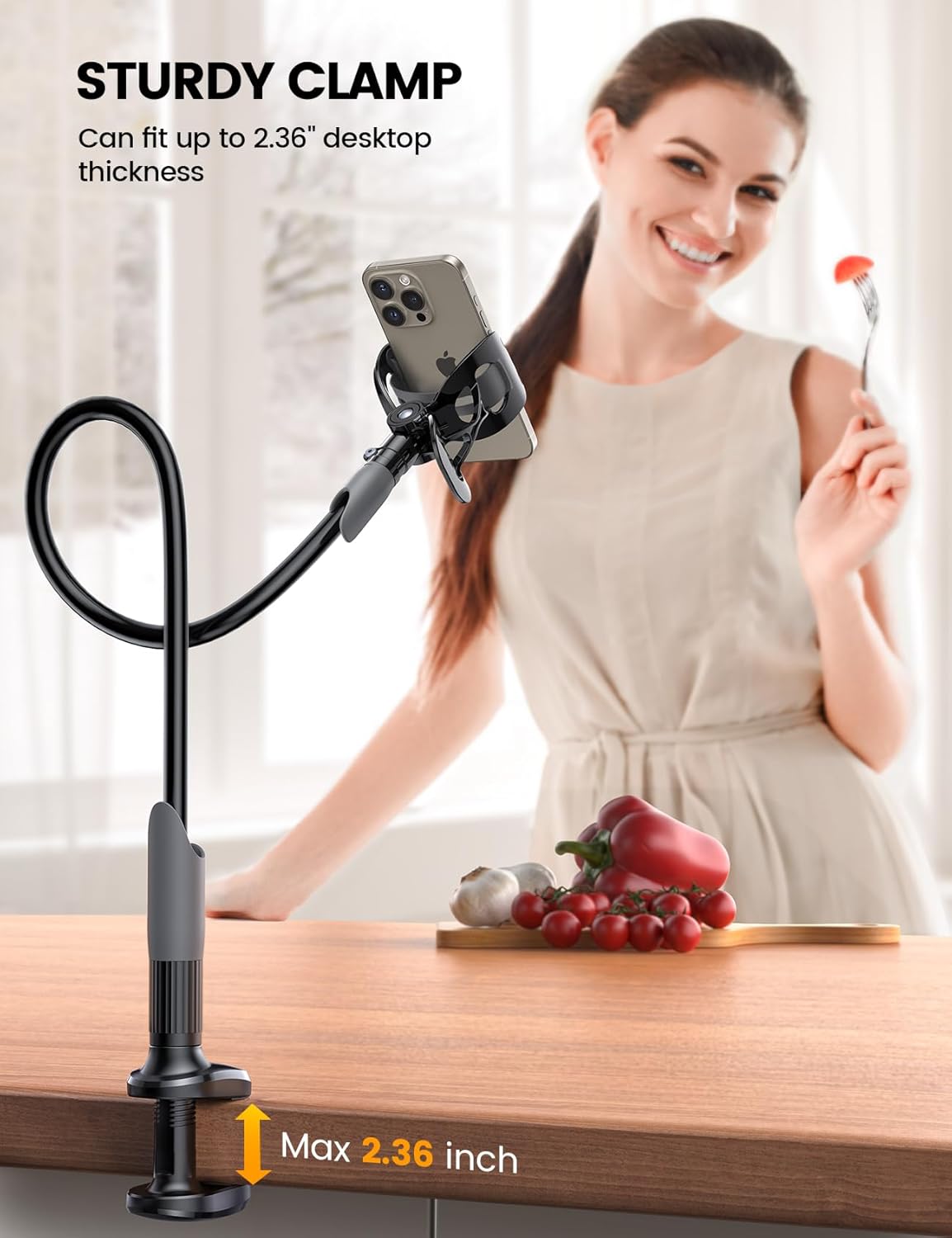
Image: The sturdy clamp securely attached to a desktop, highlighting its maximum opening of 2.36 inches.
Inserting Your Smartphone
- Gently pull open the phone holder jaws.
- Carefully place your 4-7 inch smartphone into the holder, ensuring it is centered and the silicone grips firmly hold the device without obstructing buttons or ports.
- Release the jaws to allow them to close around your phone, securing it in place.
Image: A smartphone positioned within the gooseneck holder, ready for use.
Operating Instructions
Adjusting the Gooseneck Arm
The gooseneck arm is designed to be sturdy and hold its position firmly. To adjust the viewing angle, use both hands to carefully bend and shape the arm into your desired position. Note that the arm is intentionally stiff to provide maximum stability and prevent sagging over time.

Image: The flexible gooseneck arm being adjusted to achieve a desired viewing angle while a person uses a laptop.
Rotating the Phone Holder
The phone holder features a 360-degree rotation capability, allowing you to easily switch between portrait and landscape orientations without removing your device. Simply grasp the phone holder and rotate it to the desired orientation.

Image: A person relaxing while their phone is held by the gooseneck mount, demonstrating the 360-degree rotation feature.
Maintenance
To ensure the longevity and optimal performance of your Lamicall Gooseneck Phone Holder, follow these simple maintenance tips:
- Cleaning: Wipe down the gooseneck arm and clamp surfaces with a soft, damp cloth. Avoid using abrasive cleaners or solvents that could damage the finish or silicone pads.
- Storage: When not in use, store the holder in a clean, dry place away from extreme temperatures.
- Inspection: Periodically check the clamp and phone holder for any signs of wear or loosening. Tighten as necessary to maintain a secure grip.
Troubleshooting
| Issue | Possible Cause | Solution |
|---|---|---|
| Gooseneck arm is too stiff to adjust. | The arm is designed to be very sturdy for stability. | Use both hands and apply firm, steady pressure to bend the arm. It requires more force than typical flexible arms. |
| Phone holder sags or doesn't hold position. | Clamp not tightened enough; arm not bent correctly. | Ensure the base clamp is securely tightened to the surface. Re-adjust the gooseneck arm by bending it into a more stable configuration, ensuring the weight of the phone is balanced. |
| Phone slips out of the holder. | Phone not properly seated; clamp not fully closed. | Ensure the phone is centered within the holder's jaws and the jaws are fully closed. Verify that the phone's case (if any) does not interfere with the grip. |
Product Specifications
| Feature | Detail |
|---|---|
| Model Number | LS05-CA-B |
| Arm Length | 33.4 inches (85 cm) |
| Compatible Phone Sizes | 4-7 inches |
| Max Clamp Thickness | 2.36 inches (6 cm) |
| Material | Aluminum-magnesium alloy (arm), Plastic (clamp/holder) |
| Color | Black |
| Item Weight | 1.03 pounds |
Warranty and Support
Lamicall products are designed for durability and user satisfaction. For any questions, concerns, or support needs regarding your Gooseneck Phone Holder, please contact Lamicall customer service through their official website or the retailer where you purchased the product. Please refer to your purchase documentation for specific warranty details.
For additional resources and product information, visit the Lamicall Store on Amazon.


