
1. Product Overview
The Skullcandy Jib+ Active Wireless Earbuds (Model S2JSW-M010) are designed for active lifestyles, offering wireless audio with a secure fit and water-resistant capabilities. These earbuds feature a convenient neckband design to prevent loss and provide easy access to controls.
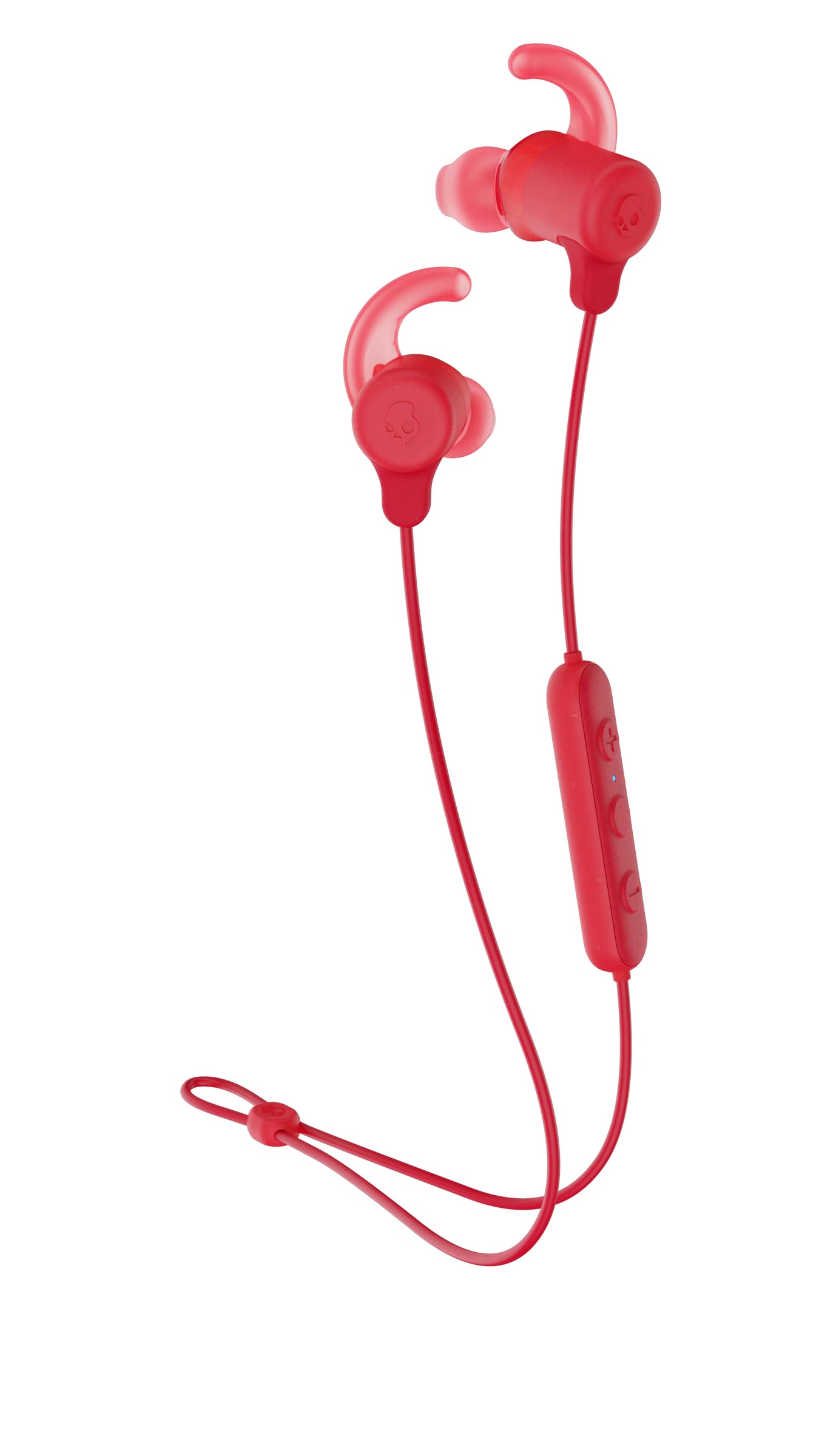
This image displays the Skullcandy Jib+ Active Wireless Earbuds in red, showcasing their in-ear design connected by a flexible neckband. The control module is visible on the neckband.
2. What's in the Box
Your Skullcandy Jib+ Active Wireless Earbuds package includes the following items:
- Jib+ Active Wireless Earbuds
- Ear Gels (Small, Medium, Large)
- Secure FitFin
- Secure Cable Clip
- Micro USB Charging Cable
- User and 2 Year Warranty Guide
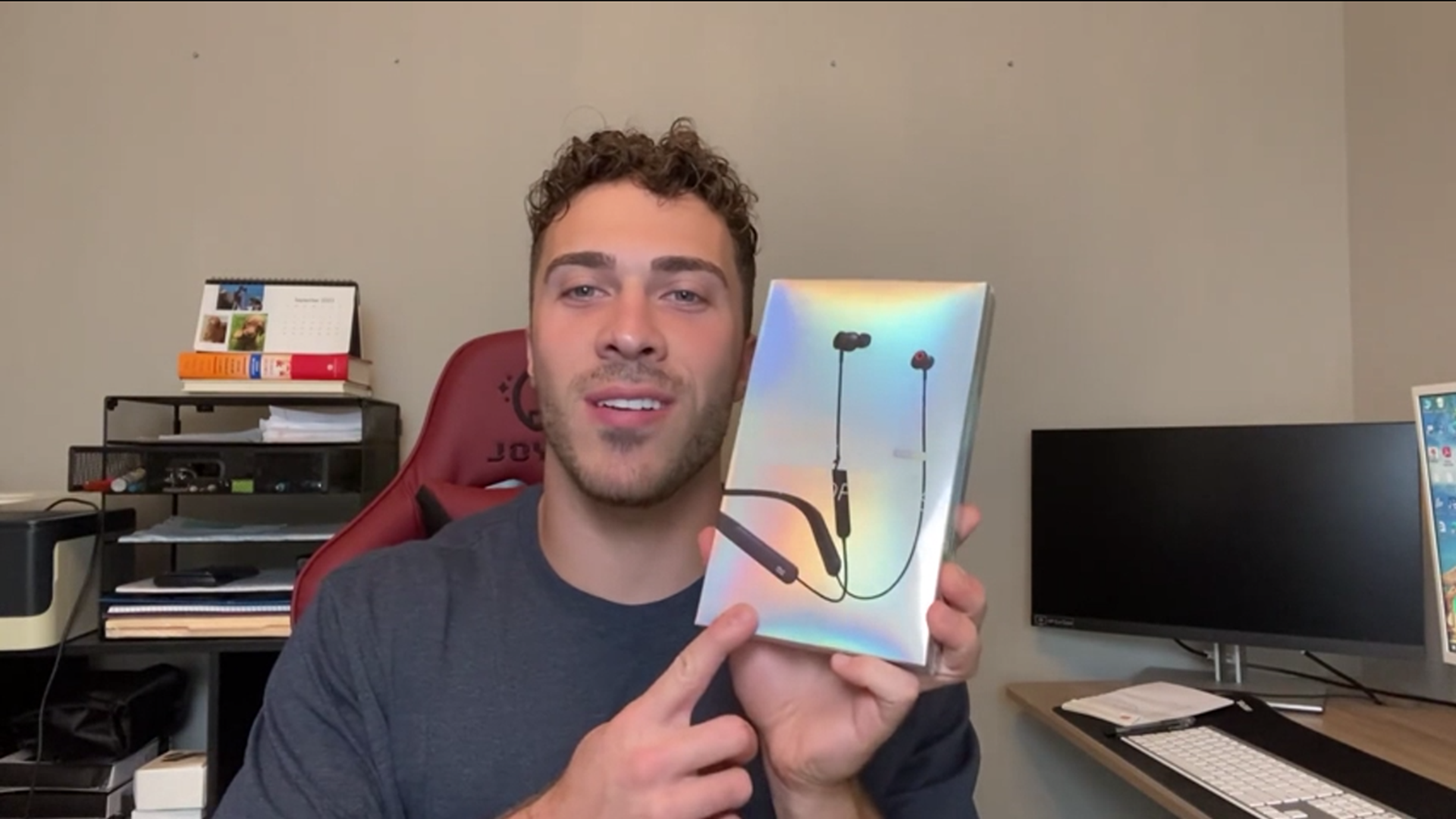
This video provides a brief overview of the Skullcandy Jib+ Active Wireless Earbuds, demonstrating the product and its key features.
3. Setup
3.1. Charging the Earbuds
Before initial use, fully charge your earbuds. Connect the supplied Micro USB cable to the charging port located on the control module (refer to Figure 2 for location) and plug the other end into a USB power source. A full charge typically takes approximately 1.5 hours.
This image shows a close-up of the earbud's control panel, highlighting the charging port and control buttons.
3.2. Bluetooth Pairing
- Ensure the earbuds are charged and powered off.
- Press and hold the power button on the control module until the LED indicator flashes blue and red, indicating pairing mode.
- On your device (smartphone, tablet, laptop), navigate to the Bluetooth settings.
- Select "Jib+ Active" from the list of available devices.
- Once connected, the LED indicator will typically show a solid blue light or flash blue periodically.
The earbuds utilize Bluetooth 4.0 technology, providing a stable connection up to 10 meters (33 feet) from your paired device.
4. Operating Instructions
4.1. Wearing the Earbuds
Place the flexible neckband around your neck. The earbuds are designed to rest comfortably in your ears. The magnetic earbuds can be clicked together when not in use, forming a secure loop around your neck to prevent them from falling off.
4.2. Controls
The inline control module provides easy access to various functions:
- Power On/Off: Press and hold the main button.
- Play/Pause: Single press the main button.
- Volume Up/Down: Use the dedicated volume buttons.
- Next Track: Press and hold the volume up button.
- Previous Track: Press and hold the volume down button.
- Answer/End Call: Single press the main button during an incoming call.
- Voice Assistant: Double-press the main button (functionality may vary by device).
5. Maintenance
The Skullcandy Jib+ Active Earbuds are water-resistant, making them suitable for workouts and light splashes. However, they are not fully waterproof and should not be submerged in water.
- Cleaning: Wipe the earbuds and neckband with a soft, dry cloth. Avoid using harsh chemicals or abrasive materials.
- Storage: When not in use, store the earbuds in a cool, dry place. The magnetic earbuds help keep them tangle-free.
6. Troubleshooting
If you encounter issues with your Skullcandy Jib+ Active Earbuds, try the following steps:
- No Power: Ensure the earbuds are fully charged.
- Cannot Pair: Make sure the earbuds are in pairing mode (flashing blue/red LED) and within range of your device. Turn off and on your device's Bluetooth.
- No Sound: Check the volume levels on both the earbuds and your connected device. Ensure the earbuds are properly seated in your ears.
- Intermittent Connection: Move closer to your paired device. Avoid obstacles that may interfere with the Bluetooth signal.
- Reset: If problems persist, consult the full user guide for specific reset instructions.
7. Specifications
| Feature | Specification |
|---|---|
| Model Number | S2JSW-M010 |
| Brand | Skullcandy |
| Connectivity Technology | Wireless (Bluetooth) |
| Bluetooth Version | 4.0 |
| Bluetooth Range | 10 Meters |
| Battery Life (Average) | 6 Hours |
| Battery Charge Time | 1.5 Hours |
| Water Resistance Level | Water Resistant |
| Ear Placement | In Ear |
| Impedance | 32 Ohms |
| Frequency Range | 20Hz - 20,000Hz |
| Item Weight | 68 g |
| Product Dimensions | 18.49 x 8.1 x 3.61 cm |
| Additional Features | Lightweight, Microphone Included, Volume Control |
8. Warranty and Support
The Skullcandy Jib+ Active Wireless Earbuds come with a 2-year limited warranty. For warranty claims, technical support, or further assistance, please contact Skullcandy customer service.
Manufacturer Contact Information: VANCOUVER, BC, V6A 1E1 CA


