1. Introduction
This manual provides detailed instructions for the safe and effective operation of your MiLESEEY S7 Laser Distance Meter. Please read this manual thoroughly before using the device to ensure proper functionality and to prevent potential hazards. The MiLESEEY S7 is a professional measuring tool designed for precise distance measurements in various environments, offering a range of up to 330 feet and an accuracy of +/- 1/16 inch.

Figure 1: MiLESEEY S7 Laser Distance Meter and accessories.
2. Safety Information
WARNING: This device emits a Class 2 laser. Do not stare directly into the laser beam. Avoid direct eye exposure.
- Do not attempt to modify or disassemble the device.
- Keep the device out of reach of children.
- Do not use the device in explosive environments.
- Avoid pointing the laser beam at reflective surfaces or people.
- Use only specified batteries or power sources.
3. Package Contents
Verify that all items are present in the package:
- MiLESEEY S7 Rechargeable Laser Measure x1
- Carrying Case x1
- Hand Strap x1
- USB-C cable x1
- User Manual x1
- AAA batteries (included, 3 pieces)

Figure 2: Included components of the MiLESEEY S7 package.
4. Product Overview
4.1 Device Features
- 2.4-inch Color IPS Display: Provides clear and vibrant measurement readouts, even in direct sunlight.
- Humanized User Interface: Features an intuitive navigation menu and an auto-rotating display for easy reading from any angle. Includes a "Big Text" mode and adjustable screen color (black text on white, white text on black).
- IP65 Protection: Offers excellent waterproof and dust resistance, suitable for demanding job site conditions.
- Multiple Power Solutions: Can operate with rechargeable Ni-MH batteries or standard AAA alkaline batteries.
4.2 Device Layout
The MiLESEEY S7 features a robust design with clearly labeled buttons and a high-resolution display.

Figure 3: User Interface and auto-rotating display.
Key components include:
- Display Screen: Shows measurements, modes, battery status, and other information.
- MEAS Button: Initiates a measurement.
- SET Button: Accesses settings and confirms selections.
- Power Button: Turns the device on/off.
- Function Buttons: For selecting measurement modes, units, and other features.
- Laser Emitter/Receiver: Located at the top of the device.
- USB-C Port: For charging rechargeable batteries.
5. Setup
5.1 Battery Installation
The MiLESEEY S7 supports both rechargeable Ni-MH batteries and standard AAA alkaline batteries.
- Locate the battery compartment cover on the back of the device.
- Open the cover.
- Insert three AAA batteries, ensuring correct polarity (+/-).
- Close the battery compartment cover securely.
5.2 Charging (for Ni-MH batteries)
If using rechargeable Ni-MH batteries, connect the device to a power source using the provided USB-C cable. The battery indicator on the display will show charging status.

Figure 4: Battery installation and USB-C charging.
5.3 Power On/Off
- To power on: Press the Power button.
- To power off: Press and hold the Power button for a few seconds. The device will also automatically power off after a period of inactivity to conserve battery.
6. Operating Instructions
6.1 Basic Measurement
- Power on the device.
- Point the laser beam at the target object.
- Press the MEAS button. The measured distance will appear on the display.

Figure 5: Precise measurement mechanism.
6.2 Measurement Modes
The MiLESEEY S7 offers 15 measurement modes. Use the mode selection buttons to cycle through available functions.
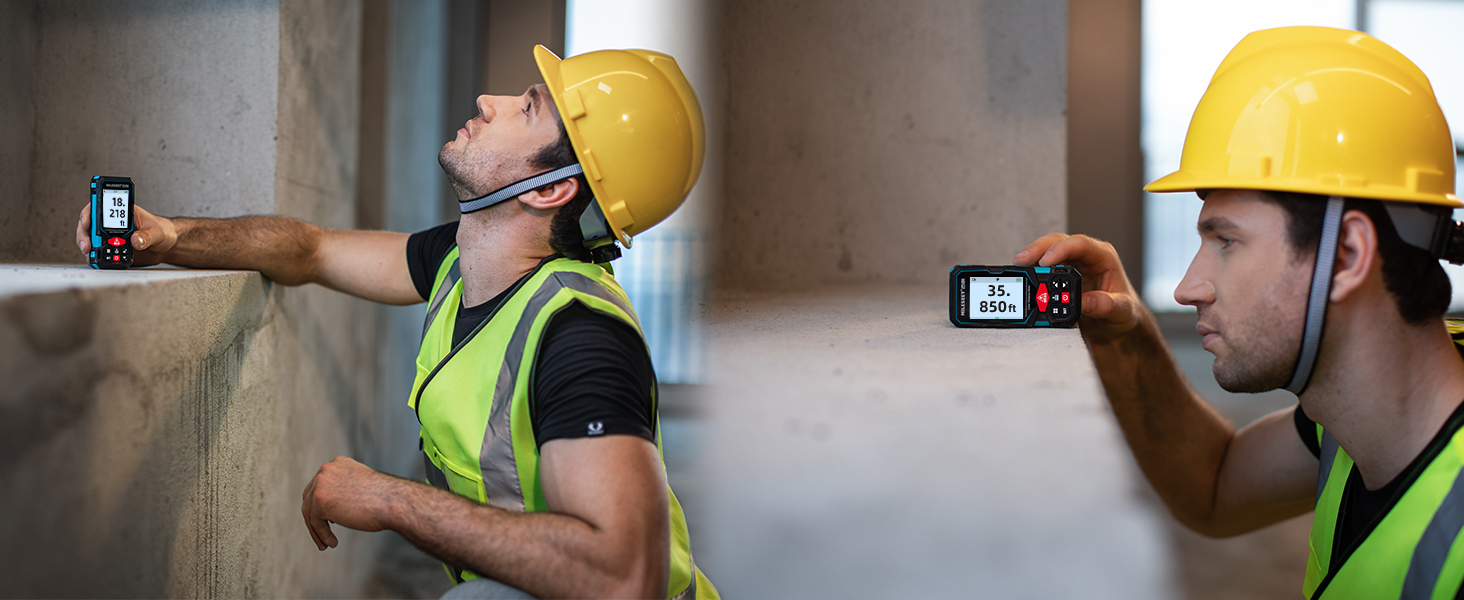
Figure 6: Available measurement modes.
- Single Measurement: Standard distance measurement.
- Area Measurement: Measures length and width to calculate area.
- Volume Measurement: Measures length, width, and height to calculate volume.
- Pythagorean Theorem (2-point & 3-point): Calculates indirect measurements using the Pythagorean theorem.
- Continuous Measurement: Provides real-time distance updates as the device is moved.
- Trapezoid Measurement: Calculates the area of a trapezoid.
- Stake-out Measurement: Helps mark specific distances or intervals.
- Angle Sensor: Provides real-time angle readings.
6.3 Unit Switching
Press the Unit button to cycle through available measurement units: meters (m), centimeters (cm), millimeters (mm), inches (in), feet (ft), and feet+inches (ft+in).
6.4 App Connectivity
The MiLESEEY S7 can connect to an intelligent application (Smart Life) on mobile devices. This allows for data transfer, storage of up to 1,000 groups of data, and the ability to draw projects or add dimensions directly onto photographs.

Figure 7: App connectivity for data management.
6.5 Delayed Measurement
For precise aiming at long distances, the delayed measurement function can be used. This feature helps avoid device shaking when pressing the measurement key.

Figure 8: Delayed measurement in action.
6.6 Display Settings
The device features an auto-rotating display to ensure measurements are always aligned for readability. Users can also switch between black screen with white text and white screen with black text to adapt to various lighting conditions, and activate a "Big Text" mode for enhanced visibility.
7. Maintenance
- Cleaning: Use a soft, damp cloth to clean the device. Do not use abrasive cleaners or solvents. Ensure the laser lens is kept clean for accurate measurements.
- Storage: Store the device in its carrying case in a dry, cool place when not in use. Remove batteries if storing for extended periods.
- Battery Care: Recharge Ni-MH batteries regularly to maintain their lifespan. Replace alkaline batteries when the low battery indicator appears.
8. Troubleshooting
If you encounter issues with your MiLESEEY S7, refer to the following common problems and solutions:
| Problem | Possible Cause | Solution |
|---|---|---|
| Device does not power on | Low or depleted batteries; incorrect battery installation. | Replace or recharge batteries; ensure correct polarity. |
| Inaccurate measurements | Laser lens is dirty; unstable measurement surface; environmental interference (e.g., strong sunlight, highly reflective surfaces). | Clean the laser lens; ensure a stable measurement point; use delayed measurement for stability; measure in more favorable conditions if possible. |
| Display is dim or unreadable | Low battery; display settings. | Recharge or replace batteries; adjust display brightness or switch between black/white screen modes. |
| App connectivity issues | Bluetooth not enabled; app not updated; device not paired. | Ensure Bluetooth is active on your mobile device; update the Smart Life app; follow app pairing instructions. |
9. Technical Specifications
| Feature | Specification |
|---|---|
| Brand | MiLESEEY |
| Model | S7 |
| Measuring Range | 0.65 - 330 ft |
| Accuracy | +/- 1/16 inch |
| Display | 2.4-inch Color IPS Backlit Display |
| International Protection Rating | IP65 (Waterproof and Dust Resistant) |
| Power Source | 3 AAA batteries (rechargeable Ni-MH or alkaline) |
| Battery Cell Type | NiMH (rechargeable) / Alkaline |
| Item Weight | 180 Grams (6.3 ounces) |
| Product Dimensions | 2.17"L x 0.98"W x 4.72"H |
| Material | Acrylonitrile Butadiene Styrene, Rubber |
| Measurement Units | m/cm/mm/in/ft+in |
| Data Storage | Up to 1,000 groups |
10. Warranty and Support
The MiLESEEY S7 Laser Distance Meter comes with a 12-month warranty from the date of purchase. For warranty claims, technical support, or any inquiries, please contact MiLESEEY customer service. Refer to the contact information provided with your purchase or visit the official MiLESEEY website.


