
PowerLocus P4
PowerLocus P4 Bluetooth Over-Ear Headphones User Manual
Model: P4
1. Introduction
Thank you for choosing PowerLocus P4 Bluetooth Over-Ear Headphones. This manual provides detailed instructions to help you set up, operate, and maintain your headphones for the best possible audio experience. Please read this manual thoroughly before use.
2. What's in the Box
- PowerLocus P4 Bluetooth Headphones
- 3.5mm Aux Cable
- USB Charging Cable
- Protective Carry Case

Figure 2.1: Included Components
The package includes your PowerLocus P4 headphones, a 3.5mm audio cable for wired use, a USB charging cable, and a durable protective carry case for portability and storage.
3. Product Overview
3.1 Headphone Features
- Hi-Fi Stereo Deep Bass: Equipped with large 40mm dynamic drivers for balanced sound and rich bass.
- Bluetooth 5.3 Connectivity: Ensures a fast, stable connection with low latency up to 10 meters.
- Long Battery Life: Up to 30 hours of wireless playtime on a single charge.
- Wired Mode Option: Use with the included 3.5mm aux cable when battery is low or for non-Bluetooth devices.
- Built-in Microphone: For hands-free calls and conference calls.
- Foldable Design: Compact and portable for easy storage in the protective carry case.
- Soft Earmuffs & Adjustable Headband: Designed for long-lasting wearing comfort.
- Integrated Controls: Convenient buttons for volume, play/pause, track control, and call management.

Figure 3.1: Headphone Controls
The PowerLocus P4 headphones feature intuitive controls located on the earcup for easy access to media playback and call functions. The headband is adjustable and the earcups are designed for maximum comfort during extended use.

Figure 3.2: Soft Earmuffs
The soft, noise-isolating earmuffs provide a comfortable fit and help to reduce external noise, enhancing your listening experience.

Figure 3.3: Adjustable Headband
The stainless steel extendable sides allow for easy adjustment of the headband to fit various head sizes, ensuring a secure and comfortable fit for both adults and children.
4. Setup
4.1 Charging the Headphones
- Connect the smaller end of the USB charging cable to the charging port on the headphones.
- Connect the larger end of the USB charging cable to a USB power adapter (not included) or a computer's USB port.
- The LED indicator on the headphones will illuminate to show charging status.
- A full charge takes approximately 3 hours. The LED indicator will change or turn off once charging is complete.
4.2 Bluetooth Pairing
- Ensure the headphones are fully charged.
- Press and hold the Power button on the headphones until the LED indicator flashes blue and red, indicating pairing mode.
- On your device (smartphone, tablet, PC), enable Bluetooth and search for available devices.
- Select "PowerLocus P4" from the list of found devices.
- Once paired, the LED indicator on the headphones will turn solid blue or flash slowly.
- If prompted for a password, enter "0000".
4.3 Wired Connection
- Insert one end of the 3.5mm Aux Cable into the audio jack on the headphones.
- Insert the other end of the 3.5mm Aux Cable into the audio output jack of your device.
- The headphones will automatically switch to wired mode. No battery power is required for wired use.
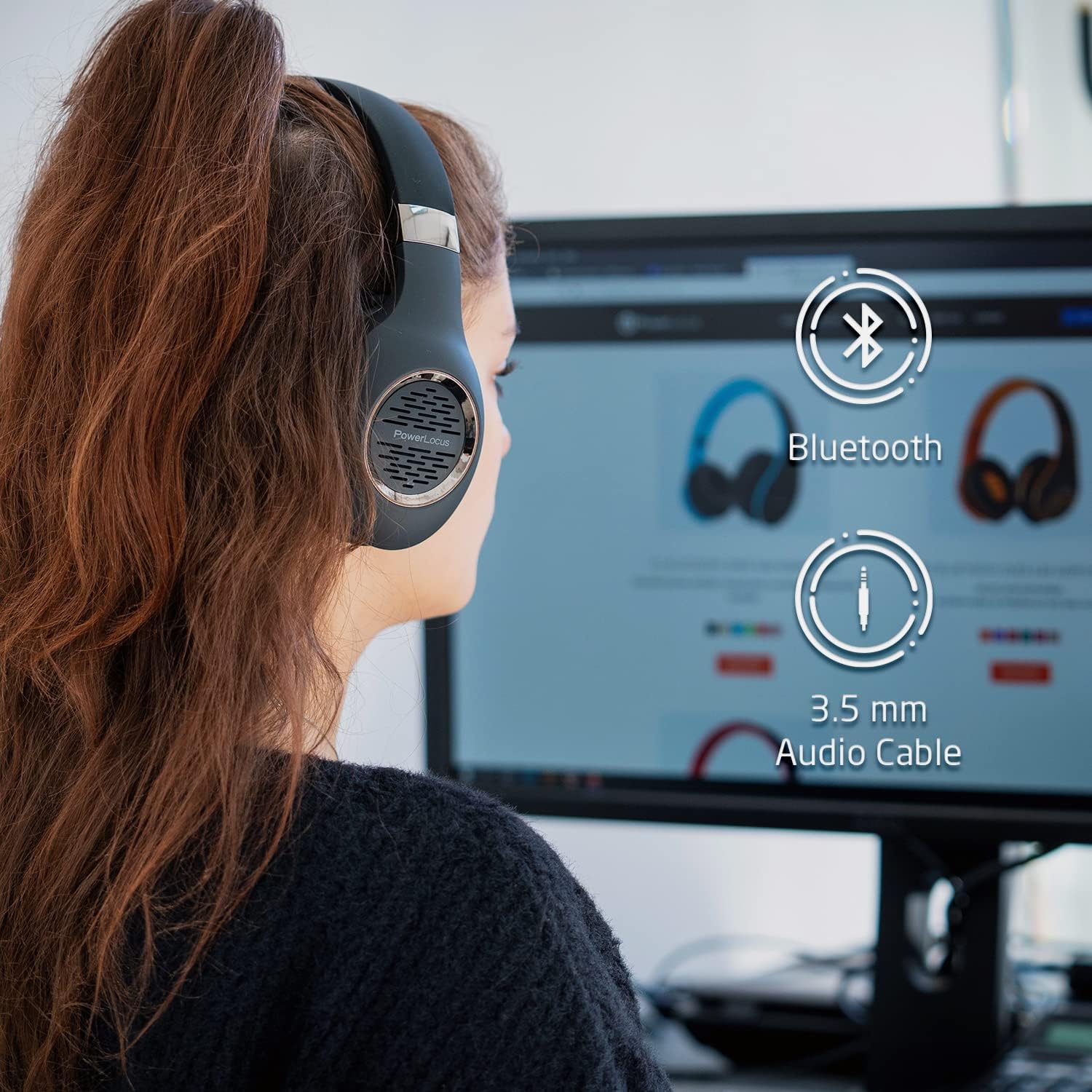
Figure 4.1: Bluetooth and Wired Connectivity Options
The PowerLocus P4 headphones offer versatile connectivity, allowing you to enjoy your audio wirelessly via Bluetooth or through a traditional wired connection using the included 3.5mm aux cable.
5. Operating Instructions
5.1 Power On/Off
- Power On: Press and hold the Power button for 3 seconds.
- Power Off: Press and hold the Power button for 3 seconds.
5.2 Music Playback
- Play/Pause: Press the Play/Pause button once.
- Next Track: Press and hold the Volume Up (+) button.
- Previous Track: Press and hold the Volume Down (-) button.
- Volume Up: Short press the Volume Up (+) button.
- Volume Down: Short press the Volume Down (-) button.
5.3 Call Management
- Answer/End Call: Press the Play/Pause button once.
- Reject Call: Press and hold the Play/Pause button for 2 seconds.
- Redial Last Number: Double-press the Play/Pause button.
6. Maintenance
- Cleaning: Use a soft, dry cloth to clean the headphones. Do not use abrasive cleaners or solvents.
- Storage: When not in use, store the headphones in their protective carry case to prevent damage. Avoid storing in extreme temperatures or high humidity.
- Battery Care: To prolong battery life, fully charge the headphones before first use and at least once every three months if not used regularly.
- Water Exposure: These headphones are not waterproof. Avoid exposure to liquids.

Figure 6.1: Portable Design with Carry Case
The foldable design allows the headphones to fit perfectly into the included hard protective carry case, making them ideal for travel and ensuring their longevity.
7. Troubleshooting
| Problem | Possible Cause | Solution |
|---|---|---|
| Headphones do not power on. | Low battery. | Charge the headphones for at least 3 hours. |
| Cannot pair with device. | Headphones not in pairing mode; Bluetooth off on device; device too far. | Ensure headphones are flashing blue/red. Turn on Bluetooth on your device. Move device closer (within 10 meters). |
| No sound in wireless mode. | Volume too low; not properly paired; incorrect audio output selected on device. | Increase headphone and device volume. Re-pair headphones. Check device's audio output settings. |
| No sound in wired mode. | 3.5mm cable not fully inserted; cable damaged. | Ensure cable is fully inserted into both devices. Try a different 3.5mm cable if available. |
| Poor sound quality. | Weak Bluetooth signal; audio source quality. | Move closer to the paired device. Try a different audio source or file. |
8. Specifications
| Feature | Detail |
|---|---|
| Model Name | P4 |
| Connectivity Technology | Wireless (Bluetooth 5.3), Wired (3.5mm Jack) |
| Audio Driver Size | 40 mm |
| Bluetooth Range | Up to 10 meters |
| Battery Life | Up to 30 hours |
| Charging Time | Approx. 3 hours |
| Item Weight | 180 Grams (6.3 ounces) |
| Noise Control | Sound Isolation |
| Compatible Devices | Cellphones, Gaming Consoles, Laptops, Tablets, PC, Television |
9. Warranty and Support
PowerLocus offers a 2-Year Full Warranty for your P4 Bluetooth Headphones. This warranty covers manufacturing defects and ensures the quality and durability of your product.
For any questions, technical assistance, or warranty claims, please contact PowerLocus customer support. Our CANADA-based toll-free phone support service is available to assist you.
Please refer to the contact information provided on the product packaging or visit the official PowerLocus website for the most up-to-date support details.
Related documentsP4


Ask a question about this manual
Ask about setup, troubleshooting, compatibility, parts, safety, or missing instructions. Manuals+ will review the question and use this page’s manual context to help answer it.