
Godox LR180
Godox LR180 Daylight Ringlight User Manual
Model: LR180 (Pink)
Introduction
This manual provides detailed instructions for the safe and effective operation of your Godox LR180 Daylight Ringlight. Please read this manual thoroughly before use to ensure optimal performance and to prevent damage to the product or injury to yourself.
The Godox LR180 Daylight Ringlight is designed to provide bright, high-quality, and consistent lighting for various applications, including portrait photography, fashion shoots, and video content creation. Its 5600K color temperature emulates natural daylight, and the ring design produces flattering, near-shadowless illumination with distinctive circular catchlights.
Safety Information
- Do not expose the unit to rain or damp environments.
- Do not disassemble. Should repairs be necessary, this unit must be sent to an authorized maintenance center.
- Keep out of reach of children.
- Do not operate the unit in the presence of flammable gases or liquids.
- Always disconnect the power adapter before cleaning or when not in use.
- Ensure proper ventilation during operation to prevent overheating.
- Avoid direct eye exposure to the light source when illuminated.
Package Contents
Please check to ensure all items are present in your package:
- Godox LR180 Daylight Ringlight (Pink)
- AC Power Adapter
- Smartphone Holder (may be pre-attached or separate)
Product Overview
Familiarize yourself with the components of your Godox LR180 Ringlight.

Figure 1: Front view of the Godox LR180 Daylight Ringlight, showing the illuminated LED ring and the mounting bracket at the bottom.
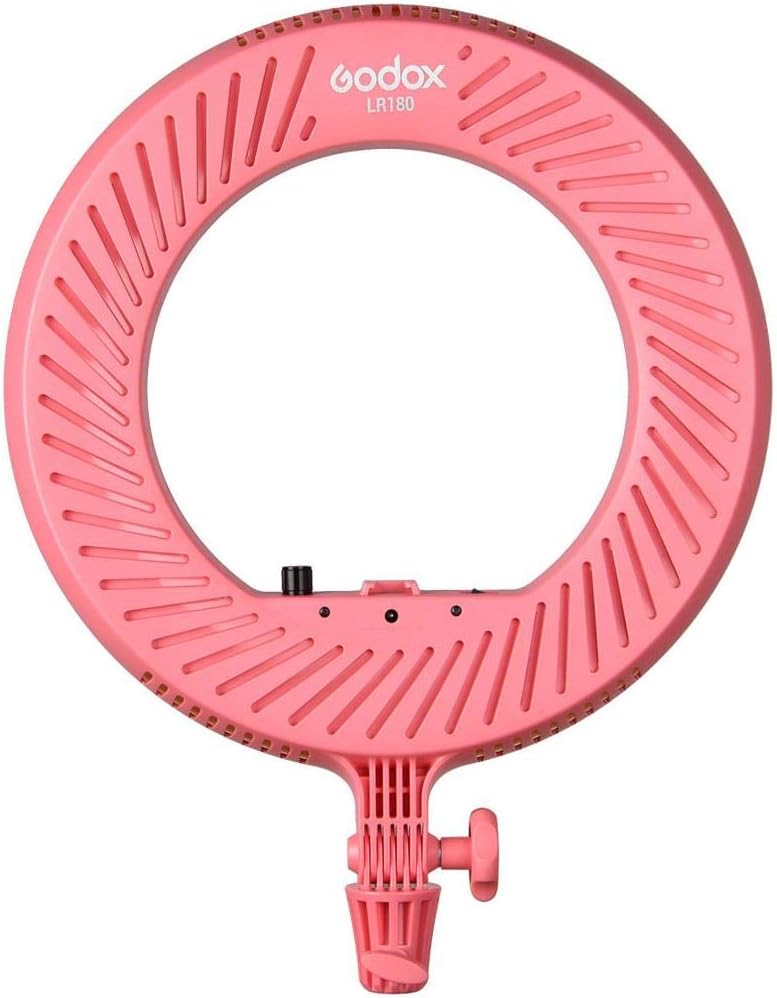
Figure 2: Rear view of the Godox LR180 Daylight Ringlight, highlighting the ventilation grooves and the Godox branding.

Figure 3: Detail of the control panel, including the power switch, dimmer knob, and DC power input port.

Figure 4: The AC power adapter, used to power the ring light.
Key Features:
- Optimal Brightness Control: Easily adjust light intensity with the built-in dimming feature.
- Accurate Color Rendering: High CRI of 92 ensures true-to-life colors.
- Even, Soft Lighting: 14.2" ring design minimizes shadows and creates flattering illumination.
- Versatile Mounting Options: Mounts on any standard light stand using the 5/8" receiver.
- Durable & Reliable: Passive cooling system prevents overheating for extended use.
Setup
- Mounting the Ringlight:
Locate the 5/8" receiver at the base of the ringlight. Attach the ringlight to a compatible light stand or grip head. Secure it by tightening the locking knob on the stand/grip head.
- Connecting Power:
Connect the included AC power adapter to the DC power input port on the back of the ringlight (refer to Figure 3). Plug the other end of the AC adapter into a suitable wall outlet.
- Attaching Smartphone Holder (Optional):
If using a smartphone, attach the smartphone holder to the designated slot within the center of the ringlight. Adjust the holder to securely grip your smartphone.
Operating Instructions
- Powering On/Off:
Locate the power switch on the control panel (refer to Figure 3). Flip the switch to the "ON" position to power on the ringlight. Flip it to the "OFF" position to power off.
- Adjusting Brightness:
Rotate the dimmer knob on the control panel (refer to Figure 3) clockwise to increase the brightness and counter-clockwise to decrease the brightness. Adjust to achieve your desired illumination level.
- Using Diffusers (Optional):
The LR180 may come with optional diffusers (e.g., white or orange, see Figure 5 and Figure 6) that can be placed over the LED ring to modify the light quality or color temperature. Gently place the diffuser over the front of the ringlight until it is securely seated.

Figure 5: White diffuser, used for softening light.
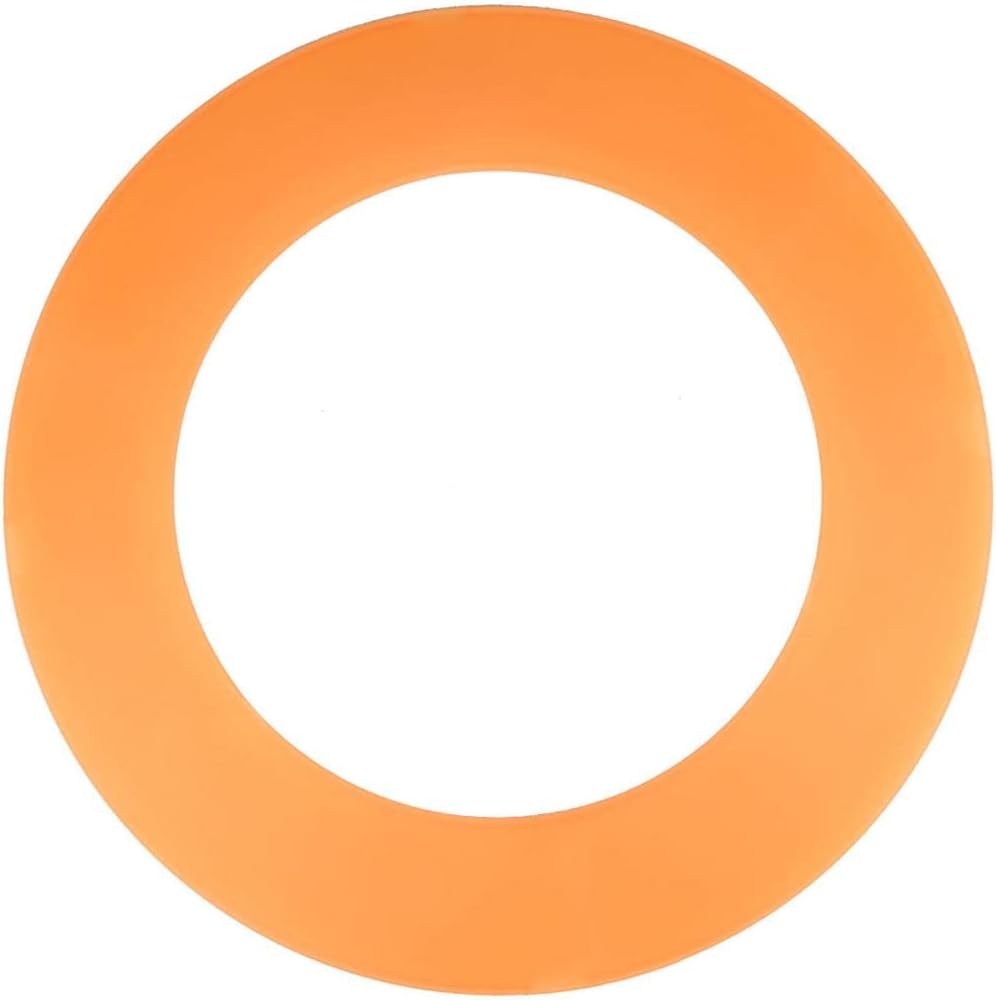
Figure 6: Orange diffuser, used for warming light color temperature.
Maintenance
- Cleaning:
Before cleaning, ensure the ringlight is powered off and unplugged from the power source. Use a soft, dry cloth to wipe the exterior of the unit. For stubborn marks, a slightly damp cloth with mild detergent can be used, followed by a dry wipe. Do not use harsh chemicals or abrasive cleaners.
- Storage:
When not in use, store the ringlight in a cool, dry place, away from direct sunlight and excessive humidity. If storing for an extended period, consider using the original packaging or a protective case.
- Handling:
Handle the ringlight with care. Avoid dropping or subjecting it to strong impacts, which can damage the internal components or the LED array.
Troubleshooting
| Problem | Possible Cause | Solution |
|---|---|---|
| Ringlight does not turn on. |
|
|
| Light output is too dim or too bright. |
|
|
| Ringlight flickers. |
|
|
Specifications
| Feature | Detail |
|---|---|
| Product Dimensions | 20.3 x 16.6 x 3.8 inches |
| Item Weight | 3.8 pounds |
| Model Number | LR180 (Ring Light) |
| Manufacturer | Godox |
| Country of Origin | China |
| Hardware Interface | USB (Note: This refers to potential internal components or compatibility, the primary power is AC) |
| Water Resistance Level | Not Water Resistant |
| Color Temperature | 5600K (Daylight) |
| CRI | 92 |
Warranty and Support
For warranty information and technical support, please refer to the warranty card included with your product or visit the official Godox website. Keep your purchase receipt as proof of purchase for warranty claims.
Godox Official Website: www.godox.com
For further assistance, you may also contact the seller, Adorama, through their customer service channels.
Related documentsLR180


Ask a question about this manual
Ask about setup, troubleshooting, compatibility, parts, safety, or missing instructions. Manuals+ will review the question and use this page’s manual context to help answer it.