
Arctic Air AAU-MC4
Arctic Air Ultra Evaporative Air Cooler User Manual
Model: AAU-MC4 | Brand: Arctic Air
Introduction
The Arctic Air Ultra is a powerful, portable personal space cooler designed to transform hot, stuffy environments into cool, refreshing spaces. Utilizing Hydro-Chill Technology, it cools, humidifies, and purifies the air around you. Its compact and lightweight design makes it ideal for use in various personal spaces such as bedrooms, offices, living rooms, and more.

Figure 1: Arctic Air Ultra Evaporative Air Cooler in its retail packaging.
Important Safety Information
WARNING: Read all instructions before using this appliance. Failure to follow these instructions may result in electric shock, fire, or serious personal injury.
- Always place the Arctic Air Ultra on a level surface.
- Do not block the air vents.
- Keep out of reach of children and pets.
- Do not immerse the unit in water or other liquids.
- Use only the provided power adapter.
- Unplug the unit when not in use or before cleaning.
- Do not use if the unit or power cord is damaged.
- Ensure the water tank is properly seated to prevent leaks.
Package Contents
Verify that all components are present in your package:
- 1 x Arctic Air™ Ultra Evaporative Air Cooler
- 1 x Replaceable Evaporative Air Filter
- 1 x Wall Adapter
- 1 x Easy Instruction Guide
Setup
- Unpack the Unit: Carefully remove the Arctic Air Ultra from its packaging.
- Place the Unit: Position the cooler on a flat, stable surface. Ensure there is clear space around the unit for optimal airflow.
- Prepare the Filter:
For best cooling results, it is recommended to pre-soak the evaporative air filter and place it in the freezer for a short period before use. This enhances the Hydro-Chill effect.
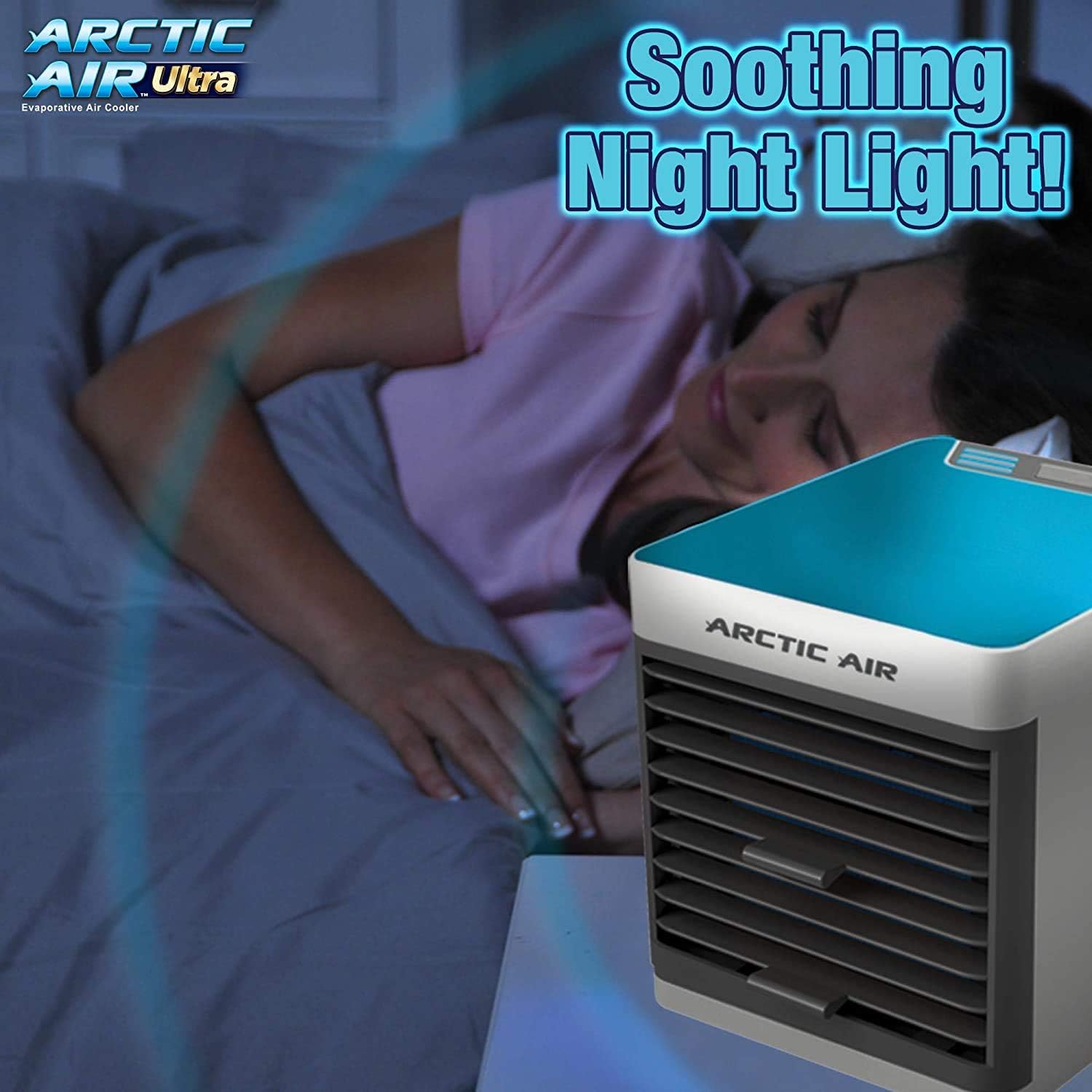
Figure 2: Illustration of preparing the evaporative air filter for maximum cooling.
- Fill the Water Tank: Open the top fill water tank cover. Slowly pour clean, cool water into the tank until it reaches the MAX fill line. Do not overfill.

Figure 3: Filling the Arctic Air Ultra's top-fill water tank.
- Connect Power: Plug the wall adapter into the unit's power port, then plug the adapter into a standard electrical outlet (120 Volts AC).
Operating Instructions
The Arctic Air Ultra features intuitive controls for easy operation.

Figure 4: Front view of the Arctic Air Ultra, showing the adjustable air vents.
- Power On/Off: Press the power button on the control panel to turn the unit ON. Press it again to turn OFF.
- Adjust Fan Speed: The unit offers three fan speeds: Low, Medium, and High. Press the fan speed button repeatedly to cycle through the settings until your desired airflow is achieved.
- Adjust Air Vent: The multi-directional air vent on the front of the unit can be manually adjusted to direct the cool air precisely where you need it.
- Night Light Function: The Arctic Air Ultra includes a soothing night light feature. Press the light button to activate or deactivate the night light.

Figure 5: The Arctic Air Ultra's soothing night light provides ambient illumination.
- Hydro-Chill Technology: The unit draws in hot, dry air, which then passes through the evaporative air-cooling filter saturated with water. This process cools and humidifies the air, releasing a refreshing breeze.

Figure 6: How Hydro-Chill Technology transforms hot, dry air into cool, moist air.
Maintenance
Regular maintenance ensures optimal performance and longevity of your Arctic Air Ultra.
- Cleaning the Evaporative Air Filter: The filter should be cleaned regularly to prevent mold and maintain efficiency. Remove the filter from the unit and rinse it under cool water. For deeper cleaning, soak the filter in water with a mild detergent, then rinse thoroughly. Allow the filter to air dry completely before reinserting.
- Cleaning the Water Tank: Periodically empty and clean the water tank to prevent mineral buildup and bacterial growth. Wipe the inside of the tank with a soft cloth and mild soap, then rinse thoroughly.
- Exterior Cleaning: Wipe the exterior of the unit with a soft, damp cloth. Do not use abrasive cleaners or solvents.
- Storage: If storing the unit for an extended period, ensure the water tank is empty and dry, and the filter is clean and dry. Store in a cool, dry place.
Troubleshooting
| Problem | Possible Cause | Solution |
|---|---|---|
| Unit does not turn on. | No power, loose connection. | Ensure power adapter is securely plugged into the unit and a working electrical outlet. |
| No cool air/weak airflow. | Low water level, dirty filter, blocked vents. | Refill water tank. Clean or replace the evaporative filter. Ensure air vents are not obstructed. |
| Water leakage. | Overfilled tank, unit not on level surface, damaged tank. | Do not overfill the water tank. Place the unit on a level surface. Inspect tank for damage. |
| Unpleasant odor. | Dirty water or filter. | Empty and clean the water tank. Clean the evaporative filter thoroughly. Use fresh, clean water. |
Specifications
| Feature | Detail |
|---|---|
| Brand | Arctic Air |
| Model Name | Arctic Air Ultra |
| Item Model Number | AAU-MC4 |
| Mounting Type | Freestanding |
| Special Feature | Portable |
| Color | Black, White |
| Controls Type | Button |
| Product Dimensions | 10.15"D x 11.1"W x 12.9"H |
| Item Weight | 1.45 pounds |
| Voltage | 120 Volts (AC) |
| Amperage | 0.07 Amps |
| Noise Level | 3 dB |
| Manufacturer | Ontel Products |
| UPC | 735541840265 |
Warranty Information
This product comes with no stated warranty. Please refer to your retailer's return policy for any issues.
Customer Support
For further assistance or inquiries, please contact Ontel Products. You may also refer to the official user guide PDF for detailed instructions:
- Official User Guide (PDF): Download User Guide
- Official Installation Manual (PDF): Download Installation Manual
For best results and FAQs, you may also visit the manufacturer's website if available (not explicitly provided in the input, but a common support channel).
Related Documents - AAU-MC4
 |
Arctic Air Tower Product Guide: Assembly, Usage, and Maintenance for Evaporative Air Cooler Official product guide for the Arctic Air Tower evaporative air cooler (Model 18009). Includes step-by-step assembly, usage instructions, maintenance tips, and important safety warnings. |
 |
Arctic Air Ultra Evaporative Air Cooler Product Guide Comprehensive product guide for the Arctic Air Ultra personal space cooler, covering setup, usage instructions, maintenance tips, and important safety warnings. Learn how to operate and care for your evaporative air cooler. |
 |
Arctic Air Portable Evaporative Air Cooler Product Guide Comprehensive product guide for the Arctic Air portable evaporative air cooler, covering setup, usage, maintenance, tips, and safety warnings. |
 |
Arctic Air Grip Go Portable Evaporative Cooler User Guide & Instructions Learn how to use, charge, and maintain your Arctic Air Grip Go portable evaporative cooler. Includes setup, features, and safety warnings for optimal cooling. |
 |
Arctic Air Turbo Chill Tower Instruction Manual - Assembly, Usage, and Maintenance Guide This document provides comprehensive instructions for the Arctic Air Turbo Chill Tower, covering assembly, daily usage, cooling controls, maintenance procedures, and important safety warnings. Learn how to set up, operate, and care for your personal evaporative cooler. |
 |
Arctic Air Outdoor Pro Evaporative Cooler: Instructions and User Guide Get detailed instructions for setting up and operating your Arctic Air Outdoor Pro evaporative cooler. Learn about its features, safety warnings, and FCC compliance for optimal performance. |
Ask a question about this manual
Ask about setup, troubleshooting, compatibility, parts, safety, or missing instructions. Manuals+ will review the question and use this page’s manual context to help answer it.