
Introduction
This manual provides instructions for the DigiPower 7-Piece Instant Camera Accessory Kit, designed for use with Fujifilm Instax Mini 9 and Mini 7s instant cameras. This kit enhances your instant photography experience by offering protection, creative tools, and display options for your photos.
Included Components
The DigiPower 7-Piece Instant Camera Accessory Kit includes the following items:
- Camera Case: A protective case with an adjustable shoulder strap.
- Selfie Mirror Lens: An attachment for taking self-portraits.
- Mini Photo Album: For storing and organizing instant photos.
- 4 Color Filters: Red, blue, orange, and green filters for creative effects.
- 5 Picture Frames: Tabletop frames for displaying photos.
- Hanging Picture Frame Set: Includes frames, string, and clips for a decorative display.
- 40 Decorative Foil Stickers: For personalizing photos and albums.
Setup
1. Camera Case
Open the camera case and carefully insert your Fujifilm Instax Mini 9 or Mini 7s camera. Ensure the camera fits snugly. Attach the adjustable shoulder strap to the case's loops for comfortable carrying.

Image: The blue camera case designed to protect your instant camera.
2. Selfie Mirror Lens and Color Filters
To attach the selfie mirror lens or a color filter, align it with the lens of your instant camera and gently press until it clicks into place. Ensure it is securely fastened before use. To remove, gently pull it off the camera lens.
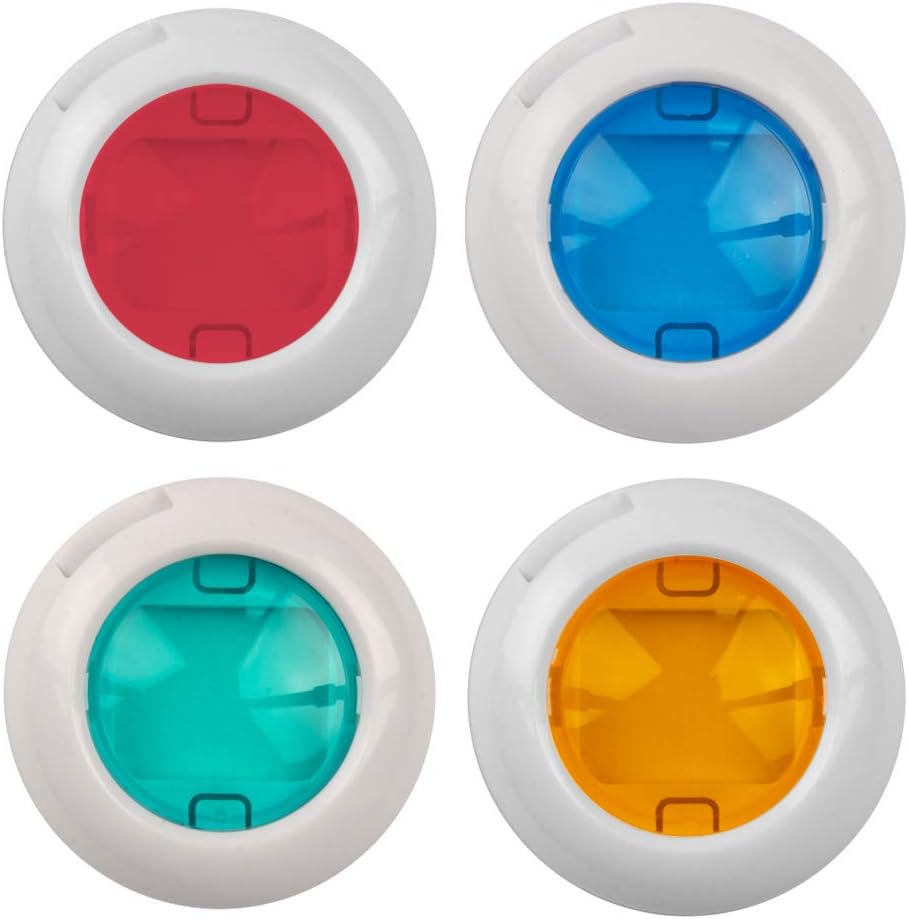
Image: The four color filters (red, blue, green, orange) that attach to the camera lens.
3. Mini Photo Album
The mini photo album is ready for use. Simply slide your instant photos into the clear pockets provided within the album.
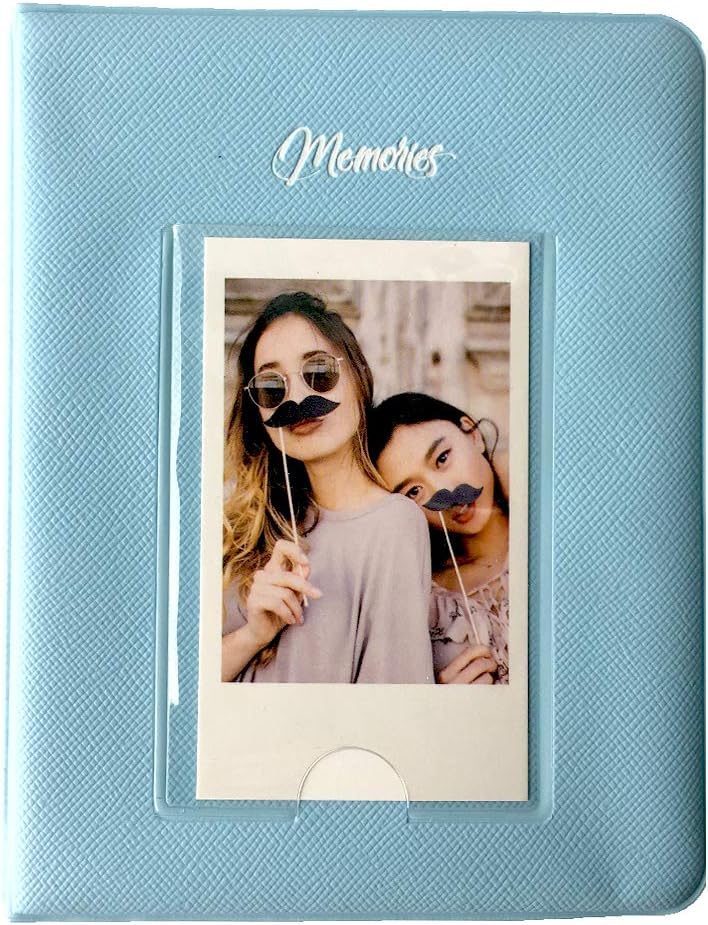
Image: The blue mini photo album, designed to hold instant camera prints.
4. Picture Frames (Tabletop)
These frames are designed for tabletop display. Insert your instant photos into the frames and place them on any flat surface.

Image: A set of five colorful tabletop picture frames for instant photos.
5. Hanging Picture Frame Set
Thread the provided string through the small holes on the hanging frames. Use the included clips to attach your instant photos to the string. Hang the string in your desired location for a decorative display.

Image: The hanging picture frame set, including frames, string, and clips.
6. Decorative Foil Stickers
Peel the decorative foil stickers from their backing and apply them to your instant photos or the pages of your mini photo album for personalization.

Image: Sheets of decorative foil stickers with various patterns.
Operating
Using the Camera Case
The camera case provides protection for your instant camera during transport and storage. The adjustable shoulder strap allows for convenient hands-free carrying.
Taking Selfies with the Selfie Mirror Lens
Once the selfie mirror lens is attached to your camera, use the integrated mirror to compose your self-portrait before pressing the shutter button. This helps ensure you are properly framed in the shot.
Applying Color Effects with Filters
Attach one of the four color filters (red, blue, orange, green) to your camera lens to add a specific color tint to your instant photos. Experiment with different filters to achieve various creative moods and effects.
Organizing Photos with the Mini Photo Album
After printing, slide your instant photos into the clear sleeves of the mini photo album. This keeps your photos protected from dust and damage, and organized for easy viewing.
Displaying Photos with Frames
Use the tabletop frames to display individual photos on desks, shelves, or nightstands. For a more dynamic display, utilize the hanging frame set to create a photo garland on a wall or across a room.
Decorating with Stickers
The decorative foil stickers can be used to add borders, patterns, or small embellishments directly onto your instant photos or to decorate the pages of your photo album, adding a personal touch to your memories.
Maintenance
- Cleaning the Camera Case: Wipe the camera case with a soft, damp cloth. Avoid harsh chemicals.
- Cleaning Lenses and Filters: Use a microfiber cloth specifically designed for optics to gently wipe the selfie mirror lens and color filters. Do not use abrasive materials or cleaning solutions that could scratch the surfaces.
- Photo Album and Frames: Keep the photo album and frames in a dry, cool place away from direct sunlight to prevent fading or damage to your photos. Dust with a soft, dry cloth as needed.
Troubleshooting
- Accessory Not Fitting Camera: Ensure your camera is a Fujifilm Instax Mini 9 or Mini 7s. These accessories are specifically designed for these models.
- Difficulty Attaching Lens/Filter: Ensure proper alignment with the camera lens. Apply gentle, even pressure until it clicks into place. Do not force it.
- Photos Not Sticking to Album/Frames: Ensure photos are completely dry before placing them in the album or frames. Stickers are designed for instant photo paper surfaces.
Specifications
| Feature | Detail |
|---|---|
| Brand | DigiPower |
| Model Number | DP-FJI9K-BL |
| Compatible Devices | Fujifilm Instax Mini 9, Fujifilm Instax Mini 7s |
| Included Components | Camera Bag, Selfie Mirror Lens, Mini Photo Album, 4 Color Filters, 5 Picture Frames, Hanging Frame Set, 40 Decorative Foil Stickers |
| Color | Blue (for camera case and album) |
| UPC | 758302170760 |
Warranty and Support
For warranty information or technical support regarding your DigiPower 7-Piece Instant Camera Accessory Kit, please refer to the manufacturer's official website or contact their customer service directly. Keep your purchase receipt as proof of purchase.