
iJoy 842700118544
iJoy Eclipse True Wireless Bluetooth Speakers User Manual
Model: 842700118544
Introduction
Thank you for purchasing the iJoy Eclipse True Wireless Bluetooth Speakers. These compact and portable speakers are designed to deliver a rich audio experience with the convenience of true wireless stereo pairing. This manual provides essential information for setting up, operating, maintaining, and troubleshooting your speakers.
Package Contents
- Two iJoy Eclipse True Wireless Bluetooth Speakers
- Carrying Case
- USB Charging Cord
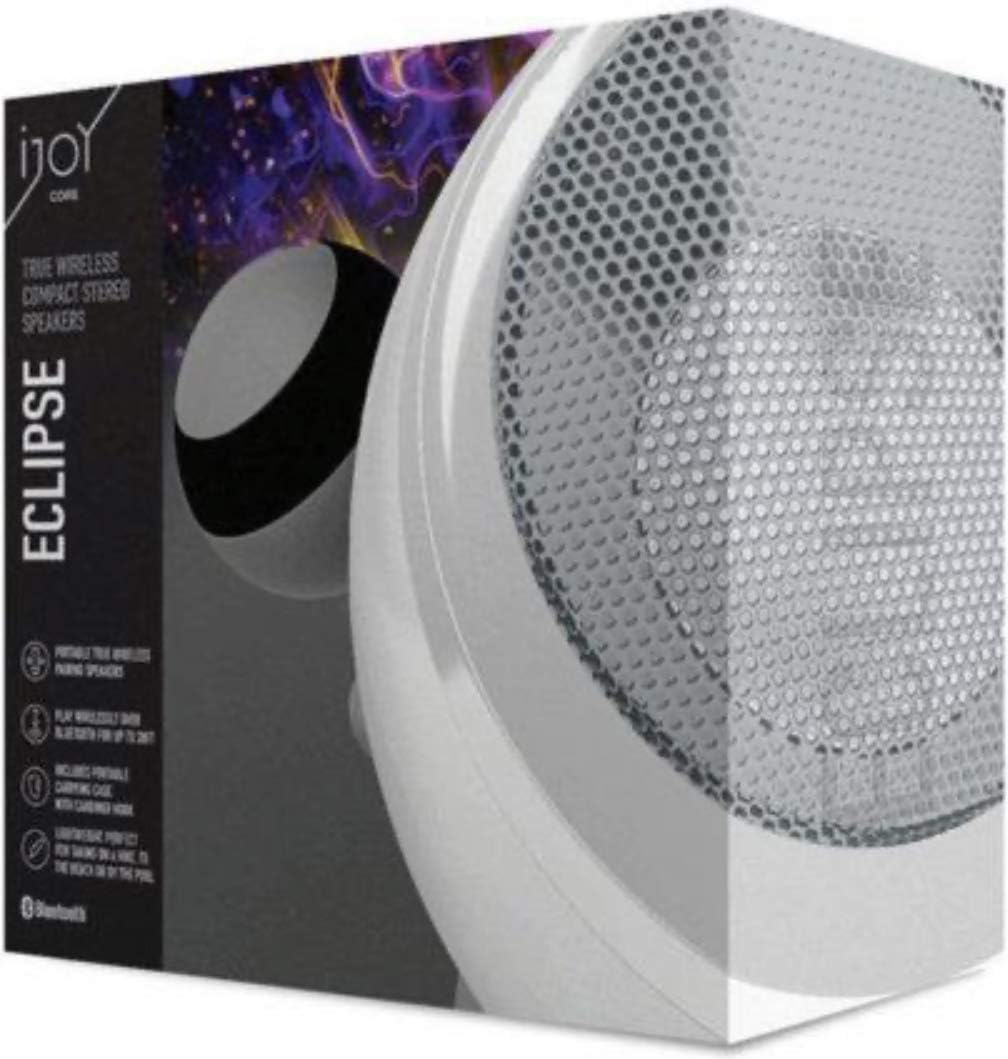
Image: The retail packaging for the iJoy Eclipse True Wireless Bluetooth Speakers, showing one speaker and the product branding.
Setup Guide
1. Charging the Speakers
Before first use, fully charge both speakers. Connect the supplied USB charging cord to the charging port on each speaker and plug the other end into a standard USB power adapter (not included) or a computer's USB port. The charging indicator light will illuminate during charging and turn off when fully charged.
2. Powering On/Off
- To Power On: Press and hold the power button on each speaker until you hear an audible prompt or see the indicator light flash.
- To Power Off: Press and hold the power button on each speaker again until you hear an audible prompt or the indicator light turns off.
3. True Wireless Stereo (TWS) Pairing
For a stereo audio experience, pair both speakers together:
- Ensure both speakers are powered off.
- Power on both speakers simultaneously. They will automatically attempt to pair with each other.
- Once successfully paired, one speaker will act as the master (left channel) and the other as the slave (right channel). You will hear an audible confirmation.
- The master speaker will then enter Bluetooth pairing mode, indicated by a flashing light, ready to connect to your device.
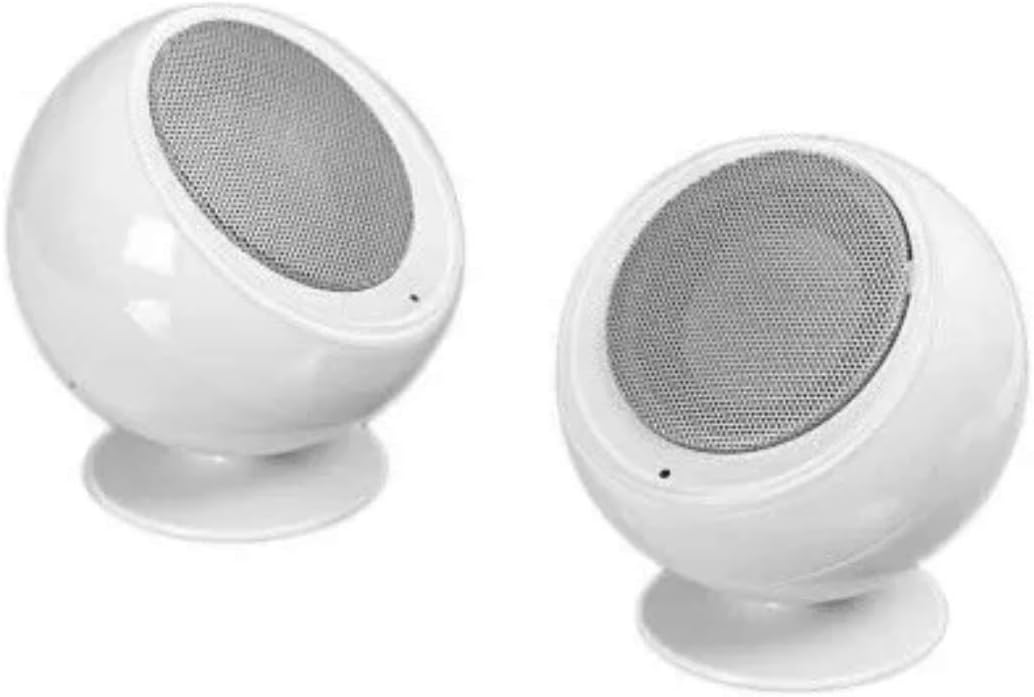
Image: Two iJoy Eclipse True Wireless Bluetooth Speakers, showing their compact, spherical design and white finish.
Operating Instructions
1. Connecting to Your Device via Bluetooth
After TWS pairing (if desired), connect the speakers to your smartphone, tablet, computer, or MP3 player:
- On your device, enable Bluetooth and search for available devices.
- Select "iJoy Eclipse" from the list of found devices.
- Once connected, you will hear an audible confirmation from the speakers.
2. Audio Playback and Controls
Control playback directly from your connected Bluetooth device. The iJoy Eclipse speakers are designed for audio output and do not feature integrated playback controls on the units themselves. Volume adjustments should be made on your source device.
3. Waterproof Feature
The iJoy Eclipse speakers are designed with a waterproof rating, making them suitable for outdoor use and resistant to splashes. However, they are not intended for submersion in water. Ensure charging ports are dry before connecting the USB cord.
Maintenance
Cleaning
Wipe the speakers with a soft, dry, or slightly damp cloth. Do not use abrasive cleaners, alcohol, or chemical solvents, as these may damage the surface. Ensure the speakers are powered off and disconnected from any power source before cleaning.
Storage
When not in use, store the speakers in their provided carrying case in a cool, dry place, away from direct sunlight and extreme temperatures. Avoid storing them in humid environments.

Image: The iJoy Eclipse True Wireless Bluetooth Speakers neatly stored inside their included black zippered carrying case.
Battery Care
To prolong battery life, avoid fully discharging the speakers frequently. Recharge them regularly, even if not in constant use. Do not expose batteries to excessive heat or direct flame.
Troubleshooting
| Problem | Possible Cause | Solution |
|---|---|---|
| One or both speakers do not power on. | Low battery; Power button not held long enough. | Charge the speakers fully. Ensure the power button is pressed and held for 3-5 seconds. |
| Speakers do not pair with each other (TWS). | Speakers not powered on simultaneously; Too far apart; Already connected to another device. | Power off both speakers, then power them on together within close proximity. Ensure no other Bluetooth devices are actively connected. |
| Speakers do not connect to my device. | Bluetooth not enabled on device; Speakers not in pairing mode; Device too far from speakers. | Ensure Bluetooth is enabled on your device. Confirm the master speaker is in pairing mode (flashing light). Move device closer to speakers. Forget "iJoy Eclipse" on your device and try pairing again. |
| No sound or low volume. | Volume on device is too low; Speakers not connected; Audio source issue. | Increase volume on your connected device. Verify speakers are successfully connected via Bluetooth. Test with a different audio source or application. |
| Sound distortion. | Volume too high; Interference; Low battery. | Reduce volume on your device. Move speakers away from other electronic devices that may cause interference. Charge the speakers. |
Specifications
| Model Name | iJoy Eclipse |
| Model Number | 842700118544 |
| Dimensions (Each Speaker) | 3.15"D x 3.15"W x 3.54"H |
| Item Weight | 2.4 pounds (total for both speakers) |
| Connectivity Technology | Bluetooth |
| Speaker Type | Outdoor, Portable Bluetooth Speakers |
| Special Feature | Waterproof |
| Power Source | Battery Powered |
| Speaker Maximum Output Power | 3 Watts |
| Material | Acrylonitrile Butadiene Styrene (ABS) |
| Included Components | Two Speakers, Carrying Case, USB Cord |
Warranty Information
The iJoy Eclipse True Wireless Bluetooth Speakers come with a limited warranty. Please refer to the product packaging or contact the manufacturer for specific details regarding warranty coverage, terms, and conditions. Keep your proof of purchase for warranty claims.
Customer Support
For further assistance, technical support, or inquiries regarding your iJoy Eclipse speakers, please visit the official iJoy store on Amazon or contact their customer service directly.