
1. Introduction
This manual provides detailed instructions for the proper installation and use of ReplacementScrews stand screws designed for the Vizio E75-F1 television model. Please read these instructions carefully before proceeding with installation to ensure correct assembly and secure placement of your television.
2. Product Overview
The ReplacementScrews stand screw kit provides a complete set of four metric machine screws specifically engineered for attaching the original factory stand legs to your Vizio E75-F1 television. These screws feature a Phillips head style, are fully threaded, and are finished with black oxide plating for corrosion resistance and a matching aesthetic.

Image: Four black Phillips head machine screws, designed for secure TV stand attachment.
3. Package Contents
The ReplacementScrews kit for Vizio E75-F1 includes:
- Four (4) Black Phillips Head Machine Screws

Image: A close-up of the four black machine screws included in the package, showing their Phillips head design.
4. Compatibility
These screws are specifically designed and sized for the Vizio E75-F1 television model. To ensure compatibility, please verify the model number E75-F1 on the back label of your television before installation.
Important: This screw kit is intended exclusively for attaching the original factory stand legs to your Vizio E75-F1 TV. It is NOT suitable for universal TV stands or wall mounting applications, which typically require different screw types and sizes.
5. Setup and Installation Instructions
Follow these steps to securely attach the stand legs to your Vizio E75-F1 television:
- Prepare the TV: Carefully place your Vizio E75-F1 television face down on a soft, clean, and stable surface to prevent screen damage. Ensure the surface is large enough to support the TV safely.
- Identify Stand Legs: Locate the original factory stand legs for your Vizio E75-F1 TV. These screws are designed to work with these specific legs.
- Align Stand Legs: Position each stand leg into its designated slot or mounting point on the back or bottom of the television. Ensure the holes on the stand leg align perfectly with the threaded holes on the TV chassis.
- Insert Screws: Take one of the provided black machine screws and insert it into an aligned hole.
- Tighten Screws: Using a Phillips head screwdriver, gently turn the screw clockwise to tighten it. Repeat this process for all four screws, securing each stand leg. Tighten until snug, but do not overtighten, as this can strip the threads or damage the TV casing.
- Verify Stability: Once all screws are installed, carefully lift the TV and place it upright on a flat, stable surface. Gently test the stability of the stand to ensure it is firm and secure before use.
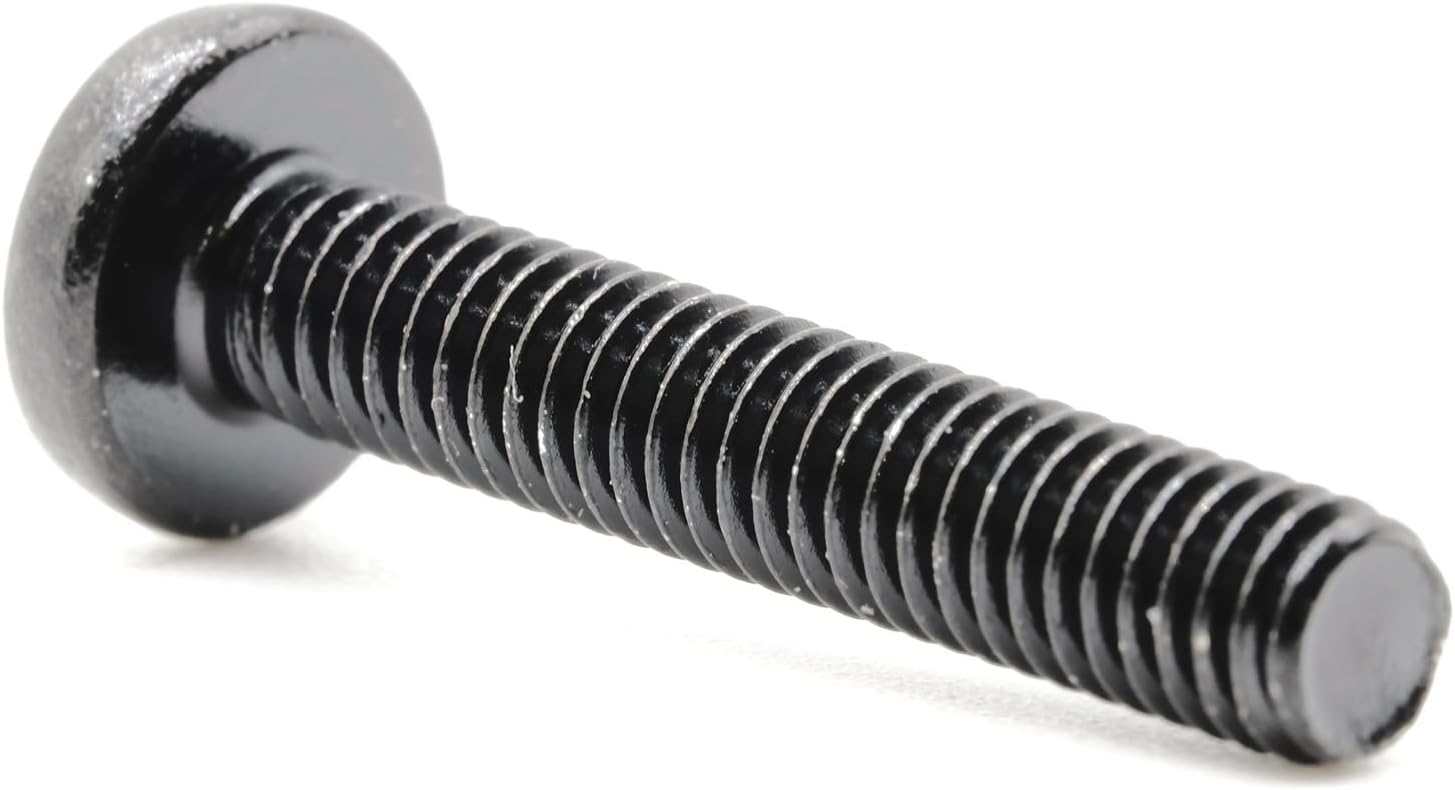
Image: A detailed view of one of the black machine screws, highlighting its fine threads and Phillips head for proper installation.
6. Important Notes and Warnings
- Always verify your TV model number (E75-F1) before installation.
- Use only a Phillips head screwdriver for installation.
- Do not overtighten the screws. Tighten until snug to prevent damage to the TV or screws.
- These screws are for original factory TV stands only. Do not use for wall mounts or universal stands.
- Keep screws out of reach of children and pets.
7. Specifications
| Feature | Detail |
|---|---|
| Material | Alloy Steel |
| Exterior Finish | Black Oxide |
| Head Style | Phillips |
| Fastener Type | Machine Screw |
| Thread Coverage | Fully Threaded |
| Number of Pieces | 4 |
| Compatible TV Model | Vizio E75-F1 |
8. Maintenance
Periodically inspect the screws securing your TV stand legs to ensure they remain tight. If any screws feel loose, gently tighten them with a Phillips head screwdriver until snug. Avoid excessive force.
9. Troubleshooting
- Screws do not fit: Double-check that your television model is indeed Vizio E75-F1. These screws are precisely sized for this model. If the model number does not match, these screws are not compatible.
- Stand feels wobbly after installation: Ensure all four screws are properly inserted and tightened. If the issue persists, re-examine the stand legs for any damage or incorrect placement.
10. Support
For further assistance or inquiries regarding ReplacementScrews products, please contact ReplacementScrews customer support through the retailer where the product was purchased or visit the official ReplacementScrews website.