
Introduction
This manual provides essential instructions for the installation, operation, and maintenance of the Waterboss Pro Plus 380 Control Board. Please read this manual thoroughly before attempting any installation or operation to ensure proper function and safety.
Safety Information
WARNING:
- Always disconnect power to the water softener unit before installing, removing, or servicing the control board. Failure to do so may result in electric shock or injury.
- This control board is an electronic component. Handle with care to avoid damage from static electricity or physical impact.
- Installation should only be performed by qualified personnel or individuals with experience in electronic component handling and water softener maintenance.
- Do not attempt to repair a damaged control board. Replace it with a new, genuine Waterboss part.
Keep this manual for future reference.
Package Contents
Verify that all items are present in the package:
- Waterboss Pro Plus 380 Control Board (1)
- Instruction Manual (this document)
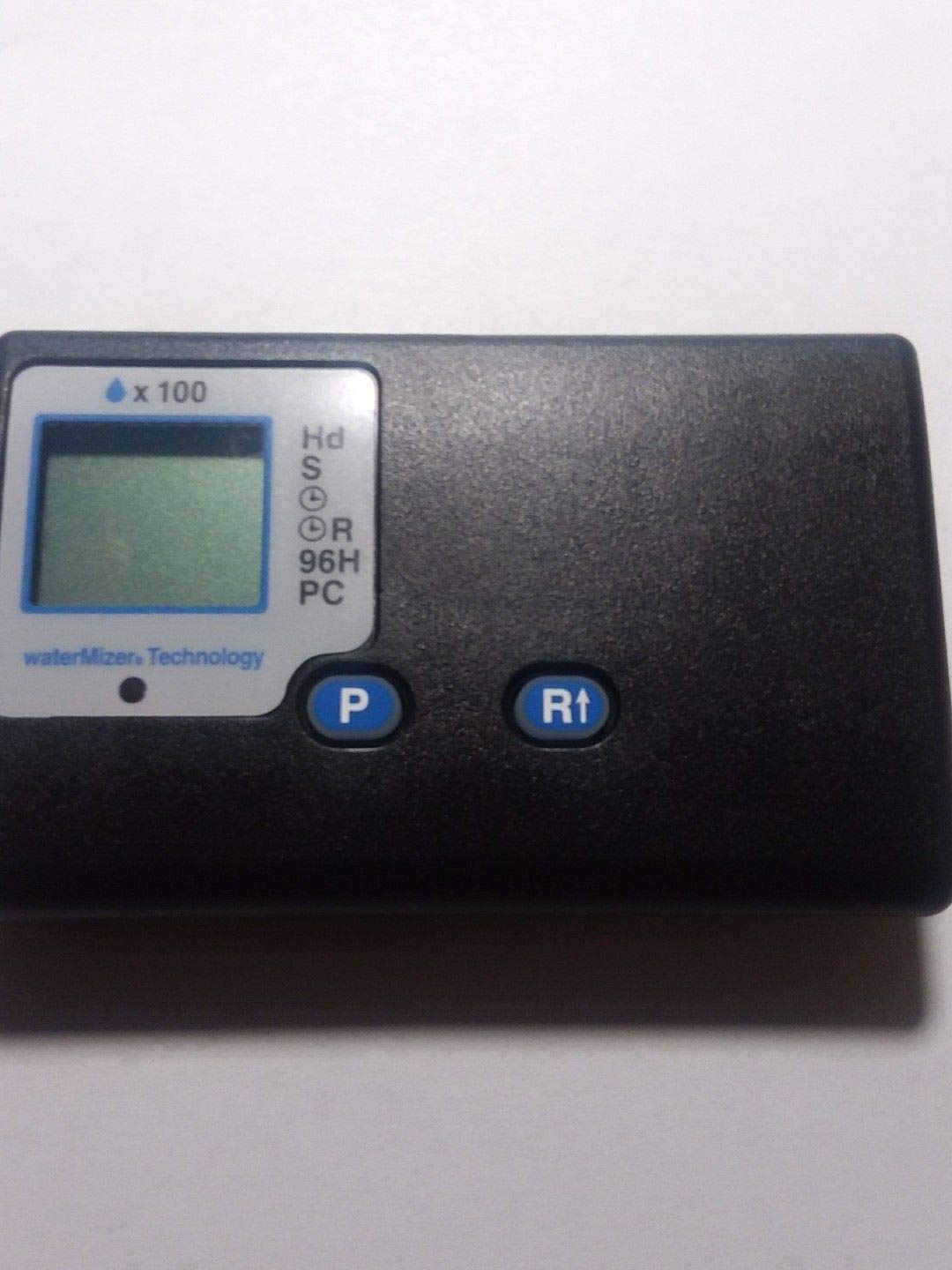
Image: Waterboss Pro Plus 380 Control Board. This image displays the electronic control board, typically green with various connectors and components.
Setup and Installation
- Preparation:
- Ensure the water softener unit is completely disconnected from its power source.
- Turn off the water supply to the softener.
- Relieve any water pressure in the system.
- Gather necessary tools (e.g., screwdriver, pliers).
- Accessing the Old Control Board:
Locate the existing control board within your Waterboss Pro Plus 380 unit. This typically involves removing a cover or panel. Refer to your water softener's main manual for specific access instructions.
- Disconnecting the Old Board:
Carefully disconnect all wiring harnesses and connectors from the old control board. Note the position of each connector, or take a photograph, to ensure correct re-connection.
- Removing the Old Board:
Unscrew or unclip the old control board from its mounting points.
- Installing the New Control Board:
Position the new Waterboss Pro Plus 380 Control Board in the same location as the old one. Secure it using the original screws or clips.
- Connecting Wiring:
Carefully re-connect all wiring harnesses and connectors to the new control board, ensuring each connection is secure and matches the original configuration.
- Final Checks:
Before re-applying power, double-check all connections. Ensure no wires are pinched or loose. Replace any covers or panels removed during the process.
- Power Up:
Restore the water supply and then reconnect the power to the water softener unit. The unit should power on and display its initial settings.
Operating Instructions
Once installed, the control board manages the water softener's regeneration cycles and settings. Refer to your Waterboss Pro Plus 380 water softener's main user manual for detailed instructions on:
- Setting the time of day.
- Adjusting water hardness settings.
- Initiating manual regeneration cycles.
- Understanding display messages and indicators.
The control board itself does not have user-operable buttons beyond what is integrated into the water softener's interface.
Maintenance
The Waterboss Pro Plus 380 Control Board is designed for long-term reliability and typically requires minimal maintenance. To ensure optimal performance:
- Keep Dry: Ensure the area around the control board remains dry and free from water leaks. Moisture can damage electronic components.
- Cleanliness: Periodically inspect the board for dust or debris. If necessary, gently clean with a soft, dry brush or compressed air. Do not use liquid cleaners.
- Secure Connections: During routine water softener maintenance, briefly check that all wiring connections to the control board remain secure.
Troubleshooting
If your Waterboss Pro Plus 380 water softener is not functioning correctly after control board replacement, consider the following:
- No Power/Display:
- Check the power supply to the water softener.
- Ensure all power connections to the control board are secure.
- Verify the outlet is functional.
- Incorrect Operation/Error Codes:
- Refer to your main Waterboss Pro Plus 380 water softener manual for specific error code interpretations and troubleshooting steps.
- Double-check all wiring connections to the control board for proper seating.
- Unit Not Regenerating:
- Confirm the water hardness settings are correctly entered.
- Check the time of day setting.
- Ensure the bypass valve is in the service position.
If issues persist, contact Waterboss customer support or a qualified service technician.
Specifications
| Feature | Detail |
|---|---|
| Model | Pro Plus 380 Control Board |
| Manufacturer | For Waterboss |
| Material | Electronic Components, Other |
| ASIN | B07QDP7NSY |
| Date First Available | April 8, 2019 |
Warranty and Support
This Waterboss Pro Plus 380 Control Board is covered by the manufacturer's standard warranty. Please refer to the original purchase documentation or the Waterboss official website for specific warranty terms and conditions.
For technical support, replacement parts, or further assistance, please contact Waterboss customer service. Have your model number (Pro Plus 380) and the ASIN (B07QDP7NSY) ready when contacting support.