
Introduction
This manual provides detailed instructions for the setup, operation, and maintenance of your MoKo RD9528A Travel Alarm Clock. Please read this guide thoroughly to ensure proper use and to maximize the lifespan of your device.
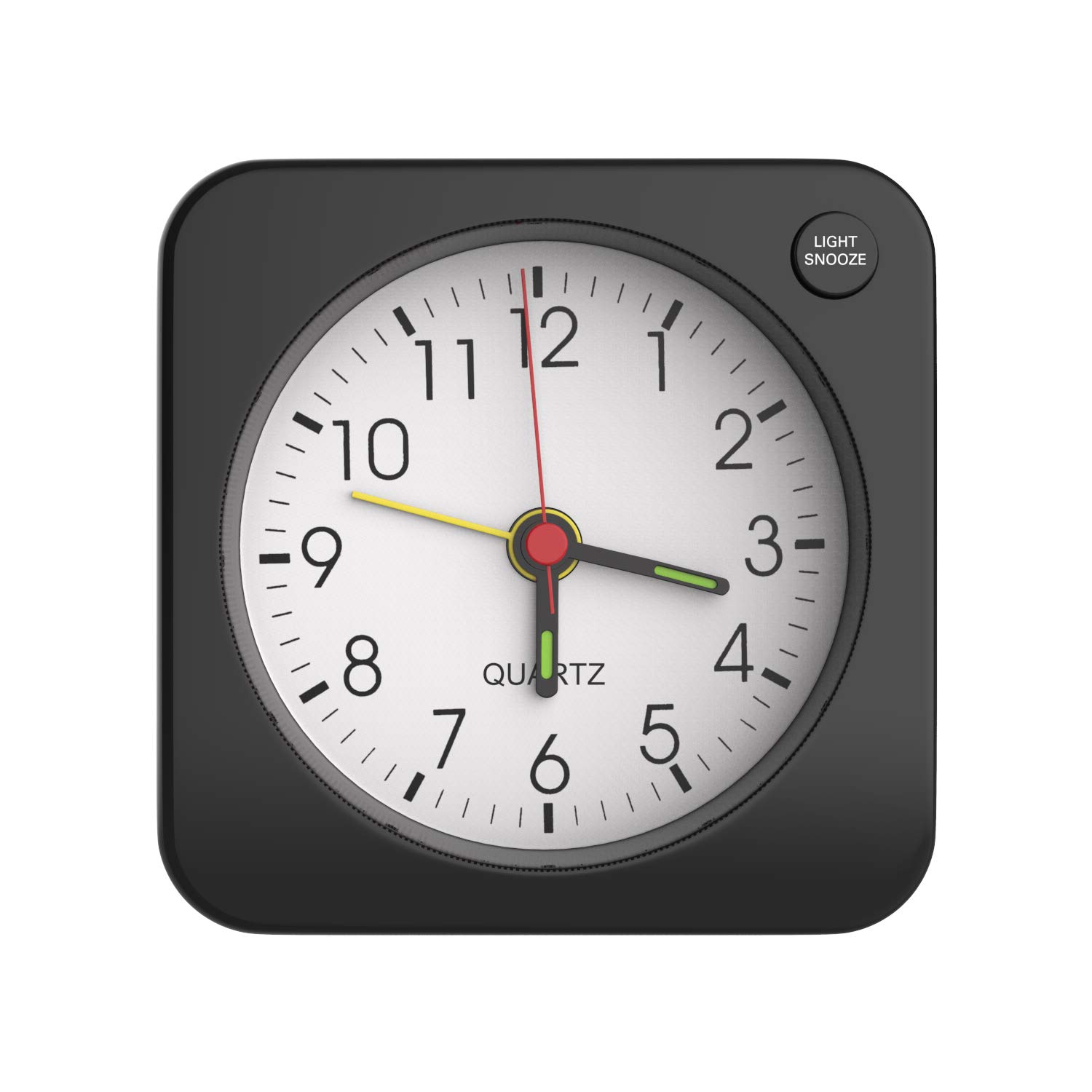
Image: The MoKo RD9528A Travel Alarm Clock, a compact square device, shown held in a hand to illustrate its small size.
Product Features
- Compact Design: Made from durable plastic with a classic square shape, suitable for various environments.
- Backlight Function: Features a soft yellow backlight for easy time viewing in low-light conditions. Activated by the LIGHT/SNOOZE button.
- Easy Alarm Setting: Simple alarm switch on top for activation and deactivation. Alarm volume increases gradually in four stages.
- Snooze Function: A 5-minute snooze feature, activated by pressing the LIGHT/SNOOZE button.
- Portability: Mini, lightweight, and portable design, ideal for travel or placement in various rooms.
- Battery Powered: Operates on 1 AA battery (not included).
Setup
Battery Installation
- Locate the battery compartment on the back of the clock.
- Gently slide open the battery compartment cover.
- Insert one AA battery, ensuring the positive (+) terminal is attached first, then the negative (-) terminal.
- Close the battery compartment cover securely.

Image: A visual guide demonstrating the correct procedure for inserting an AA battery into the clock's battery compartment.
Note: The battery is not included with the clock.
Operating Instructions
Setting the Time
On the back of the clock, locate the Time Setting knob. Rotate this knob clockwise or counter-clockwise to adjust the clock hands to the current time.

Image: The rear panel of the alarm clock, highlighting the Time Setting knob and other controls.
Setting the Alarm
- Locate the Alarm Setting knob on the back of the clock.
- Rotate this knob to set the alarm hand to your desired wake-up time.
- To activate the alarm, push the Alarm Switch (located on the top of the clock) upwards.
- To deactivate the alarm, push the Alarm Switch downwards.

Image: A diagram illustrating the alarm switch position for activating (up) and deactivating (down) the alarm function.
Snooze Function
When the alarm sounds, press the LIGHT/SNOOZE button located on the top right side of the clock face. This will temporarily silence the alarm for approximately 5 minutes before it sounds again.

Image: The alarm clock on a nightstand, demonstrating the action of pressing the LIGHT/SNOOZE button to activate the snooze feature.
Backlight Activation
To illuminate the clock face in the dark, press the LIGHT/SNOOZE button. The soft yellow backlight will turn on, allowing you to view the time clearly at night. Release the button to turn off the backlight.

Image: The alarm clock displaying its soft yellow backlight in a dimly lit setting, activated by a user's finger.
Maintenance
- Cleaning: Wipe the clock with a soft, dry cloth. Avoid using abrasive cleaners or solvents.
- Battery Replacement: Replace the AA battery when the clock's performance diminishes or stops. Always dispose of used batteries responsibly.
- Storage: If storing the clock for an extended period, remove the battery to prevent leakage.
Troubleshooting
| Problem | Possible Cause | Solution |
|---|---|---|
| Clock is not working or stops intermittently. | Low or dead battery; improperly installed battery. | Replace the AA battery with a new one. Ensure the battery is inserted with correct polarity (+/-). |
| Alarm does not sound. | Alarm switch is in the OFF position; alarm time not set correctly; low battery. | Push the Alarm Switch upwards to the ON position. Verify the alarm hand is set to the desired time. Replace the battery if needed. |
| Backlight is not working. | Low battery; LIGHT/SNOOZE button not pressed firmly. | Replace the AA battery. Ensure the LIGHT/SNOOZE button is pressed completely. |
| Loud ticking noise. | This is a characteristic of some analog quartz movements. | This is generally not a malfunction. If the noise is excessive or new, ensure the clock is on a stable surface. |
Specifications
| Feature | Detail |
|---|---|
| Brand | MoKo |
| Model Number | RD9528A |
| Color | Black |
| Display Type | Analog |
| Style | Classic, Square |
| Special Features | Alarm, Snooze, Backlight |
| Power Source | Battery Powered (1 AA battery) |
| Material | Plastic |
| Dimensions (L x W x H) | 2.36 x 1.1 x 2.36 inches (6 x 2.8 x 6 cm) |
| Item Weight | 1.41 ounces (40 grams) |
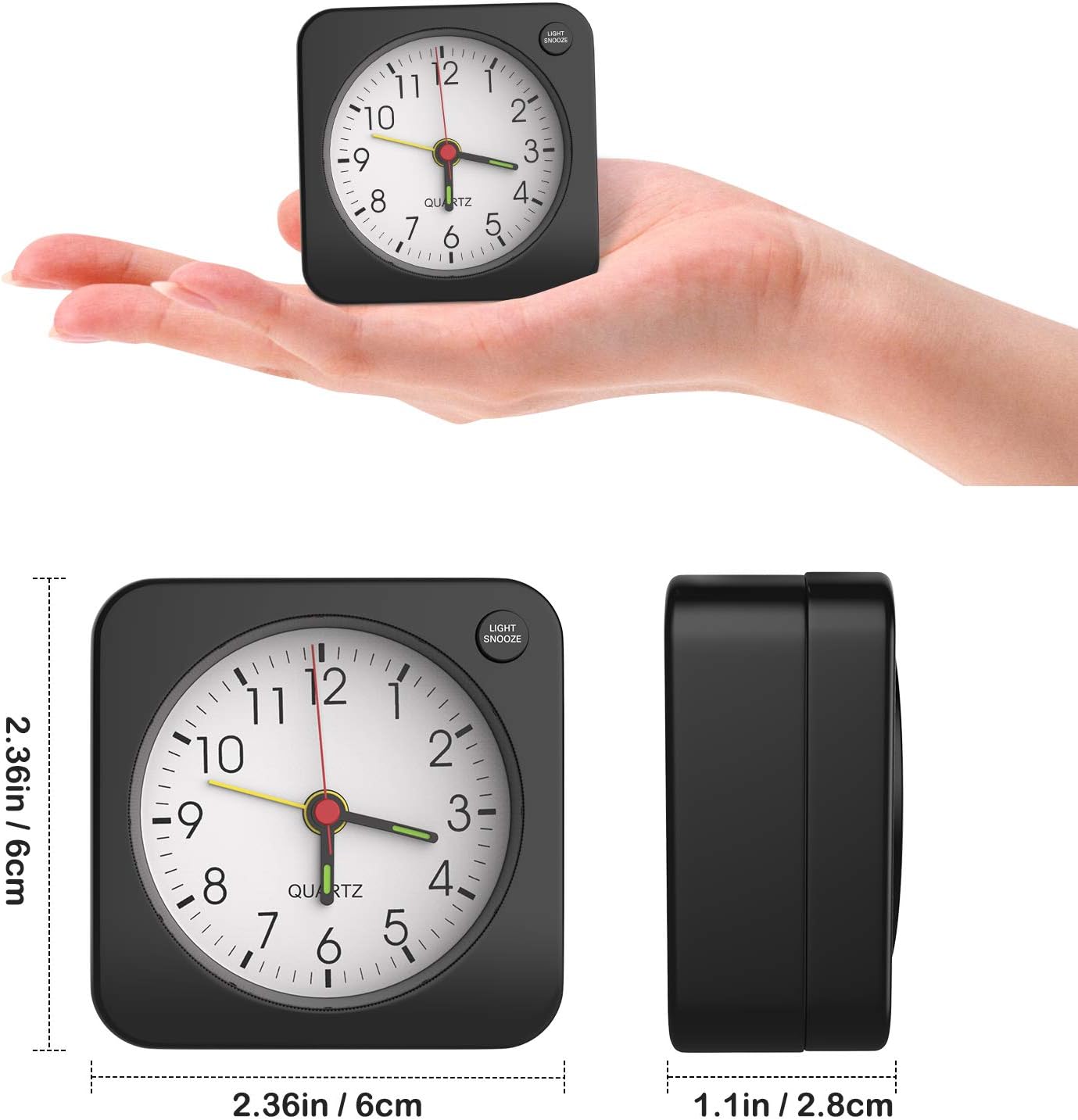
Image: The alarm clock shown with its precise measurements for length, width, and height.
Warranty and Support
For warranty information or technical support, please refer to the retailer's return policy or contact MoKo customer service directly through their official website or the platform where the product was purchased. Please have your model number (RD9528A) and purchase details ready.