
1. Product Overview
The Lexibook Unicorn Portable Karaoke System, model BTC050UNI, is a compact and versatile audio device designed for entertainment. It features Bluetooth connectivity, multiple input options (Aux-in, USB, TF/SD), and a dedicated karaoke function to enhance vocal performances. Its portable design allows for easy transport and use in various settings.

Image: Front view of the Lexibook Unicorn Portable Karaoke System, showing its pink casing with unicorn and rainbow designs, two speakers, control buttons, and a connected pink microphone.
Video: An overview of the Lexibook Unicorn Portable Karaoke System, demonstrating its features such as connectivity, portability, and karaoke function.
2. Package Contents
Please ensure all items listed below are present in your package:
- Lexibook Unicorn Portable Karaoke System (BTC050UNI)
- Microphone
- Shoulder Strap
- USB Charging Cable

Image: The Lexibook Unicorn Portable Karaoke System opened, revealing the blue shoulder strap and white USB charging cable stored inside its compartments.
3. Setup Instructions
3.1 Powering On and Charging
- Ensure the device is fully charged before first use. Connect the provided USB charging cable to the charging port on the side of the unit and to a compatible USB power source.
- Press and hold the power button to turn the unit on or off.
3.2 Connecting Microphones
Plug the microphone cable into the designated microphone input jack on the side of the karaoke system.
3.3 Bluetooth Pairing
- Turn on the karaoke system. The device will automatically enter Bluetooth pairing mode, indicated by a flashing light.
- On your mobile device (smartphone, tablet), enable Bluetooth and search for available devices.
- Select "LEXIBOOK BTC050UNI" from the list to pair. A confirmation sound will indicate successful pairing.
3.4 Using Aux-in, TF/SD, and USB Inputs
Connect external audio devices via the Aux-in port using a 3.5mm audio cable (not included). Insert a TF/SD card or USB drive into the respective slots to play audio files directly.

Image: A close-up view of the side panel of the karaoke system, showing the microphone input, USB port, and TF/SD card slot.
4. Operating the Karaoke System
4.1 Basic Playback Controls
- Play/Pause Button: Press to start or pause audio playback.
- Previous/Next Track Buttons: Use to skip to the previous or next song.
- Volume Control: Adjust the master volume using the dedicated volume buttons or your connected device.
4.2 Karaoke Function
Activate the karaoke mode to reduce the original vocals of a song, allowing you to sing along. Refer to the specific button on the device, often marked with a microphone or star icon, to toggle this feature.
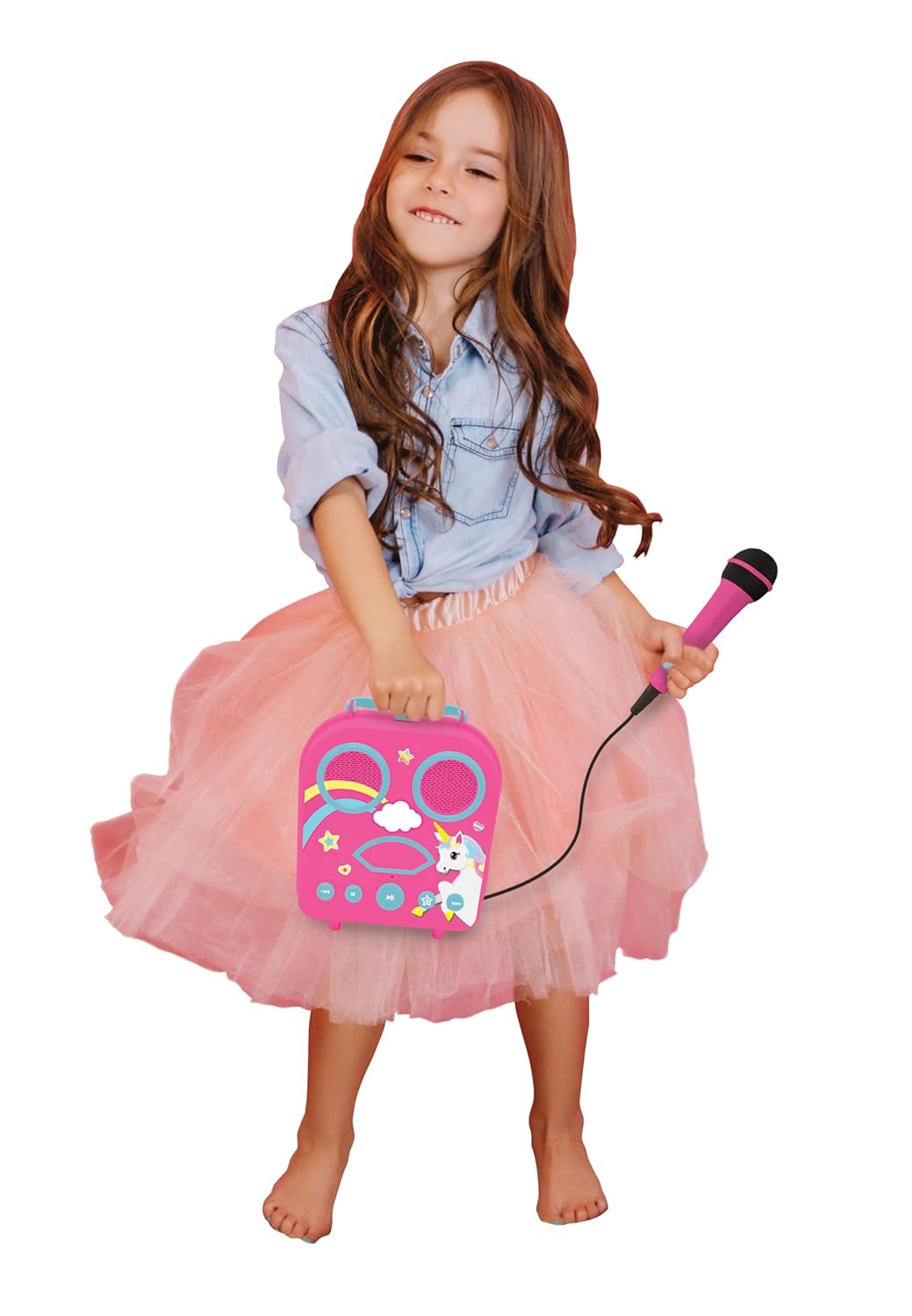
Image: A young girl happily holding the Lexibook Unicorn Portable Karaoke System by its handle, with the microphone connected, ready for use.
5. Maintenance and Care
To ensure the longevity and optimal performance of your karaoke system, follow these guidelines:
- Cleaning: Wipe the exterior with a soft, dry cloth. Avoid using abrasive cleaners or solvents.
- Storage: Store the device in a cool, dry place away from direct sunlight and extreme temperatures. Utilize the internal storage compartment for accessories.
- Handling: Handle the device with care to prevent physical damage. Avoid dropping or subjecting it to strong impacts.

Image: A young girl singing into the pink microphone, with the Lexibook Unicorn Portable Karaoke System visible, illustrating active use.
6. Troubleshooting
If you encounter issues with your Lexibook Unicorn Portable Karaoke System, please refer to the table below for common problems and solutions.
| Problem | Possible Cause | Solution |
|---|---|---|
| Device does not power on | Low battery; Power button not pressed correctly | Charge the device fully; Press and hold the power button for a few seconds |
| No sound from speakers | Volume too low; Incorrect input source; Device not paired (Bluetooth) | Increase volume; Select correct input mode; Re-pair Bluetooth device |
| Microphone not working | Microphone not plugged in; Microphone switch off; Faulty microphone | Ensure microphone is securely plugged in; Turn on microphone switch; Test with another microphone if available |
| Bluetooth connection unstable | Device too far from source; Interference | Move devices closer; Avoid obstacles; Disconnect and re-pair |
7. Specifications
- Product Dimensions: 7.2 x 3.35 x 8.66 inches; 1.97 Pounds
- Manufacturer: LEXIBOOK
- Manufacturer Recommended Age: 3 years and up
- Item Model Number: BTC050UNI
- Batteries: 1 A batteries required (type not specified, typically refers to internal rechargeable battery)
- Special Feature: Portable
- Color: Pink
- Recommended Uses For Product: Home
8. Warranty and Support
This product is covered by a manufacturer's warranty against defects in materials and workmanship. For specific warranty terms, duration, and to obtain support, please refer to the warranty card included in your product packaging or visit the official Lexibook website. Do not attempt to repair the device yourself, as this may void the warranty.
For further assistance, please contact Lexibook customer support through their official channels.