
Bose 794297-0300
Bose Headphones 700 User Manual
Model: 794297-0300
Introduction
The Bose Noise Cancelling Headphones 700 are designed to provide an immersive audio experience with advanced noise cancellation and clear call quality. This manual provides essential information for setting up, operating, maintaining, and troubleshooting your headphones.

Figure 1: Bose Headphones 700 in Silver Luxe.
What's in the Box
Verify that all items are present in the packaging:
- Bose Noise Cancelling Headphones 700
- USB charging cable
- Audio cable
- Carrying case
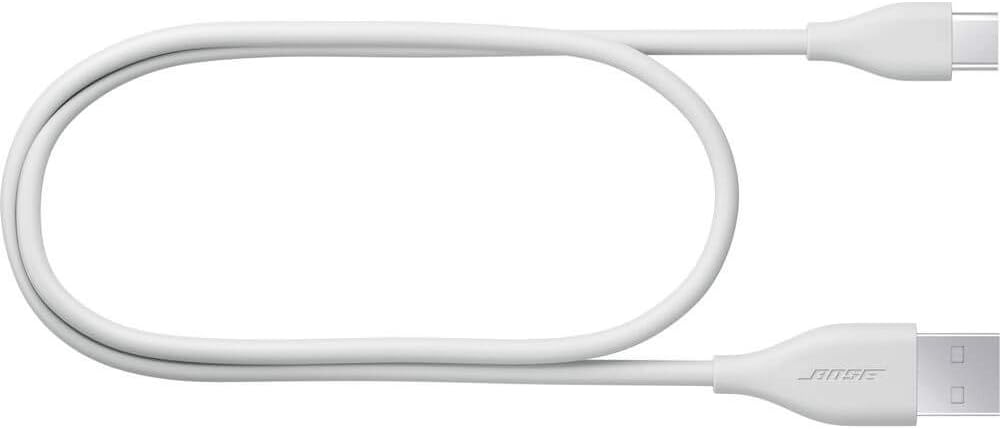
Figure 2: Included USB charging cable.
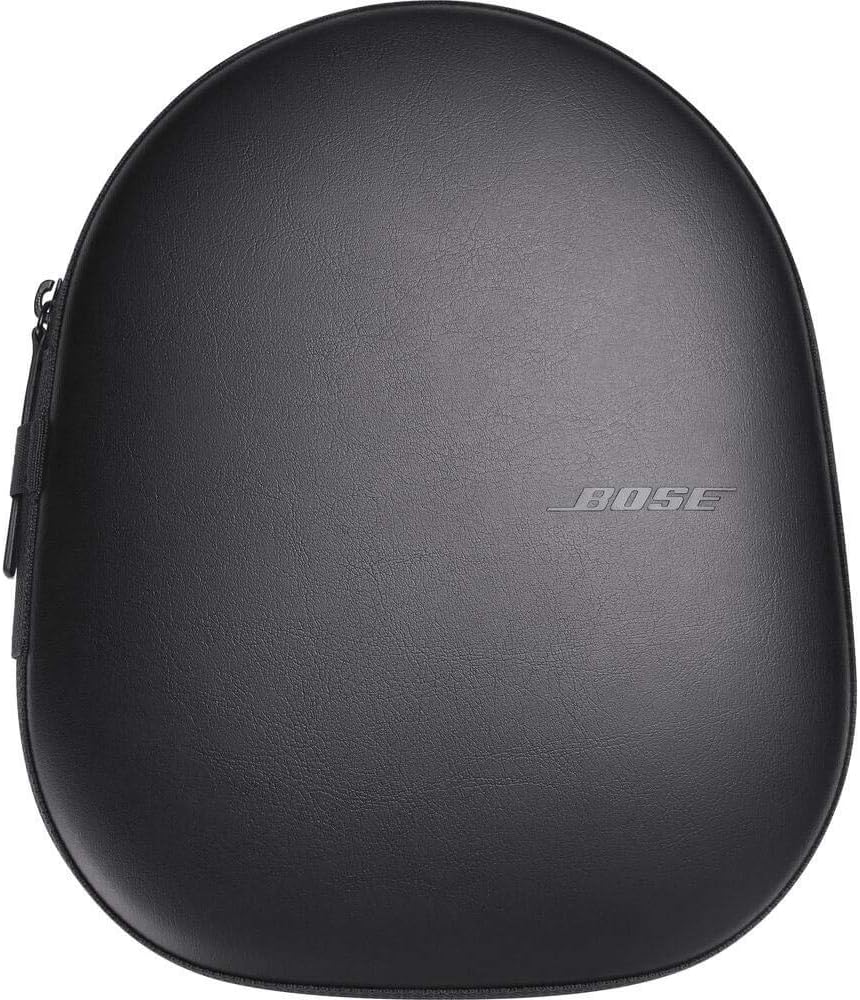
Figure 3: Protective carrying case.
Setup
1. Charging the Headphones
Before first use, fully charge your Bose Headphones 700. Connect the USB charging cable to the headphones and a power source. A full charge takes approximately 2.5 hours and provides up to 20 hours of wireless battery life.
2. Bluetooth Pairing
To pair your headphones with a device:
- Power on the headphones.
- Press and hold the Bluetooth button on the right earcup until the indicator light blinks blue.
- On your device, enable Bluetooth and select "Bose NCH 700" from the list of available devices.
- The indicator light will turn solid blue when successfully connected.
The headphones support Bluetooth 5.0 and have a range of up to 10 meters (33 feet).
3. Bose Music App
For enhanced control and customization, download the Bose Music app from your device's app store. The app allows you to manage noise cancellation levels, access voice assistants, and update firmware.
Operating Instructions
Noise Cancellation
The Bose Headphones 700 feature 11 levels of active noise cancellation. Use the dedicated button on the left earcup to cycle through your favorite noise cancellation levels, or adjust precisely via the Bose Music app.
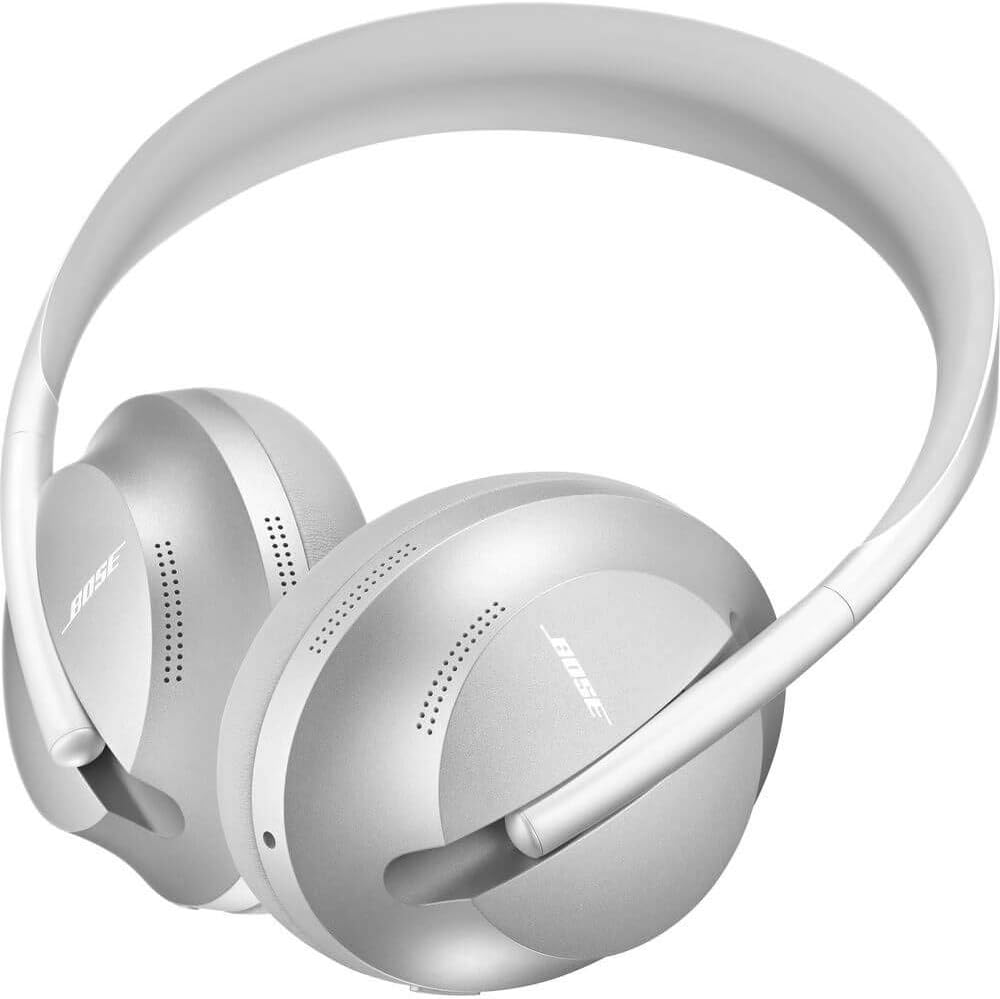
Figure 4: Earcup controls for noise cancellation and other functions.
Call Management
An unrivaled four-microphone system ensures your voice is picked up clearly while minimizing background noise during calls. Use the touch controls on the right earcup to answer, end, or decline calls.
Music and Audio Control
Intuitive touch controls on the right earcup allow you to manage playback:
- Swipe up/down: Adjust volume.
- Double-tap: Play/pause audio.
- Swipe forward/backward: Skip tracks.
- Tap and hold (right earcup): Instantly access your last Spotify session (iOS devices only).
Voice Assistants
Access voice assistants like Alexa and Google Assistant for hands-free control. Simply press the dedicated voice assistant button or use a wake word, depending on your setup.
Bose SimpleSync Technology
SimpleSync allows you to pair your Bose Headphones 700 with select Bose smart soundbars for a personalized TV listening experience. You can independently control the volume of your headphones and the soundbar.
Maintenance
Proper care ensures the longevity of your headphones:
- Cleaning: Use a soft, dry cloth to clean the surfaces of the headphones. Do not use abrasive cleaners or solvents.
- Storage: When not in use, store the headphones in their provided carrying case to protect them from dust and damage.
- Water Resistance: While the headphones are designed with some water resistance, they are not waterproof. Avoid prolonged exposure to moisture or submersion in water. Take care when using them in rainy conditions.
- Temperature: Avoid exposing the headphones to extreme temperatures.
Troubleshooting
| Problem | Possible Solution |
|---|---|
| Headphones do not power on. | Ensure the headphones are charged. Connect to a power source using the USB cable. |
| Cannot pair with a device. | Make sure Bluetooth is enabled on your device and the headphones are in pairing mode (blinking blue light). Try forgetting the device on your phone and re-pairing. Ensure the device is within 10 meters range. |
| No audio or poor sound quality. | Check volume levels on both headphones and the connected device. Ensure the headphones are properly connected. Try restarting both devices. |
| Noise cancellation not effective. | Adjust the noise cancellation level using the dedicated button or the Bose Music app. Ensure earcups form a good seal around your ears. |
Specifications
| Feature | Detail |
|---|---|
| Model Name | Headphones 700 |
| Model Number | 794297-0300 |
| Connectivity Technology | Bluetooth |
| Bluetooth Version | 5.0 |
| Bluetooth Range | 10 Meters |
| Noise Control | Active Noise Cancellation (11 levels) |
| Battery Life | Up to 20 Hours |
| Charging Time | 2.5 Hours |
| Microphone System | Four-microphone system for clear calls |
| Control Type | Touch, Voice |
| Material | Stainless Steel (headband), Leather (earcups/case) |
| Item Weight | 8.8 ounces (249 grams) |
| Dimensions | 2 x 6.5 x 8 inches |
| Headphones Jack | 2.5 mm Jack |
| Water Resistance Level | Water Resistant |
| UPC | 017817787024 |
Warranty and Support
Bose products are designed for durability and performance. For detailed warranty information, please refer to the warranty card included with your product or visit the official Bose website. For technical support, product registration, or to access additional resources, please visit www.bose.com/support.
You can also find additional user guides and support documents on the product's Amazon page under the "Product guides and documents" section.
Related documents794297-0300


Ask a question about this manual
Ask about setup, troubleshooting, compatibility, parts, safety, or missing instructions. Manuals+ will review the question and use this page’s manual context to help answer it.