
1. Introduction
The ZTW Beatles G2 20A Electronic Speed Controller (ESC) is a high-performance, programmable device designed for controlling brushless motors in various remote-controlled applications, including fixed-wing airplanes, multi-rotors, and other DIY projects. This manual provides essential information for the proper setup, operation, and maintenance of your ESC.
2. Key Features
- Synchronous Rectification: Ensures higher energy efficiency and improved performance.
- Advanced Microprocessor: Equipped with a 32-bit microprocessor for stronger computing ability and faster response.
- Comprehensive Protections: Includes start-up protection, over-heat protection, low-voltage cutoff, signal loss protection, and phase loss protection.
- Strong BEC Output: Provides a continuous 4A/5.5V BEC output, with a peak of 8A, to power your receiver and servos.
- Programmable Throttle Linearity: Offers super smooth, accurate, and programmable throttle linearity and response.
- High RPM Motor Support: Capable of supporting high RPM motors.
- Adjustable Softstart: Features adjustable softstart according to different RPM and pole motors.
- Programmable Functions: Functions such as Brake, cut-off voltage, softstart, and motor direction are programmable via an LCD card or transmitter.
3. Package Contents
Please verify that all items are present in your package:
- ZTW Beatles G2 20A ESC x 1
- User Manual x 1
4. Specifications
| Parameter | Value |
|---|---|
| Dimensions (L x W x H) | 60mm x 25mm x 10mm (2.4 x 0.98 x 0.39 inches) |
| Weight | 25g (0.882 ounces) |
| Battery Support | 2-4S LiPo / 5-12NC |
| Voltage Range | 7.6V - 15.8V |
| Continuous Current | 20A |
| Peak Current | 30A |
| BEC Output | 4A/5.5V (continuous), 8A (peak) |
| Motor Type | Brushless (not compatible with brushed motors) |
| RPM Support | 200,000 for 2-pole, 82,000 for 6-pole, 42,000 for 12-pole motors |
5. Setup and Installation
5.1. Connections
Connect the ZTW Beatles G2 20A ESC according to the following guidelines:
- Motor Connection: Connect the three wires from the ESC to the three wires of your brushless motor. The order of connection may affect motor rotation direction; if the motor spins in the wrong direction, swap any two of the three wires.
- Battery Connection: Connect the red and black power wires of the ESC to your LiPo battery (2-4S) or NiCd/NiMH battery (5-12 cells). Ensure correct polarity (red to positive, black to negative) to prevent damage.
- Receiver Connection: Plug the signal cable (usually a three-wire servo connector) from the ESC into the throttle channel of your RC receiver.

Image: Top view of the ZTW Beatles G2 20A ESC, showing the main body with branding and specifications, and the red/black power input wires on one side, and three black motor output wires on the other.

Image: Angled view of the ZTW Beatles G2 20A ESC, highlighting the compact size and the heat-shrink wrapped body, with all connection wires clearly visible.
5.2. Throttle Calibration
Important: You MUST perform throttle calibration the first time you use the ESC or if you change your transmitter (TX).
- Turn on your transmitter and set the throttle stick to its maximum (full throttle) position.
- Connect the battery to the ESC. The ESC will emit a series of beeps.
- Wait for the ESC to recognize the full throttle position (it will usually emit a specific tone or sequence of beeps).
- Move the throttle stick to its minimum (zero throttle) position.
- The ESC will emit another series of beeps, indicating that the zero throttle position has been recognized and the calibration is complete. The ESC is now armed and ready for use.
6. Operating Instructions
Once the ESC is properly installed and calibrated, you can operate your RC model. The ESC translates the throttle input from your transmitter into motor speed. The advanced 32-bit CPU ensures smooth and precise control.
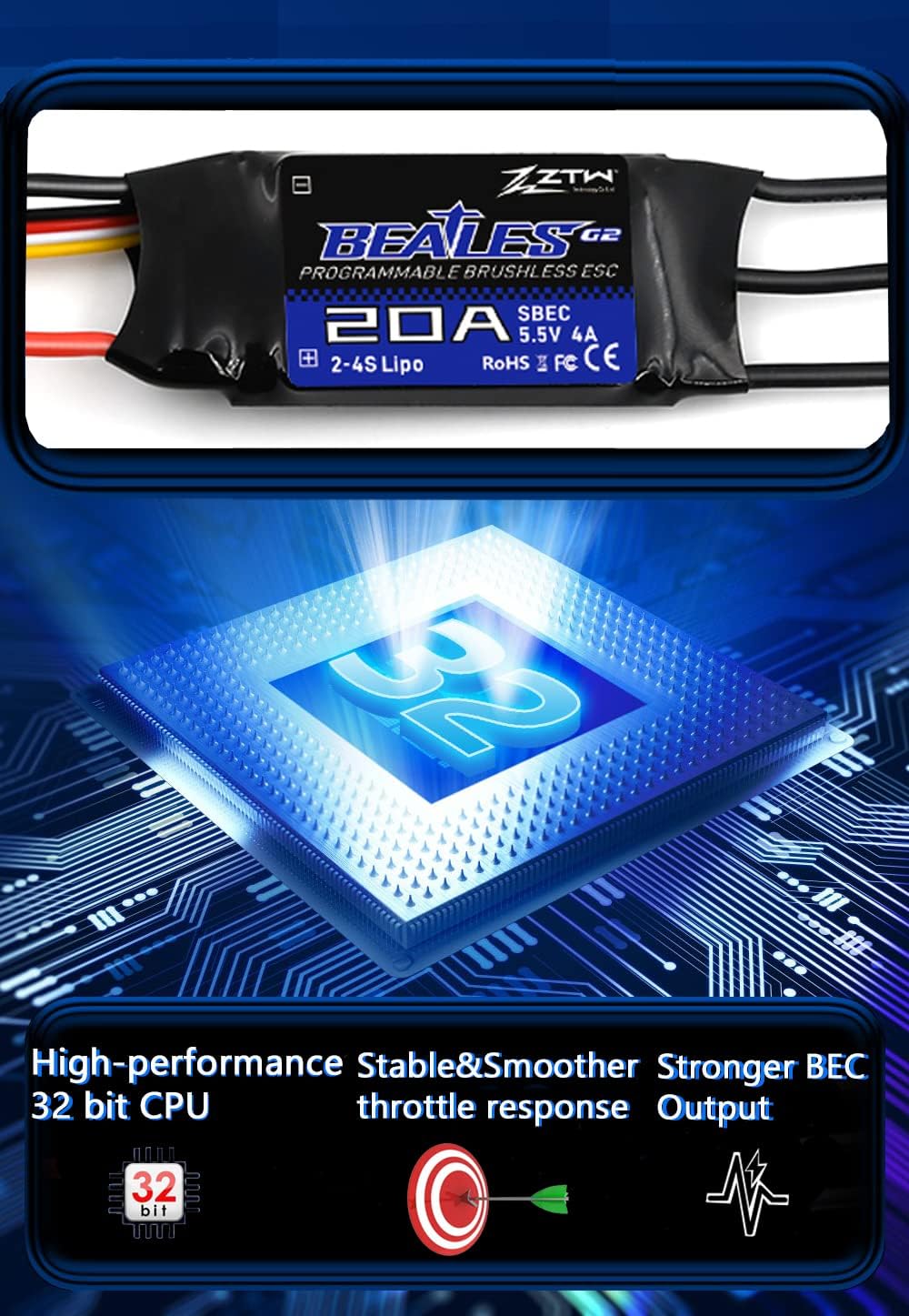
Image: A conceptual diagram illustrating the key internal components and performance aspects of the Beatles G2 ESC, including a representation of its 32-bit CPU, stable and smoother throttle response, and stronger BEC output.
6.1. Programmable Functions
The ZTW Beatles G2 ESC offers several programmable parameters to fine-tune its performance for your specific application. These can typically be adjusted using a dedicated LCD programming card (sold separately) or through your transmitter's stick programming sequence (refer to the detailed programming manual for specific steps, if available).
- Brake Setting: Adjust the braking strength or disable it.
- Cut-off Voltage: Set the voltage at which the ESC will reduce or cut power to protect your battery.
- Softstart: Control the initial acceleration of the motor for smoother take-offs.
- Motor Direction: Reverse the motor rotation if needed.
- And other advanced settings for timing, acceleration, etc.
7. Maintenance
Proper maintenance will extend the lifespan of your ESC and ensure reliable operation:
- Keep Clean and Dry: Always ensure the ESC is free from dust, dirt, moisture, and corrosive substances.
- Inspect Connections: Regularly check all wires and connectors for signs of wear, fraying, or loose connections. Secure any loose connections.
- Heat Management: Ensure adequate airflow around the ESC during operation to prevent overheating. Avoid enclosing it in tight spaces without ventilation.
- Storage: Store the ESC in a cool, dry place when not in use.
8. Troubleshooting
If you encounter issues with your ZTW Beatles G2 ESC, consider the following common problems and solutions:
- No Motor Response:
- Check battery connection and ensure it's charged.
- Verify ESC to receiver connection is secure and on the correct channel.
- Perform throttle calibration as described in Section 5.2.
- Ensure your transmitter is on and properly bound to the receiver.
- Motor Stutters or Runs Erratic:
- Check all three motor wires for secure connections.
- Ensure the motor is not damaged or obstructed.
- Verify battery voltage is sufficient and not dropping too low under load.
- ESC Overheats:
- Ensure adequate airflow around the ESC.
- Check if the motor is too large or drawing excessive current for the ESC's rating.
- Verify propeller size is appropriate for the motor and ESC.
- ESC Beeps Continuously (after initial tones):
- This often indicates a low voltage cut-off or signal loss. Check battery voltage and receiver signal.
Warning: Before operating, ensure you have a compatible receiver and transmitter or a servo tester. These are essential for controlling the ESC and motor.
9. Safety Information
Operating RC equipment involves inherent risks. Please observe the following safety precautions:
- Always disconnect the battery from the ESC when not in use or when performing maintenance.
- Never touch rotating propellers or motors when the system is powered.
- Ensure all connections are secure and insulated to prevent short circuits.
- Use only batteries that are compatible with the ESC's voltage and current ratings.
- Operate RC models in open areas, away from people, animals, and obstacles.
- Keep the ESC and all electronic components away from water and extreme temperatures.
- Adult supervision is recommended for users under 18 years of age.
10. Warranty and Support
Specific warranty details for the ZTW Beatles G2 20A ESC are typically provided at the point of purchase or on the manufacturer's official website. Please retain your proof of purchase for any warranty claims.
For technical support or further inquiries, please contact your retailer or the manufacturer directly. Refer to the product packaging or manufacturer's website for contact information.

