1. Introduction
Thank you for choosing the YOBON 10000mAh Compact Power Bank. This ultra-portable external battery pack is designed to provide reliable and efficient charging for your mobile devices on the go. Featuring dual input ports (USB Type-C and Micro USB) and dual USB output ports, it allows for simultaneous charging of two devices with smart current delivery.

Figure 1: YOBON 10000mAh Power Bank
This manual provides essential information on how to set up, operate, maintain, and troubleshoot your power bank to ensure optimal performance and longevity.
2. Safety Information
WARNING: Please use this product in accordance with the enclosed instructions. Ignoring the instructions may lead to product fire or other damage.
- Do not use this product when it falls down, short circuits, or is exposed to high temperatures.
- If the product battery expands or deforms, please stop using it immediately.
- Do not let children expose themselves to this product.
- Keep the power bank away from water, fire, and extreme temperatures.
- Do not disassemble, crush, or puncture the power bank.
3. Package Contents
Upon opening the package, please verify that all the following items are included:
- 1 x YOBON 10000mAh Power Bank
- 1 x Micro USB Cable
- 1 x User Manual (this document)
4. Product Overview
The YOBON 10000mAh Power Bank is designed for portability and efficiency. It features a compact form factor and intuitive indicators.
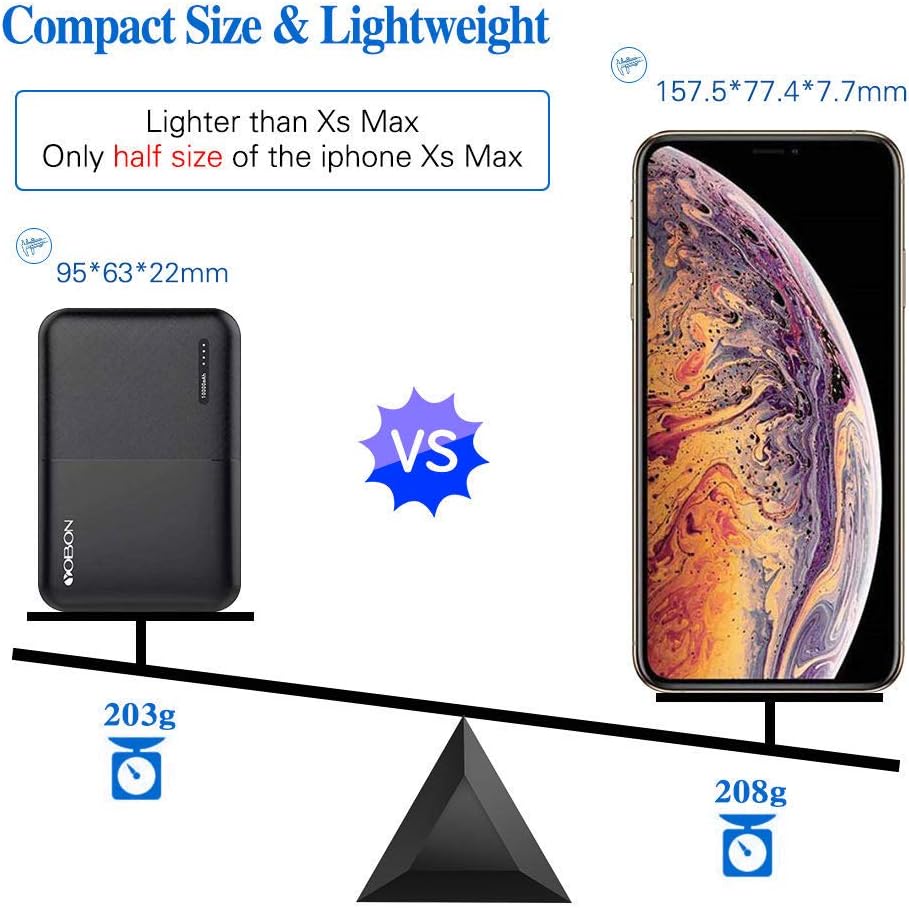
Figure 2: Compact Size Comparison
The power bank is equipped with LED indicators to show the remaining battery level. Typically, four LED lights indicate a full charge, with each light representing approximately 25% of the battery capacity.
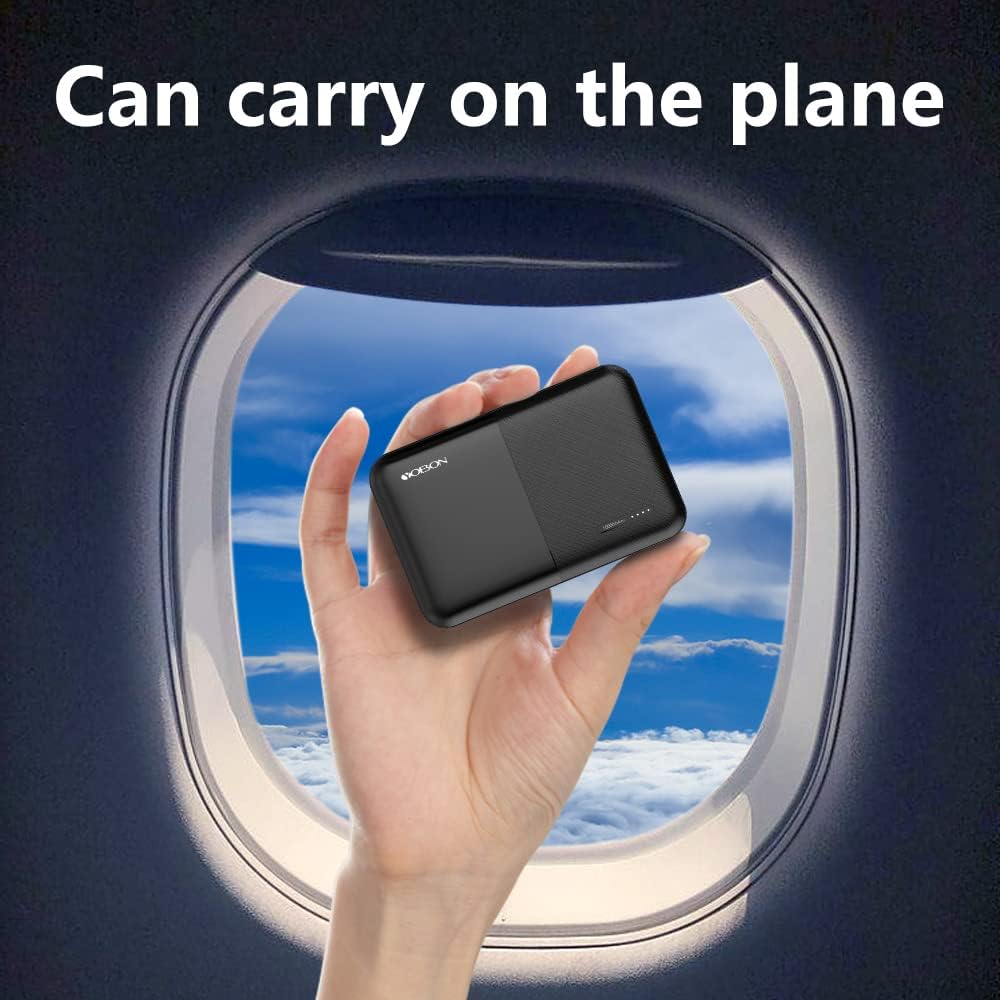
Figure 3: Portability for Travel
5. Setup and Initial Use
5.1. Initial Charging
The portable power bank is not fully charged when first used. It is normal. Please charge it fully before initial use to ensure optimal performance and battery calibration.
- Connect the provided Micro USB cable to the Micro USB input port on the power bank.
- Connect the other end of the cable to a USB wall adapter (not included) or a computer's USB port.
- The LED indicators will illuminate to show charging progress. All four LEDs will be solid when fully charged.
6. Operating Instructions
6.1. Charging Your Devices
The YOBON power bank features Smart USB Output Technology, which automatically identifies your device and delivers the suitable electric current for efficient charging.

Figure 4: Dual Device Charging
- Connect your device's charging cable to one of the two USB output ports on the power bank.
- Connect the other end of the cable to your mobile device (smartphone, tablet, etc.).
- The power bank will automatically begin charging your device. The LED indicators will show the remaining power.
- You can charge two devices simultaneously using both USB output ports.
6.2. Recharging the Power Bank
When the power bank's battery level is low, indicated by fewer illuminated LEDs, it needs to be recharged.
- Connect either a Micro USB cable or a USB Type-C cable to the corresponding input port on the power bank.
- Connect the other end of the cable to a USB wall adapter or a computer's USB port.
- The LED indicators will flash to show that the power bank is charging. Once fully charged, all LEDs will remain solid.
7. Maintenance
Proper maintenance ensures the longevity and optimal performance of your YOBON Power Bank.
- Cleaning: Use a soft, dry cloth to clean the surface of the power bank. Do not use liquid cleaners or aerosols.
- Storage: Store the power bank in a cool, dry place away from direct sunlight and extreme temperatures.
- Battery Care: For best battery health, fully charge the power bank at least once every three months if not in regular use.
- Avoid Drops: Protect the device from drops and impacts, which can damage internal components.
8. Troubleshooting
If you encounter issues with your YOBON Power Bank, refer to the following common problems and solutions:
| Problem | Possible Cause | Solution |
|---|---|---|
| Power bank is not charging devices. | Cable issue, device not properly connected, power bank is depleted. | Ensure cables are securely connected. Try a different cable. Recharge the power bank. Press the power button to activate if necessary. |
| Power bank is not recharging. | Charging cable issue, adapter issue, power bank inactive. | Click the power button or reinsert the charging cable to activate the charger. Try a different charging cable or wall adapter. |
| Slow charging speed. | Cable quality, device input limit, multiple devices charging. | Use a high-quality charging cable. Ensure your device supports fast charging. Charging two devices simultaneously may reduce individual charging speed. |
| LED indicators not working. | Power bank is off or depleted. | Press the power button to check battery level. Recharge the power bank if depleted. |
9. Specifications
Detailed technical specifications for the YOBON 10000mAh Power Bank:
| Feature | Detail |
|---|---|
| Battery Type | Lithium-Ion battery cell |
| Capacity | 10000mAh |
| Input Ports | 2 (Micro USB, USB Type-C) |
| Input (Max) | 5V-2.4A |
| Output Ports | 2 (USB-A) |
| Output (Max) | 5V-2.4A (each port) |
| Dimensions | 94.5 x 62 x 22.2 mm (3.7 x 2.44 x 0.87 inches) |
| Weight | 203g (7 Oz) |
| Model Number | T1 |
| Country of Origin | China |
10. Warranty and Support
YOBON provides an 18-month warranty for this mobile power bank, demonstrating our commitment to quality. This warranty covers manufacturing defects and ensures reliable performance.
If you have any questions, concerns, or require technical assistance, please do not hesitate to contact YOBON customer service. We are committed to providing friendly and outstanding customer support and will reply to your inquiries within 24 hours.
For support, please refer to the contact information provided on the product packaging or the official YOBON website.