
Introduction
Thank you for choosing the MUSYSIC MU-U2F5-LL Professional 2x100 Channels UHF Wireless Lavalier Lapel Microphone System. This manual provides detailed instructions for setting up, operating, and maintaining your system to ensure optimal performance. Please read this guide thoroughly before use.
Package Contents
Verify that all items listed below are included in your package:
- 1x Dual-Channel UHF Wireless Receiver (MU-U2F5)
- 2x Wireless Bodypack Transmitters
- 2x Headset Microphones
- 2x Lavalier (Lapel) Microphones
- 1x 12V Universal Power Adapter
- 1x 1/4" Audio Cable
- 4x AA Batteries (for transmitters)

Figure 1: Front view of the MUSYSIC MU-U2F5-LL Dual-Channel UHF Wireless Receiver, showing display and control buttons.

Figure 2: A MUSYSIC MU-U2F5-LL Bodypack Transmitter connected to both a headset microphone and a lavalier microphone.
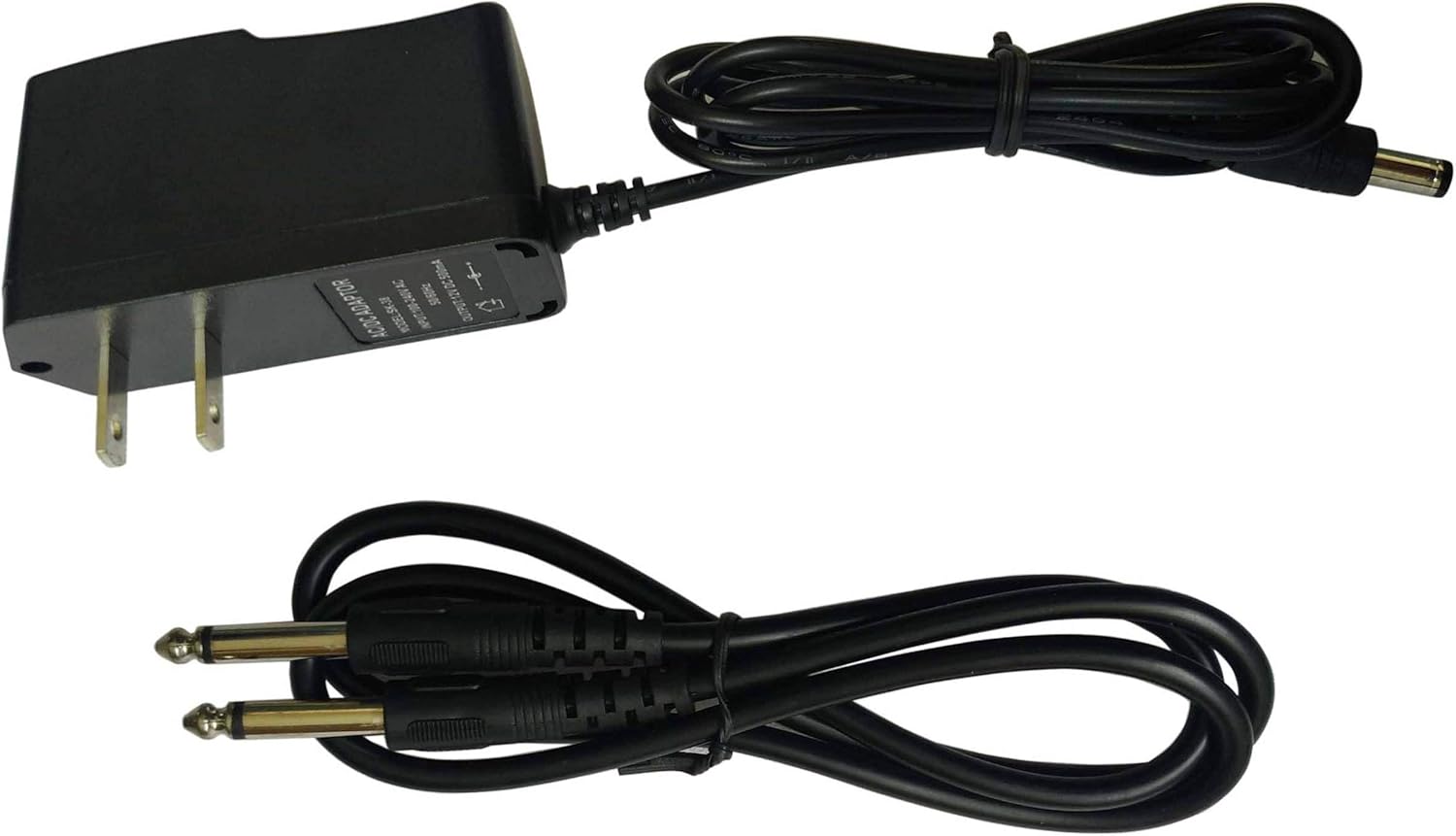
Figure 3: The included 12V universal power adapter and 1/4 inch audio cable for connecting the receiver to an audio system.
Setup Instructions
- Receiver Placement: Place the receiver in a central location, away from large metal objects or other wireless devices that may cause interference. Ensure a clear line of sight to the area where the transmitters will be used.
- Power Connection: Connect the 12V universal power adapter to the DC INPUT port on the back of the receiver and plug it into a power outlet.
- Audio Output: Connect the receiver to your sound system (mixer, amplifier, etc.) using either the balanced XLR outputs (BALANCED-A, BALANCED-B) for individual channels or the 1/4" MIX OUT for a combined signal.

Figure 4: Rear view of the MUSYSIC MU-U2F5-LL receiver, showing XLR outputs, 1/4" mix out, and DC input.
- Transmitter Battery Installation: Open the battery cover on each bodypack transmitter. Insert two AA batteries, ensuring correct polarity. Close the cover.
- Microphone Connection: Connect either a headset microphone or a lavalier microphone to the input jack on each bodypack transmitter.
Operating Instructions
Follow these steps to operate your MUSYSIC wireless microphone system:
- Power On: Press the POWER button on the receiver to turn it on. Turn on each bodypack transmitter.
- Adjust Volume: Use the UP or DOWN buttons on the receiver to adjust the output volume for each channel individually.
- Manually Adjust Frequency:
- Press the SET and UP buttons of the receiver simultaneously until the frequency display is flashing.
- Then, press the UP or DOWN button to select a different frequency.
- Automatically Scan for a Clean Frequency:
- Press the SET and DOWN buttons of the receiver simultaneously for a few seconds.
- The system will automatically scan and select the best available frequency to minimize interference.
- Set Transmitter Frequency (IR Sync):
- Open the battery cover of your bodypack transmitter to locate the IR Mark.
- Position the transmitter's IR Mark close to the receiver's IR face.
- Press the SET button on the receiver. The receiver frequency will be sent and linked to your transmitter.

Figure 5: A visual representation of the operating instructions for the MUSYSIC MU-U2F5-LL system, detailing frequency adjustment and IR sync.
Maintenance
- Cleaning: Use a soft, dry cloth to clean the receiver and transmitters. Do not use liquid cleaners or solvents.
- Battery Replacement: Replace transmitter batteries when the low battery indicator appears or audio quality degrades. Always use fresh AA batteries. Remove batteries if the system will not be used for an extended period.
- Storage: Store the system in a cool, dry place, away from direct sunlight and extreme temperatures.
- Cable Care: Avoid sharp bends or kinks in cables. Store cables neatly to prevent damage.
Troubleshooting
| Problem | Possible Cause | Solution |
|---|---|---|
| No sound output |
|
|
| Interference or poor sound quality |
|
|
| Short operating range |
|
|
Specifications
| Feature | Detail |
|---|---|
| Model Number | MU-U2F5-LL |
| Brand | MUSYSIC |
| Channels | 2 (Dual-Channel, 2x100 selectable frequencies) |
| Frequency Band | UHF 500-599MHz (FCC Compliant) |
| Operating Range | Up to 300 feet (line of sight) |
| Transmitter Battery Life | Approximately 12 hours (with AA batteries) |
| Transmitter Power Source | 2x AA batteries (included) |
| Receiver Power Input | 12V DC (via included power adapter) |
| Audio Outputs | 2x Balanced XLR, 1x 1/4" Mixed Output |
| Microphone Type | Undirectional Condenser (Headset & Lavalier) |
| Special Features | Individual Volume Control, Automatic Frequency Scan, IR Sync |
| Item Dimensions (Receiver) | 12 x 12 x 2 inches (L x W x H) |
| Item Weight | 2.72 pounds |
| UPC | 688281307737 |
Warranty and Support
For warranty information, please refer to the documentation included with your purchase or visit the official MUSYSIC website. For technical support, product inquiries, or service, please contact MUSYSIC customer support directly.
You can find more information about MUSYSIC products and support at their official store: MUSYSIC Store on Amazon.