
Introduction
Welcome to the user manual for your JBL TUNE 600BTNC active noise-cancelling wireless on-ear headphones. This guide provides essential information for setting up, operating, maintaining, and troubleshooting your headphones. Designed for everyday use, these headphones feature JBL Pure Bass sound, active noise-cancelling, and a lightweight, foldable design for portability. Enjoy wireless music for over 12 hours and manage calls and music with ease using the on-ear cup buttons.
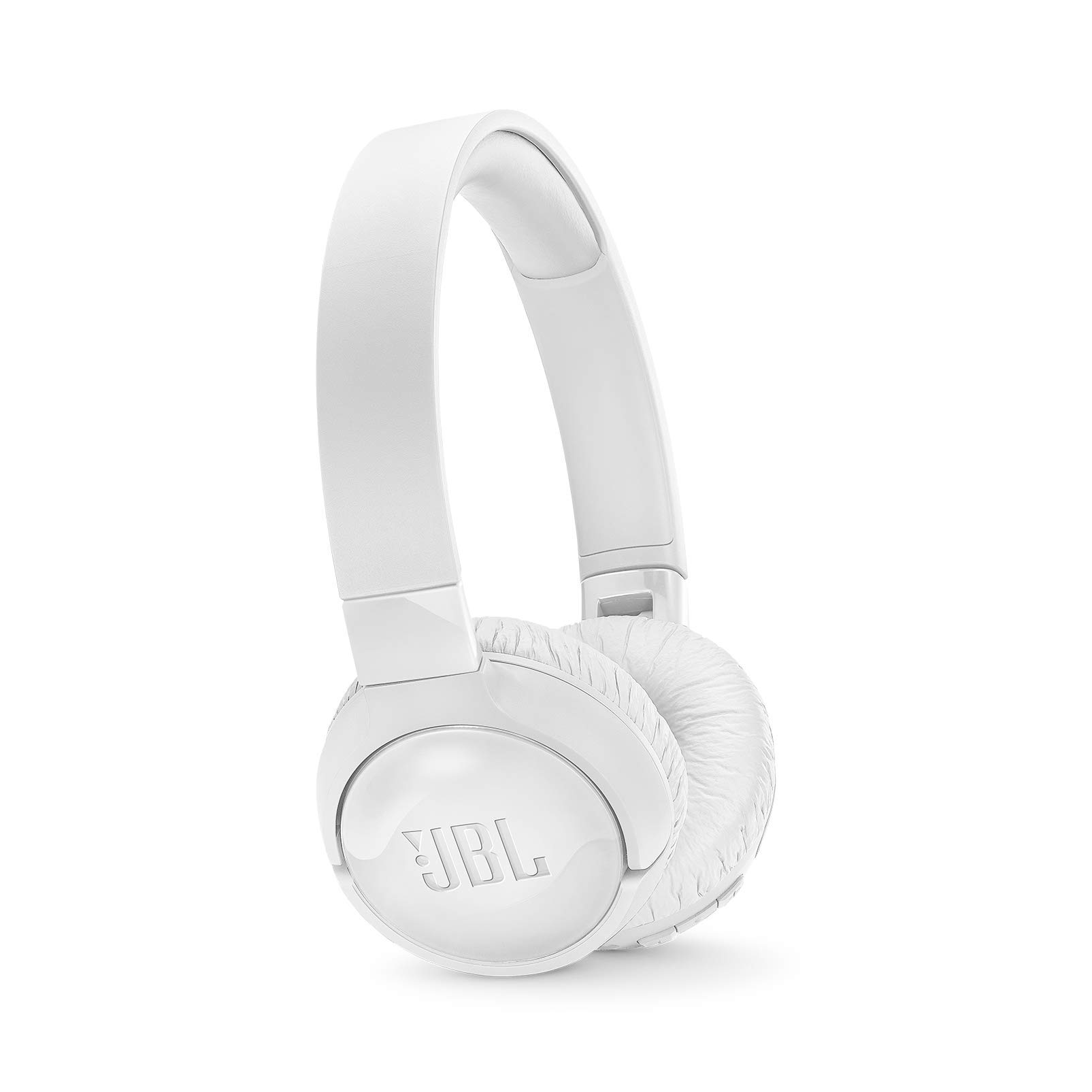
Image: JBL TUNE 600BTNC White On-Ear Wireless Bluetooth Headphones.
Setup
1. Powering On/Off
- To power on, press and hold the power button located on the ear cup until the LED indicator lights up.
- To power off, press and hold the power button until the LED indicator turns off.
2. Bluetooth Pairing
- Ensure the headphones are powered off.
- Press and hold the power button for approximately 5 seconds until the LED indicator flashes blue, indicating pairing mode.
- On your device (smartphone, tablet, etc.), enable Bluetooth and search for available devices.
- Select "JBL TUNE 600BTNC" from the list of devices.
- Once connected, the LED indicator will turn solid blue.
3. Wired Connection
For wired listening, connect the provided detachable 3.5mm audio cable to the headphone's audio jack and to your audio source. Music can be enjoyed endlessly in wired mode, with or without Active Noise-Cancelling.
Operating Instructions
1. Music Control
- Play/Pause: Press the play/pause button once.
- Next Track: Double-press the play/pause button.
- Previous Track: Triple-press the play/pause button.
- Volume Up/Down: Use the volume rocker buttons (+/-) on the ear cup.
2. Call Management
- Answer/End Call: Press the play/pause button once.
- Reject Call: Press and hold the play/pause button for 2 seconds.
3. Active Noise Cancelling (ANC)
The JBL TUNE 600BTNC features active noise cancelling. Activate or deactivate ANC using the dedicated button on the ear cup to reduce ambient noise for an immersive listening experience.

Image: User enjoying music with JBL TUNE 600BTNC headphones.
4. Foldable Design
The headphones feature a flat-folding design, making them lightweight and compact for easy storage and portability.

Image: JBL TUNE 600BTNC headphones in their compact, folded state.
Charging
To charge your JBL TUNE 600BTNC headphones, connect the provided charging cable to the USB-C port on the headphone and to a power source. A full recharge takes approximately 2 hours. A quick 5-minute charge provides 1 hour of playback.

Image: JBL TUNE 600BTNC headphones being charged via USB-C cable.
Maintenance
To ensure the longevity and optimal performance of your JBL TUNE 600BTNC headphones, follow these general maintenance guidelines:
- Cleaning: Gently wipe the ear cups and headband with a soft, dry cloth. Avoid using harsh chemicals or abrasive materials.
- Storage: When not in use, store the headphones in a cool, dry place, ideally in their folded position to prevent damage.
- Avoid Moisture: While the headphones have some water resistance, avoid prolonged exposure to water or high humidity.
- Cable Care: Handle the charging and audio cables carefully to prevent fraying or damage.
Troubleshooting
If you encounter issues with your JBL TUNE 600BTNC headphones, try the following steps:
- No Power: Ensure the headphones are fully charged. Connect them to a power source and check the LED indicator.
- Pairing Issues: Make sure Bluetooth is enabled on your device and the headphones are in pairing mode (flashing blue LED). Try unpairing and re-pairing the headphones.
- No Sound: Check the volume levels on both the headphones and your connected device. Ensure the headphones are correctly paired or the audio cable is securely connected.
- Poor Sound Quality: Try moving closer to your Bluetooth device to avoid interference. Ensure the audio source is of good quality.
- ANC Not Working: Ensure the Active Noise Cancelling feature is activated using its dedicated button.
Specifications
| Noise Control | Active Noise Cancellation |
| Headphones Jack | Wireless |
| Model Name | JBL TUNE 600BTNC - White |
| Connectivity Technology | Bluetooth, Wired |
| Wireless Communication Technology | Bluetooth |
| Included Components | Headphone, Charging Cable, Detachable Cable |
| Material | Plastic |
| Charging Time | 2 Hours |
| Control Type | Media Control |
| Item Weight | 6.1 Ounces |
| Water Resistance Level | Waterproof |
| Control Method | Touch |
| Battery Life | 12 Hours |
| Bluetooth Range | 10 Meters |
| Bluetooth Version | 4.1 |
| Earpiece Shape | On-Ear |
| UPC | 050036355728 |
| Special Feature | Foldable, Lightweight, Microphone Included, Noise Cancellation, Volume Control |
Official Product Video
Video: Overview of JBL Tune 770NC Wireless Noise Cancelling Headphones. This video highlights features such as adaptive noise cancelling, JBL Pure Bass Sound, Bluetooth connectivity, hands-free calls, long battery life, and a lightweight, foldable design, which are also applicable to the JBL TUNE 600BTNC model.
Warranty and Support
JBL products are designed for durability and performance. For information regarding warranty coverage, technical support, or service inquiries, please refer to the warranty card included in your product packaging or visit the official JBL support website. You can also visit the JBL Store on Amazon for additional product information and resources.


