
1. Introduction and Overview
Thank you for choosing the Frigidaire EFIC117-SSCOPPER-COM Stainless Steel Ice Maker. This appliance is designed to provide a continuous supply of fresh ice for your convenience. With its efficient operation and user-friendly features, you can enjoy perfectly formed ice cubes in minutes.
Key features include a large capacity reservoir capable of producing up to 26 pounds of ice per day, a quick ice-making cycle of under 6 minutes, and the option to select between two different ice cube sizes. The modern design, featuring a transparent window and digital control panel, ensures both functionality and aesthetic appeal.
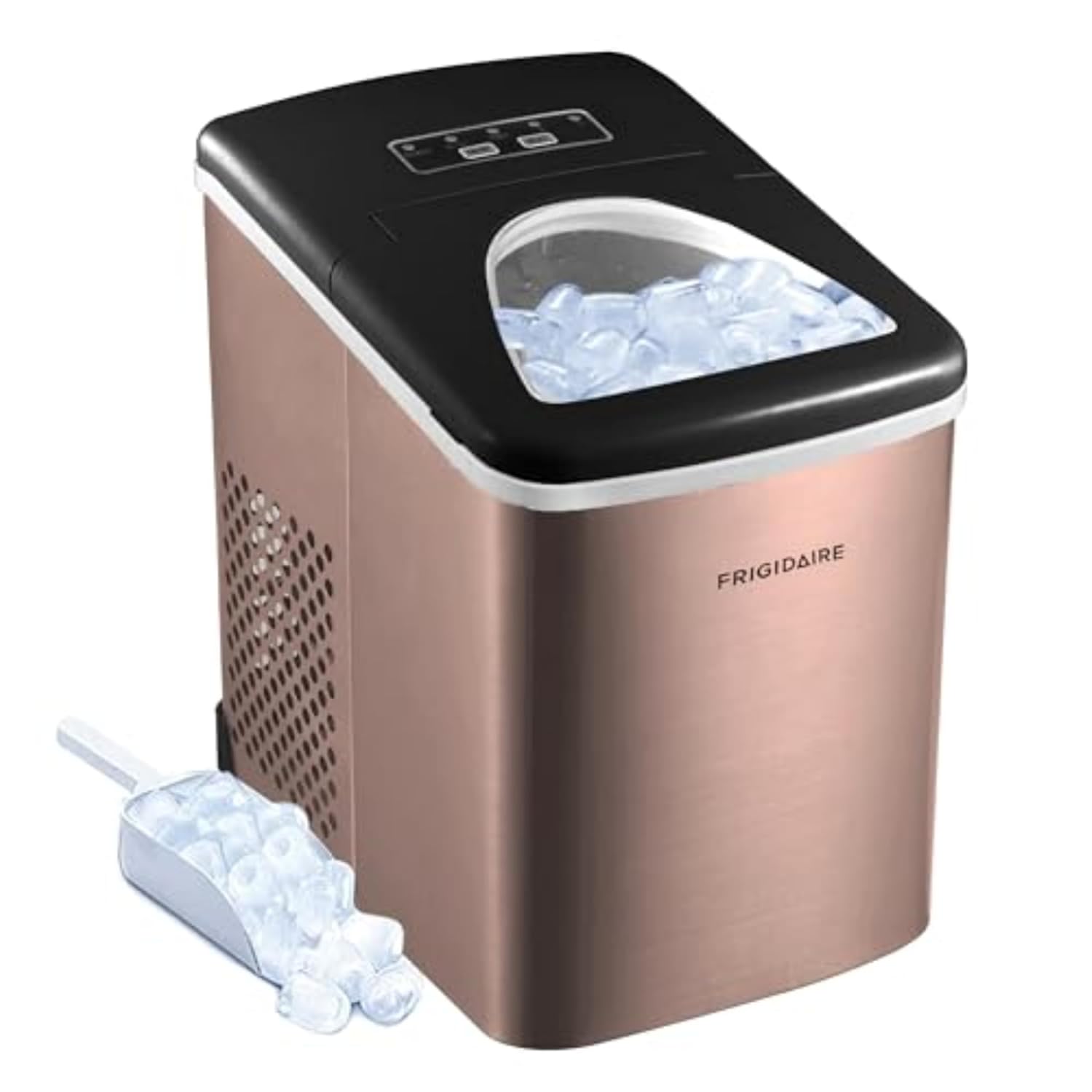
Figure 1: The Frigidaire EFIC117-SSCOPPER-COM Ice Maker, showcasing its sleek copper stainless steel finish, clear viewing window, and included ice scoop with fresh ice.
2. Important Safety Information
Please read all instructions carefully before operating this appliance to ensure safe and optimal performance. Retain this manual for future reference.
- Ensure the ice maker is connected to a properly grounded electrical outlet with the correct voltage (110-120V AC, 60Hz). Do not use extension cords or adapters.
- Place the appliance on a stable, level surface away from direct sunlight, heat sources, and corrosive gases. Allow at least 4 inches of space around the unit for proper ventilation.
- Do not immerse the power cord, plug, or the appliance itself in water or other liquids.
- Always unplug the ice maker before cleaning, servicing, or when not in use.
- Use only potable (drinkable) water in the water reservoir.
- Keep children and pets away from the appliance during operation. This appliance is not intended for use by persons with reduced physical, sensory, or mental capabilities unless supervised.
- Do not operate the appliance if the power cord or plug is damaged, or if the appliance malfunctions or has been damaged in any way. Contact qualified service personnel for repair.
3. Setup and First Use
3.1 Unpacking
Carefully remove all packaging materials, including tape and labels. Inspect the ice maker for any damage during transit. Keep packaging materials out of reach of children.
3.2 Placement
Select a flat, stable surface for your ice maker. Ensure there is adequate ventilation around the unit. Avoid placing it near heat-generating appliances or in direct sunlight.
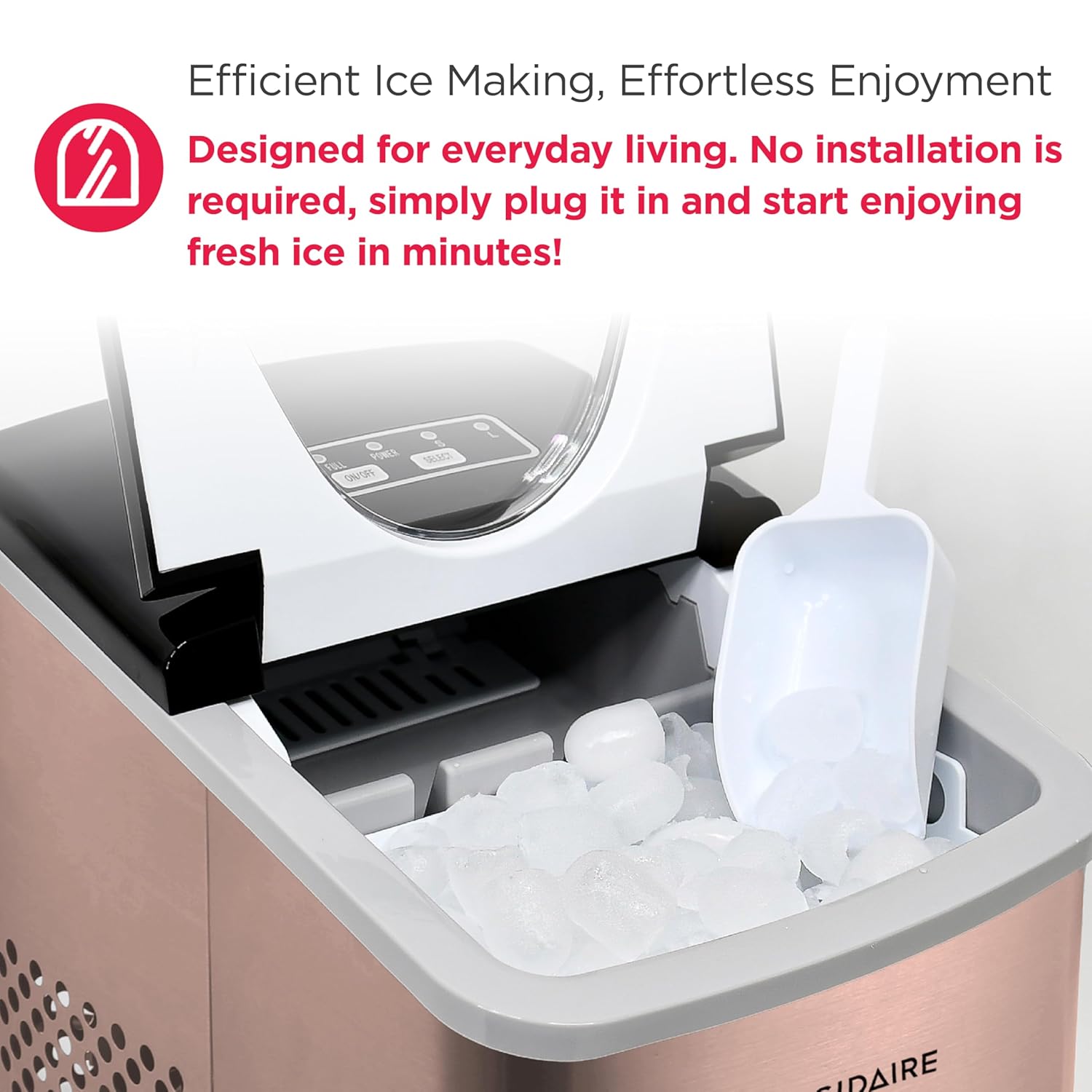
Figure 2: Product dimensions for proper placement. The unit measures approximately 13 inches deep, 9 inches wide, and 13 inches high.
3.3 Initial Cleaning
Before first use, clean the interior of the ice maker. Remove the ice basket and wash it with warm water and a mild detergent. Wipe the interior with a soft cloth dampened with a mixture of water and vinegar (1:1 ratio) to sanitize. Rinse thoroughly and dry.
3.4 Filling the Water Reservoir
Open the lid and fill the water reservoir with potable water up to the MAX fill line. Do not overfill. The reservoir has a capacity of 2.3 quarts.

Figure 3: View of the ice maker's interior, highlighting the water reservoir and ice basket. Ensure water is filled to the indicated maximum level.
3.5 Powering On
Plug the ice maker into a grounded electrical outlet. The "POWER" indicator light will illuminate. Press the "ON/OFF" button to start the ice making cycle.
4. Operating Instructions
4.1 Selecting Ice Cube Size
After pressing the "ON/OFF" button, use the "SELECT" button to choose your desired ice cube size: Small (S) or Large (L). The corresponding indicator light will illuminate. The default setting is usually Large.

Figure 4: The digital LED control panel with "ADD WATER", "ICE FULL", "POWER", and "SELECT" buttons for easy operation.
4.2 Ice Production Cycle
The ice maker will begin its cycle. Ice cubes are typically ready in less than 6 minutes. The unit will produce 9 bullet-shaped ice cubes per cycle.
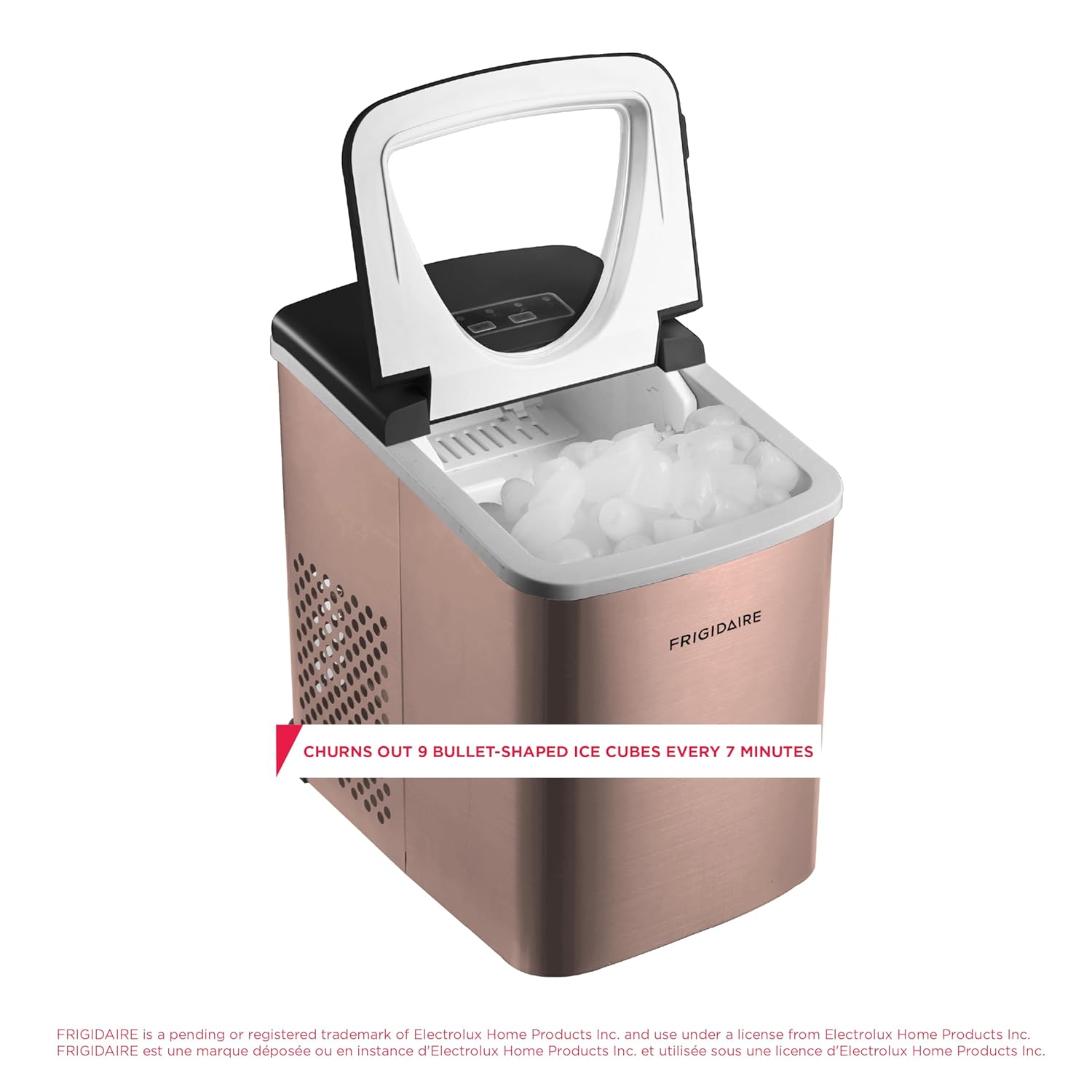
Figure 5: The ice maker in action, showing the mechanism that produces bullet-shaped ice cubes.
4.3 Ice Full and Add Water Indicators
- When the ice basket is full, the "ICE FULL" indicator light will illuminate, and the ice making process will pause. Remove ice from the basket to resume operation.
- If the water reservoir is low, the "ADD WATER" indicator light will illuminate. Refill the reservoir with potable water to continue ice production.

Figure 6: The ice basket, capable of holding up to 2.2 pounds of ice, with a user demonstrating how to scoop out ice. Note the two available ice sizes.
5. Maintenance and Cleaning
Regular cleaning and maintenance will ensure the longevity and hygienic operation of your ice maker.
5.1 Daily Cleaning
- Wipe the exterior of the unit with a soft, damp cloth.
- Empty any remaining water from the reservoir and dry the interior if the unit will not be used for an extended period.
5.2 Weekly Cleaning (or as needed)
- Unplug the ice maker.
- Remove the ice basket.
- Drain all water from the reservoir by removing the drain plug located at the bottom of the unit (if applicable, otherwise tilt carefully to empty).
- Clean the interior with a soft cloth and a mild detergent solution. For stubborn mineral deposits, use a solution of water and vinegar (1:1 ratio).
- Rinse all internal components thoroughly with clean water.
- Dry all parts completely before reassembling and storing or operating.
5.3 Descaling
Over time, mineral deposits can build up. To descale, fill the reservoir with a solution of water and white vinegar (1:1 ratio). Run a few ice-making cycles without consuming the ice. Drain the solution, rinse thoroughly with clean water, and run several cycles with fresh water to remove any vinegar residue.
6. Troubleshooting
| Problem | Possible Cause | Solution |
|---|---|---|
| Ice maker not working. | No power; "ADD WATER" light on; "ICE FULL" light on. | Check power connection; Add water to reservoir; Remove ice from basket. |
| Ice cubes are too small or cloudy. | Water temperature too high; Mineral buildup. | Use colder water; Perform descaling procedure. |
| "ADD WATER" light is on, but reservoir is full. | Water sensor issue. | Unplug and replug the unit; Clean the water sensor (refer to manual diagram if available). |
| Ice maker is noisy. | Normal operation sounds; Unit not level. | Some sounds are normal (compressor, water pump); Ensure unit is on a level surface. |
7. Specifications
| Feature | Detail |
|---|---|
| Model Number | EFIC117-SSCOPPER-COM |
| Brand | Frigidaire |
| Ice Production Capacity | Up to 26 lbs per day |
| Ice Storage Capacity | Approx. 2.2 lbs (ice basket) |
| Ice Cube Shape | Bullet |
| Ice Cube Sizes | Small (S), Large (L) |
| Dimensions (D x W x H) | 13" x 9" x 13" |
| Wattage | 1000 watts |
8. Warranty and Support
For detailed warranty information, please refer to the warranty card included with your product or visit the official Frigidaire website. Keep your purchase receipt as proof of purchase for warranty claims.
If you encounter any issues not covered in this manual or require further assistance, please contact Frigidaire Customer Service. You can also find additional resources, including a downloadable PDF version of the user manual, at the following link:
Download Official User Manual (PDF)
For customer support, please visit the Frigidaire website or contact their dedicated support line. Contact details are typically found on the product packaging or the official brand website.