
Introduction
The Deli Premium Magnetic Whiteboard is designed for writing, drawing, and displaying notes using magnets. Its smooth surface and durable aluminum frame make it suitable for various environments, including offices, classrooms, and home workspaces. This manual provides essential information for the safe and effective use of your whiteboard.

Image: Front view of the Deli Premium Magnetic Whiteboard, showcasing its smooth white surface and aluminum frame.
Safety Information
- Ensure the whiteboard is securely mounted to a stable wall surface to prevent accidental falls.
- Keep small magnetic parts and mounting hardware away from young children to avoid choking hazards.
- Handle the whiteboard with care during installation to prevent injury or damage to the product.
- Use only dry-erase markers specifically designed for whiteboards. Permanent markers will damage the surface.
Package Contents
Verify that all items are present in the package:
- 1 x Deli Premium Magnetic Whiteboard (600mm x 900mm) with Aluminum Frame
- Mounting hardware (hooks/hangers)
Setup
The whiteboard can be mounted in either a horizontal or vertical orientation. Follow these steps for secure installation:
- Choose Location: Select a suitable wall location. Consider wall studs or use appropriate wall anchors for drywall or plaster.
- Attach Hangers: Secure the provided mounting hangers to the back of the whiteboard frame. The hangers can be positioned to allow for either horizontal or vertical display.
- Mark Wall: Hold the whiteboard against the wall in the desired position and mark the locations for drilling.
- Drill Holes: Drill pilot holes at the marked locations. Insert wall anchors if necessary.
- Mount Whiteboard: Align the hangers on the whiteboard with the drilled holes or anchors and secure the whiteboard to the wall using screws. Ensure the board is level and firmly attached.
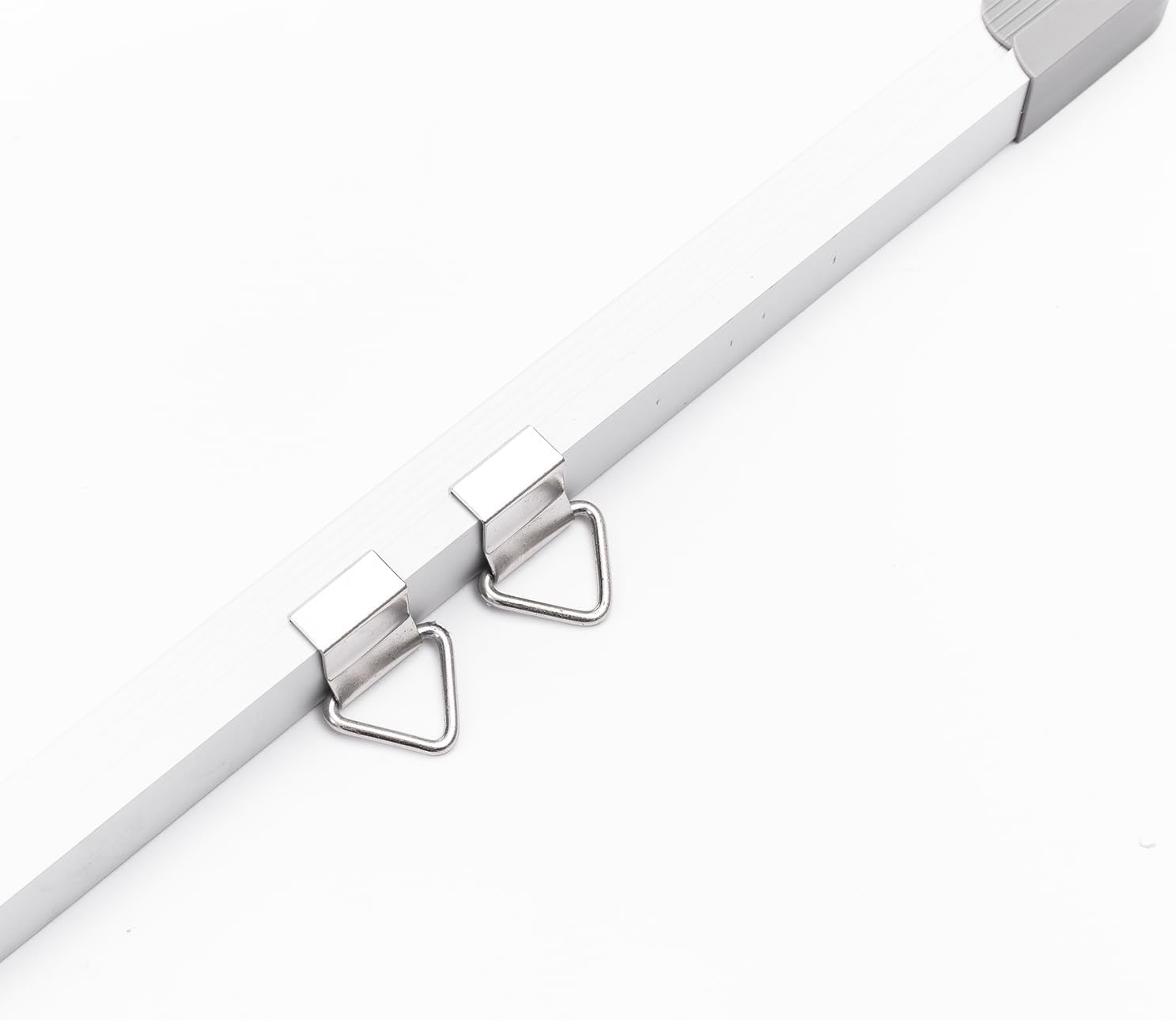
Image: Detail of the mounting hangers attached to the aluminum frame, ready for wall installation.

Image: A close-up view of a whiteboard corner, showing the protective grey cap and the aluminum frame.
Operating Instructions
- Writing: Use only dry-erase markers on the whiteboard surface. Avoid pressing too hard to prevent indentations.
- Erasing: To erase, use a dedicated whiteboard eraser or a soft, dry cloth. For best results, erase promptly after writing.
- Using Magnets: The whiteboard surface is magnetic. Place magnets directly onto the board to hold notes, papers, or other lightweight items.
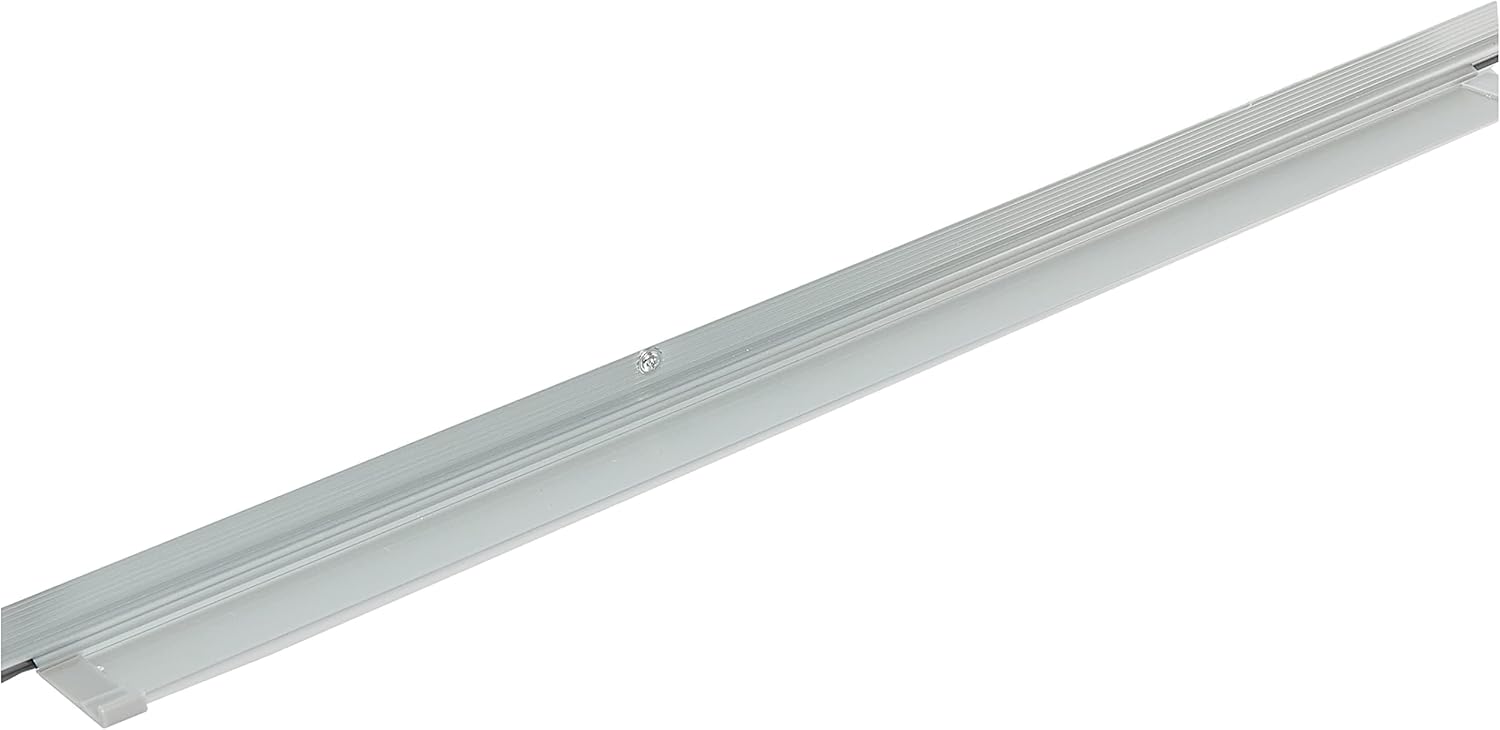
Image: A close-up view of the integrated marker tray located at the bottom of the whiteboard frame.
Maintenance and Cleaning
- Regular Cleaning: Wipe the whiteboard surface regularly with a dry-erase eraser to remove marker residue.
- Deep Cleaning: For stubborn marks or ghosting, use a specialized whiteboard cleaning spray. Apply the cleaner to a soft cloth and wipe the surface. Do not spray directly onto the board.
- Frame Cleaning: Wipe the aluminum frame with a soft, damp cloth. Avoid harsh chemicals that could damage the finish.
- Avoid: Do not use abrasive cleaners, scouring pads, or sharp objects on the whiteboard surface or frame, as these can cause permanent damage.
Troubleshooting
- Problem: Marks are difficult to erase or ghosting appears.
Solution: Ensure you are using dry-erase markers. Clean the board thoroughly with a specialized whiteboard cleaner. - Problem: Whiteboard feels unstable after mounting.
Solution: Verify that all mounting hardware is securely fastened to both the whiteboard frame and the wall. Ensure appropriate wall anchors were used for your wall type. - Problem: Magnets do not stick.
Solution: Confirm that the items you are trying to attach are magnetic. The whiteboard surface is magnetic, but some decorative magnets may have weak magnetic properties.
Specifications
| Brand | Deli |
| Model Number | E39033A |
| Dimensions | 60 cm (Length) x 90 cm (Width) |
| Material Type | Acrylonitrile Butadiene Styrene (ABS), Aluminium |
| Item Weight | 2.1 kg |
| Mounting Type | Wall Mount |
| Manufacturer | Deli Group Co., Ltd. |
Warranty and Support
This Deli Premium Magnetic Whiteboard comes with a 6-month warranty from the date of purchase. This warranty covers manufacturing defects under normal use. It does not cover damage resulting from improper installation, misuse, accidents, or unauthorized modifications.
For warranty claims, technical support, or inquiries, please contact your retailer or the manufacturer, Deli Group Co., Ltd., with your proof of purchase.


