1. Introduction
The Sonew 12V Wired Alarm Strobe Siren (Model MR-102) is a security device designed to provide both audible and visual alerts. It integrates into existing security systems to enhance notification during an event. This manual provides detailed instructions for the proper installation, operation, and maintenance of your strobe siren.
2. Safety Information
Please read all safety instructions before installing or operating this device. Failure to follow these instructions may result in electric shock, fire, or damage to the product.
- Ensure the power supply is disconnected before installation or maintenance.
- This device operates on 12V DC. Do not connect to higher voltage power sources.
- Installation should be performed by qualified personnel if you are unsure about electrical wiring.
- Do not expose the device to extreme temperatures or direct water immersion.
- Keep out of reach of children.
3. Package Contents
Verify that all items are present in the package:
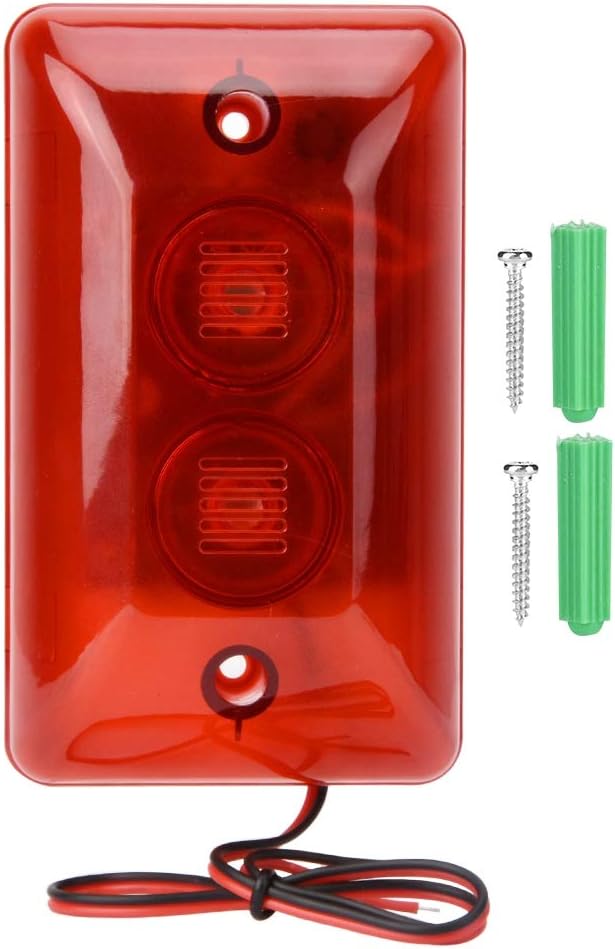
- 1 x Sonew Wired Alarm Strobe Siren (Model MR-102)
- 2 x Mounting Screws
- 2 x Wall Plugs
4. Product Features
The Sonew 12V Wired Alarm Strobe Siren offers the following features:
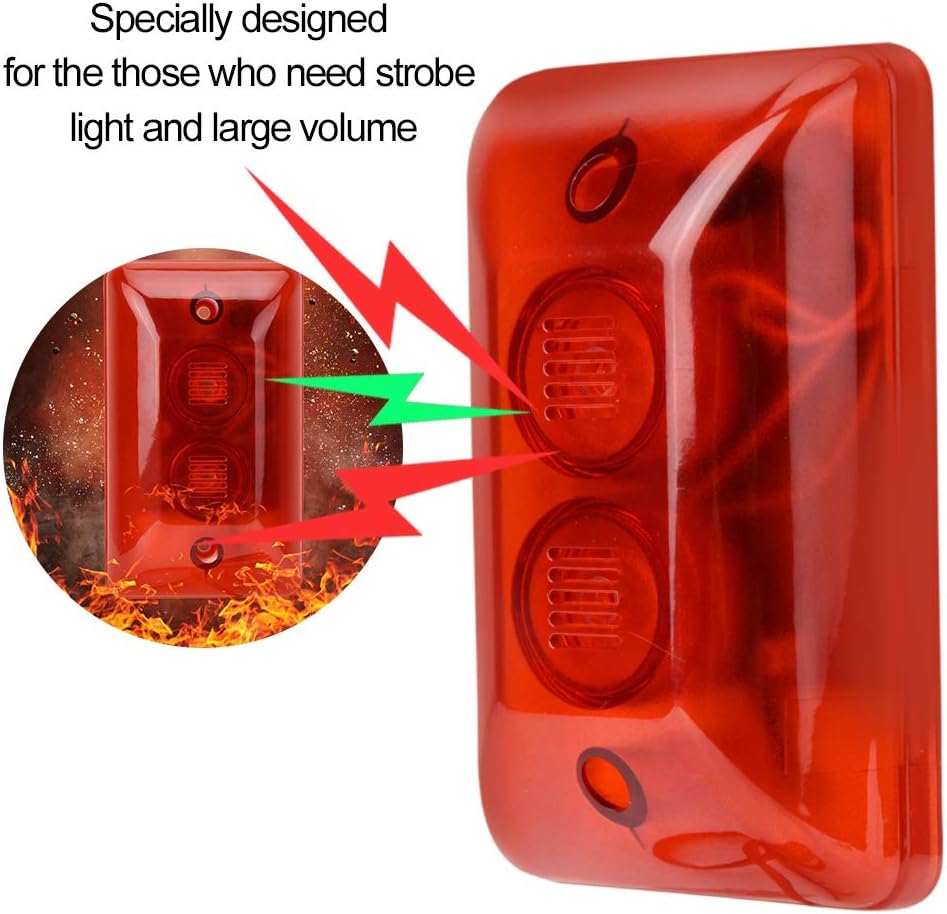
- High-Pitched Sound Output: Emits a loud alarm sound to quickly attract attention during an alert.
- Flashing LED Strobe Light: Provides a rapid visual alert to complement the audible alarm.
- Durable Construction: Made from fireproof ABS flame retardant material for enhanced safety and longevity.
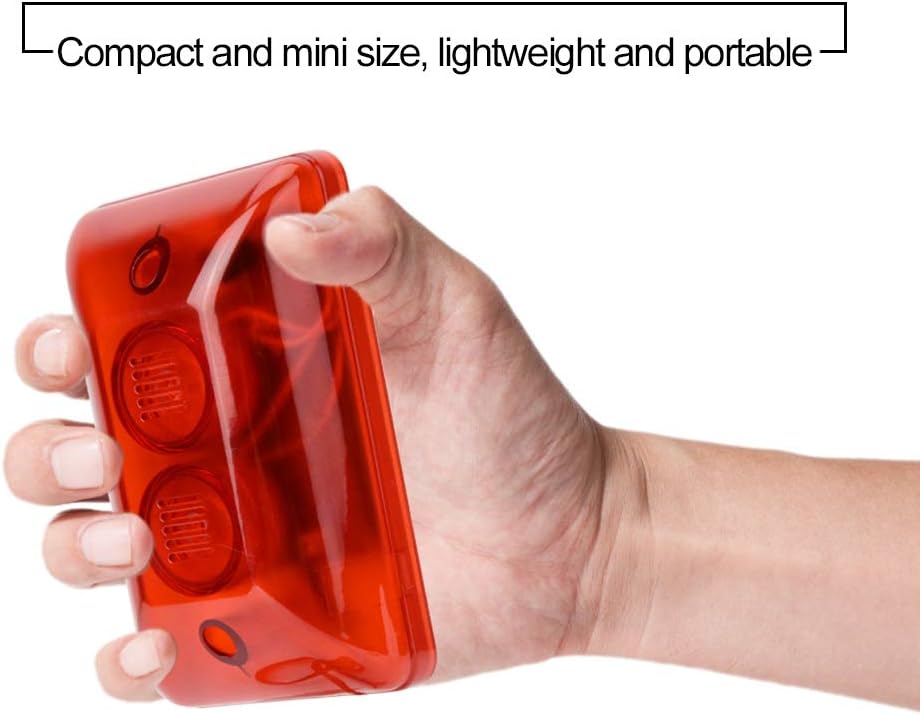
- Compact and Portable Design: Small dimensions allow for flexible placement and easy handling.
- Energy Efficient: Designed for low power consumption.
- Easy Installation: Simple wiring and mounting process for quick setup.

5. Specifications
| Parameter | Value |
|---|---|
| Model | MR-102 |
| Operating Voltage Range | 6-15V DC |
| Rated Voltage | 12V DC |
| Rated Current | 300 mA |
| Sound Pressure | 110 ± 3 dB |
| Product Dimensions (L x W x H) | 120 x 72 x 36 mm (4.72 x 2.83 x 1.42 inches) |
| Weight | Approx. 116g (3.98 ounces) |
| Material | Fireproof ABS |
| Color | Red |
| Type of Bulb | LED |
| Mounting Type | Wall Mount |
6. Installation
Follow these steps to properly install your Sonew 12V Wired Alarm Strobe Siren:
- Choose a Location: Select a suitable location for the siren, preferably high up and visible, where its sound and light can be effectively disseminated. Ensure the surface is stable for wall mounting.
- Mark Drilling Points: Hold the siren against the chosen wall and mark the positions for the two mounting holes.
- Drill Holes: Drill pilot holes at the marked positions. Insert the provided wall plugs into the drilled holes.
- Wiring: The siren has two wires for power connection. Connect the red wire to the positive (+) 12V DC output from your alarm system or power supply, and the black wire to the negative (-) terminal. Ensure the power supply is OFF during wiring.
- Mount the Siren: Secure the siren to the wall using the provided screws, ensuring it is firmly attached.
- Test the System: Once installed and wired, turn on the power to your alarm system and trigger an alarm to test the siren's functionality.

7. Operation
The Sonew 12V Wired Alarm Strobe Siren operates in conjunction with your security alarm system. When the alarm system triggers an event, it will send a 12V DC signal to the siren, activating both the high-pitched sound and the flashing LED strobe light simultaneously.
- The siren will activate when 12V DC power is supplied to its input wires.
- The siren will deactivate when the 12V DC power supply is interrupted by the alarm system.
8. Maintenance
To ensure optimal performance and longevity of your strobe siren, follow these maintenance guidelines:
- Regular Cleaning: Periodically wipe the exterior of the siren with a soft, dry cloth to remove dust and debris. Do not use abrasive cleaners or solvents.
- Inspect Wiring: Annually check the wiring connections for any signs of wear, corrosion, or loose connections. Ensure all connections are secure.
- Functionality Test: Test the siren's operation regularly (e.g., monthly) by triggering your alarm system to ensure both the sound and strobe light are functioning correctly.
- Environmental Protection: Ensure the siren is not exposed to conditions beyond its operating specifications, such as excessive moisture or extreme temperatures.
9. Troubleshooting
If you encounter issues with your Sonew 12V Wired Alarm Strobe Siren, refer to the following troubleshooting steps:
- Siren Does Not Activate:
- Check the power supply: Ensure the alarm system is providing 12V DC power to the siren's input wires when triggered. Use a multimeter to verify voltage.
- Inspect wiring: Confirm that the red wire is connected to positive (+) and the black wire to negative (-), and that all connections are secure and free from damage.
- Check alarm system: Verify that your main alarm system is functioning correctly and sending the activation signal.
- Strobe Light Works, but No Sound:
- This may indicate an internal fault with the sound component. Ensure the siren is receiving adequate power. If the issue persists, contact customer support.
- Sound Works, but No Strobe Light:
- This may indicate an internal fault with the LED strobe component. Ensure the siren is receiving adequate power. If the issue persists, contact customer support.
- Weak Sound or Light:
- Verify the power supply voltage is stable and within the 6-15V DC operating range, ideally at 12V DC. Low voltage can affect performance.
- Ensure there are no obstructions blocking the sound grilles or light lens.
10. Warranty and Support
Sonew products are designed for reliability and performance. For specific warranty details, please refer to the warranty card included with your purchase or contact your retailer. If you require technical assistance or have questions not covered in this manual, please contact Sonew customer support through the official website or your purchase platform.