
Bajaj BP07
Bajaj Midea BP07 Pedestal Fan User Manual
Model: BP07 (Midea)
Introduction
Thank you for purchasing the Bajaj Midea BP07 Pedestal Fan. This manual provides important information regarding the safe operation, assembly, maintenance, and troubleshooting of your new fan. Please read this manual thoroughly before using the appliance and retain it for future reference.

Image: The Bajaj Midea BP07 Pedestal Fan, white in color, with its protective grill and control panel visible.
Important Safety Instructions
- Always ensure the fan is placed on a stable, flat surface to prevent tipping.
- Do not insert fingers or any objects through the grill when the fan is operating.
- Unplug the fan from the power outlet before cleaning, assembling, or disassembling.
- Keep the fan away from water and moisture. Do not use it in bathrooms or other wet environments.
- Do not operate the fan with a damaged cord or plug. If the cord is damaged, it must be replaced by the manufacturer, its service agent, or similarly qualified persons to avoid a hazard.
- This appliance is not intended for use by persons (including children) with reduced physical, sensory or mental capabilities, or lack of experience and knowledge, unless they have been given supervision or instruction concerning use of the appliance by a person responsible for their safety.
- Children should be supervised to ensure that they do not play with the appliance.
- The fan is equipped with an Overload Thermal Protector which acts as a fuse and protects the motor from damage in case of overload.
Package Contents
Please check the box for the following items:
- 1 Pedestal Fan Unit
- Instruction Manual
- Warranty Card
Setup and Assembly
Follow these steps to assemble your Bajaj Midea BP07 Pedestal Fan:
Base Assembly
Place the base on a flat surface. Insert the lower stand pipe into the base and secure it firmly using the provided screw or locking mechanism at the bottom of the base.
Stand Pipe and Motor Unit Attachment
Insert the upper stand pipe into the lower stand pipe. Attach the fan motor unit to the top of the upper stand pipe, ensuring it is securely fastened. The height can be adjusted using the height adjustment knob on the stand.

Image: Close-up view of the fan's control panel and the adjustable stand, showing the connection points.
Grill and Blade Installation
Remove the spinner cap and retaining nut from the motor shaft. Place the rear grill onto the motor unit, aligning the notches. Secure it with the retaining nut. Slide the fan blade onto the motor shaft, ensuring it is seated correctly. Secure the blade with the spinner cap, turning it clockwise until tight. Finally, attach the front grill to the rear grill, ensuring all clips are securely fastened around the perimeter.

Image: Diagram illustrating key features of the fan, including blades, motor, and control panel, which are relevant for assembly.
Operating Instructions
Your Bajaj Midea BP07 Pedestal Fan is designed for ease of use. Here's how to operate it:
Power On/Off
Plug the fan into a suitable power outlet. Press the 'ON/OFF' button on the control panel to turn the fan on or off.
Speed Control
The fan features 3 speed settings. Press the corresponding speed buttons (1, 2, or 3) on the control panel to select your desired airflow intensity. Speed 1 is the lowest, and Speed 3 is the highest.
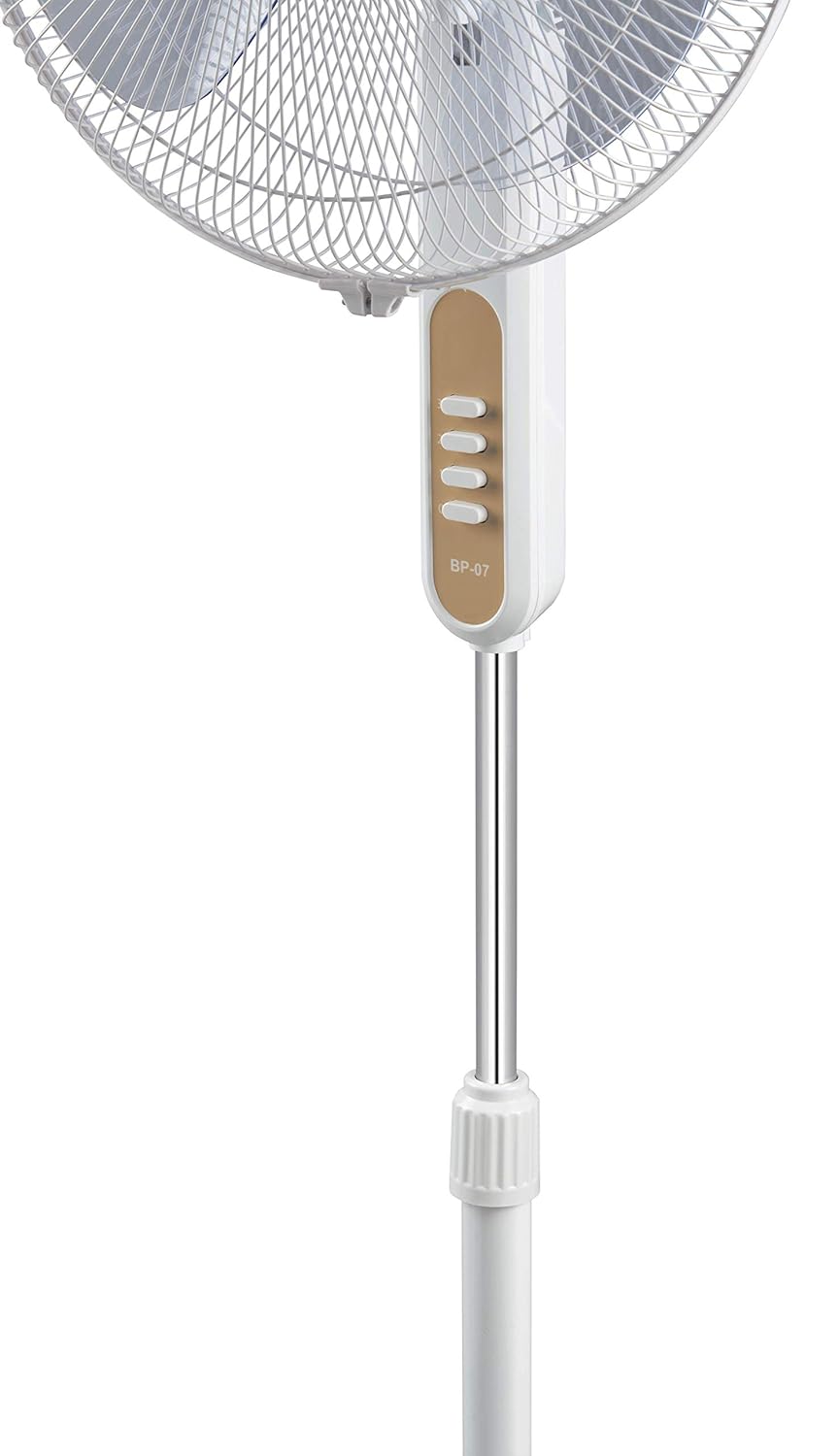
Image: Close-up of the fan's control panel showing the speed selection buttons.
Oscillation Function
To enable oscillation (the fan head moving from side to side), press down the oscillation knob located on top of the motor housing. To stop oscillation, pull the knob up.
Height Adjustment
Loosen the height adjustment knob on the stand pipe, adjust the fan to the desired height, and then tighten the knob securely.
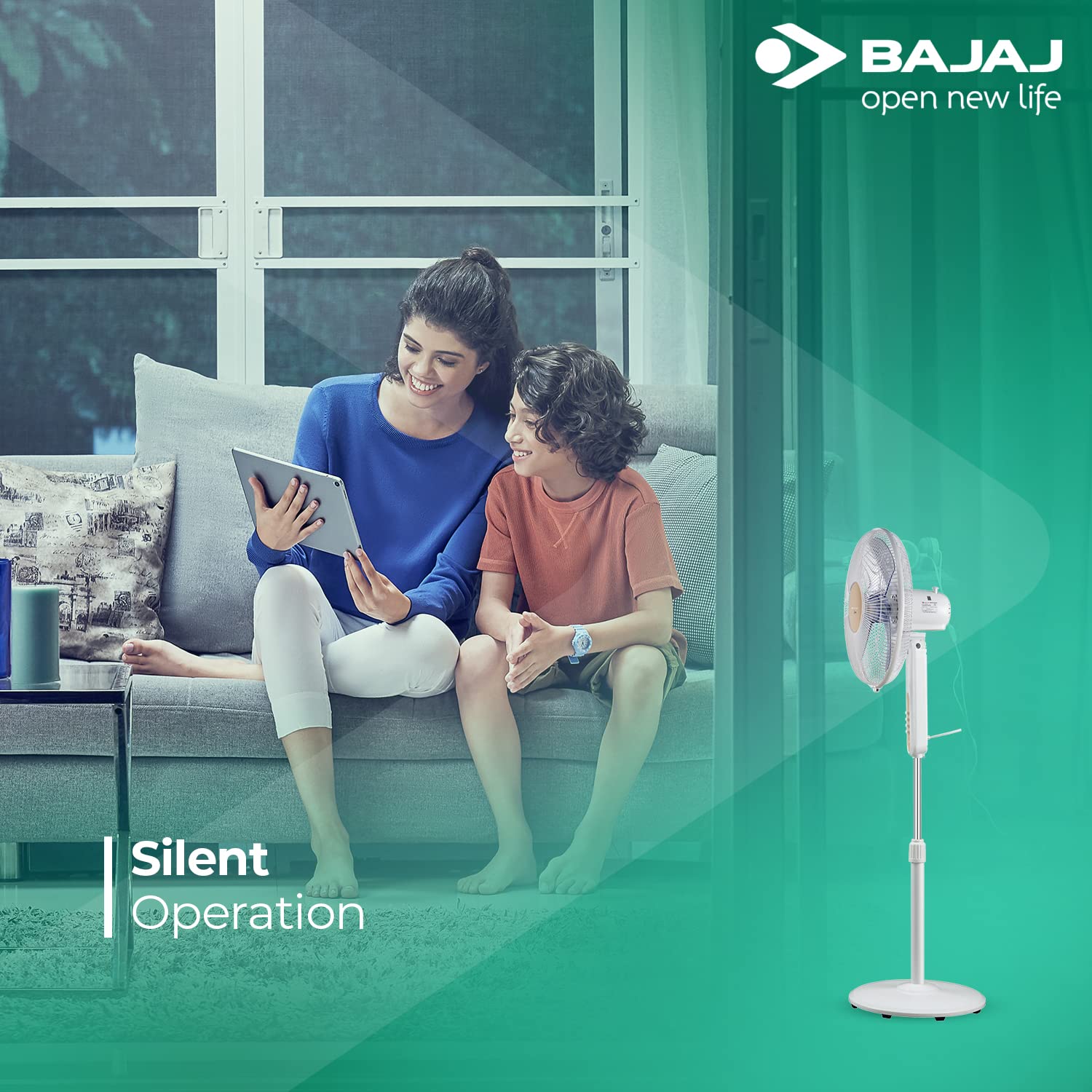
Image: A visual representation highlighting the silent operation feature of the fan, showing a calm home environment.
Maintenance and Cleaning
Regular cleaning will help maintain the fan's performance and extend its lifespan.
- Always unplug the fan before cleaning.
- Use a soft, damp cloth to wipe the exterior surfaces of the fan. Do not use abrasive cleaners or solvents.
- To clean the fan blades, remove the front grill (refer to assembly instructions in reverse). Wipe the blades with a damp cloth. Ensure blades are completely dry before reassembling the grill.
- Do not immerse the fan in water or any other liquid.
- Store the fan in a cool, dry place when not in use for extended periods.
Troubleshooting
If you encounter any issues with your fan, please refer to the following table:
| Problem | Possible Cause | Solution |
|---|---|---|
| Fan does not turn on. | Not plugged in; Power outlet not working; Overload Thermal Protector tripped. | Ensure fan is securely plugged in. Test the outlet with another appliance. Unplug the fan, wait 5 minutes, and plug it back in to reset the protector. |
| Weak airflow. | Fan speed set too low; Grills or blades are dirty. | Increase the fan speed setting. Clean the fan blades and grills as per maintenance instructions. |
| Fan is noisy. | Loose parts; Fan not on a stable surface; Obstruction in blades. | Check all assembly points for tightness. Ensure the fan is on a flat, stable surface. Unplug and check for any foreign objects obstructing the blades. |
| Oscillation not working. | Oscillation knob not engaged. | Press down the oscillation knob firmly on top of the motor housing. |
Specifications
| Feature | Detail |
|---|---|
| Brand | Bajaj |
| Model Name | Midea (BP07) |
| Electric Fan Design | Floor Fan / Pedestal Fan |
| Power Source | Corded Electric |
| Wattage | 55 Watts |
| Sweep | 400mm |
| Air Delivery | 75 CMM |
| RPM | 1300 |
| Speed Settings | 3 Speed Levels |
| Motor Type | Full Copper Motor |
| Blade Material | Plastic (Acrylic blades for consistent air delivery) |
| Special Feature | High Velocity, Oscillating, Silent Operation, Overload Thermal Protector |
| Product Dimensions (D x W x H) | 43D x 45.2W x 135H Centimeters |
| Item Weight | 7.29 Kilograms |
| Color | White |
| Mounting Type | Free Standing |

Image: Diagram showing the dimensions of the Bajaj Midea BP07 Pedestal Fan (Length, Breadth, Height).
Warranty and Support
Your Bajaj Midea BP07 Pedestal Fan comes with a 2-year warranty on the product from the date of purchase. Please retain your purchase receipt and warranty card for any warranty claims.
For service, support, or any queries, please contact Bajaj customer service. Refer to the contact details provided on your warranty card or visit the official Bajaj website.
You can also visit the official Bajaj Store for more information: Bajaj Electricals Store