
Introduction
Thank you for choosing the Hamzer Adjustable Padded Keyboard Bench. This manual provides essential information for the proper setup, operation, and maintenance of your new keyboard bench. Please read these instructions carefully before use to ensure safe and optimal performance. Keep this manual for future reference.
Product Features
- Sturdy X-Design: Constructed with heavy-duty all-metal for durability and stability during use.
- Maximum Comfort: Features 2.5 inches of high-density padding on the seat for extended comfort. Supports up to 220 lbs.
- Portable & Lightweight: Designed for easy folding and transport, weighing under 6 pounds.
- Height Adjustable: Offers 3 levels of height adjustment to accommodate various playing styles and user heights.
- Non-slip, Protective Feet: Equipped with non-slip feet protectors to ensure stability and prevent movement on various surfaces.

Image: Detailed view of the 2.5-inch high-density padding for enhanced comfort.

Image: Close-up of the durable, easy-to-clean leatherette seat material.
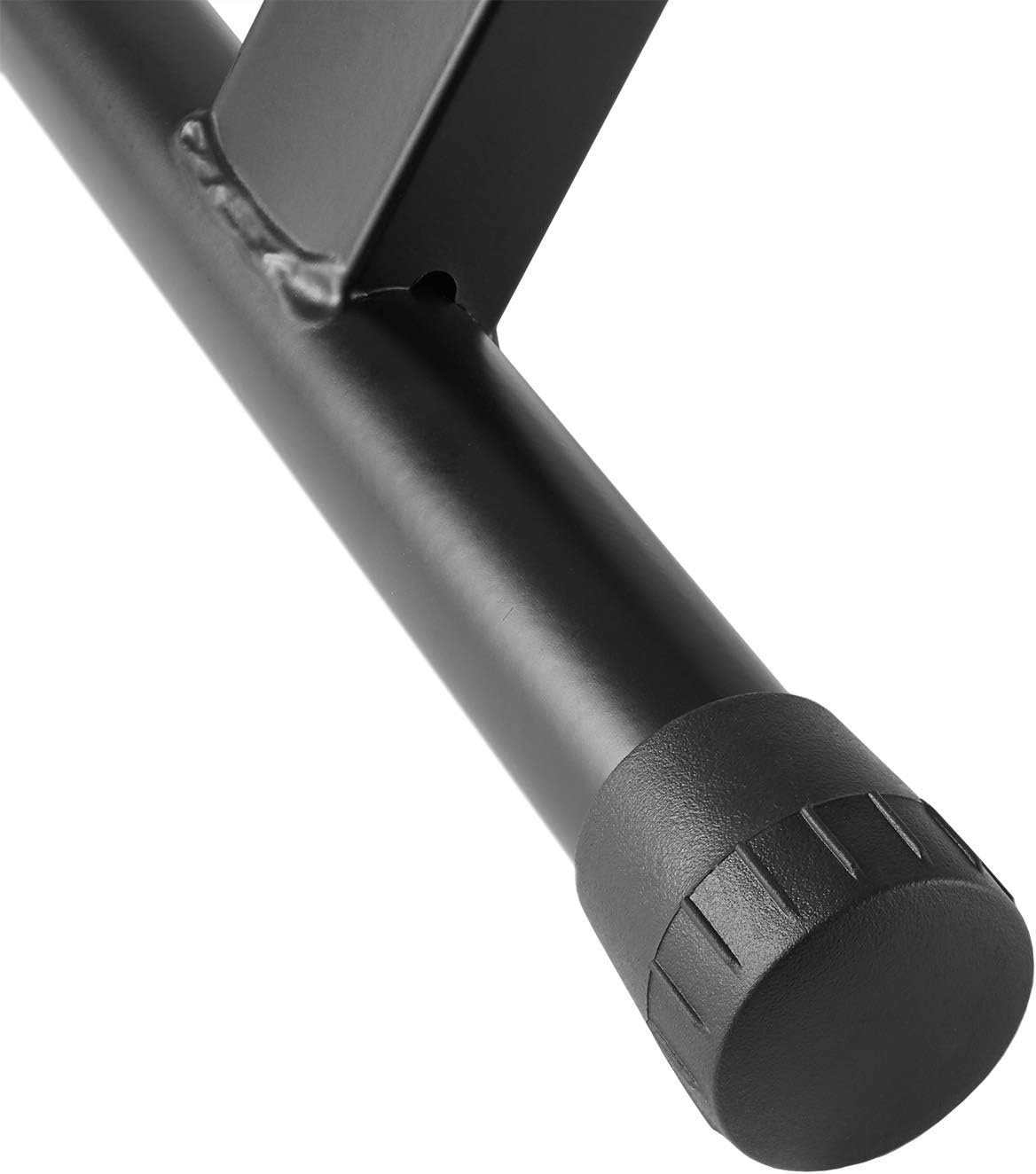
Image: Detail of the non-slip protective feet, designed for stability on various floor types.
Setup Instructions
- Unfolding the Bench: Carefully unfold the X-style legs until they are fully extended. Ensure the cross-bracing mechanism locks into place.
- Adjusting Height: Locate the adjustment knob at the center of the X-frame. Pull the knob outwards to disengage the locking pin. Adjust the bench to one of the three available height settings (19", 20-1/2", or 21-1/2"). Release the knob to ensure the pin securely locks into the desired height hole.
- Stability Check: Before sitting, gently press down on the seat to confirm that the bench is stable and all locking mechanisms are engaged.
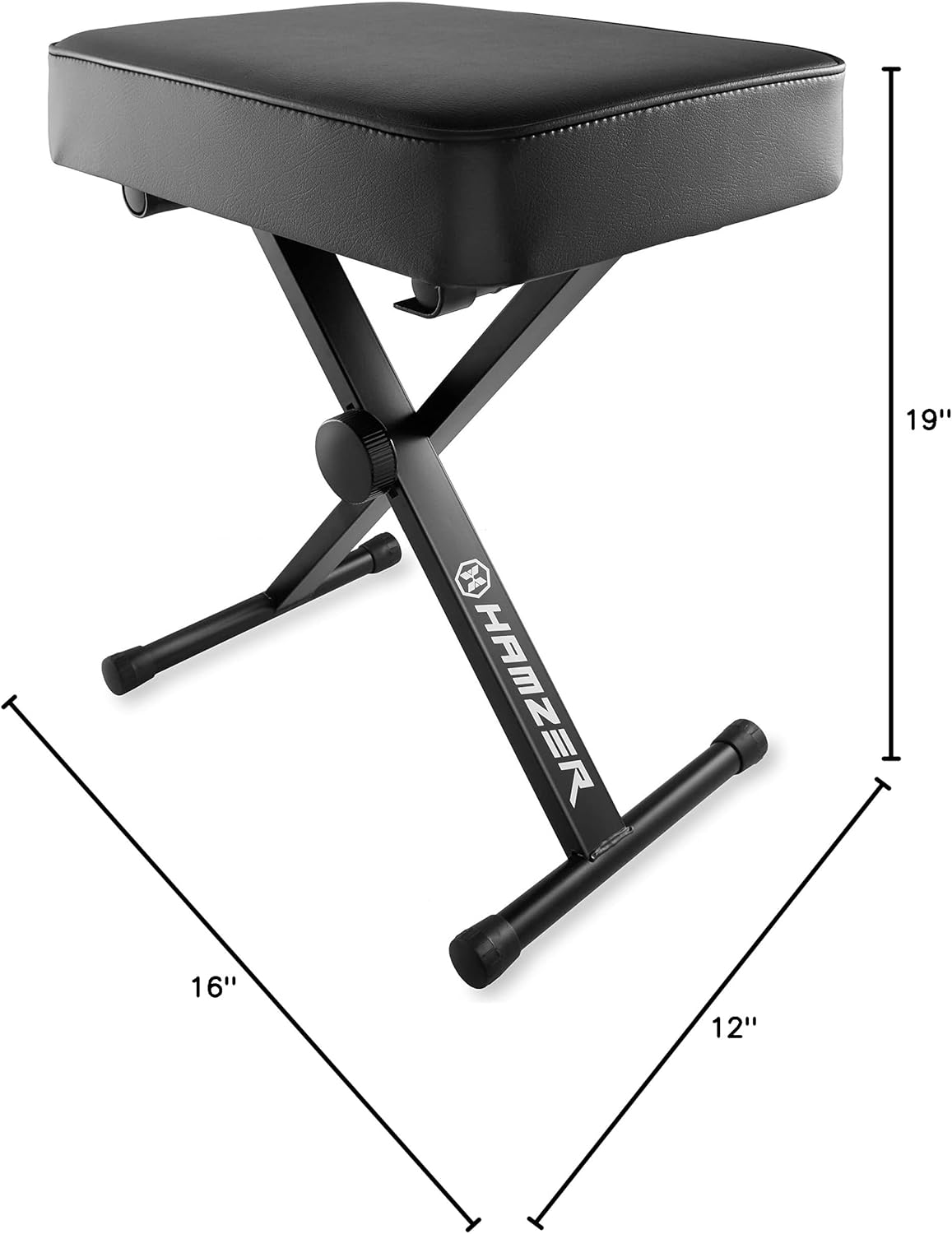
Image: Bench dimensions for reference during setup.

Image: Visual representation of the three adjustable height positions.
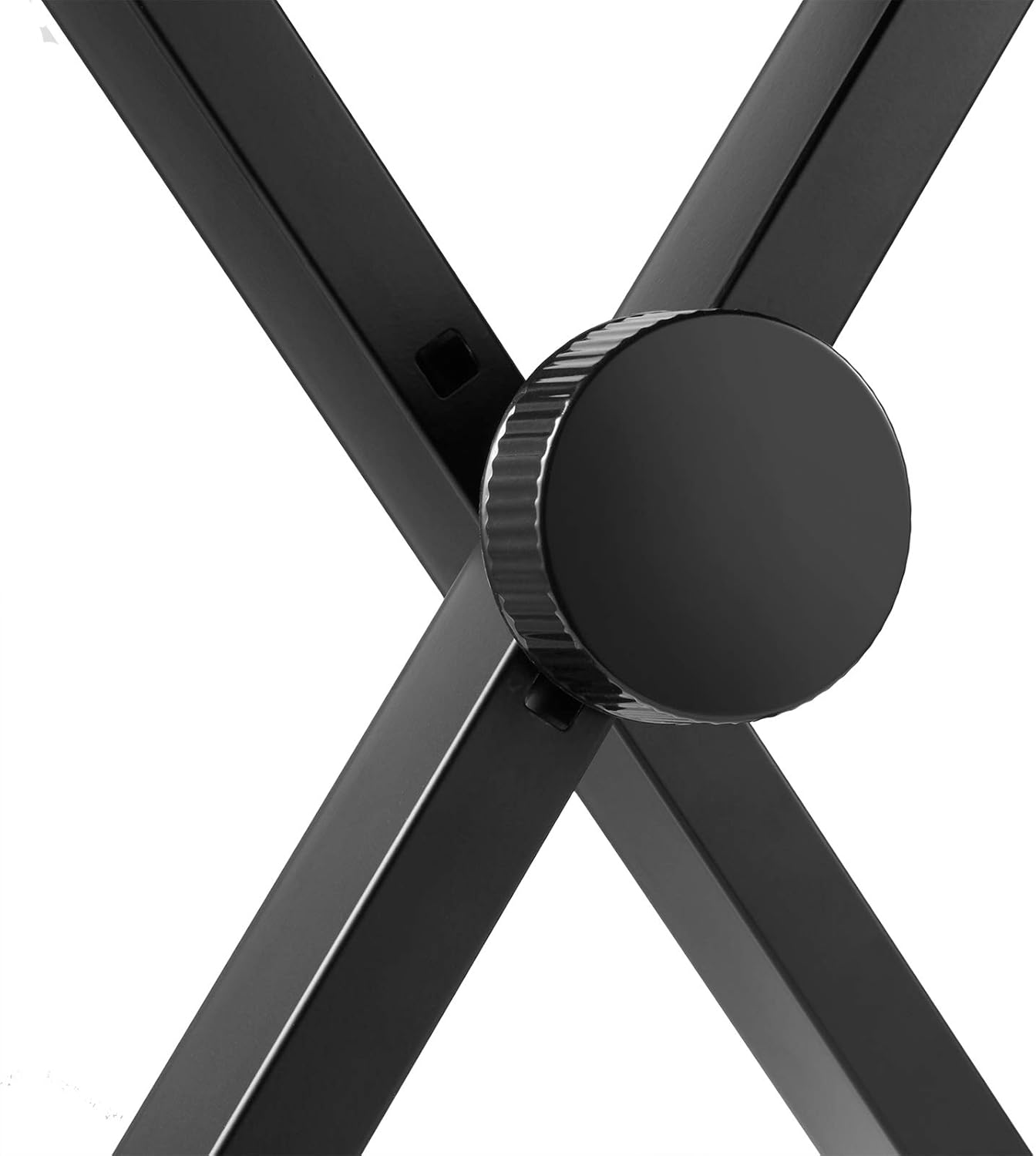
Image: Detail of the height adjustment knob for secure positioning.

Image: Illustration of the bench folding flat for convenient storage and transport.
Operating Instructions
Once the Hamzer keyboard bench is properly set up and adjusted to your preferred height, it is ready for use. Ensure the bench is placed on a stable, level surface to prevent tipping. The padded seat provides comfort for extended periods of playing or practice. To fold the bench for storage or transport, reverse the setup steps by disengaging the height adjustment pin and collapsing the X-frame.
Maintenance
- Cleaning: Wipe the padded seat and metal frame with a dry cloth to remove dust and dirt. For stubborn marks on the seat, a slightly damp cloth with mild soap can be used, followed by drying thoroughly.
- Inspection: Periodically check all bolts, screws, and adjustment mechanisms to ensure they are tight and functioning correctly. Tighten any loose fasteners.
- Storage: When not in use, fold the bench flat and store it in a dry place away from extreme temperatures or direct sunlight to prolong its lifespan.
Troubleshooting
- Bench feels unstable: Ensure the height adjustment pin is fully engaged in one of the height holes. Check that the X-frame is fully extended and locked. Verify the bench is on a flat, level surface.
- Difficulty adjusting height: Ensure the adjustment knob is pulled out completely before attempting to change the height. If the pin is stuck, gently wiggle the bench while pulling the knob.
- Squeaking noises: Apply a small amount of silicone lubricant to the pivot points of the X-frame if squeaking occurs.
Specifications
| Feature | Detail |
|---|---|
| Brand | Hamzer |
| Model Number | KEY-STAND-BENCH |
| Product Dimensions | 16"D x 6"W x 21.5"H |
| Color | Black |
| Furniture Finish | Matte Black |
| Adjustable Seat Heights | 19", 20-1/2", 21-1/2" |
| Leg Style | X-legged |
| Maximum Weight Recommendation | 220 Pounds |
| Seating Capacity | 1 |
| Item Weight | 6.5 pounds |
| Material | Metal (Frame) |
| UPC | 842364115651 |
| ASIN | B07NY39GJ9 |
Warranty Information
This Hamzer product comes with a standard manufacturer's warranty. For specific details regarding warranty coverage, duration, and claims process, please refer to the warranty card included with your purchase or visit the official Hamzer website.
Customer Support
Should you have any questions, require assistance with setup, or encounter any issues with your Hamzer Adjustable Padded Keyboard Bench, please contact our customer support team. You can find contact information on the Hamzer official website or through your retailer's support channels.