Product Overview
The Fosmon Outdoor Timer is a weatherproof, 24-hour mechanical timer designed for electrical outlets. It is ideal for controlling outdoor lighting, holiday decorations, and other electrical fixtures, offering convenience and energy savings by automating power on/off cycles.
This heavy-duty timer features three 3-prong grounded outlets and is ETL Listed, ensuring safety and reliability for outdoor use. Its robust construction is built to withstand various weather conditions.

Figure 1: Fosmon Outdoor Timer with three grounded outlets and flexible cord.
Key Features
- 24-Hour Mechanical Control: Customizable programming with 30-minute segments.
- Three Grounded Outlets: Control multiple devices simultaneously.
- Weatherproof Design: Rainproof lid and rugged casing protect against outdoor elements.
- Flexible 18-inch Cord: Provides versatility for placement and connection.
- ETL Listed: Ensures product safety and quality standards.
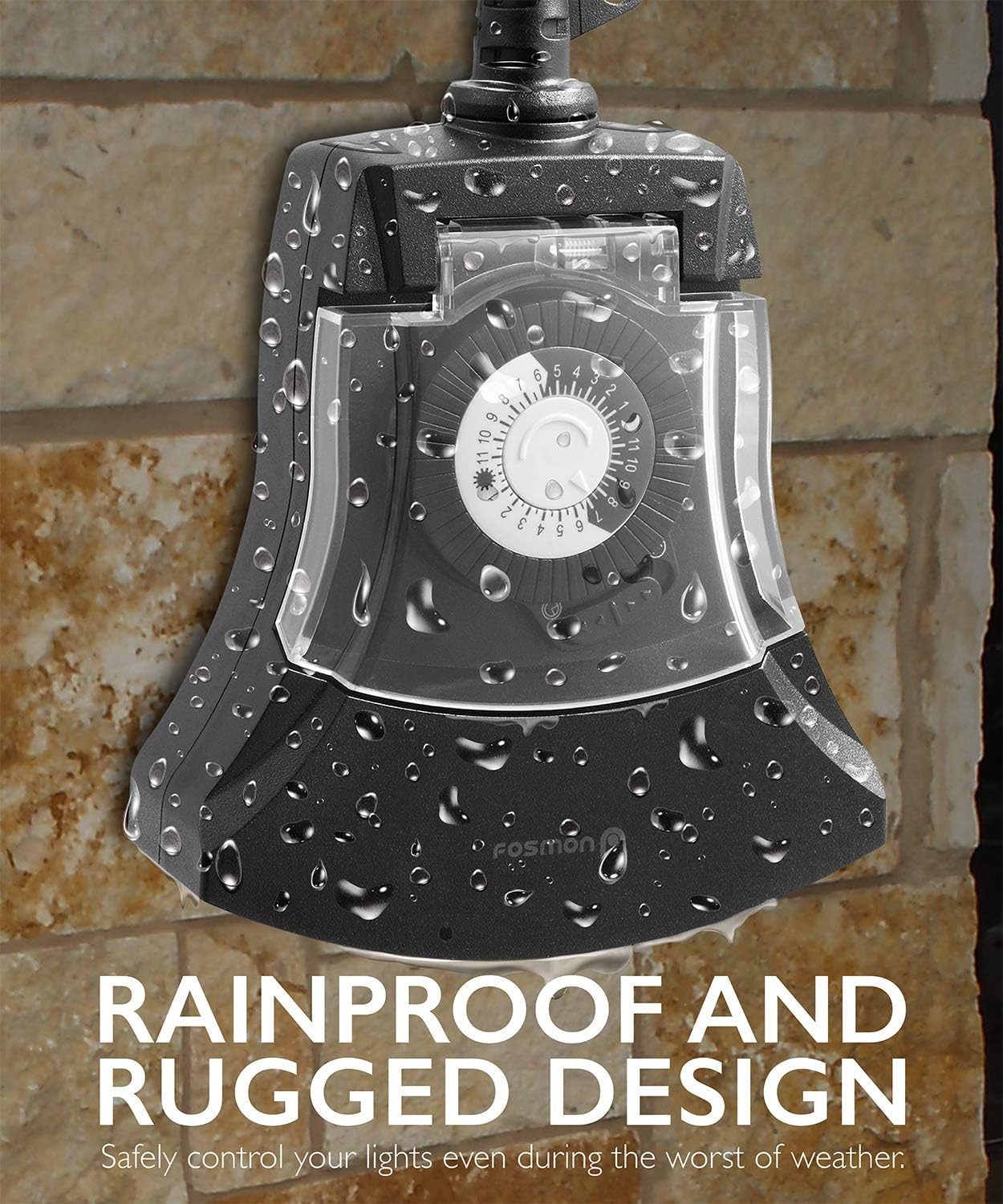
Figure 2: The timer features a rainproof and rugged design for outdoor durability.
Setup Instructions
- Unpack the Timer: Carefully remove the timer from its packaging.
- Choose a Location: Select a suitable outdoor location for the timer. Ensure it is placed above ground level to prevent water accumulation, especially in rainy or snowy conditions. The flexible 18-inch cord allows for convenient placement.
- Mounting (Optional): The timer features a mounting hole at the top of the unit. If desired, you can secure the timer to a wall or other stable surface using a nail or screw (not included) to keep it elevated and stable.
- Plug into Power Outlet: Plug the timer's 3-prong plug into a grounded outdoor electrical outlet.
- Connect Devices: Plug your outdoor lights, decorations, or other electrical fixtures into the three grounded outlets on the timer.
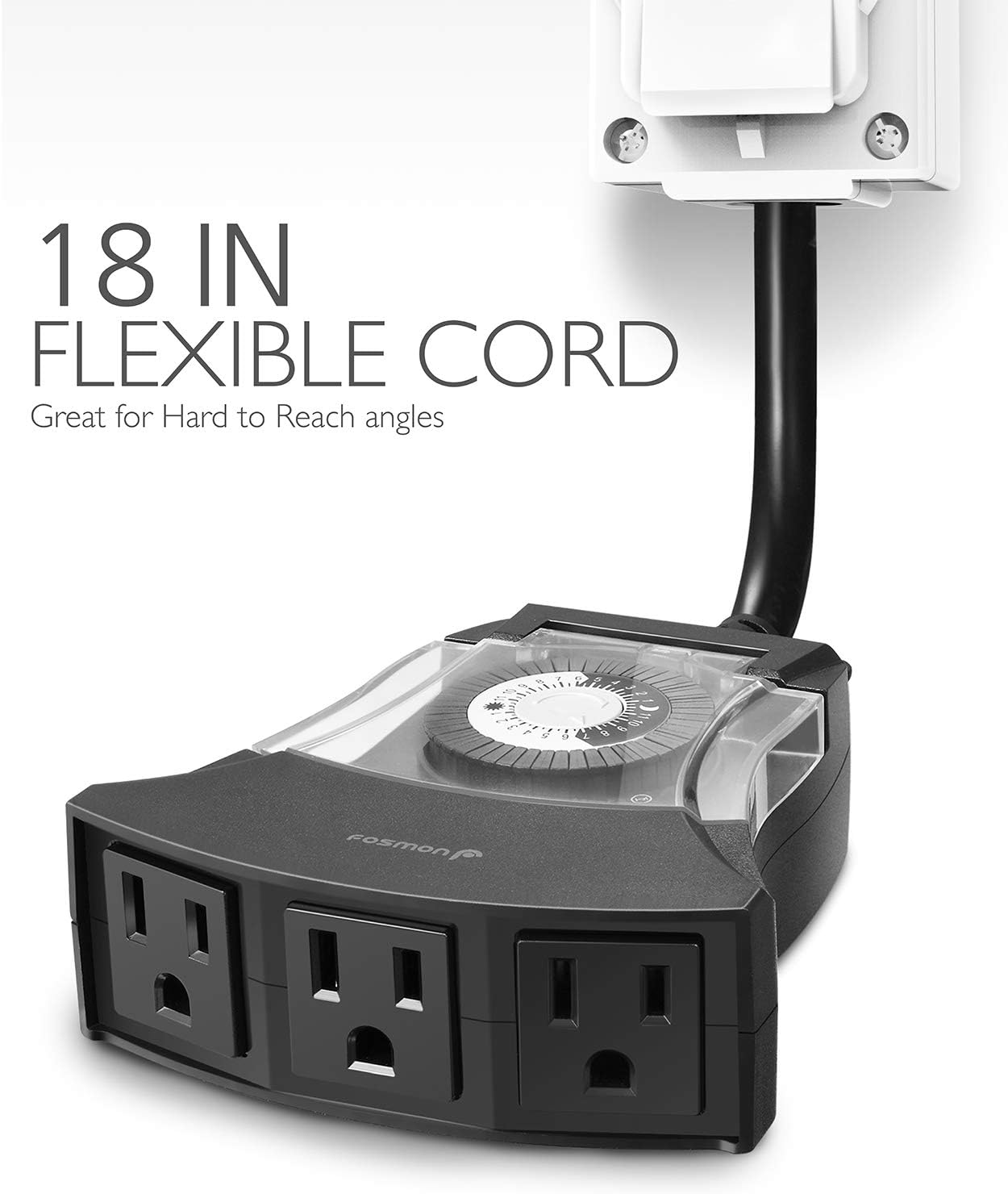
Figure 3: The flexible 18-inch cord provides ease of installation.
Operating Instructions
The Fosmon Outdoor Timer uses a mechanical dial for programming. Follow these steps to set your desired on/off times:
- Open the Protective Cover: Gently lift the clear plastic cover over the dial. This cover is spring-loaded and will automatically close to protect the mechanism from elements.
- Set Current Time: Rotate the dial clockwise until the arrow indicator points to the current time of day. The dial is marked with 24 hours, with a sun icon for daytime and a moon icon for nighttime.
- Program On/Off Times: The dial has small pins around its circumference, each representing a 30-minute interval.
- To set a period for the timer to be ON, push the corresponding pins down.
- To set a period for the timer to be OFF, leave the corresponding pins up.
Note: It may be easier to use a small tool like a pen or pencil to push the pins down due to their size. Ensure all pins are either fully up or fully down for accurate timing.
- Activate Timer: Once your desired schedule is set, locate the small slider switch on the side of the dial. Slide it to the "Timer" position to activate the programmed schedule. For continuous power, slide it to the "ON" position.
- Close Protective Cover: Gently release the clear plastic cover to allow it to snap shut, protecting the dial from moisture and debris.

Figure 4: Detailed view of the 24-hour mechanical dial for setting schedules.
Official Product Video: Setting and Using the Timer
Video 1: This video demonstrates how to set the 24-hour mechanical timer and shows it in action controlling outdoor lights.
Maintenance
- Regular Cleaning: Periodically wipe down the exterior of the timer with a damp cloth to remove dirt and debris. Ensure the unit is unplugged before cleaning.
- Inspect for Damage: Before each use, especially after severe weather, inspect the timer and its cord for any signs of damage, cracks, or fraying. Do not use if damaged.
- Ensure Cover is Closed: Always ensure the clear protective cover over the dial is securely closed when the timer is in use outdoors to maintain its weatherproof integrity.
Troubleshooting
| Problem | Possible Cause | Solution |
|---|---|---|
| Timer not turning on/off at set times. | Incorrect current time setting on dial. Pins not fully pushed down/up. Slider switch not in "Timer" position. | Adjust the dial to the correct current time. Ensure pins are firmly set for desired on/off intervals. Move the slider switch to the "Timer" setting. |
| Devices not receiving power. | Timer not plugged in. Outlet not functioning. Timer is in "OFF" mode or not programmed for current time. | Ensure timer is securely plugged into a live outlet. Test the outlet with another device. Check timer programming and slider switch position. |
| Water inside the timer. | Protective cover not closed properly. Unit not positioned correctly (e.g., lying flat in water). | Ensure the clear protective cover is fully closed. Mount or position the timer vertically and above ground to allow water to drip away. Discontinue use if water is present inside. |
Specifications
- Model Number: 02C-10713US
- Color: White
- Product Dimensions: 4"D x 7.2"W x 1.9"H
- Item Weight: 2.4 pounds
- Number of Settings: 6
- Cord Length: Approximately 18 inches (flexible)
- Outlets: 3 x 3-Prong Grounded Outlets
- Certifications: ETL Listed
Warranty & Support
Fosmon offers a Limited Lifetime Warranty for this product. This warranty covers defects in materials and workmanship under normal use.
For customer service and support, you can reach out to Fosmon's dedicated USA-based customer service team, available 24/7. Contact information can typically be found on the product packaging or the official Fosmon website.
Fosmon is a Minnesota Registered Small Business, Federal SAM, and 889 Certification compliant brand, committed to customer satisfaction.


