
Product Overview
The Masterbuilt 40-inch Digital Electric Smoker is designed for convenient and precise smoking. It features Bluetooth Smart technology for remote monitoring and control, a patented side wood chip loading system, and four chrome-coated smoking racks for ample cooking space. An integrated meat probe thermometer ensures accurate temperature readings.

Figure 1: Masterbuilt 40-inch Digital Electric Smoker in an outdoor setting.
Important Safety Information
- Always operate the smoker outdoors in a well-ventilated area.
- Do not use the smoker in enclosed spaces.
- Keep children and pets away from the smoker during operation.
- Ensure the smoker is placed on a stable, level surface.
- Use heat-resistant gloves when handling hot components.
Assembly & Setup
The Masterbuilt Digital Electric Smoker requires minimal assembly. Follow the included instructions to attach the legs, wheels, and handles. Ensure all components are securely fastened before initial use.

Figure 2: Man loading food into the Masterbuilt electric smoker.
Initial Seasoning Process
Before cooking food, the smoker must be seasoned. This process burns off any manufacturing oils and prepares the interior for optimal performance. Refer to the detailed instructions in your product manual for specific temperature and duration settings for seasoning.
Video 1: An influencer demonstrating the assembly process and initial setup of a similar Masterbuilt smoker model. This video highlights the ease of putting together the unit and preparing it for first use.
Operating Instructions
Control Panel & Temperature Settings
The digital control panel allows you to set and monitor the smoker's temperature and cooking time. Use the integrated meat probe thermometer for precise internal meat temperature readings. The Bluetooth Smart technology enables monitoring and control from your smart device.
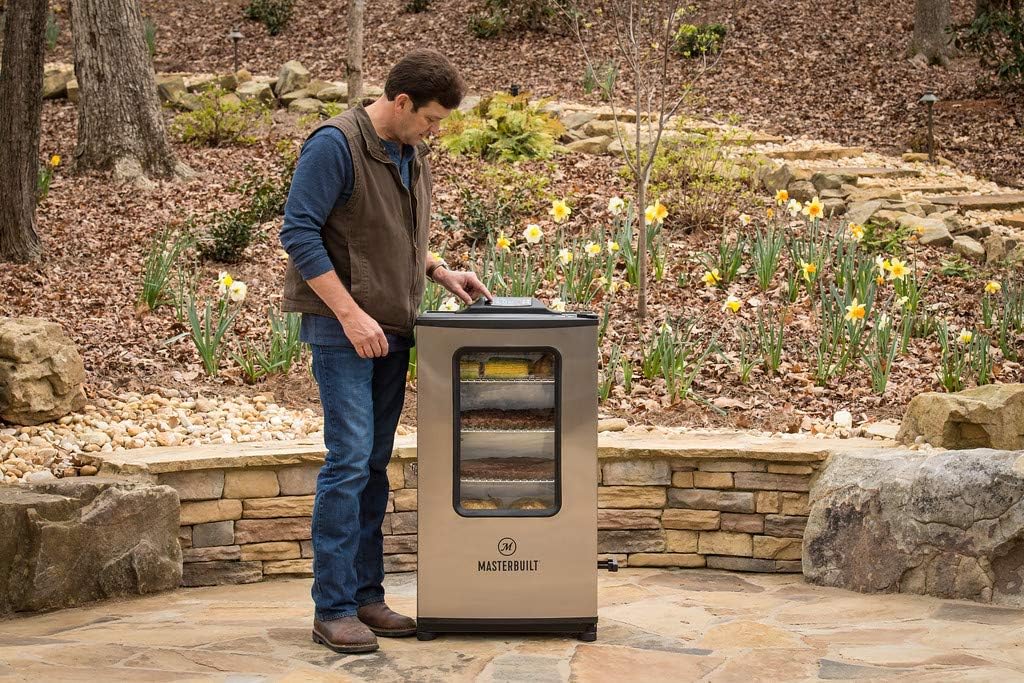
Figure 3: Close-up of the Masterbuilt electric smoker's digital control panel.
Side Wood Chip Loading System
The patented side wood chip loading system allows you to add wood chips without opening the smoker door, maintaining consistent temperature and smoke. Fill the loader with your desired wood chips (e.g., hickory, cherry, mesquite) and insert it into the side of the smoker. Push the handle to drop chips onto the heating element.

Figure 4: Close-up of hand adding wood chips to the side loader of the smoker.
Water Pan & Smoking Racks
Fill the water pan with water to add moisture to your smoked foods, preventing them from drying out. The smoker includes four chrome-coated smoking racks, providing ample space for various meats and vegetables. The interior light illuminates food in low light conditions when the door is open.
Video 2: Official Masterbuilt product video showcasing key features and operation of the smoker, including the side wood chip loader and internal capacity.
Maintenance & Cleaning
Regular cleaning ensures the longevity and optimal performance of your smoker. The drip tray and water pan should be emptied and cleaned after each use to prevent grease buildup. The chrome-coated racks are removable for easy cleaning.
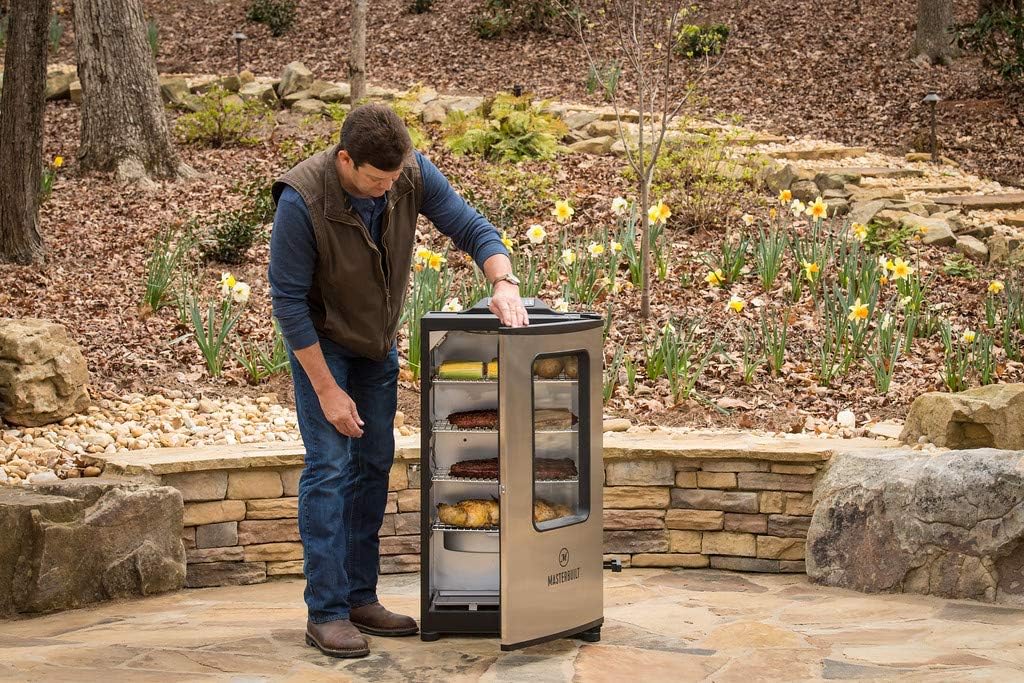
Figure 5: Interior view of the Masterbuilt electric smoker showing racks and drip pan.
Troubleshooting
Bluetooth Connectivity Issues
If experiencing issues with Bluetooth connectivity, ensure your smart device is within range of the smoker. Some users have reported needing to power cycle the smoker (turn off, unplug, wait 5 seconds, plug in, turn on) and re-pair with the app. Ensure the app is updated to the latest version.
Temperature Discrepancies
While the internal thermometer is generally accurate, external probes can be used for verification. Some users note slight discrepancies during the warm-up phase, which typically stabilize once the target temperature is reached. Ensure the meat probe is correctly inserted into the thickest part of the meat, avoiding bone.
Product Specifications
- Brand: Masterbuilt
- Model Name: Bluetooth Digital
- Model Number: MB20074719
- Power Source: Corded Electric
- Fuel Type: Electric
- Color: Stainless Steel
- Outer Material: Stainless Steel
- Item Weight: 66.3 pounds
- Product Dimensions: 19.68"D x 25.2"W x 41.73"H
- Manufacturer: Masterbuilt Manufacturing, LLC
- UPC: 094428273733
Warranty & Support
For warranty information, product support, or to purchase replacement parts, please contact Masterbuilt Customer Service directly. Refer to the contact details provided in your product packaging or on the official Masterbuilt website.


