
Siser Brick 600
Siser Brick 600 Heat Transfer Vinyl User Manual
Model: Brick 600
Introduction
This manual provides essential information for the proper use, application, and care of Siser Brick 600 Heat Transfer Vinyl. Siser Brick 600 is a specialized heat transfer vinyl designed to add significant dimension to garments and accessories. Its unique thickness and flexibility make it suitable for creating raised, 3D effects on various fabric types.
Safety Information
Always follow these safety guidelines to ensure safe handling and application of Siser Brick 600 HTV:
- Ensure adequate ventilation when using a heat press.
- Keep heat press equipment out of reach of children.
- Exercise caution when operating a heat press, as surfaces become extremely hot.
- Do not ingest the vinyl material.
- Store vinyl in a cool, dry place away from direct sunlight and extreme temperatures.
Product Overview
Siser Brick 600 is a thick, flexible heat transfer vinyl with a matte finish, ideal for creating dimensional designs. It is composed of polyurethane (PU) and features a pressure-sensitive backing for ease of weeding.
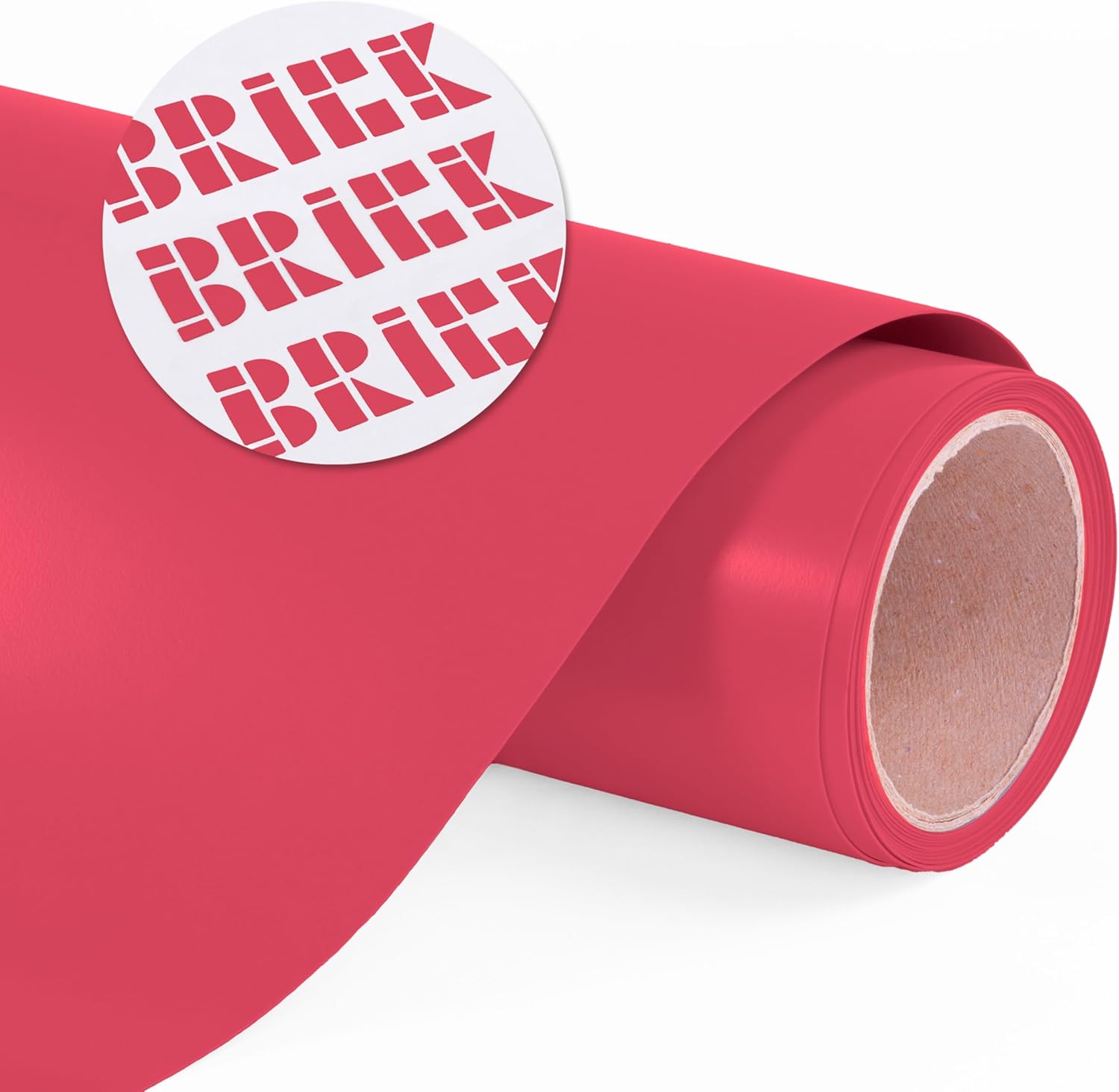
Image 1: Siser Brick 600 HTV roll, highlighting its thick, dimensional nature.
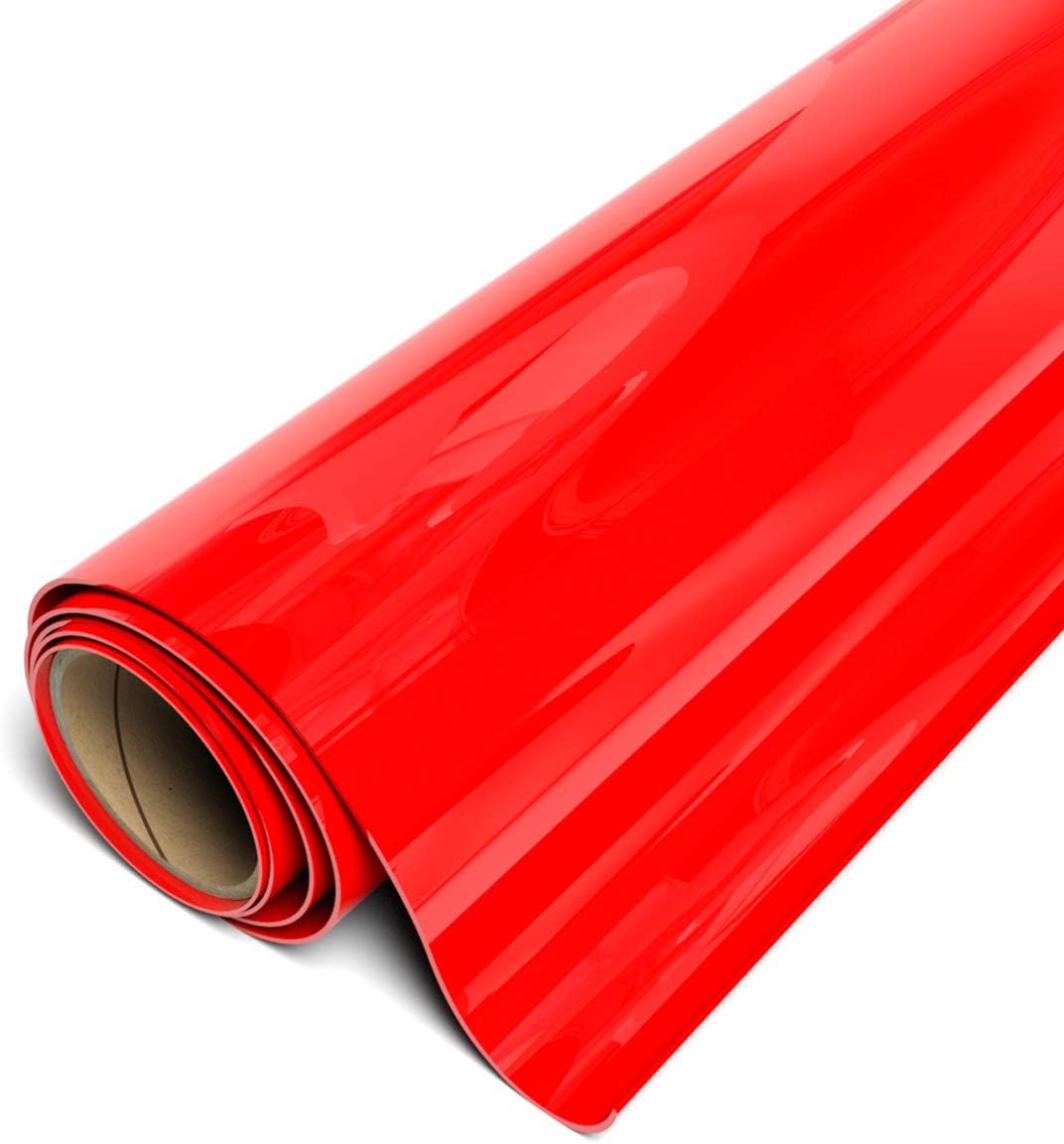
Image 2: Siser Brick 600 HTV roll, displaying the material's surface and roll form.
Setup
Before applying Siser Brick 600, ensure your workspace is clean and your equipment is ready.
Required Equipment:
- Cutting Plotter (e.g., Siser Romeo/Juliet, other professional or craft cutters) or Laser System
- Heat Press
- Weeding Tool
- Heat-Resistant Sheet (e.g., parchment paper, Teflon sheet)
Preparation:
- Unroll the Siser Brick 600 vinyl and allow it to flatten if necessary.
- Ensure your cutting mat is clean and has sufficient tack.
- Set up your heat press according to the recommended temperature and pressure settings.
Operating Instructions
Follow these steps for successful application of Siser Brick 600 HTV:
Cutting:
- Design your graphic using your preferred software.
- Mirror (Flip Horizontally) your design before cutting. This is crucial for heat transfer vinyl.
- Load the Siser Brick 600 vinyl into your cutting plotter with the glossy carrier side down.
- Set your cutter blade to a 45° or 60° angle. Adjust cutting force as needed for the 600 micron thickness. Perform a test cut to verify settings.
- Execute the cut.
Weeding:
- After cutting, remove the excess vinyl material from around your design using a weeding tool. The pressure-sensitive backing aids in this process.
- Ensure only your desired design remains on the clear carrier sheet.
Heat Application:
- Preheat your garment (100% cotton, poly/cotton blends, 100% polyester) for 2-3 seconds to remove moisture and wrinkles.
- Place your weeded design onto the garment with the carrier sheet facing up.
- Apply heat at 311°F (155°C) using medium to firm pressure for 20 seconds.
- After pressing, allow the design to cool completely.
- Peel the carrier cold. Carefully peel away the clear carrier sheet. If the vinyl lifts, re-press for a few more seconds.
Maintenance
To ensure the longevity of garments decorated with Siser Brick 600 HTV, follow these care instructions:
- Wait 24 hours after application before the first wash.
- Wash garment inside out.
- Machine wash cold with mild detergent.
- Do not use bleach or harsh chemicals.
- Tumble dry on low heat or hang dry for best results.
- Do not dry clean.
- Do not iron directly on the design. If ironing is necessary, turn the garment inside out.
Troubleshooting
| Problem | Possible Cause | Solution |
|---|---|---|
| Vinyl not cutting cleanly | Incorrect blade depth/force, dull blade, design not mirrored. | Adjust blade depth and force. Replace blade if dull. Ensure design is mirrored before cutting. |
| Vinyl not adhering to garment | Insufficient heat, pressure, or dwell time; garment not preheated; carrier peeled too soon. | Verify heat press settings (311°F/155°C, medium/firm pressure, 20 seconds). Preheat garment. Ensure carrier is peeled cold. |
| Vinyl lifting after washing | Improper application, washing too soon, incorrect washing methods. | Ensure proper application (heat, pressure, time, cold peel). Wait 24 hours before washing. Follow recommended care instructions. |
| Design looks flat | Not using Brick 600, or expectation mismatch. | Siser Brick 600 is designed for a dimensional look. Ensure you are using the correct product. |
Specifications
| Product Name | Siser Brick 600 Heat Transfer Vinyl |
| Material Composition | Polyurethane (PU) |
| Finish | Matte |
| Thickness | 600 Microns / 23.6 Mils |
| Roll Size (as per product) | 19.6" x 1FT Sheet (Red) |
| Recommended Blade | 45° or 60° |
| Application Temperature | 311°F (155°C) |
| Application Time | 20 seconds |
| Pressure | Medium/Firm |
| Peel | Cold |
| Adheres To | 100% Cotton, Poly/Cotton Blends, 100% Polyester |
| Certifications | CPSIA Certified |
Warranty and Support
Siser Brick 600 Heat Transfer Vinyl is manufactured by Siser, a reputable brand in the heat transfer industry. For specific warranty information regarding defects or performance issues, please refer to the official Siser website or contact your authorized Siser distributor.
For technical support, application advice, or further inquiries, please visit the official Siser website or contact their customer service department. Contact information can typically be found on the product packaging or the Siser brand website.
Note: This product is intended for use by individuals familiar with heat transfer vinyl application processes. Results may vary based on equipment, application technique, and fabric type.
Related documentsBrick 600


Ask a question about this manual
Ask about setup, troubleshooting, compatibility, parts, safety, or missing instructions. Manuals+ will review the question and use this page’s manual context to help answer it.