
Introduction
The Lindy HDMI 10.2G EDID Emulator Adapter is designed to address common EDID (Extended Display Identification Data) related problems that can occur in complex AV setups. This device ensures a continuous EDID signal, which is crucial for systems utilizing AV/KVM extenders, switches, and splitters. It can also serve as a virtual display, keeping a PC or server's graphics card active for remote access applications, even when no physical monitor is connected.
This emulator supports resolutions up to 3840x2160@30Hz (2160p) and allows for HDCP content pass-through, making it compatible with a wide range of PC and AV equipment. It comes pre-configured with common EDID data, and can also be used in conjunction with a separate EDID recorder (such as the Lindy HDMI / VGA / DVI EDID Recorder, Lindy No. 32120) to clone specific EDID information from a display.
Product Overview
Key Features
- Resolves EDID Issues: Effectively overcomes EDID-related problems in AV/KVM extenders, switches, and splitters.
- Maintains Graphics Card Activity: Keeps PC or server graphics cards active for remote access without a connected monitor.
- High Resolution Support: Supports resolutions up to 3840x2160@30Hz (2160p).
- HDCP Pass-Through: Compatible with HDCP protected content.
- Preset EDID Data: Includes pre-programmed EDID data for common resolution/timing combinations.
- Optional EDID Cloning: Can be used with a separate EDID recorder for cloning specific display EDID information.
- Compact Design: Small form factor for easy integration.
- Powered via HDMI: No external power supply required.
Product View
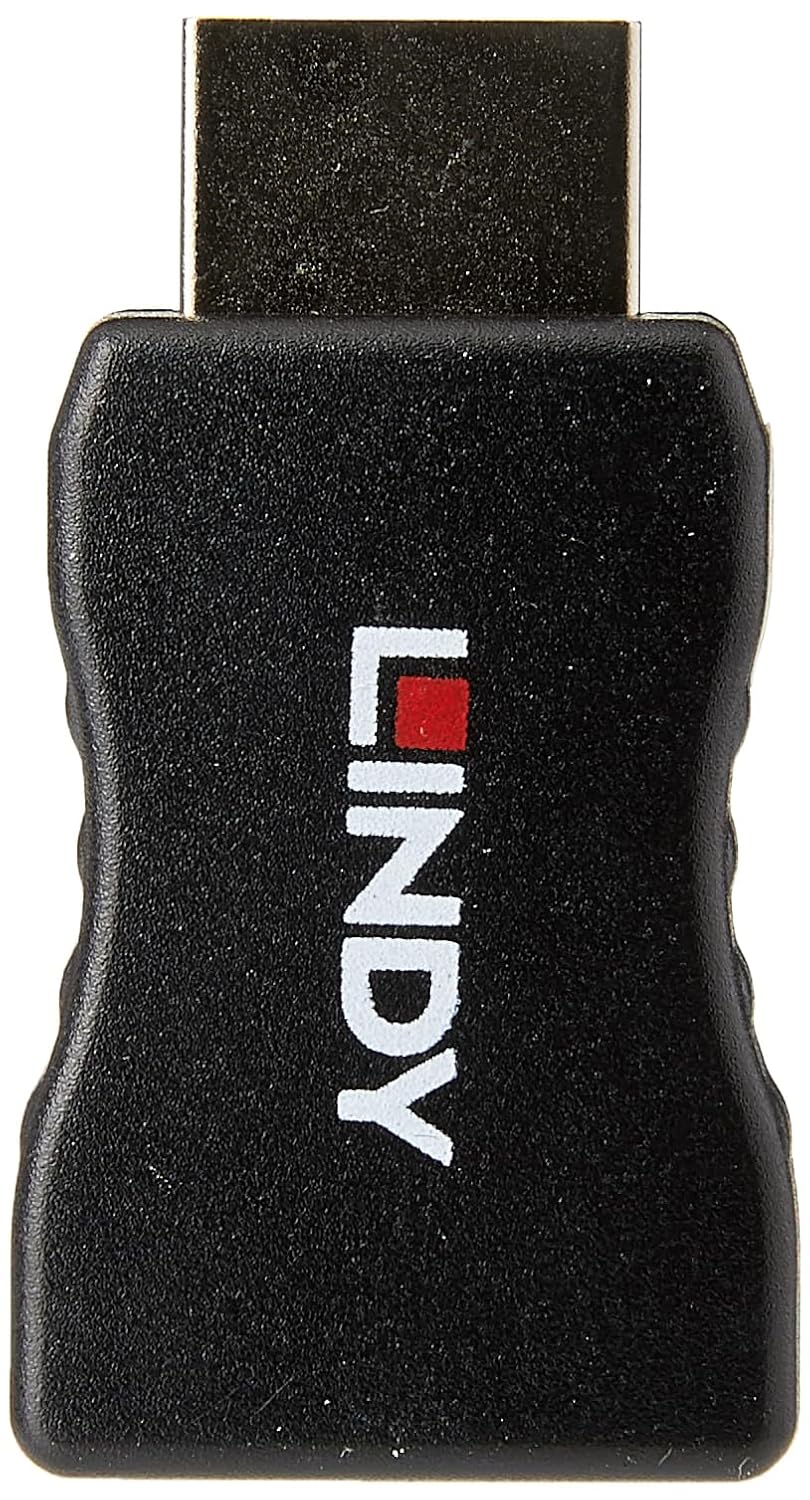
Image: Front view of the Lindy HDMI EDID Emulator, showcasing its compact design and the Lindy logo.
Package Contents
Please check the package contents upon receipt to ensure all items are present and undamaged.
- 1x Lindy HDMI 10.2G EDID Emulator (Model 32104)
Setup
The Lindy HDMI 10.2G EDID Emulator is designed for simple plug-and-play operation. Follow these steps to integrate it into your system:
- Identify the Source Device: Determine the HDMI output port of your source device (e.g., PC, server, AV extender output).
- Connect the Emulator: Plug the HDMI male connector of the emulator directly into the HDMI output port of your source device.
- Connect Display/Cable: Connect your HDMI display cable (leading to a monitor, TV, or AV receiver) to the HDMI female port of the emulator.
- Power On: Ensure your source device is powered on. The emulator draws power directly from the HDMI port, so no external power supply is needed.
The emulator will automatically provide EDID information to the source device, resolving common display detection issues.
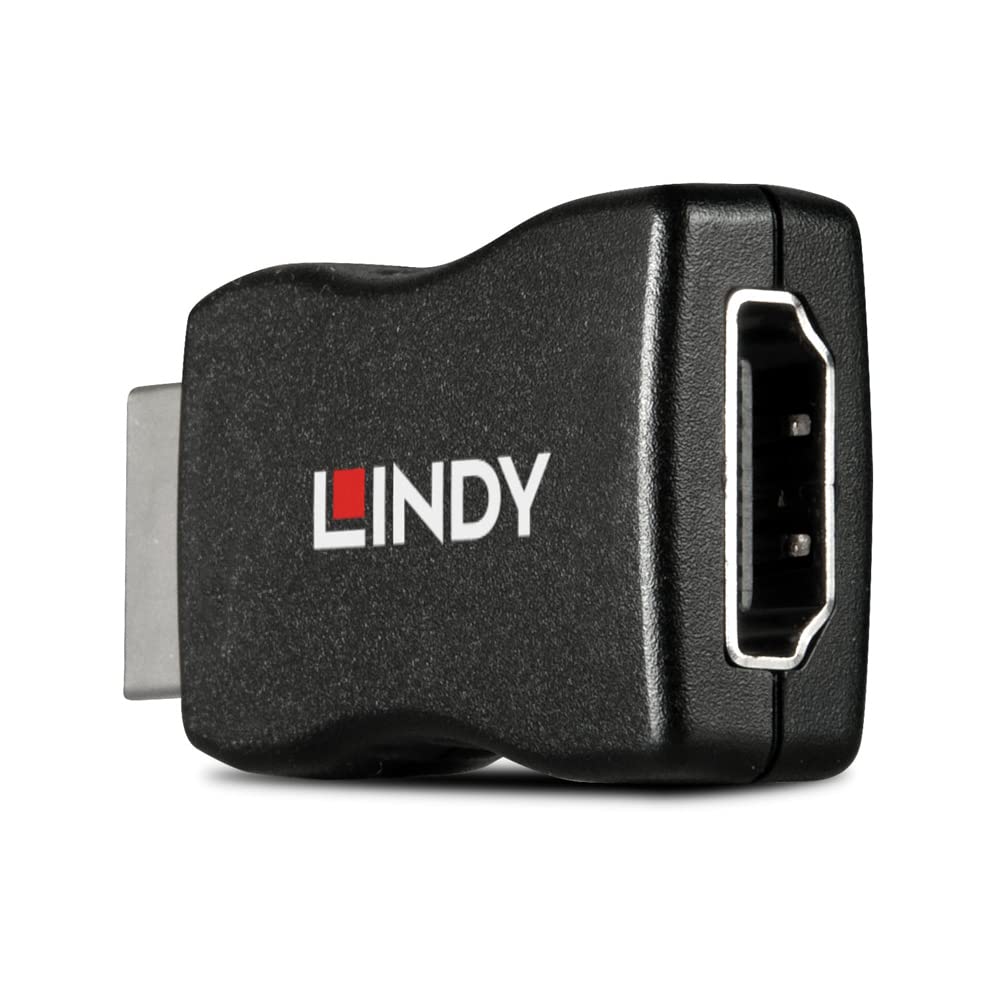
Image: The HDMI male connector of the emulator plugs into the source device, and the HDMI female port connects to the display cable.
Operating Instructions
Automatic Operation
Once connected, the Lindy HDMI 10.2G EDID Emulator operates automatically. It presents a standard EDID to the source device, ensuring that the source always detects a connected display, even if one is not physically present or is turned off. This prevents issues like resolution changes, window rearrangement, or a graphics card going into a low-power state.
EDID Management
- Preset EDID: The emulator comes with pre-programmed EDID data that covers the most commonly used resolution and timing combinations, up to 3840x2160@30Hz. This is suitable for most applications.
- Cloning EDID (Optional): For specific requirements, the emulator can be used in conjunction with a separate EDID recorder (e.g., Lindy No. 32120). This allows you to clone the exact EDID information from a specific display and apply it to the emulator, ensuring perfect compatibility with that particular display's capabilities.
Compatibility Notes
- This emulator supports HDMI 1.4 specifications, including resolutions up to 3840x2160@30Hz and HDCP 1.4 pass-through.
- It does not support HDMI 2.0 or HDCP 2.2 content. For systems requiring HDMI 2.0 support and HDCP 2.2, please refer to Lindy Model No. 32115.
Maintenance
The Lindy HDMI 10.2G EDID Emulator is a low-maintenance device. To ensure its longevity and optimal performance, please observe the following:
- Cleaning: Use a soft, dry, lint-free cloth to clean the device. Avoid using abrasive cleaners, solvents, or strong detergents, as these can damage the casing or internal components.
- Storage: Store the emulator in a cool, dry place away from direct sunlight and extreme temperatures.
- Handling: Handle the device with care. Avoid dropping it or subjecting it to strong impacts. Do not attempt to open the casing, as this will void the warranty.
- Environment: This device is rated for indoor usage. Avoid exposing it to moisture or outdoor elements.
Troubleshooting
If you encounter issues while using the Lindy HDMI 10.2G EDID Emulator, please refer to the following common problems and solutions:
No Display or Incorrect Resolution
- Check Connections: Ensure all HDMI cables are securely connected to the source, emulator, and display.
- Power Cycle: Disconnect and reconnect the emulator from the HDMI port to power cycle it. Also, restart your source device.
- Source Device Settings: Verify that your source device's display settings are configured to output a resolution supported by the emulator (up to 3840x2160@30Hz).
- Emulator Placement: Ensure the emulator is plugged into the output of the source device, not the input of the display.
- Compatibility: Confirm that your setup does not require HDMI 2.0 or HDCP 2.2, as this emulator does not support these standards.
EDID Cloning Issues
- This emulator provides preset EDID data. It does not have built-in EDID cloning capabilities. To clone a specific display's EDID, you must use a separate EDID recorder device (e.g., Lindy HDMI / VGA / DVI EDID Recorder, Lindy No. 32120).
Specifications
Detailed technical specifications for the Lindy HDMI 10.2G EDID Emulator (Model 32104).

Image: Rear view of the emulator, displaying the model number and compliance certifications.
| Brand | Lindy |
| Model Name | Lindy HDMI 2.0 EDID Emulator (Note: Product title specifies 10.2G, model name may vary) |
| Model Number | 32104 |
| Connector Type | HDMI |
| Connector Gender | Male-to-Female |
| Data Transfer Rate | 10.2 Gigabits Per Second (as per product title, specification lists 18 Gbps which is for HDMI 2.0) |
| Max Resolution Support | 3840x2160@30Hz (2160p) |
| HDCP Support | HDCP Pass-Through (up to HDCP 1.4) |
| Compatible Devices | PC screen, AV equipment, KVM extenders, switches, splitters |
| Power Source | Powered via HDMI port |
| Material | Acrylonitrile Butadiene Styrene (ABS) |
| Item Weight | 8 Grams |
| Certifications | CE, UKCA, FCC, RoHS, REACH |
Warranty Information
The Lindy HDMI 10.2G EDID Emulator (Model 32104) is backed by a Lindy 2-year warranty. This warranty covers defects in materials and workmanship under normal use. Please retain your proof of purchase for warranty claims. For full terms and conditions, please refer to the official Lindy website or contact Lindy customer support.
Support
For further assistance, technical support, or inquiries regarding the Lindy HDMI 10.2G EDID Emulator, please visit the official Lindy website or contact their customer service department. You can typically find contact information, FAQs, and additional resources on the Lindy support pages.
When contacting support, please have your product model number (32104) and a detailed description of your issue ready to facilitate a quicker resolution.


