
1. Introduction
The Woox R4055 Smart Power Strip is designed to provide intelligent control over your electrical devices. This device features three UK 13A AC outlets and two USB charging ports, all controllable via Wi-Fi. It offers remote management through a dedicated application and voice control compatibility with Amazon Alexa and Google Home Assistant. This manual provides essential information for the safe and efficient use of your smart power strip.
2. Product Overview
The Woox R4055 Smart Power Strip integrates smart technology to enhance home automation and energy management. It includes multiple safety features to protect connected devices.
Key Features:
- Smart Voice Control: Compatible with Amazon Alexa and Google Home Assistant for hands-free operation.
- Wi-Fi Remote Control: Manage connected devices from anywhere using the Woox Home app.
- Timer and Scheduling: Program individual AC outlets to turn on or off automatically.
- Safety Protections: Equipped with surge protection, short-circuit protection, and overload protection.
- USB Charging Ports: Two DC USB ports for convenient device charging.
- Family Sharing: Share control of the power strip with family members or friends.
Components:

Image 2.1: Top-down view of the Woox R4055 Smart Power Strip, showing the three UK outlets and the power cable.
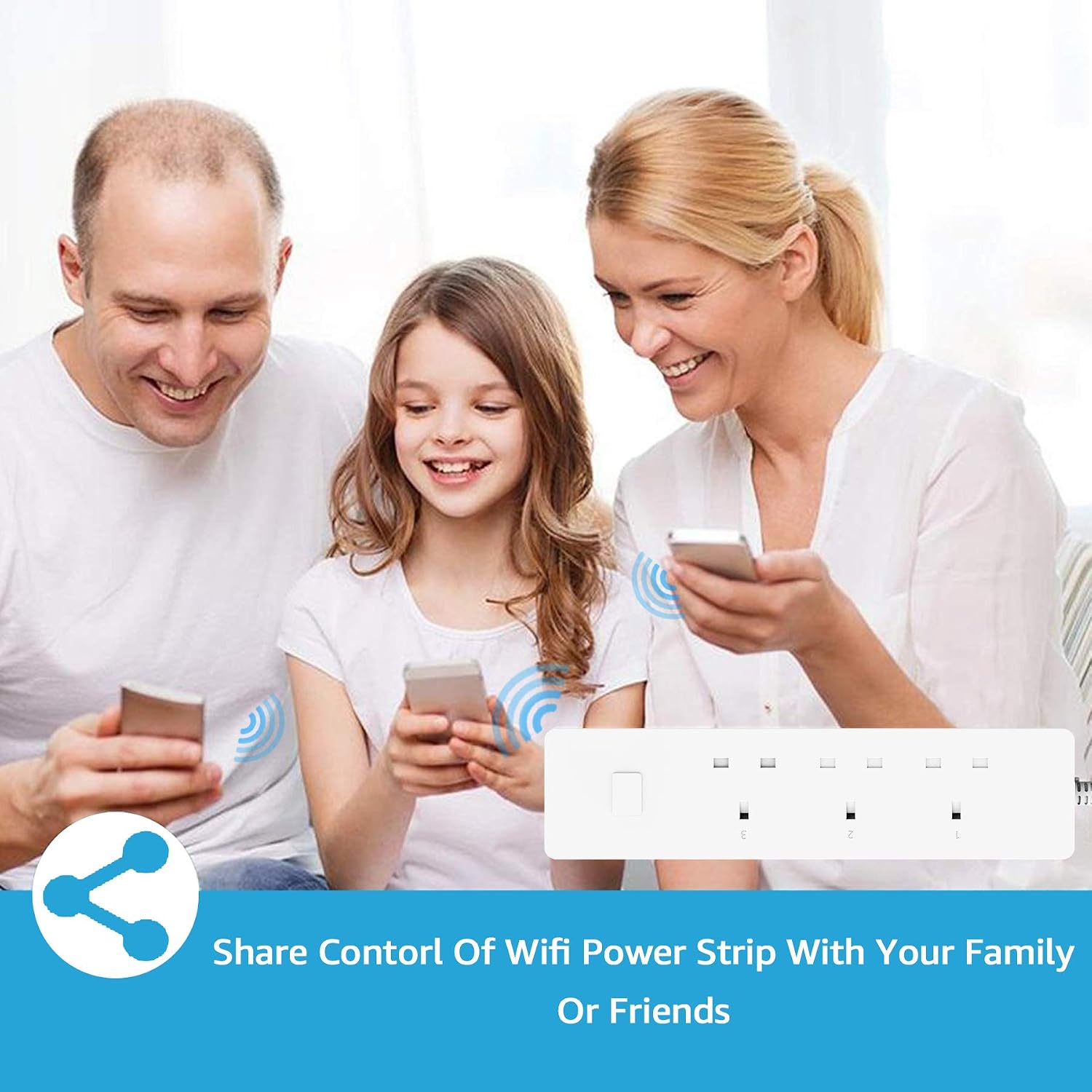
Image 2.2: Detailed view of the Woox R4055 Smart Power Strip with labels indicating the 3 Smart AC Outlets, 2 USB DC Ports, and the Power Switch.
- AC Outlets: Three individually controllable UK 13A outlets.
- USB Ports: Two DC USB charging ports (2.4A each, max 6A total).
- Power Switch: Main power button for the entire strip.
- Power Cable: Connects the power strip to a wall outlet.
3. Setup Instructions
Follow these steps to set up your Woox R4055 Smart Power Strip and connect it to your Wi-Fi network.
- Download the Woox Home App: Search for "Woox Home" in the App Store (iOS) or Google Play Store (Android) and download the free application.
- Register/Log In: Open the Woox Home app and create a new account or log in with an existing one.
- Plug In the Power Strip: Connect the Woox R4055 Smart Power Strip to a standard UK wall outlet. Ensure the power indicator light is blinking, indicating it's in pairing mode.
- Add Device in App: In the Woox Home app, tap the "+" icon to add a new device. Select "Power Strip" or the relevant device type.
- Connect to Wi-Fi: Follow the on-screen instructions in the app to connect the power strip to your 2.4 GHz Wi-Fi network. Note: The device only supports 2.4 GHz Wi-Fi networks.
- Device Renaming: Once connected, you can rename the power strip and its individual outlets for easier identification.

Image 3.1: Screenshot of the Woox Home app displaying remote control options for the power strip, including individual switch controls.
4. Operating Instructions
Once your smart power strip is set up, you can control it using the Woox Home app or voice commands.
4.1 Manual Control
- Main Power Switch: Press the physical power button on the power strip to turn all connected AC outlets on or off simultaneously.
4.2 App Control
- Individual Outlet Control: Open the Woox Home app, select your power strip, and tap on the icons for each AC outlet (Switch 1, Switch 2, Switch 3) to turn them on or off independently.
- USB Port Control: The two USB ports are controlled as a single unit. Tap the USB control icon in the app to turn both USB ports on or off.
4.3 Voice Control Integration
To use voice control, ensure your Woox Home account is linked with your Amazon Alexa or Google Home Assistant account. Refer to the respective voice assistant's app for linking instructions.

Image 4.1: Illustration showing the Woox Smart Power Strip's compatibility with Amazon Alexa and Google Assistant for voice control.
Example Voice Commands:
- "Alexa, turn on [Outlet Name]"
- "Hey Google, turn off [Outlet Name]"
- "Alexa, turn on the coffee maker" (if an outlet is named "coffee maker")
- "Hey Google, turn off the USB ports"
5. Smart Features
5.1 Remote Control
Control your electrical devices from anywhere with an internet connection using the Woox Home app on your smartphone or tablet. This allows you to manage your appliances even when you are away from home.
5.2 Timer and Scheduling
The Woox Home app allows you to set schedules and timers for each individual AC outlet. This feature can automate your daily routines, reduce standby power consumption, and save on electricity bills.

Image 5.1: Screenshot of the Woox Home app demonstrating the timing feature, allowing users to set specific on/off times for connected devices.

Image 5.2: Visual representation of various household devices like phones, a toaster, fans, and a lamp being controlled by scheduled timers.
5.3 Family Sharing
You can share control of your smart power strip with family members or friends through the Woox Home app. This allows multiple users to manage the connected devices.

Image 5.3: A family using smartphones to control the smart power strip, illustrating the family sharing feature.
6. Safety Information
The Woox R4055 Smart Power Strip is designed with multiple safety features. Adhere to the following guidelines for safe operation:
- Surge Protection: The power strip is equipped with surge protection to safeguard connected devices from sudden power spikes.
- Overload Protection: It features protection against overloads and overcurrents to prevent damage to the power strip and connected appliances.
- Short-Circuit Protection: Built-in short-circuit protection enhances safety during operation.
- Voltage and Amperage: Do not exceed the maximum rated voltage of 240V and current of 13A.
- Indoor Use Only: This device is intended for indoor use in dry locations only. Do not expose to water or high humidity.
- Ventilation: Ensure adequate ventilation around the power strip. Do not cover it with cloths or other materials.
- Children and Pets: Keep the device out of reach of children and pets.
- Disassembly: Do not attempt to disassemble or modify the power strip. This will void the warranty and could lead to safety hazards.
7. Maintenance
To ensure the longevity and proper functioning of your Woox R4055 Smart Power Strip, follow these simple maintenance guidelines:
- Cleaning: Disconnect the power strip from the wall outlet before cleaning. Use a soft, dry cloth to wipe the surface. Do not use liquid cleaners or abrasive materials.
- Inspection: Periodically inspect the power cord and the power strip for any signs of damage, such as frayed wires or cracked casing. If damage is found, discontinue use and contact customer support.
- Storage: When not in use for extended periods, store the power strip in a cool, dry place away from direct sunlight and extreme temperatures.
8. Troubleshooting
If you encounter issues with your Woox R4055 Smart Power Strip, refer to the following common problems and solutions:
- Device not connecting to Wi-Fi:
- Ensure your Wi-Fi network is 2.4 GHz. The device does not support 5 GHz networks.
- Check if the Wi-Fi signal strength is adequate where the power strip is located.
- Verify that you have entered the correct Wi-Fi password.
- Try restarting your Wi-Fi router and the power strip.
- Reset the power strip to factory settings (refer to the app or product documentation for specific reset instructions, usually involves holding the power button).
- Devices connected to outlets are not turning on/off:
- Check if the power strip itself is powered on (main power switch).
- Verify the individual outlet status in the Woox Home app.
- Ensure the connected device is properly plugged into the outlet and is functional.
- Check for any active schedules or timers that might be overriding manual control.
- Voice control not working:
- Confirm that your Woox Home account is correctly linked to your Amazon Alexa or Google Home Assistant account.
- Ensure your voice assistant device is online and functioning correctly.
- Use the exact device names as configured in the Woox Home app.
- USB ports not charging:
- Check if the USB ports are enabled in the Woox Home app.
- Ensure the USB cable and the device being charged are functional.
If the problem persists, please contact Woox customer support for further assistance.
9. Specifications
| Feature | Detail |
|---|---|
| Model Number | R4055 |
| Brand | Woox |
| Color | White |
| AC Outlets | 3 (UK Type, individually controllable) |
| USB Ports | 2 (DC, 2.4A each, max 6A total) |
| Voltage | 240 Volts |
| Current (AC Adapter) | 13 Amperes |
| Special Features | USB Connector, Surge Protection |
| Recommended Uses | Smart home automation, energy management, remote appliance control |
| Dimensions (Package) | 28.9 x 8.6 x 7.2 cm |
| Item Weight | 100 Grams |
| Connectivity | Wi-Fi (2.4 GHz only) |
| Compatibility | Amazon Alexa, Google Home Assistant |
10. Warranty and Support
The Woox R4055 Smart Power Strip comes with a 2-year warranty from the date of purchase. This warranty covers manufacturing defects and ensures product reliability.
For any issues, questions, or assistance, please do not hesitate to contact Woox customer support. Our friendly and professional service team is available 24 hours a day to provide support. We offer a free replacement service if the product is found to be defective (non-artificial damage) within the warranty period.
Please refer to the Woox Home app or the official Woox website for the most up-to-date contact information and support resources.