
LiftMaster 877LM
LiftMaster 877LM Wireless Keypad Instruction Manual
Model: 877LM | Part Number: 435771
For use with Security+ 2.0 Garage Door Openers (ONLY with Yellow Learn Button)
Product Overview
The LiftMaster 877LM Wireless Keypad provides convenient keyless access to your garage. It is specifically designed for use with LiftMaster Security+ 2.0 Garage Door Openers, which are identifiable by their yellow Learn button and two yellow antennas. This keypad allows you to operate your garage door by entering a personalized 4-digit Personal Identification Number (PIN) followed by the ENTER button.
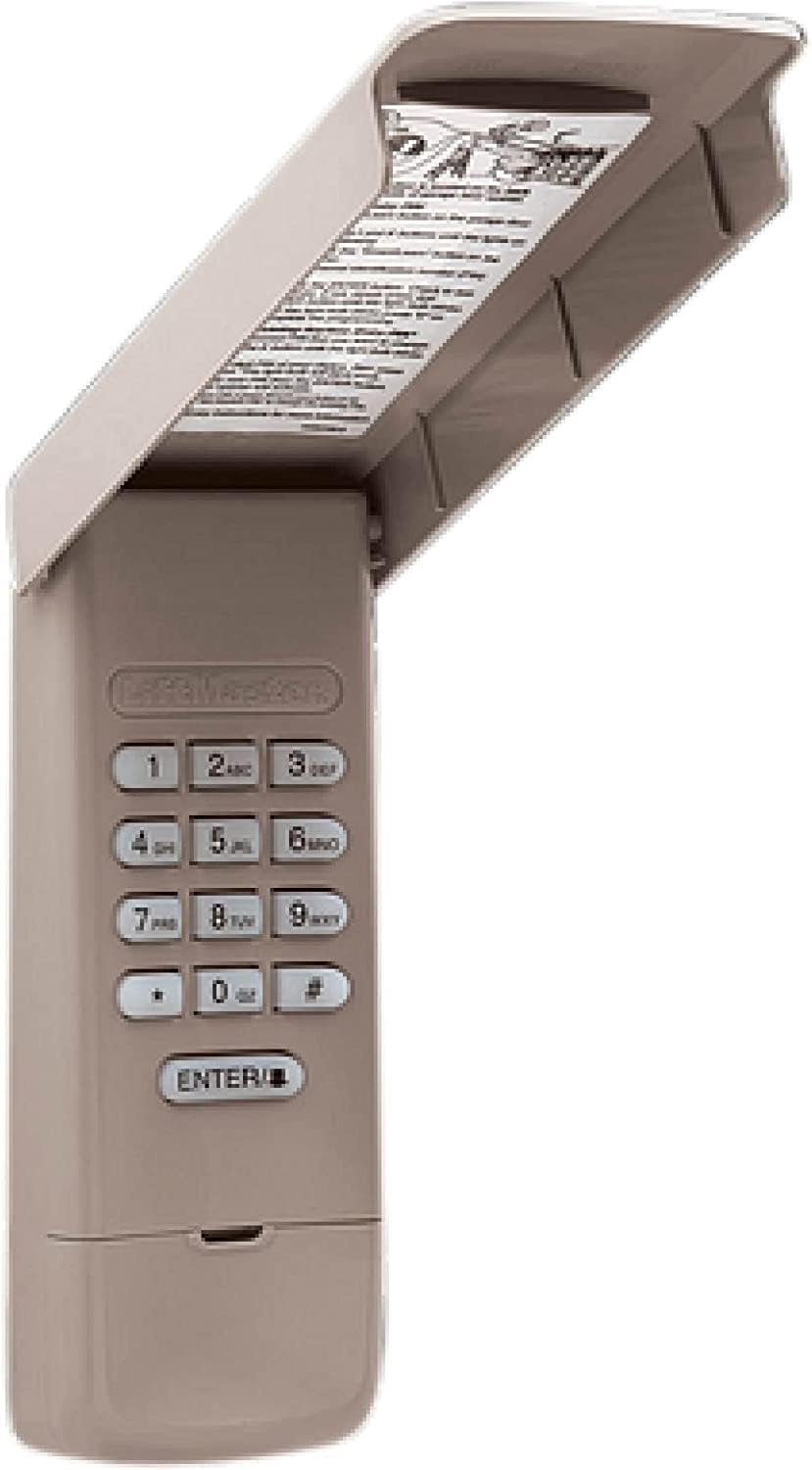
Front view of the LiftMaster 877LM Wireless Keypad with its protective cover open, revealing the numeric buttons and the ENTER key.
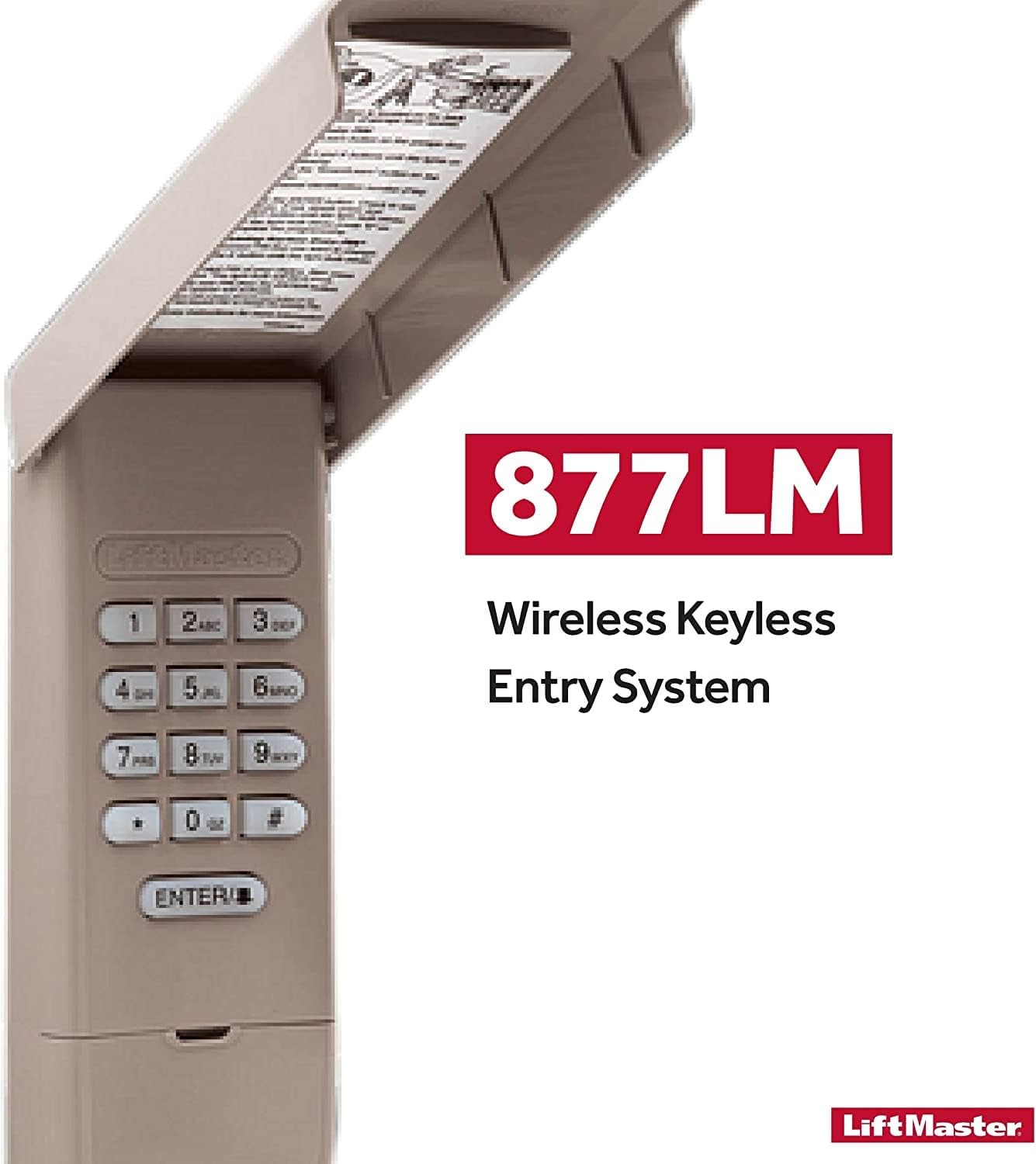
Image displaying the product as the "877LM Wireless Keyless Entry System" from LiftMaster, highlighting its primary function.
Key Features
Security+ 2.0 Technology
This keypad utilizes LiftMaster's Security+ 2.0 rolling code technology, which sends a new code with every click. This advanced security feature helps prevent code theft and ensures secure access to your garage.

Visual representation of the Security+ 2.0 feature, emphasizing secure code transmission for garage door operation.
Wireless Design
The 877LM keypad is completely wireless, eliminating the need for complex wiring. This allows for flexible installation anywhere outside your garage door, providing convenience and a clean aesthetic.

Illustration highlighting the wireless nature of the keypad, indicating no additional wiring is required for installation.
Keyless Access
Gain access to your garage without the need for a traditional key or remote control. This feature is ideal for households with multiple users or for situations where carrying a remote is inconvenient.

Depiction of the keypad's keyless access capability, allowing entry without physical keys or remote devices.
Versatile Application
The 877LM keypad is perfect for safeguarding your household, operating LiftMaster Security+ 2.0 garage door openers, and providing easy access to garage doors for various users.

An image outlining the primary uses and benefits of the keypad, including household security and ease of access.
Setup and Installation
Compatibility Check
Before installation, ensure your garage door opener is compatible. The LiftMaster 877LM Wireless Keypad is ONLY compatible with LiftMaster Security+ 2.0 Garage Door Openers that feature a yellow Learn button and two yellow antennas. If your opener has a different color Learn button, this keypad will not work.
Mounting the Keypad
- Choose a convenient location outside your garage door, at least 5 feet (1.5 meters) above the ground, out of reach of small children.
- Ensure the location is easily accessible but also provides some protection from direct weather exposure.
- Use the provided mounting screws to securely attach the keypad to a flat surface, such as a door frame or wall.
Programming Instructions
To program your 877LM Wireless Keypad to your garage door opener, follow these steps. For detailed instructions specific to your garage door opener model, refer to your opener's owner's manual.
- Locate the Learn Button: On your garage door opener motor unit, locate the yellow Learn button. It is typically found on the back or side panel.
- Activate Learn Mode: Press and immediately release the yellow Learn button. The LED indicator on the opener will light up steadily for 30 seconds, indicating it is in learn mode.
- Enter PIN on Keypad: Within 30 seconds, enter your desired 4-digit Personal Identification Number (PIN) on the 877LM keypad.
- Confirm PIN: Press and hold the ENTER button on the keypad until the garage door opener lights flash or two clicks are heard. This confirms successful programming.
- Test Operation: Test the keypad by entering your PIN and pressing ENTER. The garage door should activate.
Operating Instructions
Opening/Closing the Garage Door
To operate your garage door using the 877LM Wireless Keypad:
- Enter your programmed 4-digit Personal Identification Number (PIN).
- Press the ENTER button.
- The garage door will activate (open or close).
Setting Temporary PINs (if supported by your opener)
Some LiftMaster garage door openers allow for the creation of temporary PINs for guests or service personnel. If your opener supports this feature, consult your garage door opener's owner's manual for specific instructions on how to set and manage temporary access codes through the keypad.
Maintenance
Battery Replacement
The LiftMaster 877LM Wireless Keypad requires one 9V alkaline battery (not included). When the keypad's backlight dims or the keypad becomes unresponsive, it is time to replace the battery.
- Open the keypad's protective cover.
- Locate the battery compartment, usually at the bottom of the keypad unit.
- Remove the old 9V battery.
- Insert a new 9V alkaline battery, ensuring correct polarity.
- Close the battery compartment and the protective cover.
- Test the keypad's operation.
Dispose of old batteries according to local regulations.
Troubleshooting
- Keypad Not Responding:
- Check the battery. Replace with a new 9V alkaline battery if necessary.
- Ensure the keypad is within range of the garage door opener.
- Garage Door Not Activating After PIN Entry:
- Verify that your garage door opener has a yellow Learn button and is a Security+ 2.0 model.
- Re-program the keypad following the "Programming Instructions" section. The programming memory of the opener might be full; consult your opener's manual for instructions on clearing the memory and then re-program all desired remotes/keypads.
- Ensure you are entering the correct 4-digit PIN.
- Intermittent Operation:
- Weak battery.
- Interference from other wireless devices.
If issues persist, consult the owner's manual for your specific LiftMaster garage door opener or contact LiftMaster customer support.
Product Specifications
| Attribute | Detail |
|---|---|
| Manufacturer | LiftMaster |
| Part Number | 435771 |
| Item Weight | 6 ounces |
| Package Dimensions | 6.3 x 2.8 x 1.54 inches |
| Batteries Required | 1 x 9V (not included) |
| Battery Cell Type | Alkaline |
| Compatibility | LiftMaster Security+ 2.0 Garage Door Openers with Yellow Learn Button |
| Date First Available | February 13, 2019 |
Warranty and Support
Specific warranty details and comprehensive support contact information for the LiftMaster 877LM Wireless Keypad are not available in the provided product data. For the most accurate and up-to-date warranty information, technical support, or to register your product, please refer to the official LiftMaster website or the documentation included with your product packaging.
You may also visit the LiftMaster Store on Amazon for additional product information and resources.
Official Product Videos
No official product videos from the seller were found in the provided data for this product. Please refer to the manufacturer's website for any available video resources.
Related documents877LM


Ask a question about this manual
Ask about setup, troubleshooting, compatibility, parts, safety, or missing instructions. Manuals+ will review the question and use this page’s manual context to help answer it.