
Introduction
This manual provides essential instructions for the safe installation, operation, and maintenance of the Hubbell 7051-G 15A, 125V-AC, 2-Pole, 3-Wire Receptacle. Please read this manual thoroughly before installation and retain it for future reference. Proper installation by a qualified electrician is recommended.
Safety Information
WARNING: Risk of electric shock or fire. Improper installation can result in serious injury or death. Always turn off power at the circuit breaker or fuse box before installing or servicing this device. Use only copper wire with this device. Do not use with aluminum wire unless specifically rated for it. Ensure all connections are tight and secure.
- Always disconnect power before working on electrical circuits.
- Consult a qualified electrician if you are unsure about any part of the installation process.
- Follow all local and national electrical codes.
- Do not exceed the specified electrical ratings of the device.
Product Overview
The Hubbell 7051-G is a 15 Amp, 125 Volt, 2-pole, 3-wire grounding duplex receptacle designed for general-purpose electrical applications. It features a durable nylon construction and is suitable for various residential and commercial installations.

Image: Front view of the Hubbell 7051-G duplex receptacle, showing two outlets with grounding slots.
Setup and Installation
Tools Required: Screwdriver (Phillips and/or flathead), Wire Strippers, Voltage Tester.
- Turn Off Power: Locate the circuit breaker or fuse that controls the outlet you are working on and turn it off. Verify power is off using a voltage tester.
- Remove Old Receptacle (if applicable): Unscrew the wall plate and then the mounting screws holding the old receptacle in the electrical box. Carefully pull the receptacle out and disconnect the wires.
- Prepare Wires: Strip approximately 1/2 inch of insulation from the ends of the circuit wires. Ensure the wire ends are clean and straight.
- Connect Wires:
- Green or Bare Copper Wire (Ground): Connect to the green grounding screw.
- White Wire (Neutral): Connect to the silver screw.
- Black or Red Wire (Hot/Live): Connect to the brass screw.
- Mount Receptacle: Carefully push the wired receptacle back into the electrical box. Secure it with the provided mounting screws.
- Install Wall Plate: Attach the decorative wall plate over the receptacle.
- Restore Power: Turn the power back on at the circuit breaker or fuse box. Test the receptacle with a known working device.

Image: Side view of the Hubbell 7051-G receptacle, showing the strip gauge for proper wire preparation.

Image: Back view of the Hubbell 7051-G receptacle, illustrating the screw terminals for wiring connections (brass for hot, silver for neutral, green for ground).

Image: Close-up of the rear of the Hubbell 7051-G receptacle, detailing the wire strip gauge and voltage ratings (15A, 125V and 10A, 250V).
Operating Instructions
To operate the Hubbell 7051-G receptacle, simply insert the plug of your electrical device into one of the two available outlets. Ensure the plug is fully inserted. The receptacle is designed for standard 2-prong or 3-prong grounded plugs.
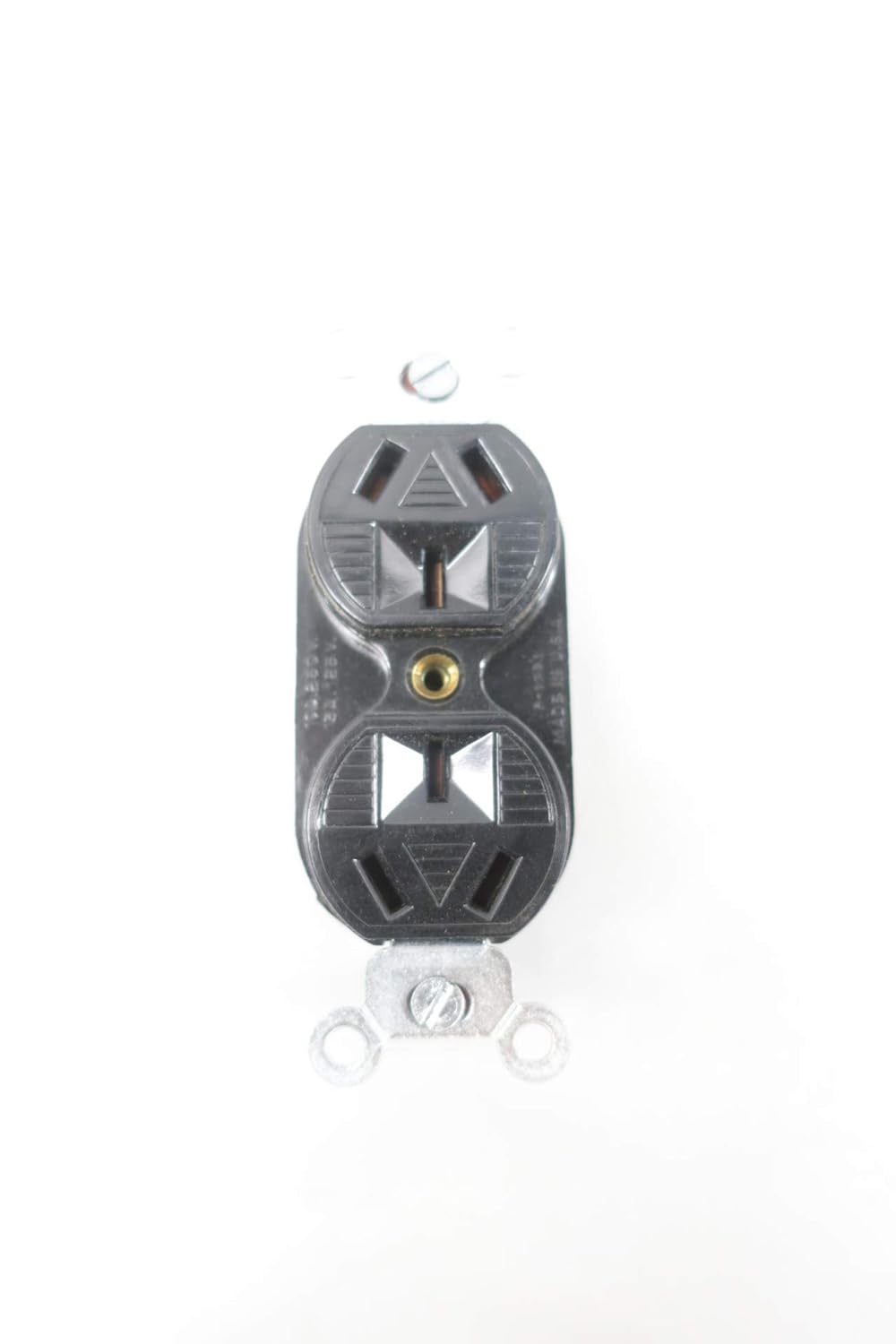
Image: Front view of the Hubbell 7051-G receptacle, ready for device plugs.
Maintenance
The Hubbell 7051-G receptacle requires minimal maintenance. Periodically inspect the receptacle and wall plate for any signs of damage, cracks, or discoloration. If any damage is observed, turn off power at the circuit breaker and replace the receptacle immediately. Clean the surface with a soft, dry cloth. Do not use abrasive cleaners or solvents.
Troubleshooting
- No Power at Receptacle:
- Check the circuit breaker or fuse for the circuit. Reset the breaker or replace the fuse if tripped/blown.
- Ensure all wire connections are secure. Turn off power before checking connections.
- Test the receptacle with a voltage tester to confirm power presence.
- Loose Plug Connection:
- If plugs do not stay firmly in the receptacle, the internal contacts may be worn. The receptacle should be replaced by a qualified electrician.
- Overheating:
- If the receptacle feels warm to the touch, immediately disconnect all devices and turn off power. This could indicate an overload or a faulty connection. Consult a qualified electrician.
Specifications
| Brand | Hubbell |
| Model | 7051-G |
| Amperage | 15 Amps |
| Voltage | 125 Volts |
| Poles/Wires | 2-Pole, 3-Wire Grounding |
| Material | Nylon |
| Product Dimensions | 4.25 x 2 x 1.5 inches |
| Manufacturer | HUBBELL |
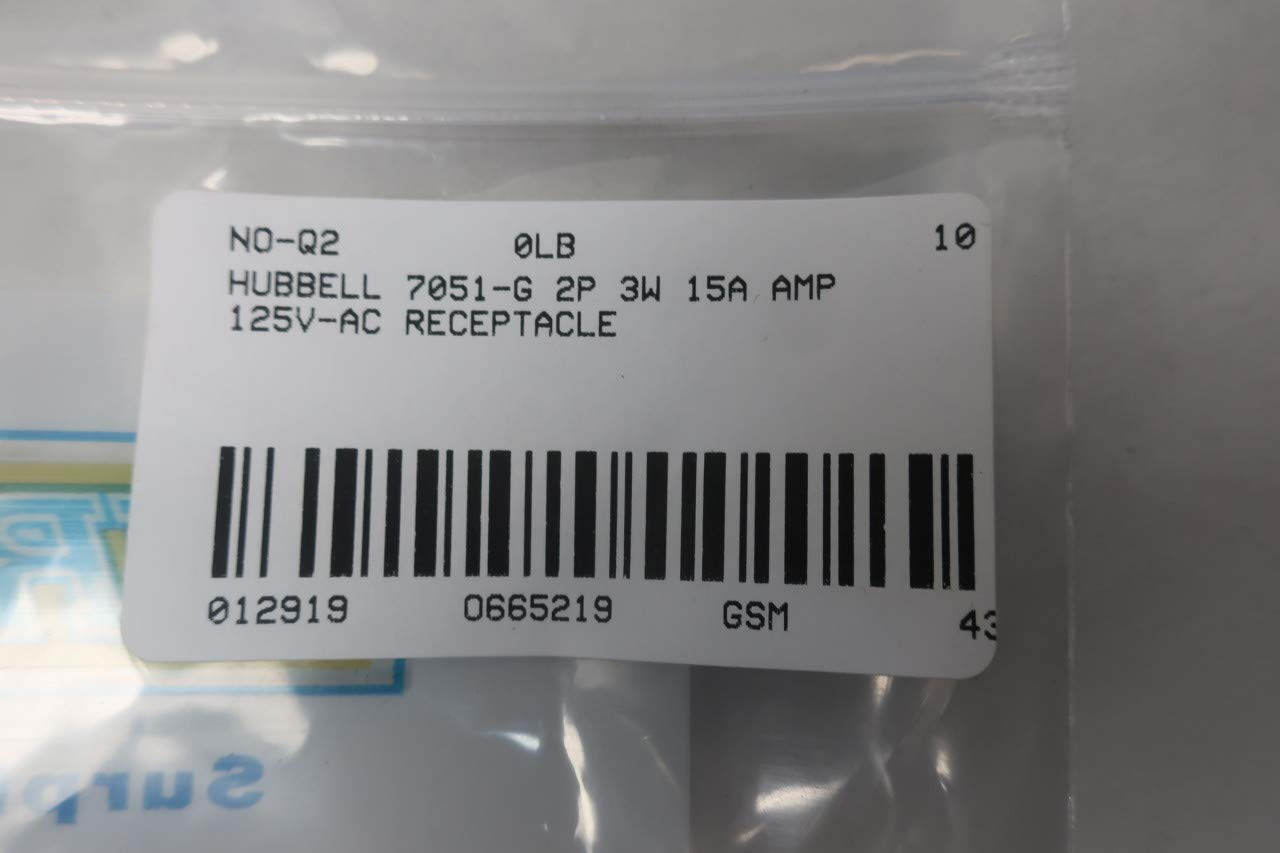
Image: The Hubbell 7051-G receptacle shown in its original product box.

Image: Barcode label for the Hubbell 7051-G 2P 3W 15A 125V-AC Receptacle, showing product identification details including UPC 0129190665219.
Warranty and Support
Specific warranty information for the Hubbell 7051-G Receptacle is not provided within this manual. For warranty details or technical support, please contact Hubbell customer service directly or visit their official website. Keep your purchase receipt as proof of purchase.
Manufacturer: HUBBELL
Website: www.hubbell.com (Example link, actual link may vary)

