
1. Introduction
The TigerDad Overbed Table with Wheels, Model QQ-900, is a versatile and adjustable furniture piece designed to enhance comfort and productivity. It can be used as an overbed table for various bed sizes, a mobile computer desk, a writing desk, or a study table. Its adjustable length and height, along with smooth-rolling casters, provide flexibility for different uses and environments.
2. Important Safety Information
- Weight Limit: Do not exceed the maximum weight capacity of 350 lbs. Exceeding this limit may cause damage to the table or result in injury.
- Assembly: Follow all assembly instructions carefully. Improper assembly can compromise the table's stability and safety.
- Stability: Ensure all screws and fasteners are securely tightened after assembly and periodically checked.
- Placement: Install the table securely to prevent tipping or collapse. Avoid placing heavy objects unevenly on the tabletop.
- Movement: When moving the table, ensure the path is clear of obstructions. Engage wheel brakes when the table is in its desired position to prevent unintended movement.
3. Package Contents
Before beginning assembly, verify that all components are present and undamaged. If any parts are missing or damaged, please contact customer support.
- 1x Tabletop (15mm thick E1 grade MDF panel)
- Metal Frame Components (thicker metal frame)
- 4x 1.5-inch Casters with Stop Plugs (wheels)
- Assembly Instruction Manual
- Installation Tools (e.g., wrench)
4. Setup and Assembly
Assembly of the TigerDad Overbed Table is designed to be straightforward and typically takes about 10 minutes. Please follow the included assembly instructions for detailed steps.
4.1 Unpacking and Preparation
- Carefully unpack all components from the box.
- Lay out all parts on a clean, flat surface to ensure nothing is missing. Refer to the parts list in your separate instruction manual.
4.2 Attaching the Frame and Wheels
Connect the metal frame components according to the diagrams in your manual. Ensure all screws are finger-tightened initially, then fully tightened with the provided tools once the frame is correctly aligned.
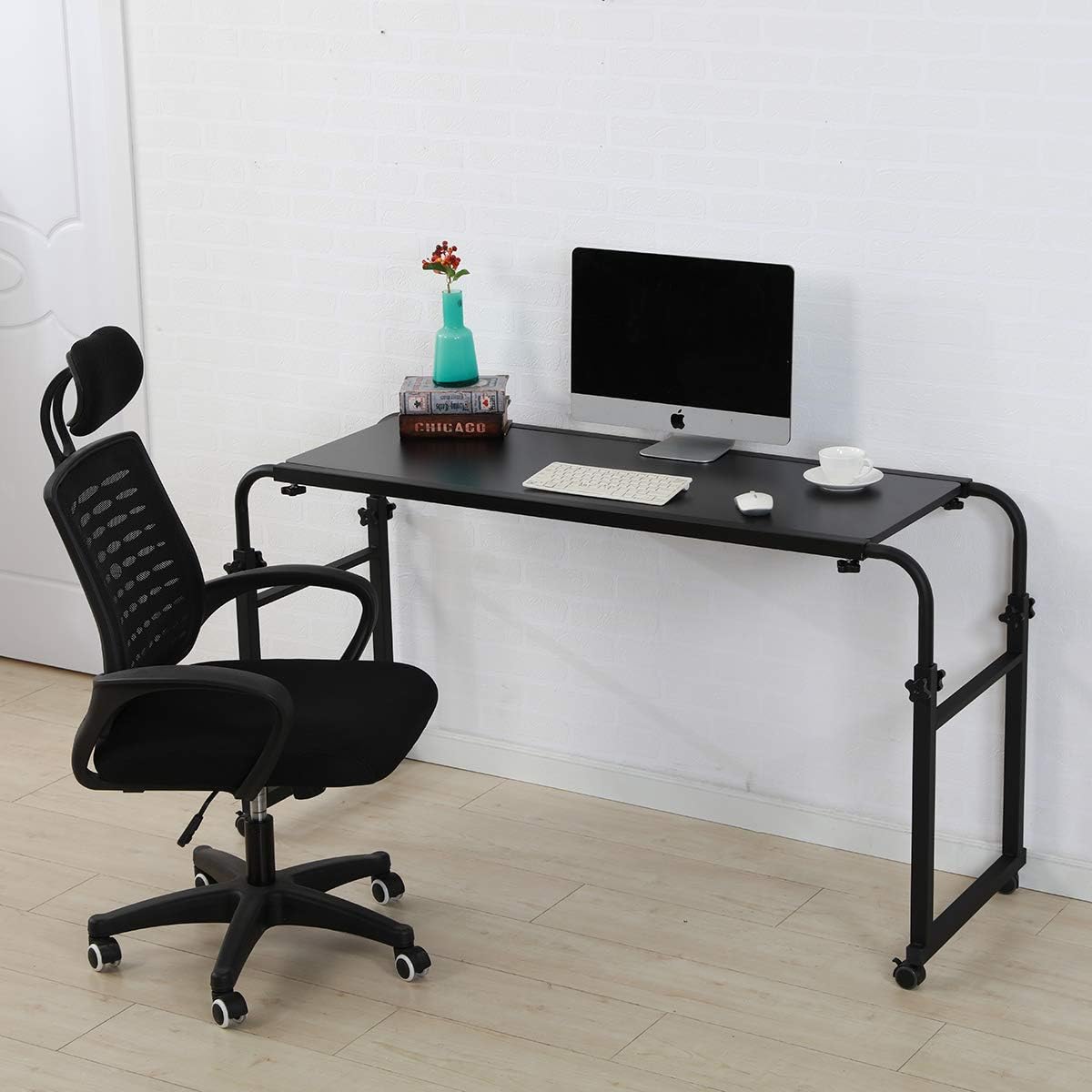
Image: All components laid out for assembly.
Attach the four 1.5-inch casters to the bottom of the table legs. Ensure the stop plugs (brakes) are accessible for locking the wheels.

Image: Close-up of a caster wheel with its locking mechanism.
4.3 Attaching the Tabletop and Adjusting Dimensions
Secure the tabletop to the assembled frame. The table's length and height are adjustable to fit various bed sizes and user preferences.

Image: Diagram showing adjustable length and height.
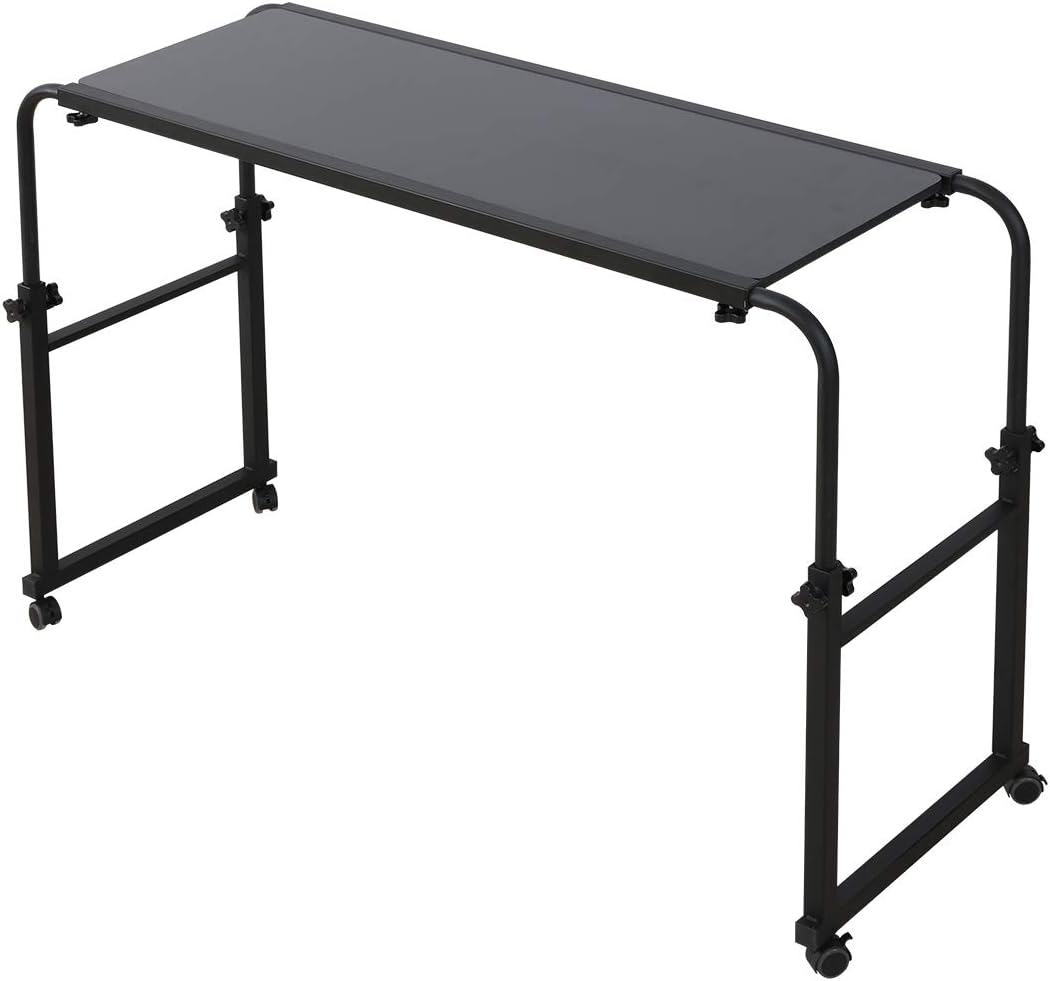
Image: Fully assembled overbed table.
4.4 Assembly Video
Video: Official TigerDad video demonstrating the assembly and features of the QQ-900 overbed table.
5. Operating Instructions
5.1 Adjusting Length and Height
The table's length can be adjusted from 55.1 inches to 82.7 inches, accommodating various bed sizes including king and queen. The height can be adjusted from 25.6 inches to 37.4 inches. To adjust, loosen the locking knobs on the frame, slide the sections to the desired length or height, and then securely tighten the knobs.
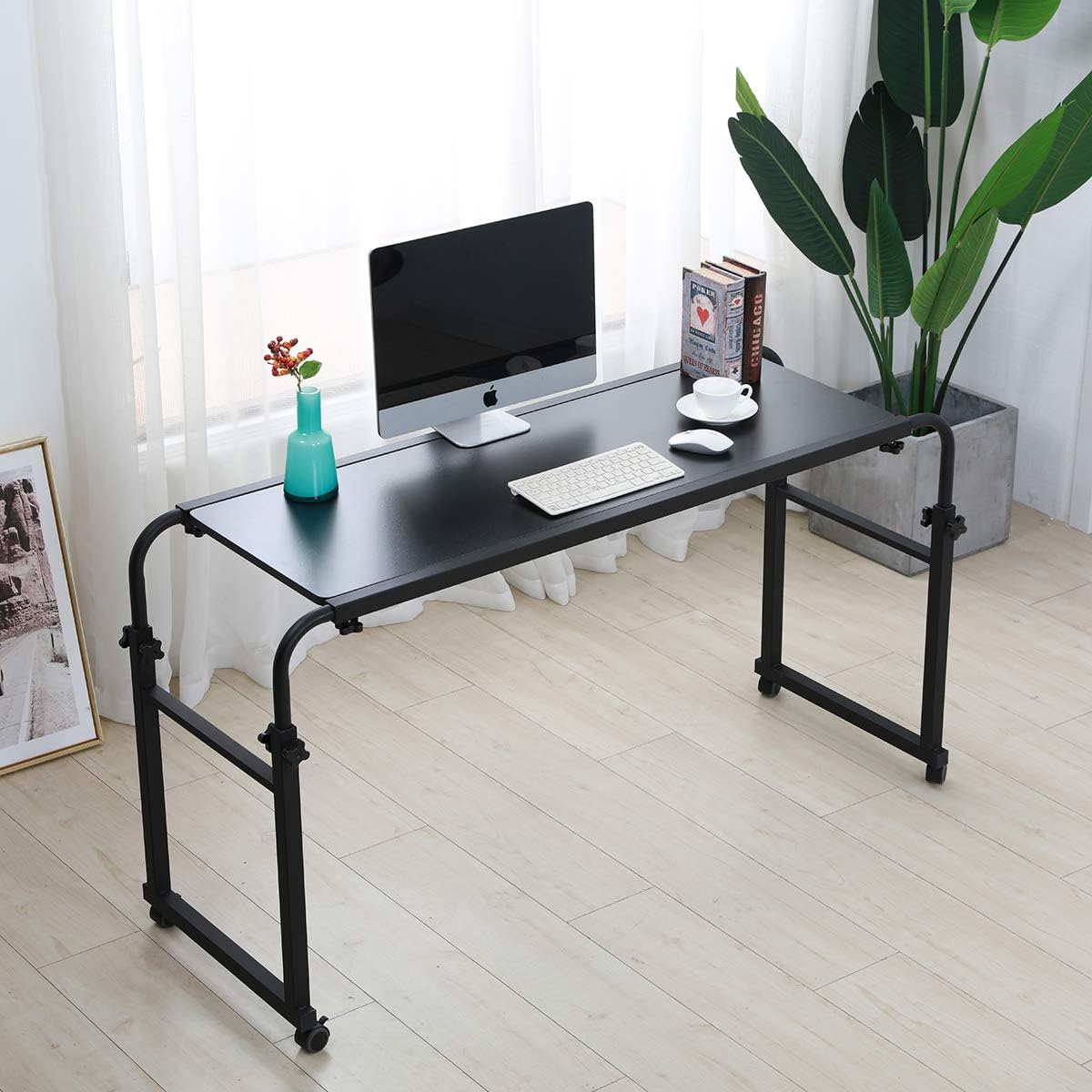
Image: Detail of the height adjustment knob.
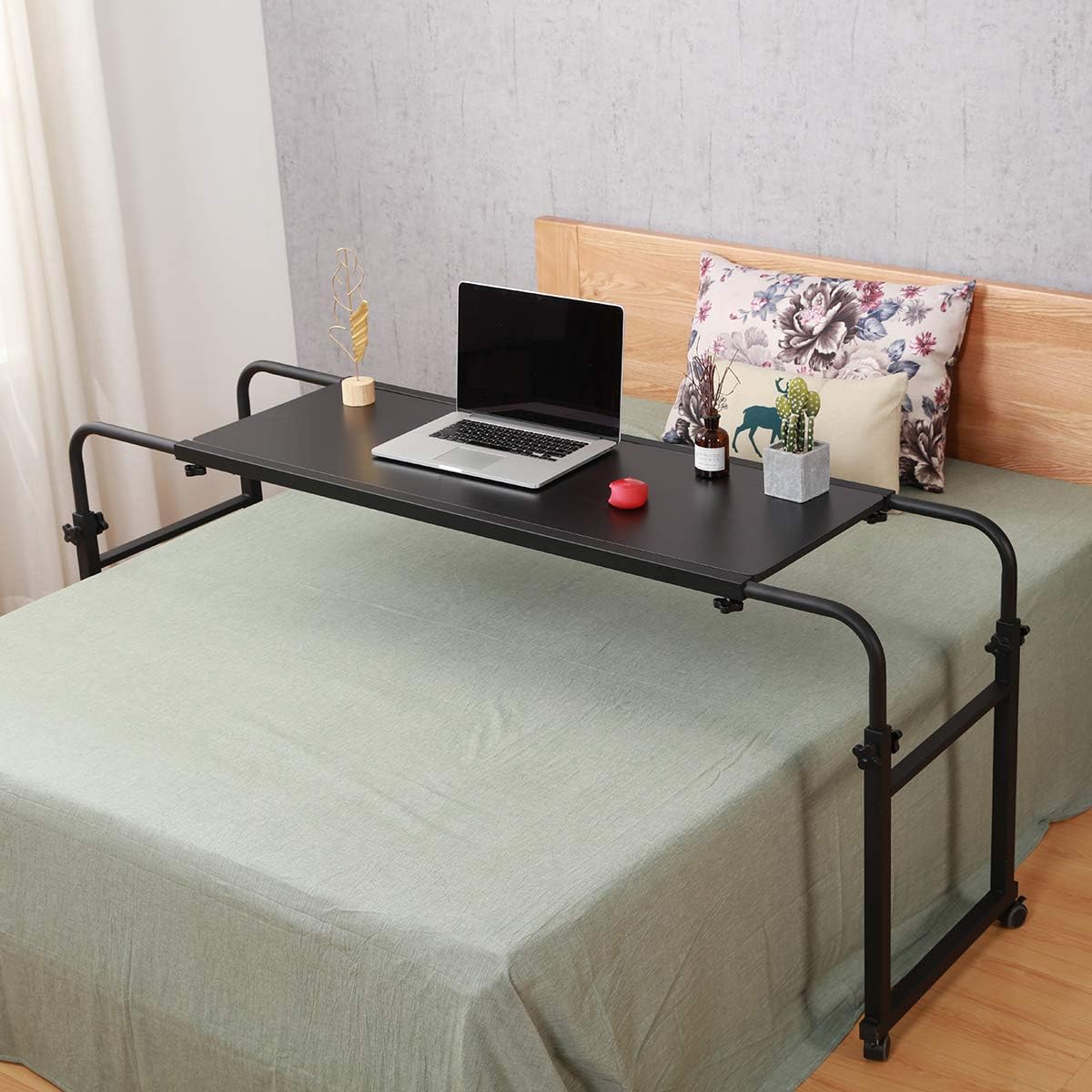
Image: Table adjusted to a suitable height over a bed.
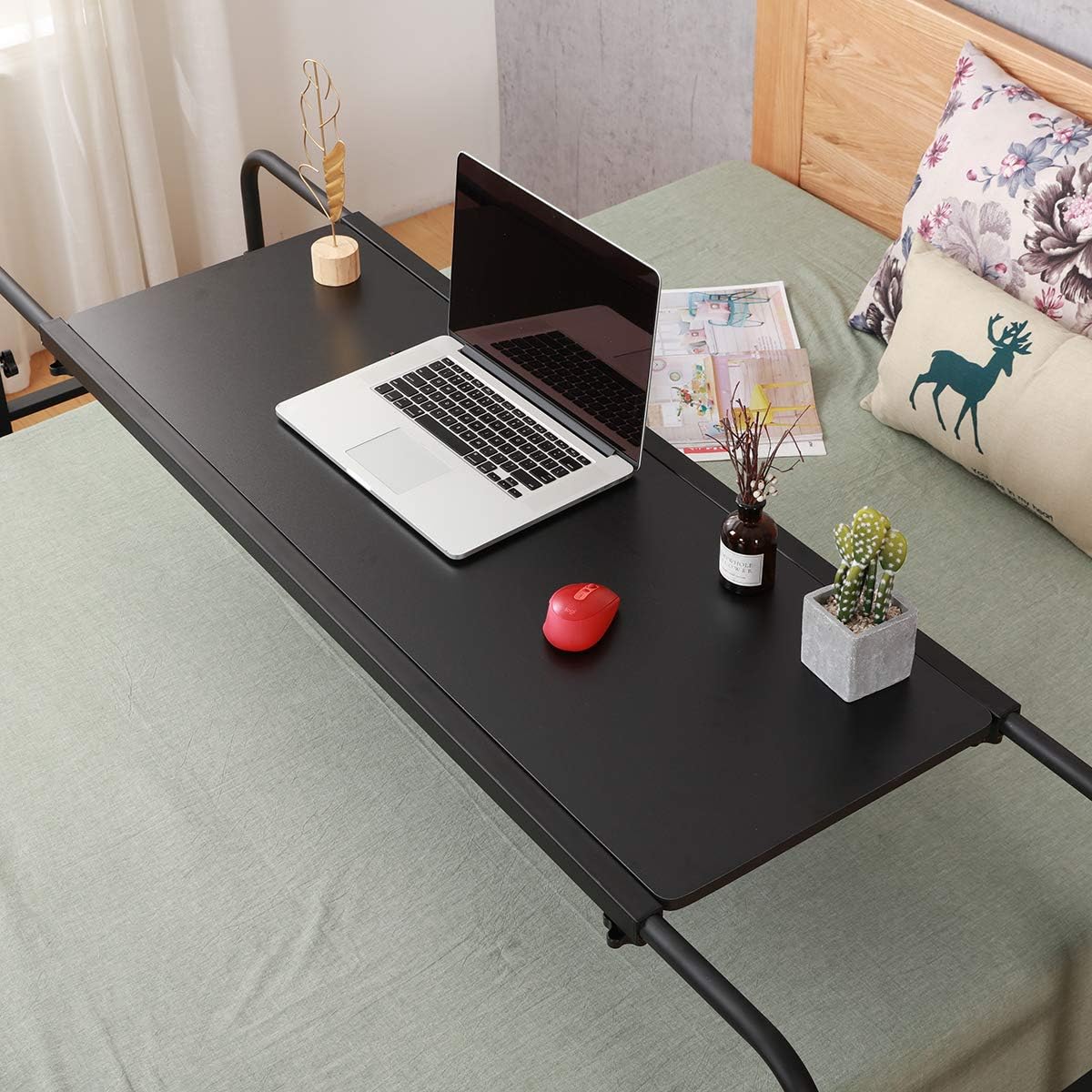
Image: Table extended to accommodate a wide bed.
5.2 Mobile Functionality
The table is equipped with four 1.5-inch casters, allowing for easy mobility. To move the table, ensure the wheel brakes are disengaged. Once the table is in the desired position, engage the brakes to keep it stationary.
5.3 Multifunctional Use
The TigerDad Overbed Table can be utilized in various ways:
- Overbed Table: Ideal for working on a laptop, eating meals, or reading in bed.
- Computer Desk: Can be used as a standalone computer desk with ample space for monitors and peripherals.
- Writing/Study Table: Provides a stable surface for writing, studying, or other activities.

Image: Table in use as an overbed laptop station.
Image: Table configured as a standalone computer desk.
6. Maintenance
- Cleaning: Wipe the tabletop and frame with a soft, damp cloth. Avoid using harsh chemicals or abrasive cleaners that could damage the finish.
- Fasteners: Periodically check all screws and fasteners to ensure they remain tight. Re-tighten as necessary to maintain stability.
- Casters: Keep the caster wheels free of debris (hair, dust, etc.) to ensure smooth movement.
7. Troubleshooting
7.1 Table is Unstable
- Ensure all assembly screws are fully tightened.
- Verify that the table is placed on a flat, even surface.
- Check that the weight on the tabletop does not exceed 350 lbs and is evenly distributed.
7.2 Wheels Not Rolling Smoothly
- Check if the wheel brakes are engaged. Disengage them for movement.
- Inspect the wheels for any accumulated debris (e.g., hair, lint) and remove it.
8. Specifications
| Feature | Detail |
|---|---|
| Model Number | QQ-900 |
| Color | Black |
| Material | 15mm thick E1 grade MDF panel with thicker metal frame |
| Adjustable Length | 55.1 inches to 82.7 inches |
| Adjustable Height | 25.6 inches to 37.4 inches |
| Tabletop Size | 18.1 x 47.2 inches |
| Wheels | Four 1.5 inch casters with stop plug |
| Weight Capacity | Up to 350 lbs (steel frame legs not extended) |
| Item Weight | 36.4 pounds |
| Product Dimensions (Overall) | 37.4 x 89.7 x 25.6 inches |
9. Warranty and Support
For warranty information, technical support, or to inquire about replacement parts, please refer to the contact information provided with your purchase or visit the official TigerDad website. Keep your purchase receipt for warranty claims.