1. Introduction
This manual provides essential information for the proper setup, operation, maintenance, and troubleshooting of your ASUS ROG G703GX-XS71 gaming laptop. Please read this guide thoroughly to ensure optimal performance and longevity of your device.
Package Contents
- ASUS ROG G703GX-XS71 Gaming Laptop
- Power Adapter(s) & Cord(s)
- Warranty Card
- User Manual (this document)
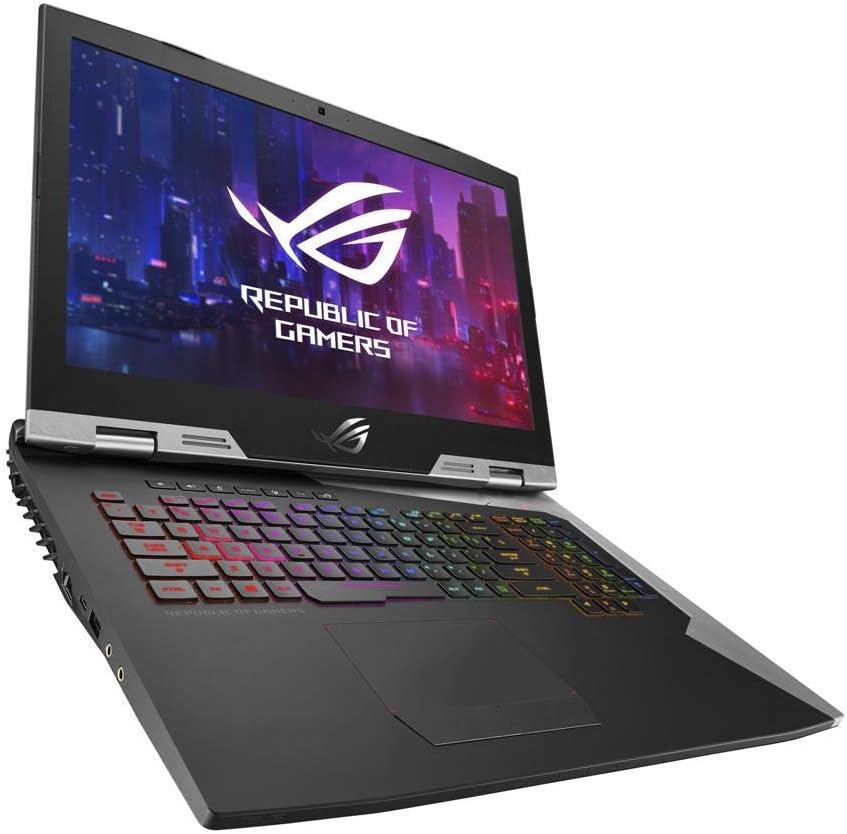
Figure 1.1: ASUS ROG G703GX-XS71 Gaming Laptop. This image displays the laptop with its lid open, showcasing the 17.3-inch display and the customizable RGB backlit keyboard.
2. Setup
Follow these steps for the initial setup of your ASUS ROG G703GX-XS71 gaming laptop.
2.1 Connecting Power
- Connect the power cord(s) to the AC adapter(s).
- Plug the AC adapter(s) into the power input port(s) on the laptop. Note that this model typically requires two power adapters for full performance.
- Plug the power cord(s) into a grounded electrical outlet.
2.2 Initial Boot-Up
- Open the laptop lid.
- Press the power button located on the keyboard deck.
- Follow the on-screen instructions to complete the Windows 10 Pro setup.
2.3 Connecting Peripherals
Utilize the available ports to connect external devices such as a mouse, keyboard, or external display.

Figure 2.1: Rear view of the ASUS ROG G703GX-XS71. This image highlights the various ports located at the back of the laptop, including power inputs, Mini DisplayPort, and HDMI.
- USB Ports: Connect USB devices like external drives, mice, or keyboards.
- HDMI / Mini DisplayPort: Connect external monitors or projectors.
- Thunderbolt 3: For high-speed data transfer and display output.
- Ethernet Port: For wired network connectivity.
3. Operating Your Laptop
Familiarize yourself with the key operational features of your gaming laptop.

Figure 3.1: Top-down view of the ASUS ROG G703GX-XS71. This image shows the full keyboard layout, including the numeric keypad, and the large touchpad.
3.1 Keyboard and Touchpad
- RGB Backlighting: Customize keyboard backlighting effects through the ASUS Aura Sync software.
- Function Keys (Fn): Use the Fn key in combination with F1-F12 for quick access to system functions like volume control, brightness adjustment, and Wi-Fi toggle.
- Touchpad: Supports multi-touch gestures for navigation. Ensure drivers are updated for optimal performance.
3.2 Display Features
- 144Hz Refresh Rate: Provides smoother visuals, especially beneficial for gaming.
- NVIDIA G-SYNC: Synchronizes the display's refresh rate with the GPU's frame rate to eliminate screen tearing and minimize stuttering.
- IPS Type Display: Offers wide viewing angles and accurate color reproduction.
3.3 Audio and Connectivity
- Audio: Adjust volume and sound settings via Windows Sound settings or dedicated function keys.
- Wi-Fi: Connect to wireless networks using the built-in 802.11AC Wi-Fi.
- Bluetooth: Pair Bluetooth-enabled devices such as headphones or game controllers.
4. Maintenance
Regular maintenance helps preserve your laptop's performance and appearance.
4.1 Cleaning Your Laptop
- Exterior: Use a soft, lint-free cloth slightly dampened with water or a mild cleaning solution. Avoid harsh chemicals.
- Screen: Use a microfiber cloth specifically designed for electronics screens. Do not spray liquid directly onto the screen.
- Vents: Periodically clean dust from the cooling vents using compressed air to maintain optimal airflow and prevent overheating.
4.2 Software and Driver Updates
- Regularly update your Windows operating system through Windows Update.
- Keep graphics drivers (NVIDIA GeForce RTX 2080) updated by downloading the latest versions from the NVIDIA website or ASUS support page.
- Update other system drivers (chipset, audio, network) from the official ASUS support website for your model.
4.3 Battery Care
- Avoid completely discharging the battery frequently.
- If storing the laptop for an extended period, ensure the battery is charged to approximately 50-60%.
- For prolonged gaming sessions, it is recommended to keep the laptop plugged into both power adapters to ensure stable performance and prevent battery drain.
5. Troubleshooting
This section addresses common issues you might encounter with your laptop.
5.1 Power Issues
- Laptop does not turn on: Ensure both power adapters are securely connected to the laptop and a working power outlet. Check if the power button lights up.
- Battery not charging: Verify power adapter connections. Check battery health in Windows settings.
5.2 Display Problems
- No display on screen: Connect an external monitor to check if the issue is with the laptop's internal display. Try pressing Fn + F8 (or similar key combination) to cycle display outputs.
- Screen flickering or artifacts: Update your NVIDIA graphics drivers. Ensure the laptop is not overheating.
5.3 Performance Issues
- Slow performance: Close unnecessary background applications. Check for malware. Ensure sufficient free storage space.
- Overheating: Clean cooling vents. Ensure the laptop is on a hard, flat surface to allow proper airflow. Consider using a cooling pad.
5.4 Network Connectivity
- Wi-Fi not connecting: Check if Wi-Fi is enabled (Fn + F2 or similar). Restart your router and laptop. Update Wi-Fi drivers.
- Bluetooth device not pairing: Ensure Bluetooth is enabled. Put the device in pairing mode. Remove and re-add the device in Windows Bluetooth settings.
6. Specifications
Detailed technical specifications for the ASUS ROG G703GX-XS71 gaming laptop.
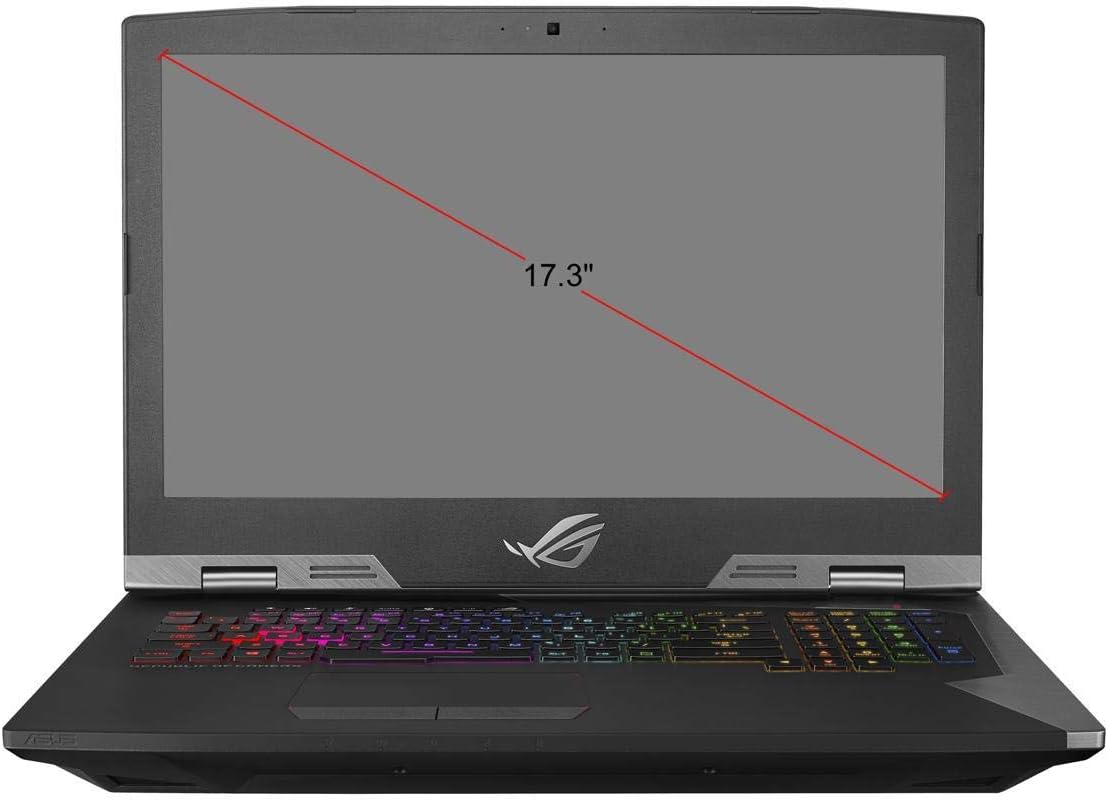
Figure 6.1: Screen size diagram for the ASUS ROG G703GX-XS71. This image illustrates the diagonal measurement of the laptop's 17.3-inch display.
| Feature | Specification |
|---|---|
| Brand | ASUS |
| Model Name | ROG G703GX |
| Model Number | G703GX-XS71 |
| Screen Size | 17.3 Inches |
| Display Resolution | 1920x1080 Pixels (Full HD) |
| Display Type | IPS Type LED with 144Hz, 3ms, G-SYNC |
| CPU Model | Intel Core i7-8750H Hexa-Core |
| Processor Speed | 3.9 GHz (up to 4.1 GHz Max) |
| RAM Memory Installed | 16 GB DDR4 2666MHz (Expandable to 64 GB) |
| Graphics Coprocessor | NVIDIA GeForce RTX 2080 8GB GDDR6 |
| Hard Disk | 512GB PCIe SSD + 1TB FireCuda SSHD |
| Operating System | Windows 10 Pro |
| Wireless Connectivity | Gigabit 802.11AC Wi-Fi, Bluetooth 5.0 |
| Ports | Thunderbolt 3, Mini DisplayPort 1.3, HDMI 2.0, USB 3.0 (x3), Ethernet, Audio Jacks |
| Item Weight | 10.4 Pounds |
| Battery Cell Type | Lithium Ion |
7. Warranty and Support
Your ASUS ROG G703GX-XS71 gaming laptop comes with a limited warranty.
7.1 Warranty Information
This product is covered by a 1-year limited warranty from the date of purchase. Please refer to the included Warranty Card for detailed terms and conditions, including coverage specifics and exclusions.
7.2 Technical Support
For technical assistance, driver downloads, or further troubleshooting not covered in this manual, please visit the official ASUS support website:
When contacting support, please have your laptop's serial number and model number (G703GX-XS71) readily available.


