
1. Overview
The MIATONE Boombox Portable Bluetooth Speaker is designed for high-quality audio on the go. Featuring 16W (20W peak) true-power sound, advanced Bluetooth 5.3 technology for a 100-foot range, and a rugged, anti-slip, IPX6 waterproof design, it's built for outdoor adventures. Enjoy up to 17 hours of playtime and clear English voice prompts for status updates.

Figure 1: MIATONE Boombox Portable Bluetooth Speaker in Grey.
2. What's in the Box
Your MIATONE Boombox package includes the following items:
- MIATONE Boombox Portable Bluetooth Speaker
- Charging Cable (USB to Micro USB)
- Aux-in Cable

Figure 2: The speaker and its accompanying charging and auxiliary cables.
3. Product Features and Controls
Control Panel Layout
The speaker features an intuitive control panel located on its side for easy access to all functions.

Figure 3: Detailed view of the speaker's control buttons.
- Power Button (Circle): Press and hold to turn the speaker on or off.
- Volume Up (+): Short press to increase the volume. Long press for next track.
- Play/Pause (Vertical Line): Short press to play or pause music.
- Volume Down (-): Short press to decrease the volume. Long press for previous track.
- TWS Pairing (Infinity Symbol): Press to initiate True Wireless Stereo pairing with another identical speaker.
- Bluetooth Button (Bluetooth Symbol): Short press to enter pairing mode if disconnected. Long press to disconnect current device. Also used to answer/end calls.
Ports
The charging and auxiliary ports are located under a protective silicone flap to maintain the speaker's waterproof rating.

Figure 4: The Micro USB charging port and 3.5mm Aux-in port, protected by a silicone cover.
- Micro USB Charging Port: For charging the speaker using the provided USB cable.
- Aux-in Port (3.5mm): For wired connection to audio devices using the provided Aux-in cable.
4. Setup
Charging the Speaker
Before first use, fully charge your speaker. Connect the provided USB charging cable to the Micro USB port on the speaker and the other end to a compatible USB power adapter (not included) or computer USB port. The indicator light will show charging status.

Figure 5: The speaker's dimensions, highlighting the location of the charging port.
Bluetooth Pairing
Follow these steps to connect your device to the MIATONE Boombox via Bluetooth:
- Press and hold the Power Button (Circle) for 2 seconds to turn on the speaker. A voice prompt will announce "Power On" and "Bluetooth Mode".
- The Bluetooth indicator light will flash, indicating the speaker is ready for pairing.
- On your smartphone, tablet, or other Bluetooth-enabled device, go to the Bluetooth settings and select "BOOMBOX" from the list of available devices.
- Once connected, a voice prompt will confirm "Device Paired" and the Bluetooth indicator light will become solid.
Video 1: A user demonstrates turning on the speaker and pairing it via Bluetooth, highlighting the voice prompts and indicator lights.
TWS (True Wireless Stereo) Pairing
For an immersive stereo experience, you can pair two identical MIATONE Boombox speakers together:
- Ensure both MIATONE Boombox speakers are powered on and not connected to any other Bluetooth device.
- Press the TWS Pairing Button (Infinity Symbol) on one of the speakers. A voice prompt will announce "TWS Pairing".
- The speakers will automatically search for and connect to each other. A voice prompt will confirm "TWS Paired" once successful.
- Now, connect your smartphone, tablet, or other Bluetooth-enabled device to one of the paired speakers via Bluetooth as described in the "Bluetooth Pairing" section. Both speakers will now play audio in stereo.
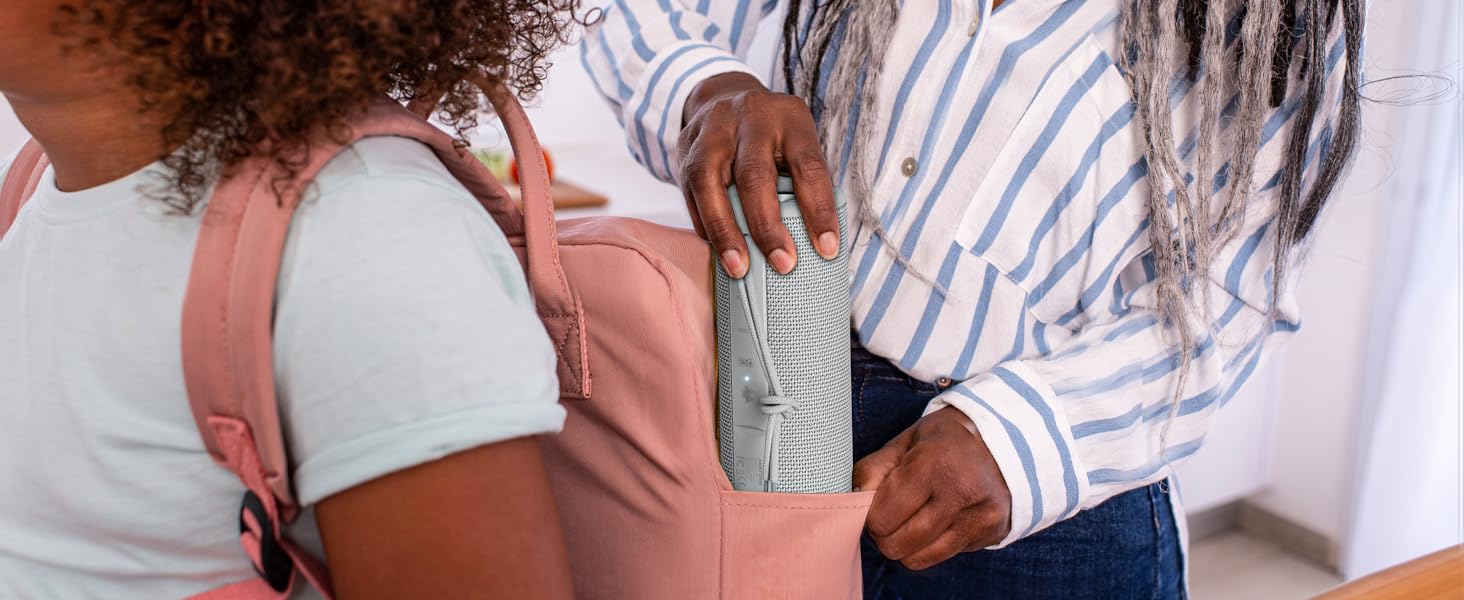
Figure 6: Two MIATONE Boombox speakers configured for True Wireless Stereo pairing, enhancing the audio experience.
5. Operating the Speaker
Basic Playback Controls
- Power On/Off: Press and hold the Power Button (Circle) for 2 seconds.
- Volume Adjustment: Short press Volume Up (+) or Volume Down (-) buttons.
- Play/Pause: Short press the Play/Pause Button (Vertical Line).
- Next Track: Long press the Volume Up (+) button.
- Previous Track: Long press the Volume Down (-) button.
- Answer/End Call: Short press the Bluetooth Button (Bluetooth Symbol) to answer an incoming call, short press again to end a call.
Voice Prompts
The speaker provides clear English voice notifications to keep you informed of its status, including "Power On/Off", "Bluetooth Mode", "Device Paired", "TWS Pairing", "TWS Paired", and "Low Battery".
Durability and Portability
The MIATONE Boombox is designed with a rugged, anti-slip exterior featuring mesh fabric and soft silicone end caps to absorb shock from drops. Its IPX6 waterproof rating ensures protection against water splashes and jets, making it suitable for outdoor use near water. The speaker is also designed to float if dropped in water.

Figure 7: The waterproof design allows for use in wet environments like showers.

Figure 8: The speaker's portable design makes it ideal for activities like cycling.
6. Maintenance
To ensure the longevity and optimal performance of your MIATONE Boombox speaker, follow these maintenance guidelines:
- Always ensure the silicone cover for the charging and auxiliary ports is securely closed when not in use, especially in wet or dusty environments, to maintain its waterproof and dustproof integrity.
- Clean the speaker's exterior with a soft, damp cloth. Avoid using harsh chemicals or abrasive cleaners.
- Do not submerge the speaker in water for extended periods, despite its waterproof rating. It is designed for splashes and jets, not prolonged submersion.
- Store the speaker in a cool, dry place away from direct sunlight and extreme temperatures when not in use.
7. Troubleshooting
Speaker Not Turning On
- Ensure the battery is sufficiently charged. Connect the speaker to a power source using the provided USB cable and allow it to charge for at least 30 minutes before attempting to power it on again.
Cannot Pair via Bluetooth
- Make sure the speaker is in Bluetooth pairing mode (the Bluetooth indicator light should be flashing).
- Verify that your device's Bluetooth is enabled and that the speaker is within the effective range (up to 100 feet in open areas, approximately 30 feet with obstructions).
- If the speaker was previously paired with another device, ensure it is disconnected from that device. You may need to "forget" or "unpair" "BOOMBOX" from your device's Bluetooth list and try pairing again.
Sound Distortion
- Reduce the volume on both the speaker and your connected device. High volume levels can sometimes lead to distortion.
- Ensure the speaker is not too far from the connected device, as signal interference can cause sound quality issues.
TWS Pairing Issues
- Ensure both speakers are powered on and disconnected from any other Bluetooth devices before attempting TWS pairing.
- Follow the TWS pairing steps precisely, pressing the TWS button on only one speaker to initiate the connection between the two speakers.
8. Specifications
| Feature | Specification |
|---|---|
| Brand | MIATONE |
| Model Name | BOOMBOX |
| Speaker Maximum Output Power | 20 Watts (Peak) |
| Connectivity Technology | Bluetooth 5.3 |
| Audio Output Mode | Surround |
| Mounting Type | Freestanding |
| Enclosure Material | Fabric, Silicone |
| Speaker Type | Subwoofer, Surround Sound |
| Additional Features | Portable, Stereo Pairing (TWS) |
| Battery Average Life | Up to 17 hours (at 50% volume) |
| Is Waterproof | TRUE (IPX6) |
| Maximum Bluetooth Range | 100 Feet (open area) / 30 Feet (with obstructions) |
| Control Method | Touch |
| Item Dimensions (D x W x H) | 2.87"D x 2.87"W x 7.3"H |
| Item Weight | 14.88 ounces |
| Compatible Devices | Laptop, Phones, Smartphone, Tablet |
| Power Source | Battery Powered |
9. Warranty and Support
The MIATONE Boombox Portable Bluetooth Speaker comes with a limited warranty. For detailed information regarding warranty coverage, terms, and conditions, please refer to the warranty card included in your original product packaging. For technical support, troubleshooting assistance, or to make a warranty claim, please visit the official MIATONE website or contact their customer service directly. Contact details can typically be found on the product packaging or the brand's website.
