
1. Introduction
This manual provides essential information for the setup, operation, and maintenance of your Jackson JS Series Concert Bass JS3Q. This 4-string electric bass features a poplar body with a figured maple top, a maple neck, and an amaranth fingerboard. It is equipped with two humbucking pickups, designed for a powerful and clear bass tone.
Please read this manual thoroughly to ensure proper use and to maximize the lifespan of your instrument.
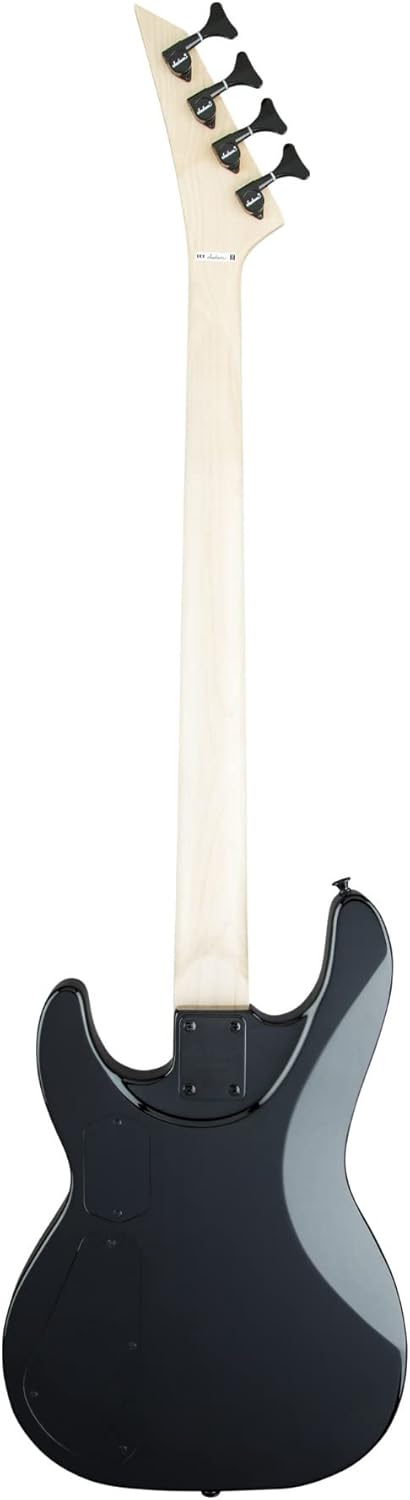
Image 1.1: Front view of the Jackson JS Series Concert Bass JS3Q in Transparent Black Burst.
2. Setup
2.1 Unpacking
Carefully remove the bass from its packaging. Inspect the instrument for any signs of damage that may have occurred during shipping. The bass comes with a gig bag for protection and transport.
2.2 Initial Inspection
Before playing, check the strings, tuning machines, and bridge for proper seating. Ensure all controls (knobs) are securely attached.
2.3 Connecting to an Amplifier
- Ensure your amplifier is turned off and its volume is set to minimum.
- Connect one end of a standard 6.35mm (1/4-inch) instrument cable to the output jack on the bass.
- Connect the other end of the cable to the input jack on your amplifier.
- Turn on your amplifier and slowly increase the volume to a desired level.
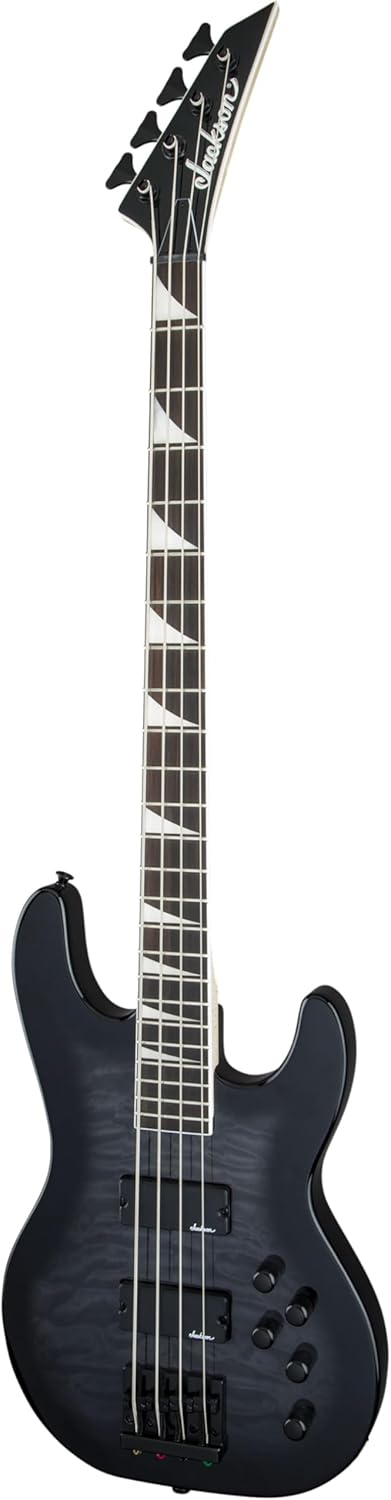
Image 2.1: Full body view of the Jackson JS Series Concert Bass JS3Q, highlighting the body and neck.
2.4 Tuning
Tune your bass using an electronic tuner. The standard tuning for a 4-string bass is E-A-D-G (from thickest to thinnest string).

Image 2.2: Close-up of the headstock, showing the tuning machines and Jackson logo.
3. Operating
3.1 Controls Overview
The Jackson JS Series Concert Bass JS3Q features a set of controls to shape your sound:
- Volume Knobs: Typically, one for each humbucking pickup, allowing you to blend their output.
- Tone Knobs: Adjust the treble frequencies, from bright to mellow.
- Blend Knob: (If present) Allows seamless blending between the neck and bridge pickups.

Image 3.1: Close-up of the bass body, showing the humbucking pickups and control knobs.
3.2 Adjusting Your Sound
Experiment with the volume and tone controls to find your desired sound. Adjusting the blend between the two humbucking pickups can significantly alter the tonal characteristics, from deep and resonant to punchy and articulate.
4. Maintenance
4.1 Cleaning
- Body: Wipe the body with a soft, lint-free cloth after each use to remove sweat and fingerprints. For deeper cleaning, use a guitar-specific polish.
- Fretboard: The amaranth fingerboard should be cleaned periodically. Use a soft brush to remove grime, then apply a small amount of fretboard conditioner (specifically designed for unfinished fingerboards) to prevent drying.
- Strings: Wipe down strings after each use to prolong their life and maintain tone.
4.2 String Replacement
Strings should be replaced regularly, depending on usage, to maintain optimal tone and playability. Replace one string at a time to maintain neck tension. Use steel alloy or nickel bass strings of appropriate gauge.
4.3 Storage
When not in use, store your bass in its gig bag or a hard case to protect it from dust, humidity changes, and physical damage. Avoid extreme temperatures and direct sunlight.
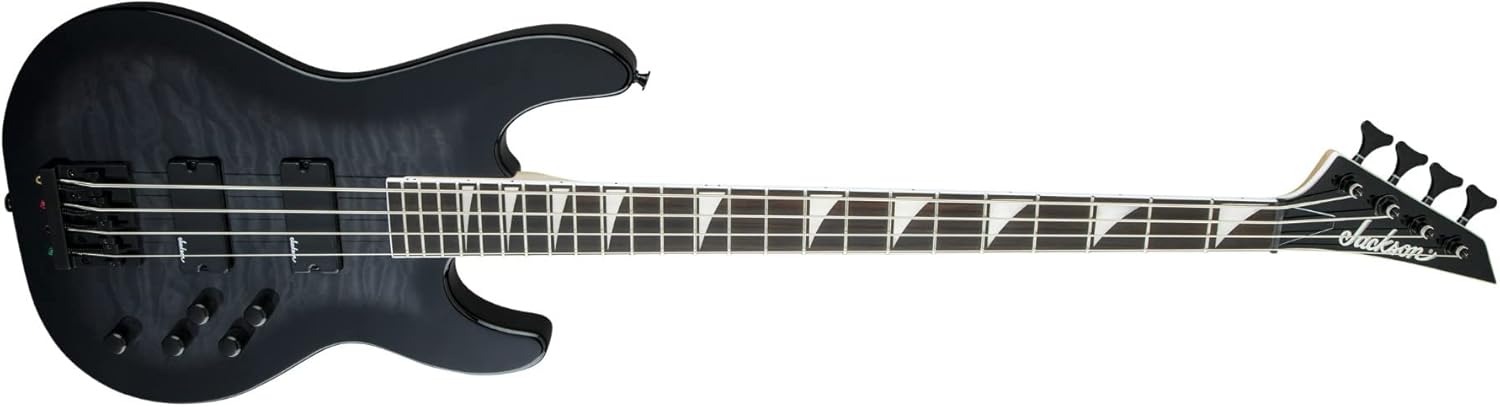
Image 4.1: Side view of the Jackson JS Series Concert Bass JS3Q, showing the body profile.
5. Troubleshooting
| Problem | Possible Cause | Solution |
|---|---|---|
| No sound from amplifier |
|
|
| Buzzing or humming sound |
|
|
| Strings not staying in tune |
|
|
If you encounter issues not listed here or if the suggested solutions do not resolve the problem, please contact Jackson customer support or a qualified guitar technician.
6. Specifications
| Model Name | JS Series Concert Bass JS3Q |
| Model Number | 2919026585 |
| Body Material | Poplar with Figured Maple Top |
| Neck Material | Maple |
| Fingerboard Material | Amaranth |
| Number of Strings | 4 |
| Pickups | 2 Humbucking Pickups |
| Connector Type | 6.35mm Jack |
| String Material | Steel Alloy or Nickel |
| Color | Transparent Black Burst |
| Item Weight | 15.57 pounds (7.06 kg) |
| Product Dimensions (L x W x H) | 52.11 x 20.96 x 4.79 inches (132.36 x 53.24 x 12.17 cm) |

Image 6.1: Detailed view of the humbucking pickups on the Jackson JS Series Concert Bass JS3Q.
7. Warranty & Support
7.1 Warranty Information
Jackson products are covered by a limited warranty. For detailed information regarding warranty coverage, terms, and conditions, please refer to the official Jackson website or the warranty card included with your purchase. Keep your proof of purchase for warranty claims.
7.2 Customer Support
For technical assistance, service, or parts, please visit the official Jackson website or contact their customer support department. You can often find FAQs, service center locators, and contact forms on their website.
Official Jackson Website: www.jacksonguitars.com


