Introduction
This manual provides essential information for the setup, operation, and maintenance of your LG 27UL850-W 27 Inch UltraFine UHD (3840 x 2160) IPS Display. This monitor features VESA DisplayHDR 400 and versatile USB Type-C connectivity, offering superior color control and a wide viewing angle. Please read this manual thoroughly before using the product to ensure proper and safe operation.
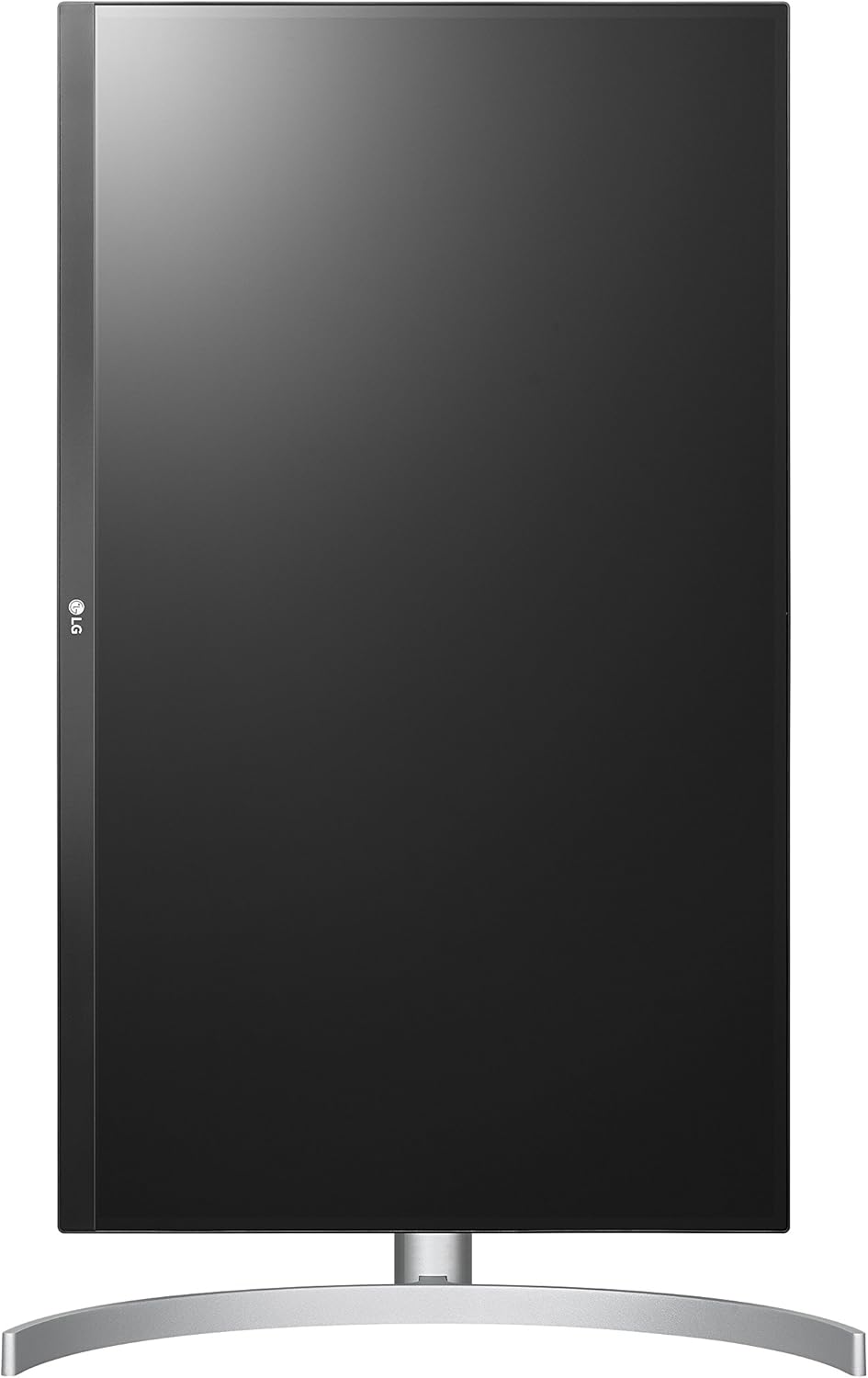
Figure 1: Front view of the LG 27UL850-W monitor.
What's in the Box
Verify that all components are present in the package:
- Monitor
- Stand (Base and Neck)
- User Manual
- HDMI Cable
- DisplayPort Cable
- USB Type-C Cable
- Power Cable
Setup
1. Assembling the Stand
Attach the stand base to the stand neck, then secure the assembled stand to the monitor panel. Ensure all connections are firm.

Figure 2: Side view illustrating the monitor's height adjustment.
2. Connecting Cables
Connect the appropriate cables from your computer or device to the monitor's input ports. The monitor supports HDMI, DisplayPort, and USB Type-C connections.
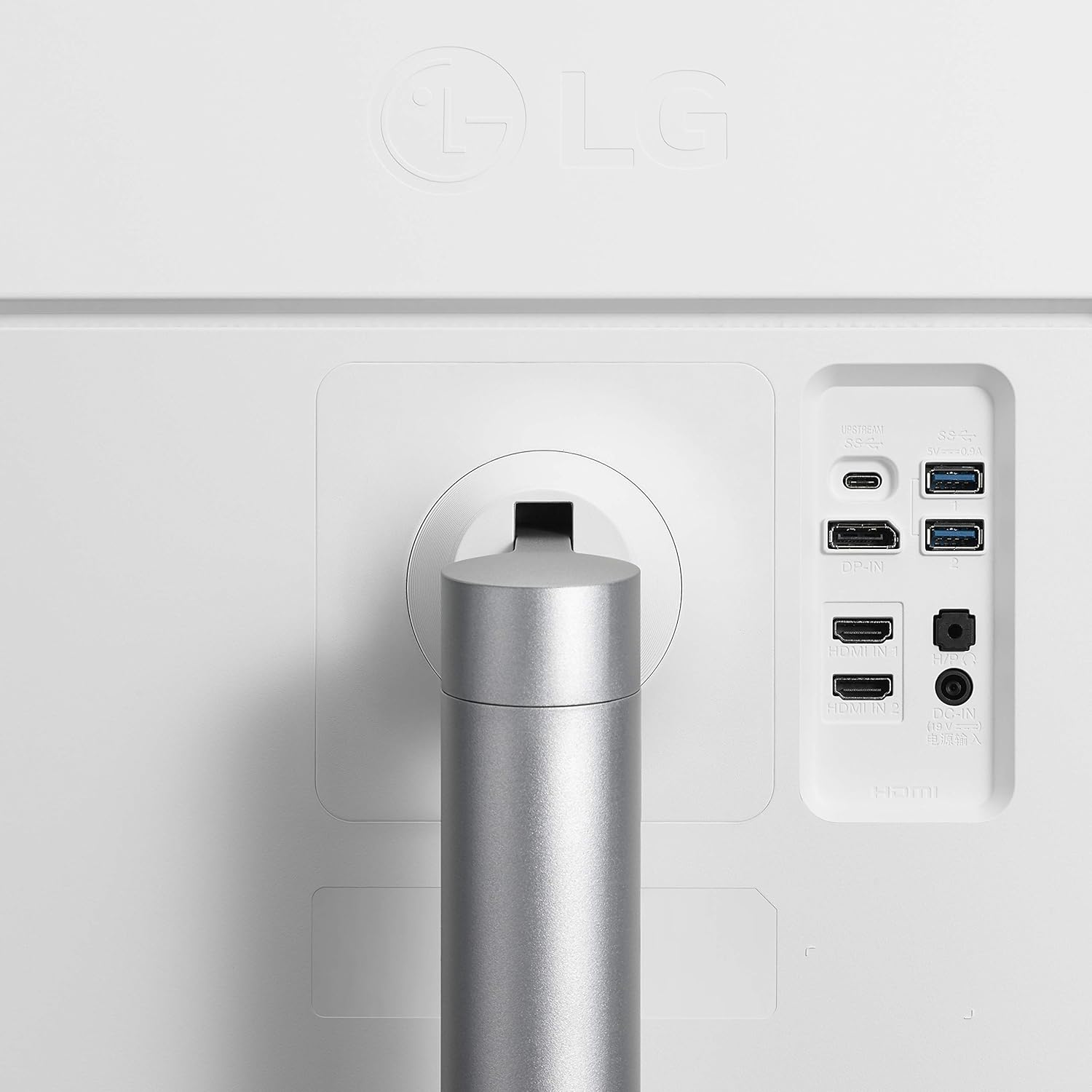
Figure 3: Rear view of the monitor with available ports.
3. Power On
Connect the power cable to the monitor and a power outlet. Press the power button (often a joystick-style button located at the bottom center of the monitor) to turn on the display.
Operating the Monitor
On-Screen Display (OSD) Controls
The monitor features a joystick button, typically located at the bottom center, for navigating the On-Screen Display (OSD) menu. This allows you to adjust various settings such as brightness, contrast, picture mode, input source, and volume.
Display Adjustments
- Height Adjustment: The stand allows for vertical adjustment to optimize viewing comfort.
- Pivot Function: The monitor can be rotated to a portrait orientation, useful for document viewing or coding.
- Tilt Adjustment: Adjust the screen's vertical angle to reduce glare and improve visibility.

Figure 4: Monitor in portrait orientation.
USB Type-C Connectivity
The USB Type-C port provides a single-cable solution for 4K video display, data transfer, and charging for compatible laptops and mobile devices.
Maintenance
To maintain the performance and appearance of your monitor:
- Clean the screen with a soft, lint-free cloth. Avoid harsh chemicals.
- Wipe the exterior surfaces with a slightly damp cloth.
- Ensure proper ventilation around the monitor to prevent overheating.
Troubleshooting
If you encounter issues with your monitor, consider the following common solutions:
- No Power: Check if the power cable is securely connected to both the monitor and the power outlet.
- No Signal: Verify that the video input cable (HDMI, DisplayPort, USB-C) is correctly connected to both the monitor and your device. Ensure the correct input source is selected in the OSD menu.
- Flickering/Distorted Image: Check cable connections. Try a different cable or input port. Ensure your graphics card drivers are up to date.
- No Sound: Adjust the volume via the OSD menu or your connected device. Check headphone connections if applicable.
For more detailed troubleshooting, refer to the full user manual or LG's official support resources.
Specifications
| Feature | Specification |
|---|---|
| Brand | LG |
| Model Number | 27UL850-W |
| Screen Size | 27 Inches |
| Resolution | 4K UHD 2160p (3840 x 2160 Pixels) |
| Display Type | IPS LED |
| Refresh Rate | 61 Hz |
| Response Time | 5 Milliseconds |
| Brightness | 400 Candela per Square Meter |
| Contrast Ratio | 1000:1 (Typ.) |
| Color Gamut | sRGB 99% |
| Viewing Angle | 178 Degrees |
| Connectivity Technology | HDMI / USB Type-C / DisplayPort / Headphone Out / USB Down-stream |
| Total Number of HDMI Ports | 2 |
| Total USB Ports | 3 |
| Adaptive Sync | FreeSync Premium, G-Sync Compatible |
| Item Weight | 13.45 Pounds |
| Item Dimensions (D x W x H) | 8.2"D x 27.2"W x 19.4"H |
Warranty and Support
This LG monitor comes with a Limited Warranty: 1 Year Parts & Labor. For further assistance, technical support, or warranty claims, please refer to the contact information provided in your product packaging or visit the official LG Electronics website.