
UGREEN 50922
Contents
UGREEN USB to Ethernet Adapter User Manual
Model: 50922
1. Introduction
This manual provides instructions for the UGREEN USB to Ethernet Adapter, Model 50922. This device allows you to connect your USB 3.0 enabled device to a wired Gigabit Ethernet network, offering stable and high-speed internet access.

Image 1.1: UGREEN USB to Ethernet Adapter (Model 50922).
2. What's in the Box
- UGREEN USB to Ethernet Adapter
- User Manual x 1
3. Product Overview
3.1 Features
- Ultra-Fast 1000Mbps Network Speeds: Engineered for high-speed data transfer.
- Rock-Solid Stability: Provides a secure and stable wired connection.
- Nintendo Switch Compatibility: Fully compatible with Nintendo Switch and Switch OLED for lag-free gaming.
- Plug and Play: Driver-free for Windows 11/10/8.1/8, macOS, Chrome OS, and Android.
- Wide Compatibility: Works with most laptops and desktops featuring USB 3.0 ports.
- Durable Design: Built with a sturdy aluminum shell for efficient heat dissipation and reinforced cable connection points.
- LED Indicator: Yellow-green LED indicates working status (Data Transfer and Power).
3.2 Components

Image 3.1: Key components of the adapter, highlighting the aluminum alloy casing and reinforced cable design.
The adapter features a USB 3.0 Type-A connector for connecting to your host device and an RJ45 Ethernet port for network cable connection. It is housed in a durable aluminum shell for heat dissipation.

Image 3.2: LED indicators on the adapter. Yellow indicates data transfer, green indicates power.
4. Setup Instructions
- Connect to Host Device: Insert the USB 3.0 Type-A connector of the UGREEN adapter into an available USB 3.0 port on your laptop, desktop, or compatible device (e.g., Nintendo Switch dock).
- Connect to Network: Connect a standard RJ45 Ethernet cable from your router, modem, or network switch to the RJ45 port on the UGREEN adapter.
- Driver Installation (if required):
- For Windows 11/10/8.1/8, macOS, Chrome OS, and Android: The adapter is plug-and-play and typically requires no driver installation.
- For Windows XP/7/Vista and Linux: Driver installation may be required. Please refer to the instructions provided with the product or visit the UGREEN official website for driver downloads.
- Verify Connection: Once connected, the LED indicators on the adapter should illuminate. The green LED indicates power, and the yellow LED will blink to indicate data transfer activity.
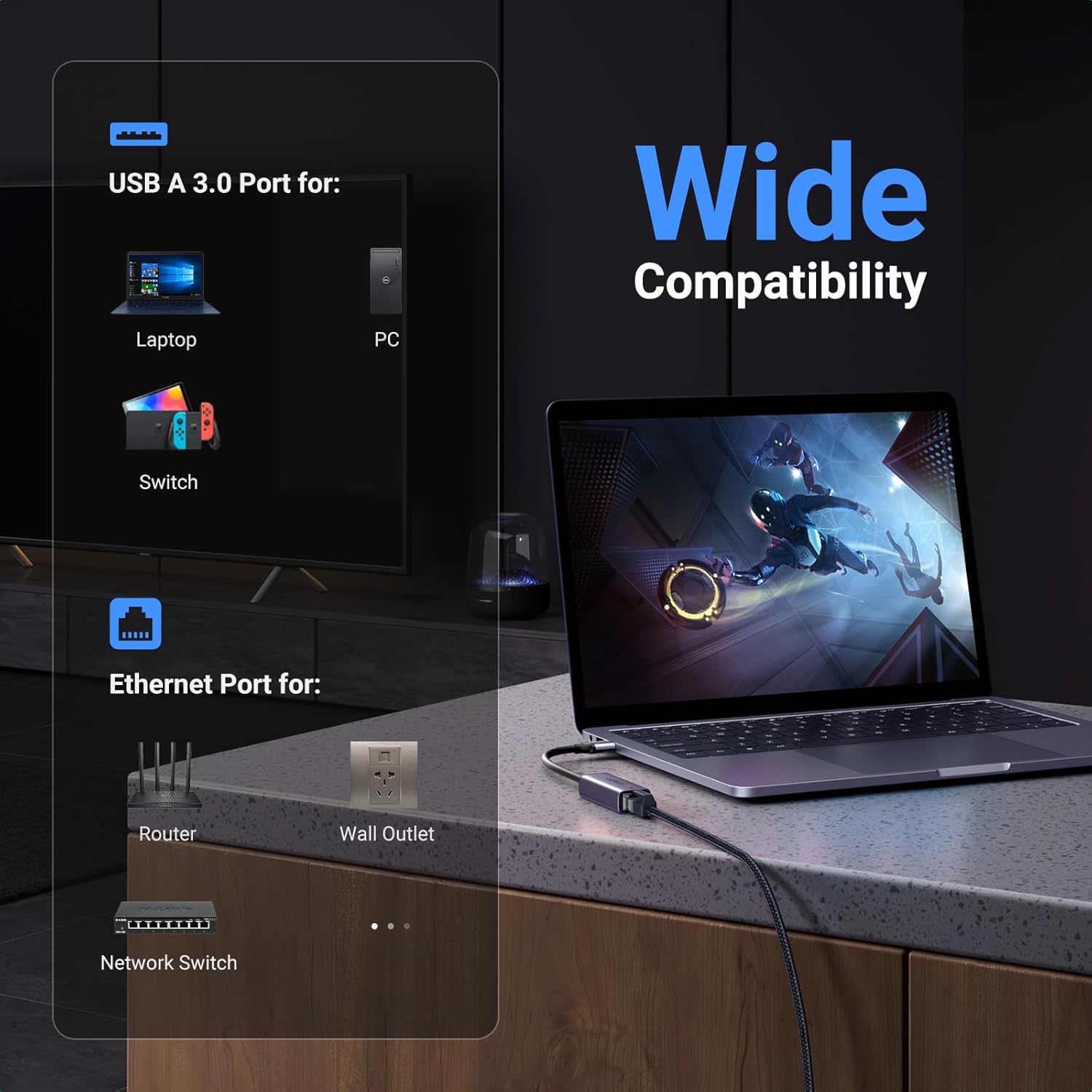
Image 4.1: Connection diagram illustrating how to connect the adapter to various devices and network sources.
5. Operating Instructions
After successful setup, the UGREEN USB to Ethernet Adapter operates automatically. Your device will detect the wired network connection and prioritize it over wireless connections if both are available.
- Network Access: Your device will now have access to the wired network at speeds up to 1000Mbps (Gigabit Ethernet), depending on your network infrastructure.
- LED Indicators: Observe the yellow-green LED indicators on the adapter. The green light indicates the adapter is powered and connected. The yellow light will flash when data is being transmitted or received.
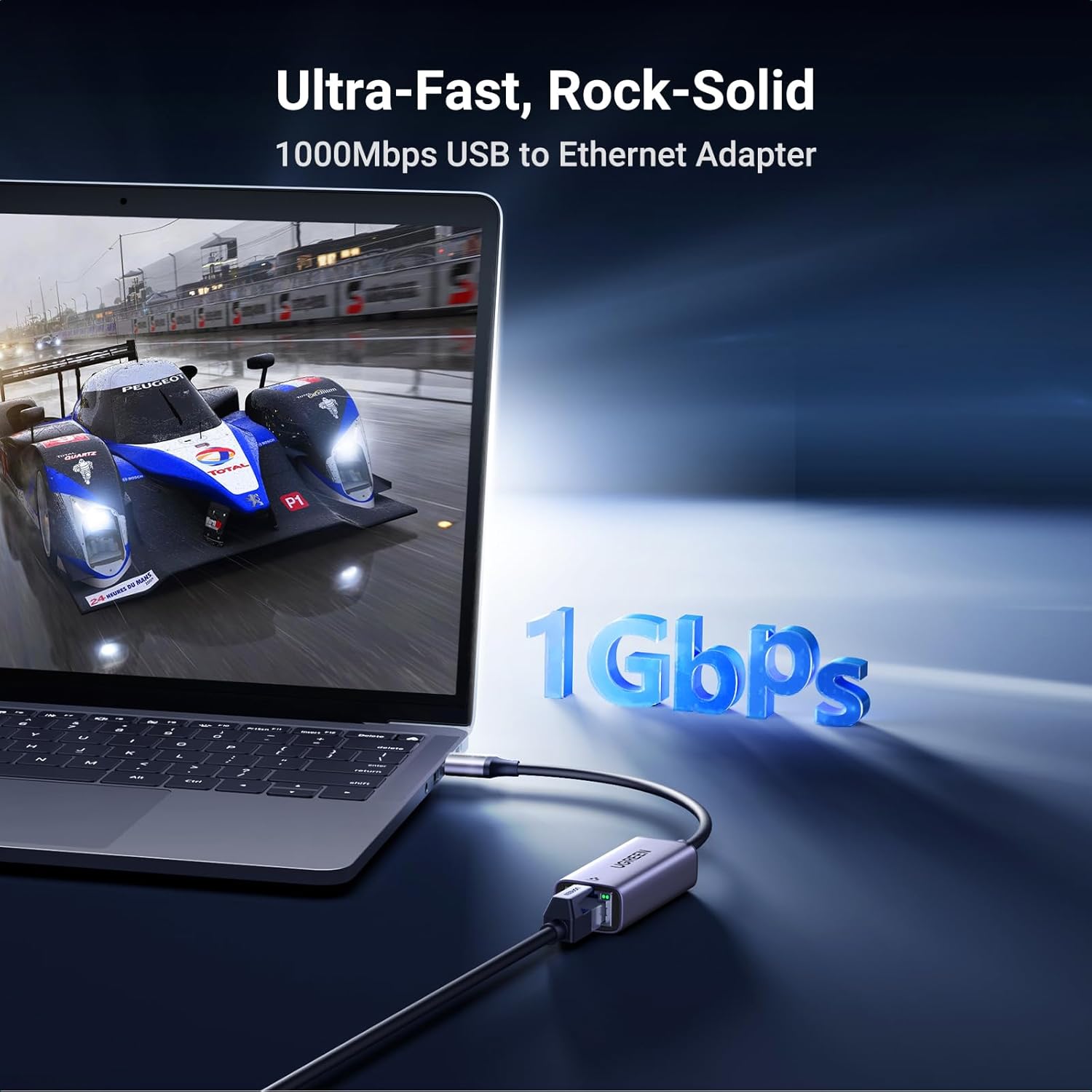
Image 5.1: The adapter provides a stable 1Gbps wired connection to a laptop.

Image 5.2: Enjoying stable, lag-free gaming on a Nintendo Switch using the adapter.
6. Compatibility
6.1 Operating Systems
- Windows 11 / 10 / 8.1 / 8 (Plug and Play)
- macOS (Plug and Play)
- Chrome OS (Plug and Play)
- Android (Plug and Play)
- Windows XP / 7 / Vista (Driver installation required)
- Linux (Driver installation required)
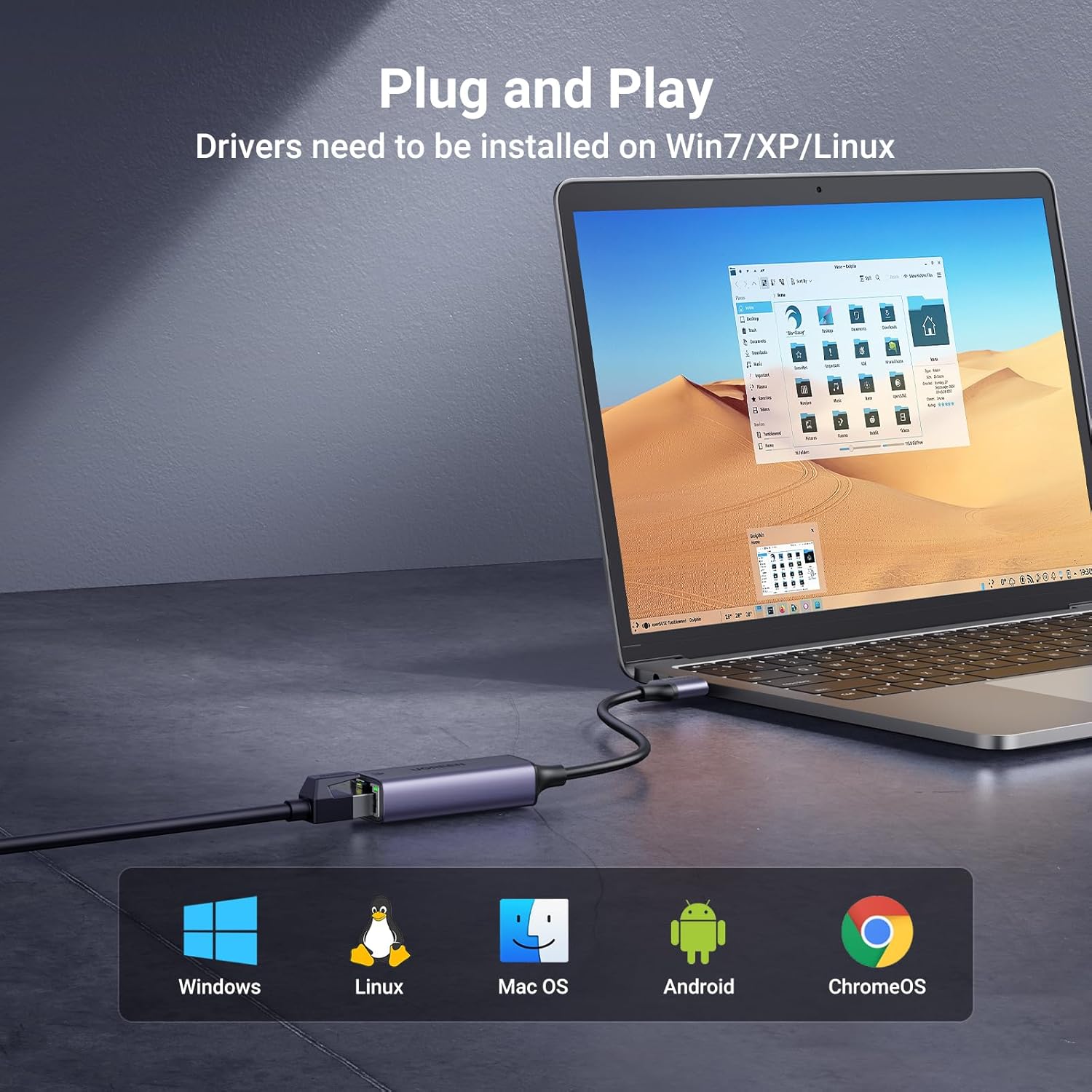
Image 6.1: The adapter supports various operating systems, with most being plug-and-play.
6.2 Devices
- Laptops with USB 3.0 ports (e.g., MacBook Air/Pro, Dell XPS, Surface Book)
- Desktops with USB 3.0 ports
- Nintendo Switch and Switch OLED
7. Troubleshooting
If you encounter issues with your UGREEN USB to Ethernet Adapter, consider the following:
- No Network Connection:
- Ensure both the USB and Ethernet cables are securely connected.
- Check if the network cable is functional by testing it with another device.
- Verify that your router/modem is powered on and functioning correctly.
- For Windows XP/7/Vista or Linux, confirm that the correct drivers are installed.
- Slow Network Speed:
- Ensure you are using a USB 3.0 port on your device for optimal performance. Connecting to a USB 2.0 port will limit speeds.
- Check the quality and category of your Ethernet cable (Cat5e or higher is recommended for Gigabit speeds).
- Confirm your internet service provider's speed and your router's capabilities.
- Adapter Not Recognized:
- Try connecting the adapter to a different USB port on your device.
- Restart your computer or device.
- If drivers are required for your operating system, ensure they are installed correctly.

Image 7.1: Common network problems that the UGREEN USB to Ethernet adapter can help resolve.
8. Specifications
| Brand | UGREEN |
| Model Number | 50922 |
| ASIN | B07MK6DJ6M |
| Hardware Interface | USB 3.0 Type A, RJ45 |
| Data Link Protocol | Gigabit Ethernet |
| Data Transfer Rate | 1 Gigabits Per Second |
| Compatible Operating Systems | Windows, macOS, Linux, Chrome OS, Android |
| Color | Space Grey |
| Product Dimensions | 2.36 x 0.63 x 0.93 inches (6 x 1.6 x 2.36 cm) |
| Item Weight | 0.704 ounces (20 grams) |
9. Maintenance
The UGREEN USB to Ethernet Adapter requires minimal maintenance. Follow these guidelines to ensure longevity:
- Keep the adapter clean and free from dust. Use a soft, dry cloth for cleaning.
- Avoid exposing the adapter to extreme temperatures, humidity, or direct sunlight.
- Do not attempt to disassemble or repair the adapter yourself, as this may void the warranty and cause damage.
- Store the adapter in a safe place when not in use to prevent physical damage to the connectors or cable.
10. Warranty and Support
UGREEN products typically come with a standard manufacturer's warranty. For specific warranty details, please refer to the warranty card included with your product or visit the official UGREEN website. For technical support or further assistance, please contact UGREEN customer service through their official channels.
Ask a question about this manual
Ask about setup, troubleshooting, compatibility, parts, safety, or missing instructions. Manuals+ will review the question and use this page’s manual context to help answer it.