
Introduction
This manual provides comprehensive instructions for the assembly, operation, and maintenance of your SHW 48-Inch Electric Height Adjustable Standing Desk with Drawer. Please read this manual thoroughly before attempting assembly or operation to ensure proper use and longevity of your product.
Safety Information
- Caution: The desk has an approximate weight of 69.4 pounds (31.5 kg). Exercise care when lifting or moving components during assembly and relocation.
- Ensure all electrical connections are securely plugged in before operating the desk.
- Keep hands, clothing, and other objects clear of the desk's moving parts (legs, motor mechanism) during height adjustments to prevent injury or damage.
- Do not overload the desk. Adhere to the maximum weight capacity specified in the 'Specifications' section.
- Place the desk on a level surface to ensure stability and proper operation.
Package Contents
Verify that all components listed below are present before beginning assembly. If any parts are missing or damaged, please contact customer support.
- Desktop Surface (may be a two-piece design)
- Desk Frame (legs, crossbar)
- Digital Control Panel
- Drawer with Adjustable Compartments
- Hanging Hooks (2)
- Cable Management Tray
- Assembly Hardware (screws, bolts, Allen wrench)
- Power Adapter and Cable
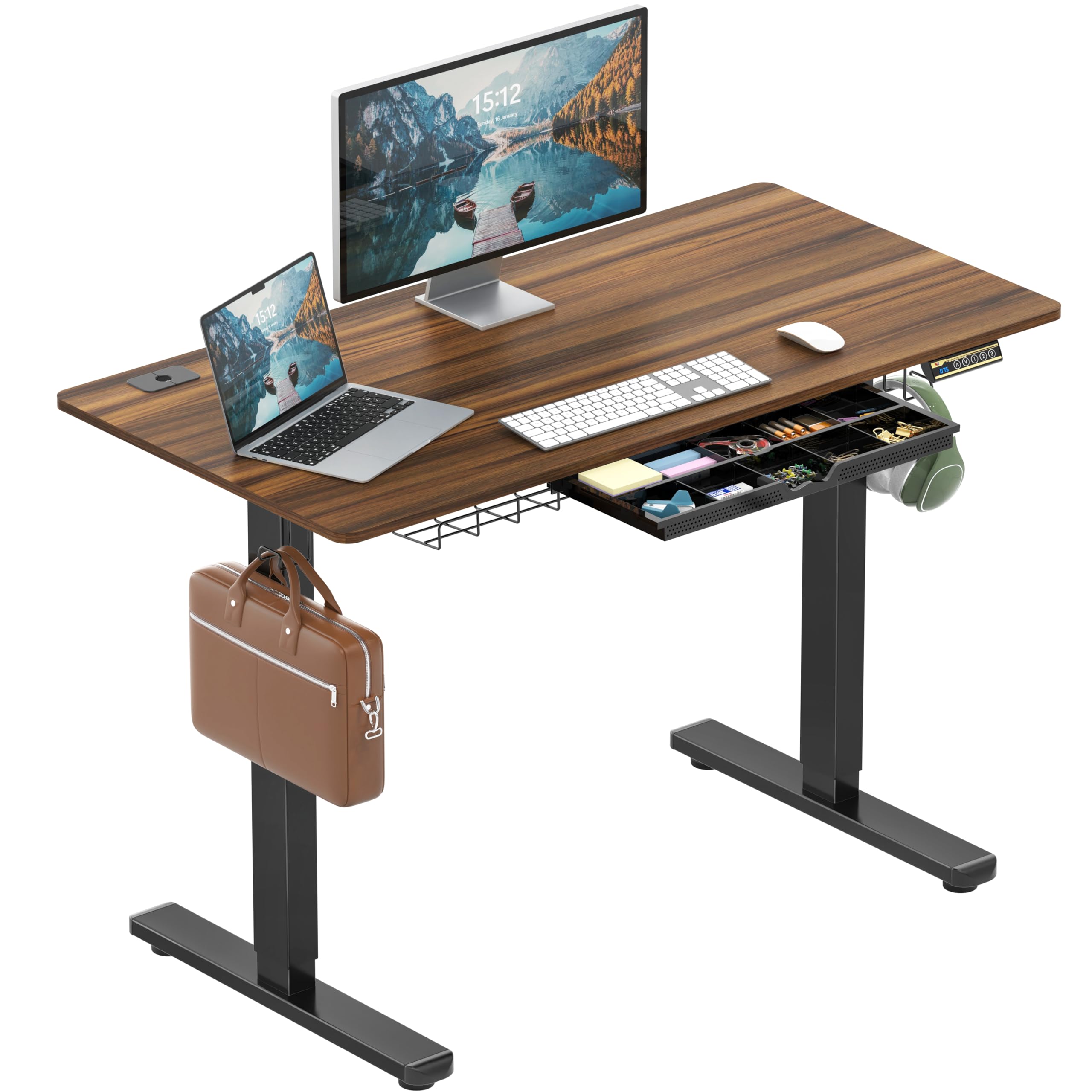
Image: The SHW 48-Inch Electric Height Adjustable Standing Desk with Drawer, showcasing its overall design and walnut finish.

Image: A top-down view illustrating the two-piece construction of the desktop surface.
Setup (Assembly Instructions)
Assembly is required. An Allen wrench is included with the hardware. A Phillips head screwdriver (not included) is recommended for attaching the control panel.
- Unpack Components: Carefully remove all parts from the packaging. Keep all hardware organized.
- Assemble Frame: Attach the desk legs to the crossbar according to the provided diagrams. Do not fully tighten screws until all components are loosely fitted.
- Attach Desktop: Secure the desktop surface(s) to the assembled frame. Ensure proper alignment.
- Install Control Panel: Mount the digital control panel to the underside of the desk using the provided screws and a Phillips head screwdriver.
- Install Drawer and Accessories: Attach the drawer, hanging hooks, and cable management tray to your preferred locations on the desk frame.
- Connect Power: Plug the power adapter into the control panel and then into a wall outlet.
- Final Tightening: Once all components are in place and aligned, fully tighten all screws and bolts.
For detailed visual instructions, refer to the diagrams included in your product packaging.
Operating Instructions
Your SHW Electric Height Adjustable Standing Desk features a motorized lift system and a digital control panel for easy height adjustments.
Height Adjustment
- Use the Up (▲) and Down (▼) arrow buttons on the control panel to raise or lower the desk to your desired height. The current height will be displayed on the LED screen.
- The desk's height can be adjusted smoothly within the range of 28 to 45.6 inches.
Memory Presets
The control panel includes four memory preset buttons (1, 2, 3, 4) to save and recall your preferred height settings.
- To Set a Preset: Adjust the desk to your desired height using the Up/Down arrows. Press and hold one of the numbered preset buttons (1, 2, 3, or 4) until the LED display flashes or indicates that the height has been saved.
- To Recall a Preset: Double-tap the corresponding numbered preset button (1, 2, 3, or 4). The desk will automatically move to the saved height.

Image: Close-up of the digital control panel, showing the LED display, up/down arrows, and four memory preset buttons.

Image: Visual guide demonstrating optimal ergonomic heights for sitting (28-32 inches), perching (32-38 inches), and standing (38-45 inches).
Integrated Features
- Drawer with Adjustable Compartments: Utilize the integrated drawer for organized storage of office supplies. The compartments can be adjusted to suit various items.
- Cable Management: Use the built-in grommet on the desktop and the cable management tray underneath to keep cords tidy and reduce clutter.
- Hanging Hooks: Attach headphones, bags, or other accessories to the side hooks for easy access and a clear workspace.
- Adjustable Leveling Glides: The desk feet are equipped with adjustable glides to ensure stability on uneven floors. Rotate them to level the desk.

Image: The desk's integrated drawer, featuring customizable compartments for efficient organization of small items.

Image: A close-up view of the cable grommet, designed for routing cables neatly through the desktop.

Image: The under-desk cable management tray, providing a space to organize power strips and excess cables.

Image: A close-up of one of the side-mounted hooks, useful for hanging items like headphones or bags.

Image: The adjustable leveling glides on the desk's feet, allowing for stability on various floor surfaces.
Maintenance
- Cleaning: Dust the desk surface and frame regularly with a dry or slightly damp cloth. Avoid using harsh chemicals, abrasive cleaners, or solvents, as these can damage the finish.
- Hardware Checks: Periodically check all screws and bolts to ensure they remain tight. Re-tighten if necessary to maintain desk stability.
- Cable Management: Ensure cables are neatly organized and not pinched or strained, especially during height adjustments.
Troubleshooting
If you encounter issues with your desk, refer to the following common troubleshooting steps:
- Desk Not Moving:
- Check if the power cable is securely plugged into both the desk and the wall outlet.
- Ensure the wall outlet is functional by testing it with another device.
- Look for any obstructions under or around the desk that might be preventing movement.
- Uneven Movement or Wobbling:
- Verify that the desk is placed on a level surface. Adjust the leveling glides on the feet if needed.
- Ensure the weight on the desktop is evenly distributed and does not exceed the maximum capacity.
- Check that all assembly screws and bolts are securely tightened.
- Error Codes on Display: If the LED display shows an error code, consult the specific troubleshooting section in the full product manual (if provided separately) or contact SHW customer support for assistance.
Specifications
| Feature | Detail |
|---|---|
| Model Number | OD-009-2 |
| Product Dimensions (D x W x H) | 24" x 48" x 28" (approximate) |
| Height Adjustment Range | 28" - 45.6" |
| Weight Capacity | 50 kg / 110.2 lbs |
| Top Material | Engineered Wood (Laminated) |
| Base Material | Metal (Alloy Steel) |
| Color | Walnut |
| Special Features | Adjustable Height, Ergonomic, Memory Preset, Integrated Drawer, Cable Management, Hooks |
| Lifting Mechanism | Electric |
| Number of Drawers | 1 |
| UPC | 811244032708 |

Image: Dimensional diagram of the desk, highlighting its 48-inch width, 24-inch depth, and height range of 28 to 45 inches.
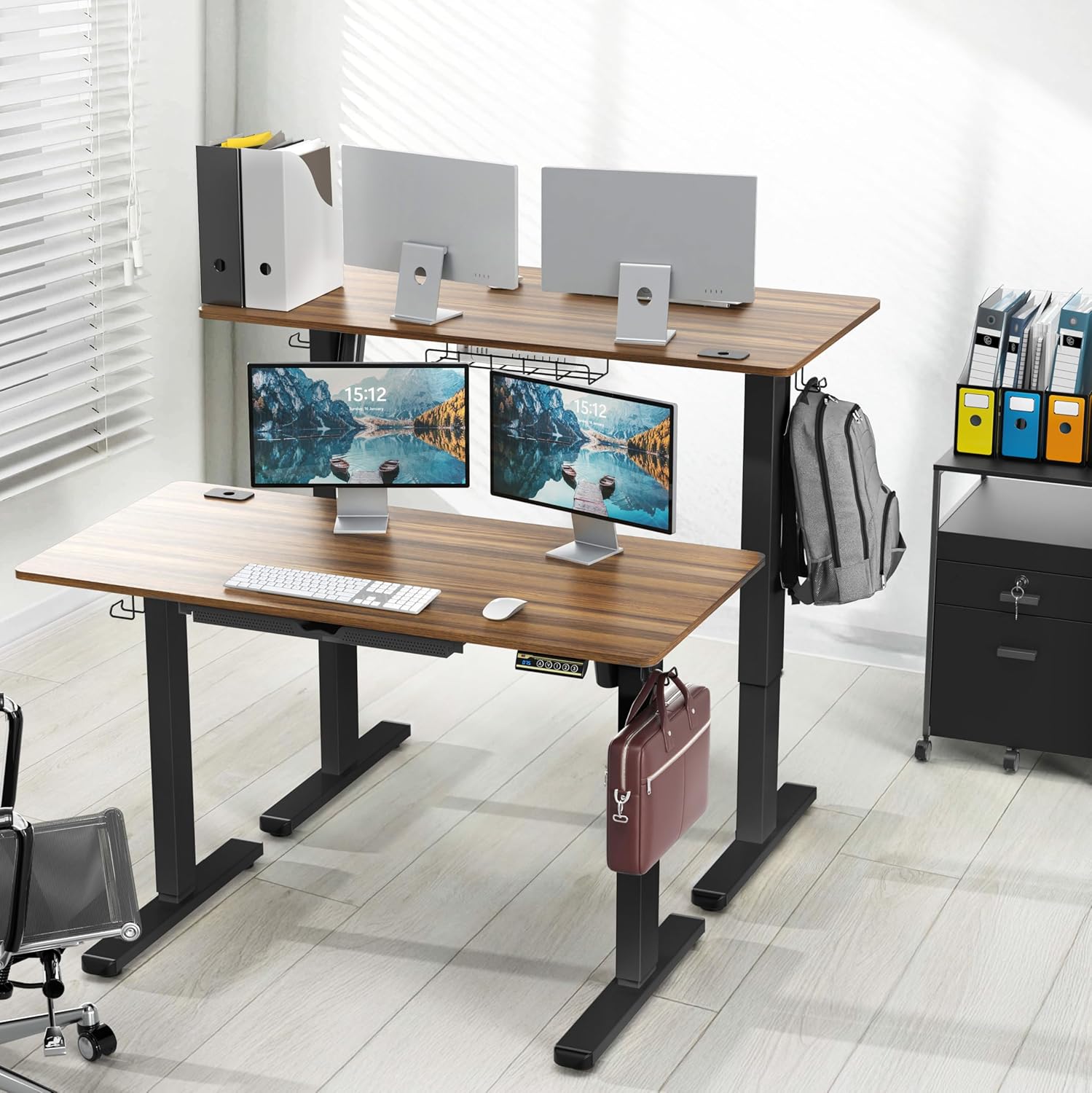
Image: Illustration of the desk's robust construction, supporting a weight capacity of up to 110 lbs (50 kg).
Warranty
This SHW product is covered by a limited warranty. For specific details regarding warranty coverage, terms, and conditions, please refer to the warranty information included with your purchase or visit the official SHW website.
Support
For further assistance, technical support, or to inquire about replacement parts, please contact SHW customer service. Contact information can typically be found on the product packaging, the official SHW website, or through your retailer's support channels.