
Introduction
This manual provides essential information for the proper use, setup, operation, and maintenance of your XP METAL DETECTORS WSAUDIO Wireless Headphones. Designed for use with the ORX metal detector, these headphones offer a wireless audio experience, enhancing your metal detecting activities. Please read this manual thoroughly before using the product.
What's in the Box
Upon unpacking, please verify that all the following items are included:
- XP WSAUDIO Wireless Headphones (Backphone style with detachable control module)
- USB Charging Cable
- Plastic Storage Box

The XP WSAUDIO Wireless Headphones neatly stored in their durable plastic box, emphasizing portability and protection.
Setup and Wearing Instructions
Follow these steps to correctly set up and wear your WSAUDIO headphones for optimal comfort and performance:
- Assemble the Headphones: Ensure all joints of the headphones are securely connected. The headphones are designed to fold for compact storage; unfold them completely before wearing.
- Positioning: Place the headphones over the back of your head, ensuring the earcups are positioned correctly over your ears.
- Adjusting for Comfort: Gently open the earcups slightly to ensure your ear tips are comfortably inside the earcups.
- Secure Fit: Place your thumbs under the two hinges located near the earcups and your fingers on the top of the headband. Gently bend the headband downwards to adjust the fit. This action triangulates the fit between your ears and the back of your neck, providing a secure and comfortable experience without pressing on glasses or causing discomfort.
This video demonstrates the correct method for wearing the XP WSAUDIO Wireless Headphones to ensure comfort and proper fit, especially for users with glasses.

A front view of the XP METAL DETECTORS WSAUDIO Wireless Headphones, showcasing their compact and foldable design.
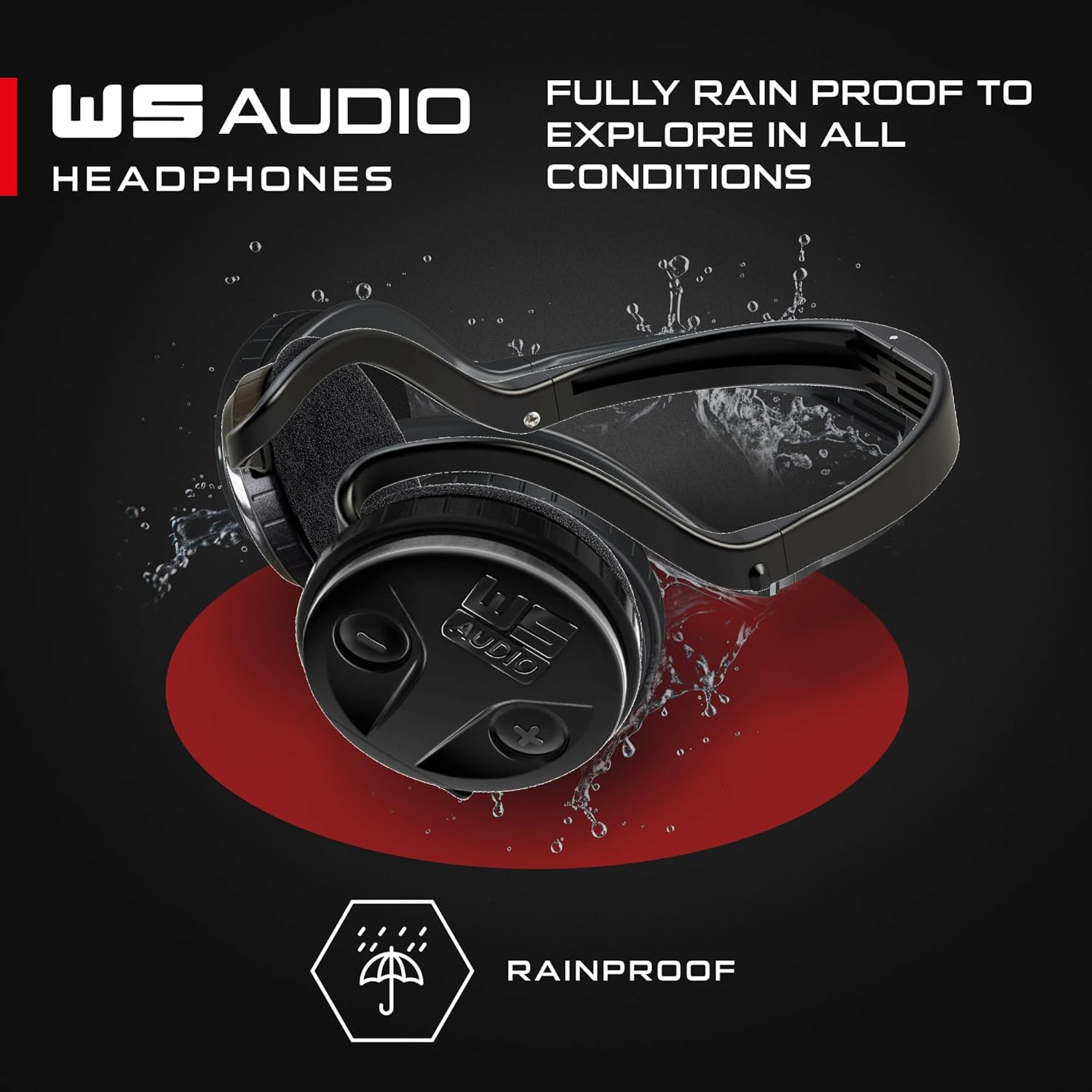
A side view of the XP METAL DETECTORS WSAUDIO Wireless Headphones, highlighting the earcups and the flexible headband.
Operating Instructions
The WSAUDIO headphones are designed for seamless integration with XP metal detectors, particularly the ORX model.
- Power On/Off: Locate the power button on the detachable control module. Press and hold to power on or off.
- Volume Control: Use the dedicated volume control buttons on the control module to adjust the audio level.
- Pairing: The headphones utilize XP's patented radio protocol for wireless communication. Refer to your ORX metal detector's manual for specific pairing instructions. The connection is 10 times faster than standard Bluetooth low latency technology.
- Charging: Connect the provided USB charging cable to the control module and a compatible USB power source. A full charge takes approximately 2 hours and provides up to 27 hours of battery life. An LED indicator on the headphones shows the battery level.
The detachable control module of the WSAUDIO headphones, featuring power and volume controls.
Key Features
The XP WSAUDIO Wireless Headphones are engineered with several features to enhance your metal detecting experience:
- Wireless Connectivity: Utilizes XP's patented radio protocol for ultra-fast, low-latency audio transmission.
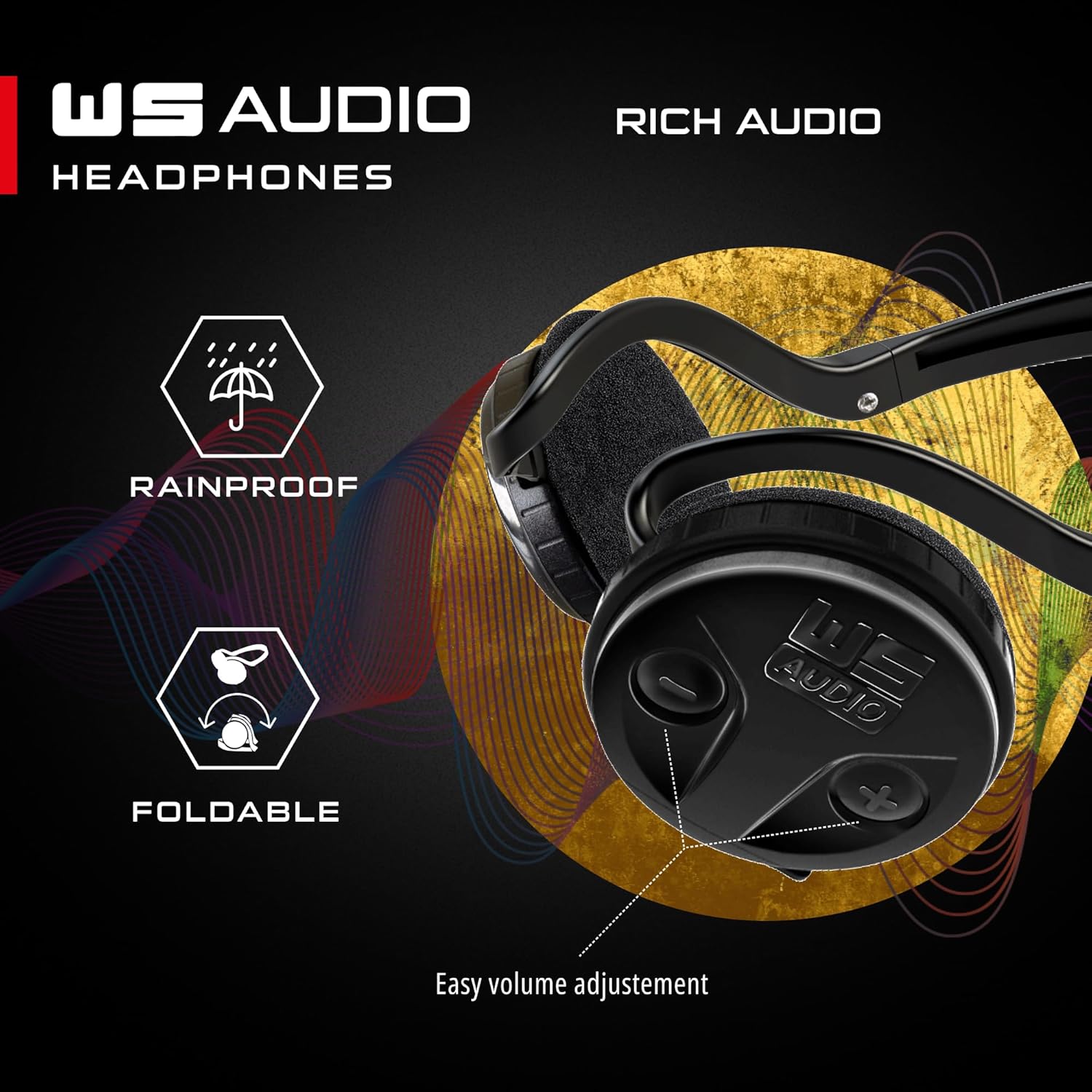
- Weatherproof Design: Fully rainproof, allowing for use in various weather conditions.
- Foldable and Compact: Designed for easy transport and storage.
- Lightweight: Weighing only 100 grams, ensuring comfort during extended use.
- Detachable Control Module: Allows for connection of a wired headset (optional) or easy replacement of the backphone frame, extending product lifespan and reducing repair costs.
- Long Battery Life: Lithium-powered with up to 27 hours of operation on a single charge.
- Volume Control: Integrated buttons on the module for convenient audio adjustment.

The XP WSAUDIO Wireless Headphones displayed with icons indicating key features: rainproof, foldable, wireless, and lightweight.
Specifications
| Brand | XP METAL DETECTORS |
| Model Number | WSAUDIO |
| Ear Placement | On Ear |
| Form Factor | On Ear |
| Noise Control | None |
| Item Weight | 100 Grams |
| Battery Average Life | 27 Hours |
| Charging Time | ~2 Hours (Fast Charge USB protocol) |
| Frequency Range | 20 Hz - 20 kHz |
| Audio Driver Type | Dynamic Driver |
| Additional Features | Foldable, Lightweight, Wireless |
| Enclosure Material | Metal |
| Specific Uses For Product | Metal Detecting |
| Compatible Devices | XP Metal Detectors DEUS V6 (with X35 and HF coils), ORX |
| Cable Features | Detachable, Without Cable (Wireless) |
| Water Resistance Level | Water Resistant (Rainproof) |
| Headphone Jack | USB (for charging) |
| Connectivity Technology | Wireless |
| Wireless Technology | XP patented radio protocol |
| Bluetooth Range | 10 Meters (for general reference, not primary connection) |
| Control Type | Control buttons |
| Control Method | Touch (button presses) |
Maintenance
Proper maintenance ensures the longevity and performance of your WSAUDIO headphones:
- Cleaning: Wipe the headphones with a soft, damp cloth. Avoid using harsh chemicals or abrasive materials. Ensure the USB port is dry before charging.
- Storage: When not in use, store the headphones in their provided plastic box to protect them from dust, moisture, and physical damage. Store in a cool, dry place.
- Detachable Module: The detachable control module allows for easy replacement of the backphone frame and speakers if they become damaged. This design helps maintain the device's condition at a lower cost.
Troubleshooting
If you encounter issues with your WSAUDIO headphones, refer to the following common solutions:
- No Sound:
- Ensure the headphones are powered on and charged.
- Verify that the headphones are correctly paired with your XP metal detector.
- Check the volume level on both the headphones and your metal detector.
- Connection Issues:
- Ensure there are no obstructions between the headphones and the metal detector.
- Re-attempt the pairing process as described in your metal detector's manual.
- Move closer to the metal detector to rule out range issues.
- Charging Problems:
- Confirm the USB cable is securely connected to both the headphones and the power source.
- Try a different USB port or power adapter.
- Ensure the charging port on the headphones is clean and free of debris.
- Discomfort While Wearing:
- Re-adjust the headphones following the "Setup and Wearing Instructions" section to ensure proper fit over your ears and around the back of your head.
Warranty and Support
The XP WSAUDIO Wireless Headphones come with a 5-year manufacturer's warranty. This product is certified LONGTIME, indicating it is designed for durability and extended use.
For warranty claims, technical support, or further assistance, please contact your authorized XP METAL DETECTORS dealer or visit the official XP METAL DETECTORS website for contact information.


