
Introduction
This manual provides essential information for the safe and effective use of your Nite Ize SpotLit XL Rechargeable Collar Light, Disc-O Select model. This bright, rechargeable LED light is designed to enhance the visibility of your pet during nighttime or low-light conditions, featuring multiple color modes and a durable, weather-resistant design.
Safety Information
- Supervised use only.
- Ingestion of this product can result in serious injury.
- Discontinue use if damaged.
- Battery Warning: Do not ingest battery. Chemical burn hazard.
Setup
Initial Charging
Before first use, fully charge the SpotLit XL. Locate the micro-USB charging port on the back of the unit. Connect a micro-USB cable (not included) to the port and to a power source. The indicator light will be red while charging and turn green when fully charged. A full charge takes approximately 90 minutes.
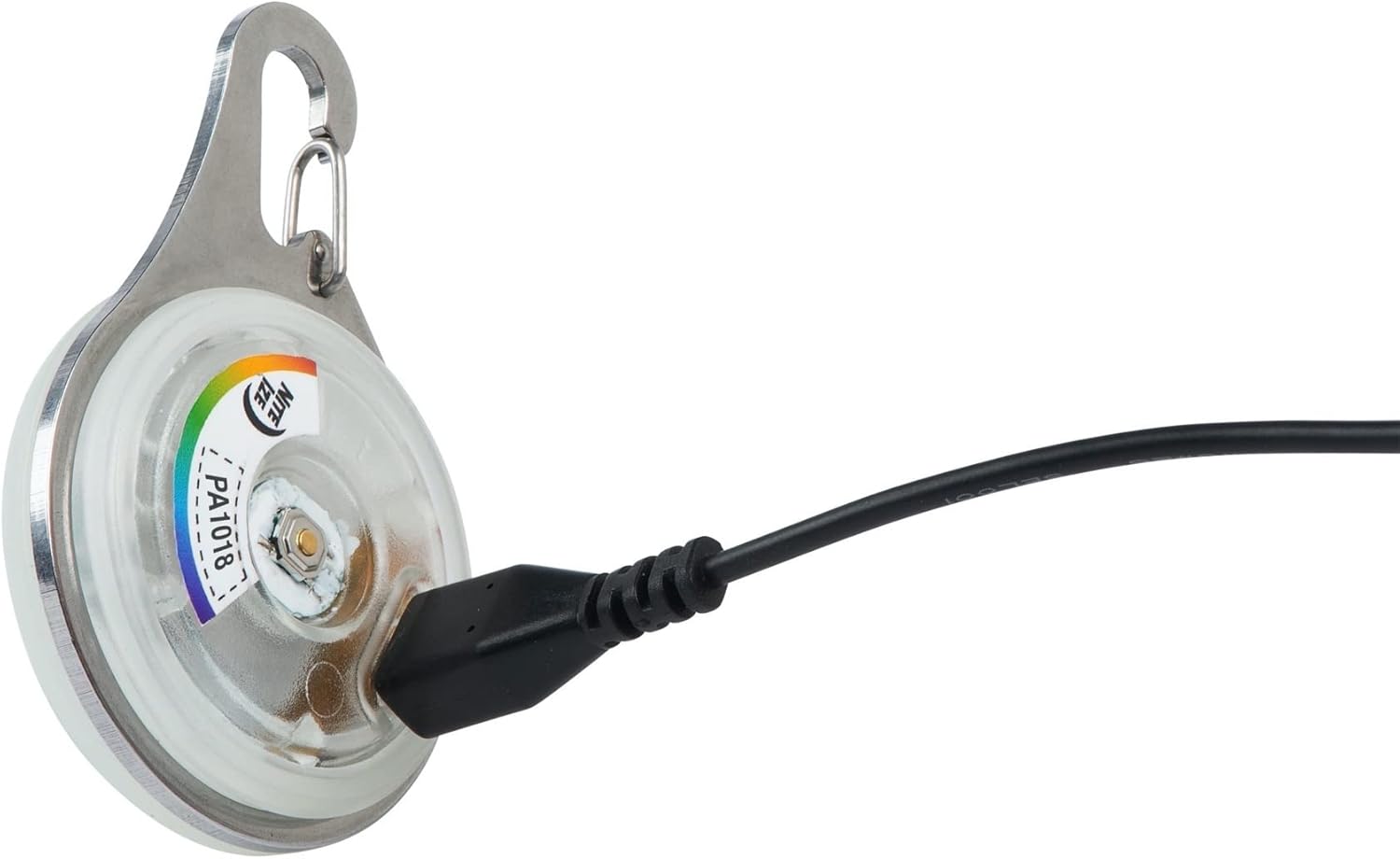
Image: The back of the SpotLit XL light showing the micro-USB port with a charging cable inserted.
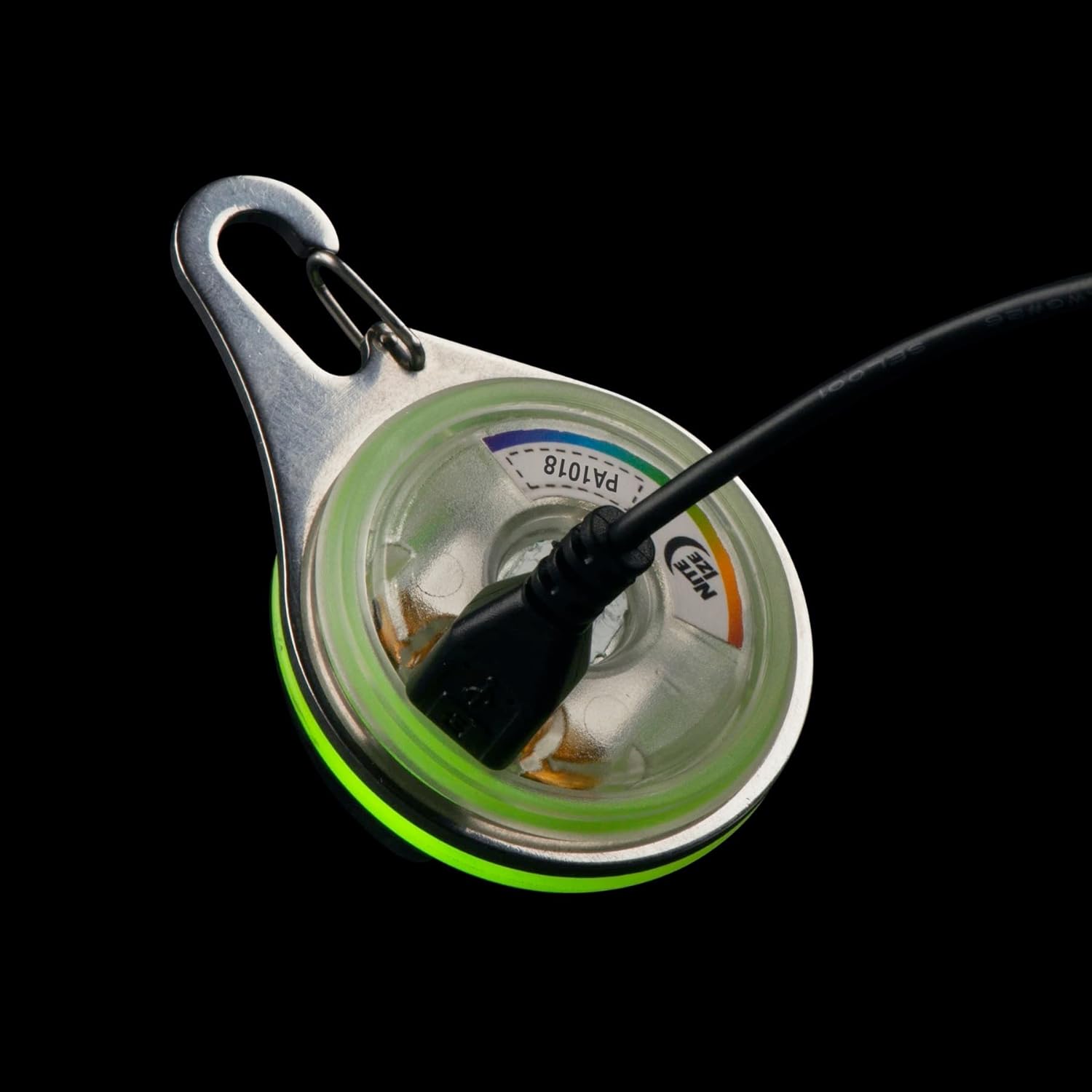
Image: The SpotLit XL light with a green glow, indicating a full charge.
Attaching the Light
The SpotLit XL features a durable stainless steel carabiner clip for easy attachment. Simply clip it onto your pet's collar, harness, or other gear. Ensure it is securely fastened to prevent loss.

Image: A large dog with the SpotLit XL light attached to its collar, demonstrating typical use.
Operating Instructions
Power On/Off and Mode Selection
The SpotLit XL is operated by a single tactile button located on the back of the unit. Press the button to cycle through the available light modes:
- First Press: Activates Disc-O Select mode, which cycles through multiple colors.
- Subsequent Presses: Cycles through fixed colors (Red, Green, Blue, White).
- Press and Hold: Turns the light off.
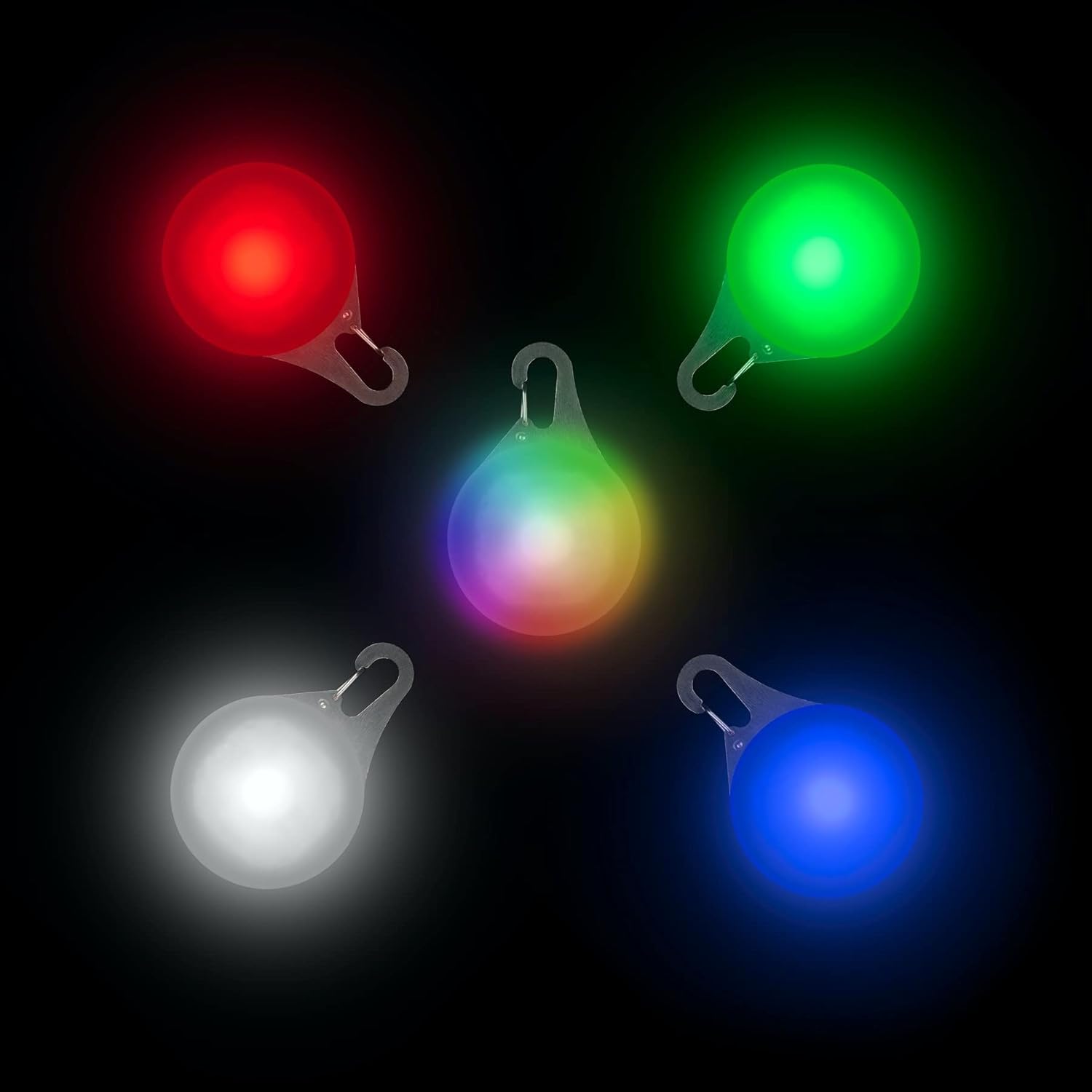
Image: Multiple SpotLit XL lights demonstrating the various color modes available.
Maintenance
Recharging
The SpotLit XL provides up to 10 hours of run time on a single charge. When the light dims or stops functioning, it requires recharging. Connect it to a micro-USB power source as described in the Setup section. The charging indicator will be red and turn green when fully charged (approx. 90 minutes).
Cleaning
To clean the light, wipe it with a damp cloth. Do not use harsh chemicals or abrasive materials. Ensure the charging port cover is securely closed before cleaning or exposing to water.
Weather Resistance
The SpotLit XL is designed to be weather-resistant, making it suitable for outdoor use in various conditions. However, it is not intended for submersion in water.
Troubleshooting
Light Not Turning On or Charging
- Ensure the unit is fully charged. Connect it to a power source and check if the indicator light turns red. If it shows an unusual color (e.g., orange) or no light, the battery may be depleted or damaged.
- Verify the charging cable and power source are functional.
- If the light does not respond after charging, the internal battery may have reached its end of life.
Light Turns Off Unexpectedly
- This typically indicates a low battery. Recharge the unit promptly. The light does not gradually dim but will turn off when the battery is depleted.
Specifications
| Feature | Detail |
|---|---|
| Model Number | PSLGR-07S-R6 |
| Dimensions | 8 x 6 x 1 inches |
| Weight | 0.63 ounces (0.02 kg) |
| Battery Type | 1 Lithium Polymer (included) |
| Power Source | Rechargeable |
| Light Source Type | LED |
| Light Output Maximum | 50 lumens |
| Runtime | Up to 10 hours |
| Recharge Time | Approx. 1.5 hours |
| Water Resistance Level | Water Resistant |
| Mounting Type | Clip-on Mount (Stainless Steel Carabiner) |
| Special Features | Color Changing, Selectable Colors |
Warranty
All Nite Ize products purchased from authorized resellers are backed by our Worry-Free Guarantee. For specific details regarding warranty claims or coverage, please refer to the official Nite Ize website or contact their customer service directly.
Support
For further assistance, product inquiries, or technical support, please visit the official Nite Ize website or contact their customer service department. Keep your product model number (PSLGR-07S-R6) and purchase information readily available when seeking support.
