
1. Introduction
This manual provides instructions for the Easytry123 replacement infrared (IR) remote control, model Easytry5173. This remote is designed to function as a direct replacement for various Integra A/V receiver models. It operates using infrared signals, requiring a clear line of sight to your receiver. Please ensure your receiver model is listed as compatible before use.
2. Setup
2.1 Battery Installation
The remote control requires two (2) AA batteries for operation. Follow these steps to install the batteries:
- Locate the battery compartment cover on the back of the remote control.
- Press down on the tab and slide the cover downwards to open the compartment.
- Insert two AA batteries, ensuring the positive (+) and negative (-) terminals align with the markings inside the compartment.
- Slide the battery compartment cover back into place until it clicks securely.
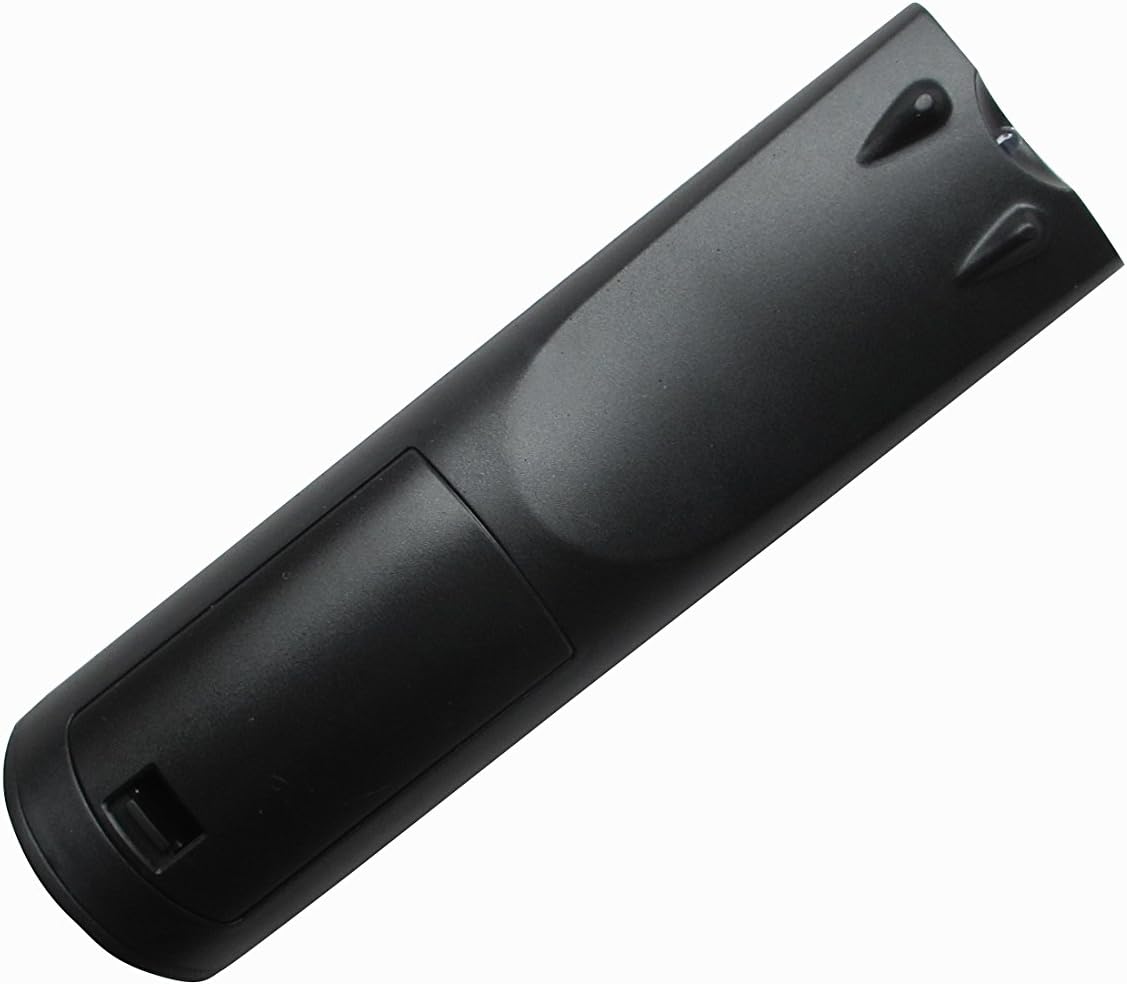
Figure 1: Back view of the remote control with the battery compartment.
2.2 Initial Use
This Easytry123 remote control is an infrared replacement unit and typically does not require programming. Once batteries are installed, point the remote directly at your Integra A/V receiver and press the power button to test functionality. If the remote does not respond, ensure there are no obstructions between the remote and the receiver's IR sensor.
3. Operating Instructions
The Easytry123 remote control provides essential functions for your Integra A/V receiver. Familiarize yourself with the button layout:

Figure 2: Front view of the remote control with button layout.
- Power Button: Turns the receiver on or off.
- Source/Input Selection: Buttons labeled SOURCE, TV, DVD, CD, NET, USB, etc., allow you to switch between different audio/video inputs on your receiver.
- Volume Control: Use the VOL +/- buttons to adjust the audio output level.
- Navigation Buttons: The directional arrows (up, down, left, right) and ENTER button are used to navigate menus on your receiver's display.
- Menu/Setup: Accesses the receiver's main menu or setup options.
- Playback Controls: Buttons like PLAY, PAUSE, STOP, REWIND, FAST FORWARD are for controlling connected media devices (e.g., DVD/Blu-ray player).
- Numeric Keypad: For direct input of numbers, such as radio station frequencies or track numbers.
- Mode Selection: Buttons like STEREO, MODE, etc., may allow selection of audio modes.
Note: The exact functionality of some buttons may depend on your specific Integra A/V receiver model and its connected devices. Refer to your receiver's original manual for detailed information on its features.
4. Maintenance
4.1 Cleaning
To clean the remote control, use a soft, dry cloth. For stubborn dirt, slightly dampen the cloth with water or a mild, non-abrasive cleaner. Do not use harsh chemicals or immerse the remote in liquid.
4.2 Battery Replacement
Replace batteries when the remote's response becomes sluggish or stops working. Always replace both batteries at the same time with new AA batteries. Do not mix old and new batteries, or different types of batteries.
4.3 Storage
If the remote control will not be used for an extended period, remove the batteries to prevent leakage and potential damage to the device.
5. Troubleshooting
- Remote not responding:
- Ensure batteries are correctly installed and not depleted. Replace if necessary.
- Check for any obstructions between the remote's IR emitter and the receiver's IR sensor.
- Make sure you are within the effective operating range (up to 10 meters) and pointing the remote directly at the receiver.
- Some functions not working:
- Verify that your Integra A/V receiver model is listed as compatible with this replacement remote.
- Certain advanced functions or specific device controls may not be fully replicated by a universal replacement remote. Refer to your receiver's original manual for specific button functions.
- Receiver not turning on/off:
- Confirm the receiver is plugged into a power source and is not in standby mode due to a power outage.
6. Specifications
| Brand: | Easytry123 |
| Model Name: | Easytry5173 |
| Connectivity Technology: | Infrared (IR) |
| Maximum Range: | 10 Meters |
| Number of Batteries: | 2 |
| Battery Type: | AA (Alkaline recommended) |
| Compatible Devices: | Integra A/V Receivers (DTR-8.4, DTR-50.5, RC-549M, RC-550M, DTR-7.4, DTR-20.1, DTR-20.2, DTC-9.9, DHC-9.9, DTR-40.3) |
7. Warranty and Support
7.1 Warranty Information
Specific warranty details for this replacement remote control are typically provided at the point of purchase. Please refer to your purchase documentation or contact the seller for information regarding warranty coverage and terms.
7.2 Customer Support
For further assistance or inquiries regarding the Easytry123 replacement remote control, please contact the seller or manufacturer directly through the platform where the product was purchased. Provide your order number and a detailed description of the issue for efficient support.