
Introduction
This manual provides instructions for the proper setup, operation, and maintenance of your SLLEA 6ft Black Premium 3.5mm Audio Cable. This cable is designed to connect audio devices with a 3.5mm auxiliary port, enabling high-quality audio transmission.
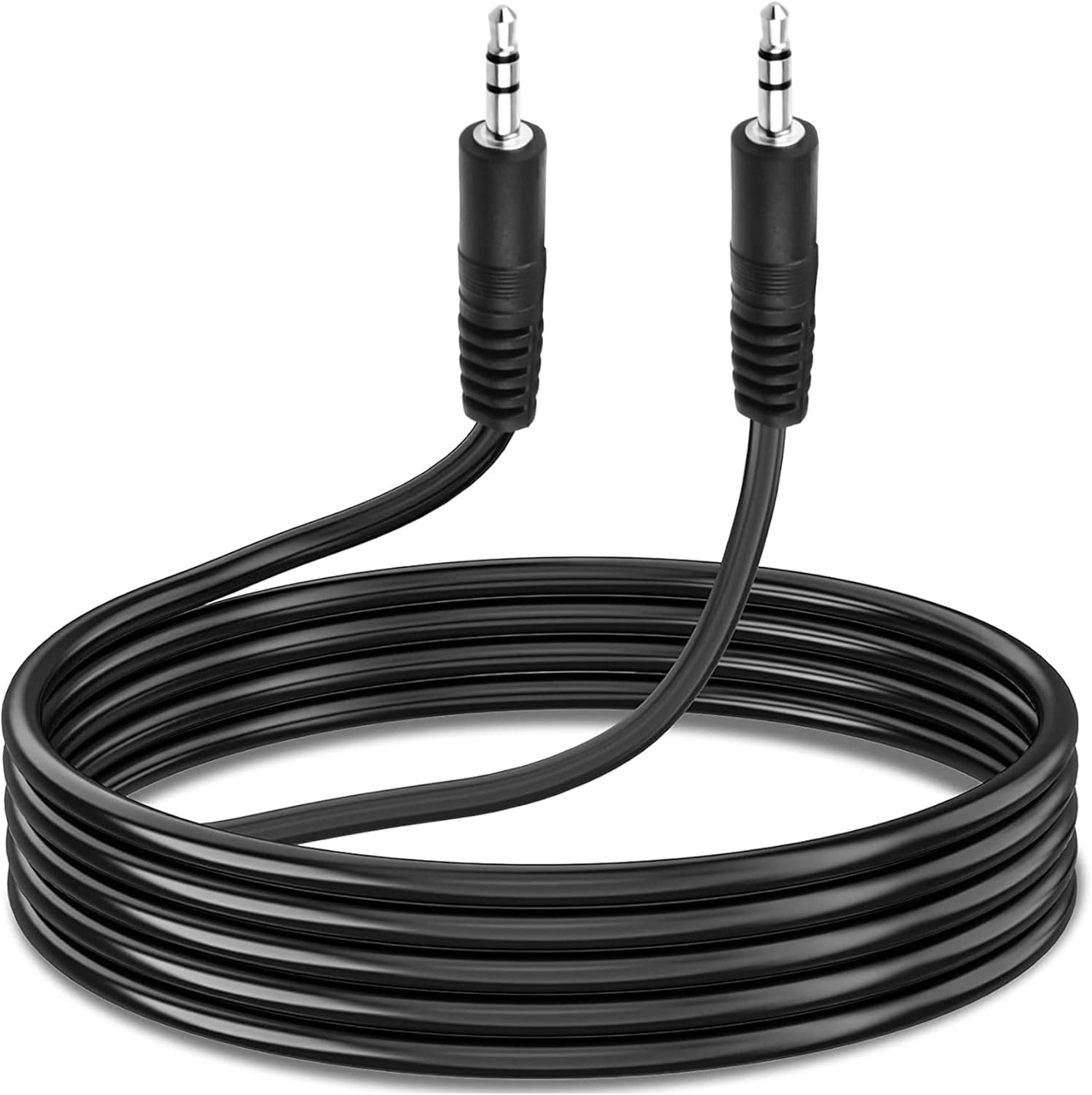
Image: The SLLEA 6ft Black Premium 3.5mm Audio Cable, neatly coiled, showcasing its black color and standard 3.5mm connectors on both ends.
Setup
The SLLEA 3.5mm Audio Cable is designed for simple plug-and-play functionality. No software installation or external power is required.
- Identify Audio Ports: Locate the 3.5mm auxiliary (AUX) audio output port on your source device (e.g., smartphone, tablet, laptop, MP3 player) and the 3.5mm auxiliary (AUX) audio input port on your receiving device (e.g., speaker, car stereo, headphones). These ports are typically circular and may be labeled "AUX IN," "LINE IN," or feature a headphone icon.
- Connect the Cable: Insert one end of the 3.5mm audio cable into the audio output port of your source device.
- Connect to Receiving Device: Insert the other end of the 3.5mm audio cable into the audio input port of your receiving device.
- Verify Connection: Ensure both connectors are fully inserted into their respective ports for a secure connection.
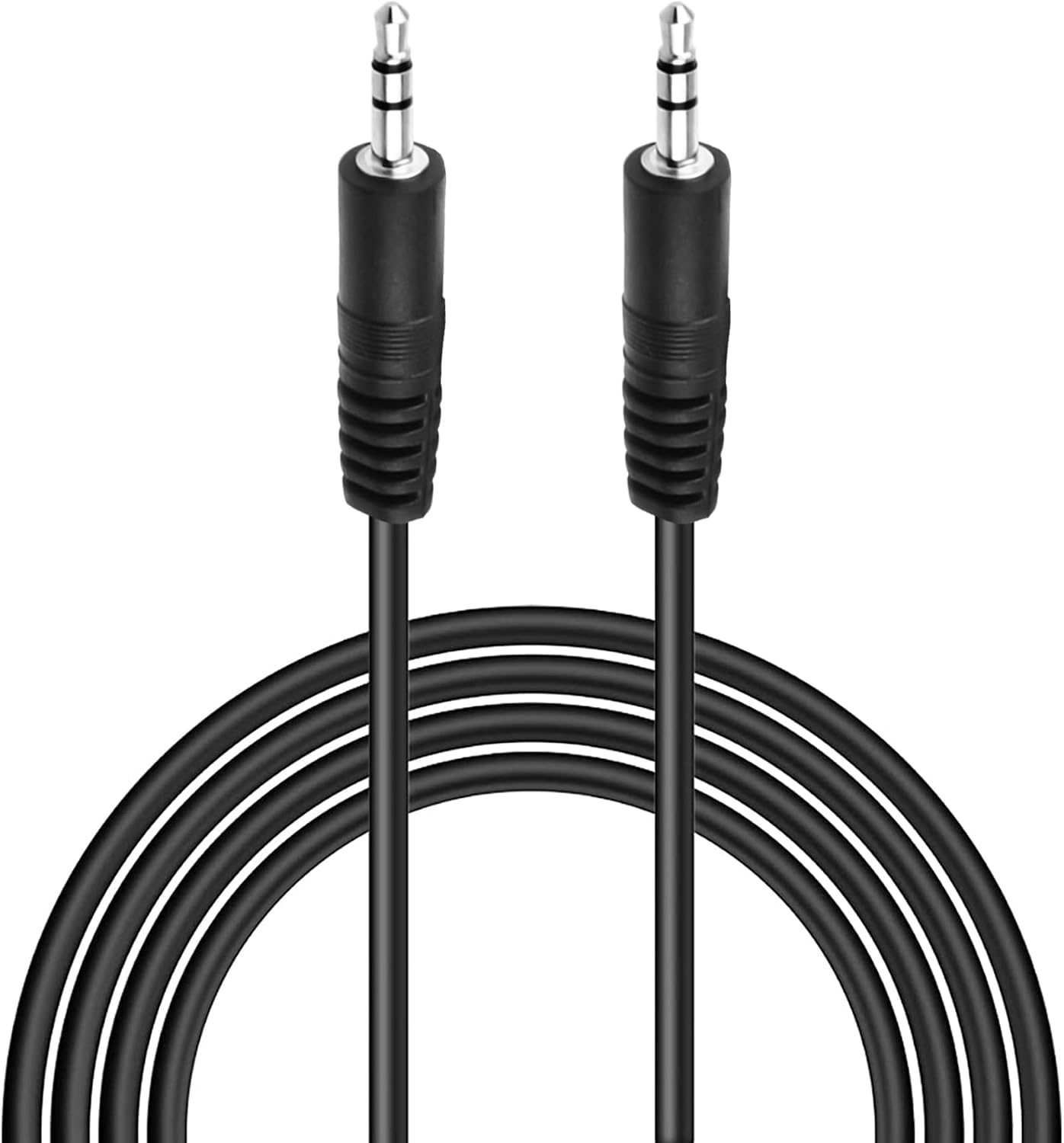
Image: A close-up view of the two 3.5mm male connectors of the audio cable, highlighting their standard design for universal compatibility.
Operating Instructions
Once the cable is connected, you can begin audio playback.
- Power On Devices: Ensure both your source device and receiving device are powered on.
- Select Input: On your receiving device (e.g., speaker, car stereo), select the correct input source, typically labeled "AUX" or "Line In." Refer to your receiving device's manual if you are unsure how to select the input.
- Start Playback: Begin playing audio from your source device.
- Adjust Volume: Adjust the volume on both your source device and receiving device to a comfortable listening level.
This cable is compatible with a wide range of devices, including but not limited to:
- Smartphones and Tablets
- Laptops and Desktop Computers
- MP3 Players
- Car Auxiliary Stereos
- Portable Speakers (e.g., Logitech Mini Boombox PF305, X50 BT Speaker)
- Headphones (with 3.5mm input)
- Gaming Consoles (with 3.5mm audio output)

Image: A visual representation illustrating the universal compatibility of the 3.5mm audio cable with various devices such as headphones, PlayStation, car aux stereo, laptop, MP3 players, tablet, smartphone, and speaker.

Image: The 6ft audio cable connected from a laptop to a smartphone, demonstrating its length and use in a typical setup.

Image: A smartphone connected to a car's auxiliary input via the 3.5mm audio cable, enabling in-car audio playback.
Maintenance
Proper care will extend the life of your audio cable.
- Storage: When not in use, coil the cable loosely. Avoid tight coiling or sharp bends, which can damage the internal wires.
- Cleaning: Use a soft, dry cloth to wipe the cable if it becomes dirty. Do not use harsh chemicals or abrasive cleaners.
- Handling: Always grasp the connector housing when plugging or unplugging the cable, rather than pulling on the cable itself.
- Environment: Keep the cable away from extreme temperatures, direct sunlight, and moisture.
Troubleshooting
If you encounter issues, try the following solutions:
- No Sound:
- Ensure both ends of the cable are fully inserted into their respective ports.
- Verify that both the source and receiving devices are powered on.
- Check the volume levels on both devices; increase them if necessary.
- Confirm that the correct input source (e.g., AUX) is selected on the receiving device.
- Test the cable with different devices to rule out a faulty cable or device port.
- Poor Sound Quality (Static, Distortion):
- Ensure connections are secure and free from debris.
- Try adjusting the volume levels on both devices; sometimes very high or very low levels can cause distortion.
- Check if the cable is routed near any sources of electromagnetic interference.
- Test with another audio cable to determine if the issue is with the cable or the devices.
Specifications
| Brand | SLLEA |
| Cable Length | 6 feet (1.8 meters) |
| Connector Type | 3.5mm Male to 3.5mm Male (AUX) |
| Color | Black |
| Compatible Devices | Monitors, Speakers, Smartphones, Tablets, Laptops, MP3 Players, Car Auxiliary Stereos, Headphones, Gaming Consoles |
| Item Weight | 2.08 ounces |
| UPC | 751332528693 |
Warranty Information
Specific warranty details for this product are provided by the seller or manufacturer at the time of purchase. Please retain your proof of purchase for any warranty claims. For information regarding returns or replacements, refer to the retailer's return policy.
Support
For further assistance, technical support, or inquiries regarding your SLLEA 3.5mm Audio Cable, please contact the seller directly through the platform where the purchase was made, or visit the official SLLEA store page for contact information.
SLLEA Store Link: SLLEA Official Store